
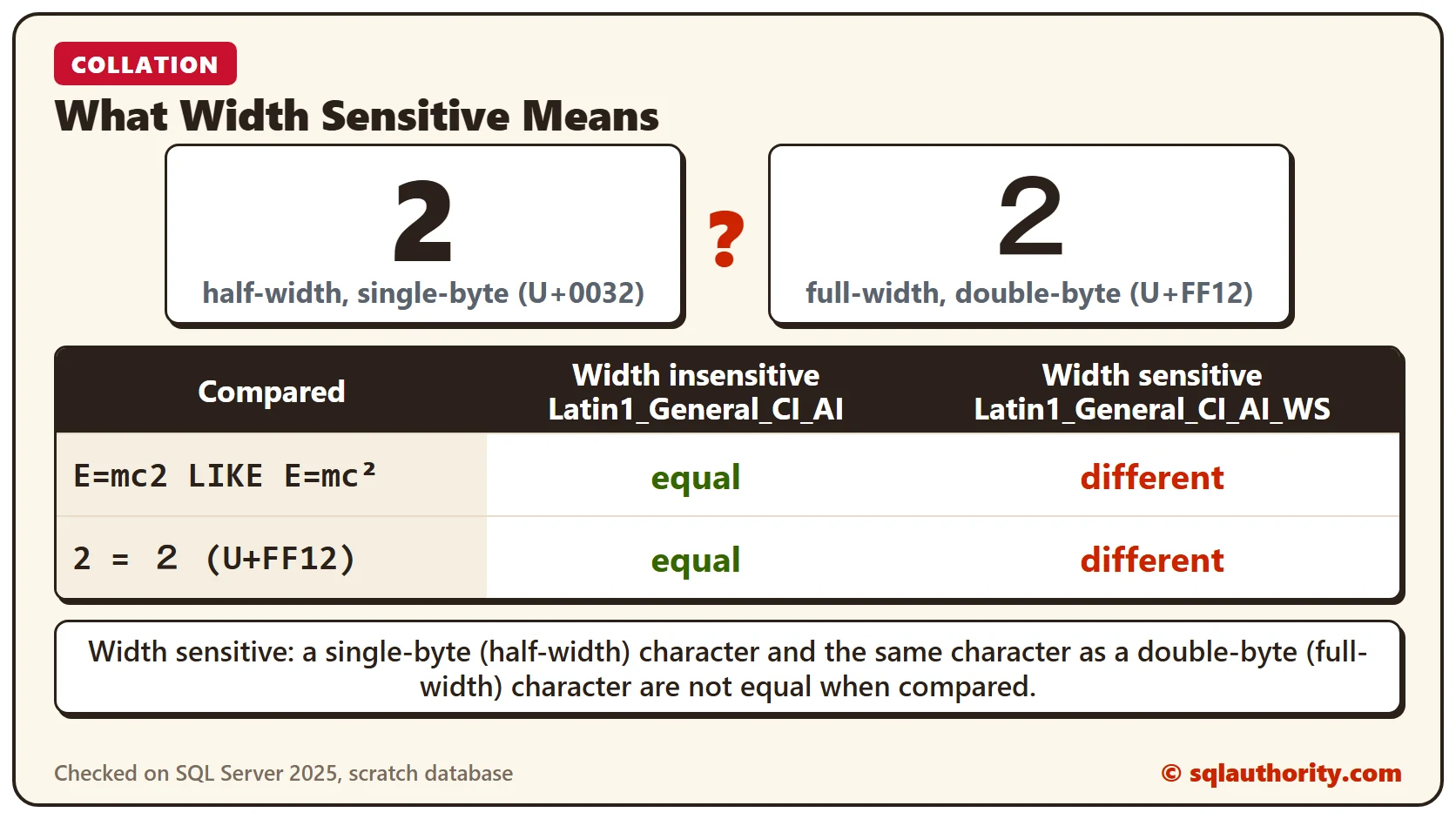
A width sensitive collation treats a half-width character and its full-width form as different characters. I had a great time writing SQL Server: Effect of Case Sensitive Collation on Resultset. It brought many questions about collation. One of them I found interesting enough to share here. It was about width sensitive collation and what it means.
Question: What is a width sensitive collation? Can you explain it with an example?
I find this question interesting, because I see little awareness of collation, and even less of width sensitive collation. Let me explain it with a simple example.
What Width Sensitive Means
Take a single-byte (half-width) character, and the same character as a double-byte (full-width) character. If they are not equal when compared, the collation is width sensitive. If that definition isn’t clear, an example will help.
The Example
We will use the most famous equation in the world, E=mc². I am a big fan of Albert Einstein, and there is no better example than Einstein’s own. In 1921, Einstein received the Nobel Prize in Physics for the explanation of the photoelectric effect. Many still believe it was for relativity. That belief is incorrect.
The example has one table with two columns. One column has a width insensitive collation, and the other has a width sensitive collation. We insert exactly the same data in both columns and retrieve it with the LIKE operator. In the WHERE condition, we use E=mc2 instead of E=mc², and see how each collation behaves.
USE TempDB
GO
CREATE TABLE ColTable
(ID1 NVARCHAR(100) COLLATE Latin1_General_CI_AI,
ID2WS NVARCHAR(100) COLLATE Latin1_General_CI_AI_WS)
GO
INSERT INTO ColTable (ID1, ID2WS)
VALUES ('E=mc² Albert Einstein',
'E=mc² Albert Einstein')
GO
SELECT *
FROM ColTable
WHERE ID1 LIKE 'E=mc2%'
GO
SELECT *
FROM ColTable
WHERE ID2WS LIKE 'E=mc2%'
GO
DROP TABLE ColTable
GO
The Results
Now let’s check the results.
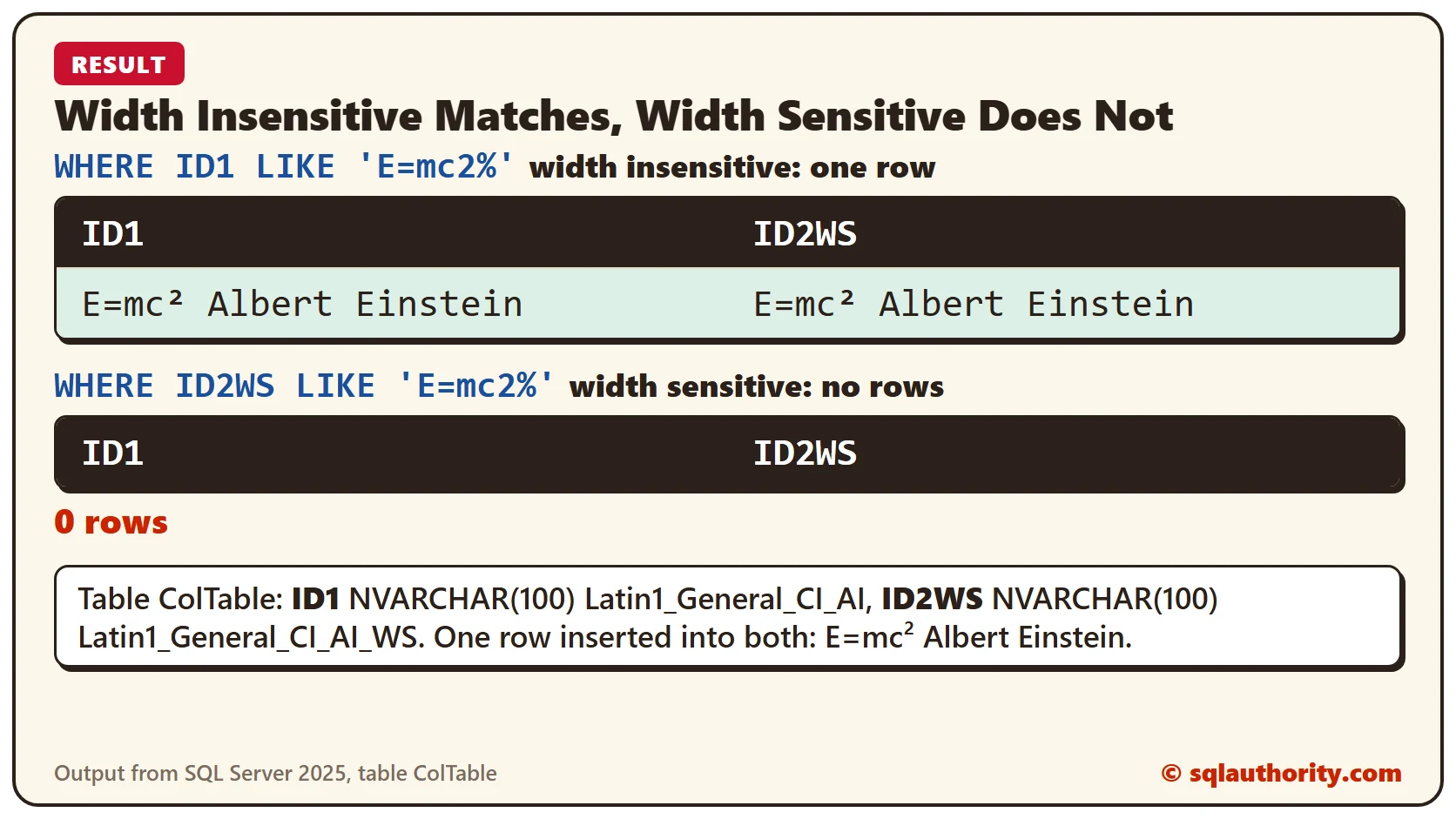
When the collation is width insensitive, E=mc² and E=mc2 are evaluated as equal, and the query returns the row. When the collation is width sensitive, they are evaluated as different, and the query returns no rows. I hope this simple example clears up the difference between width sensitive and width insensitive collation.
The same script on SQL Server 2025 gives these results. A plain 2 and a full-width 2 (U+FF12) act the same way: equal under Latin1_General_CI_AI, different under Latin1_General_CI_AI_WS.
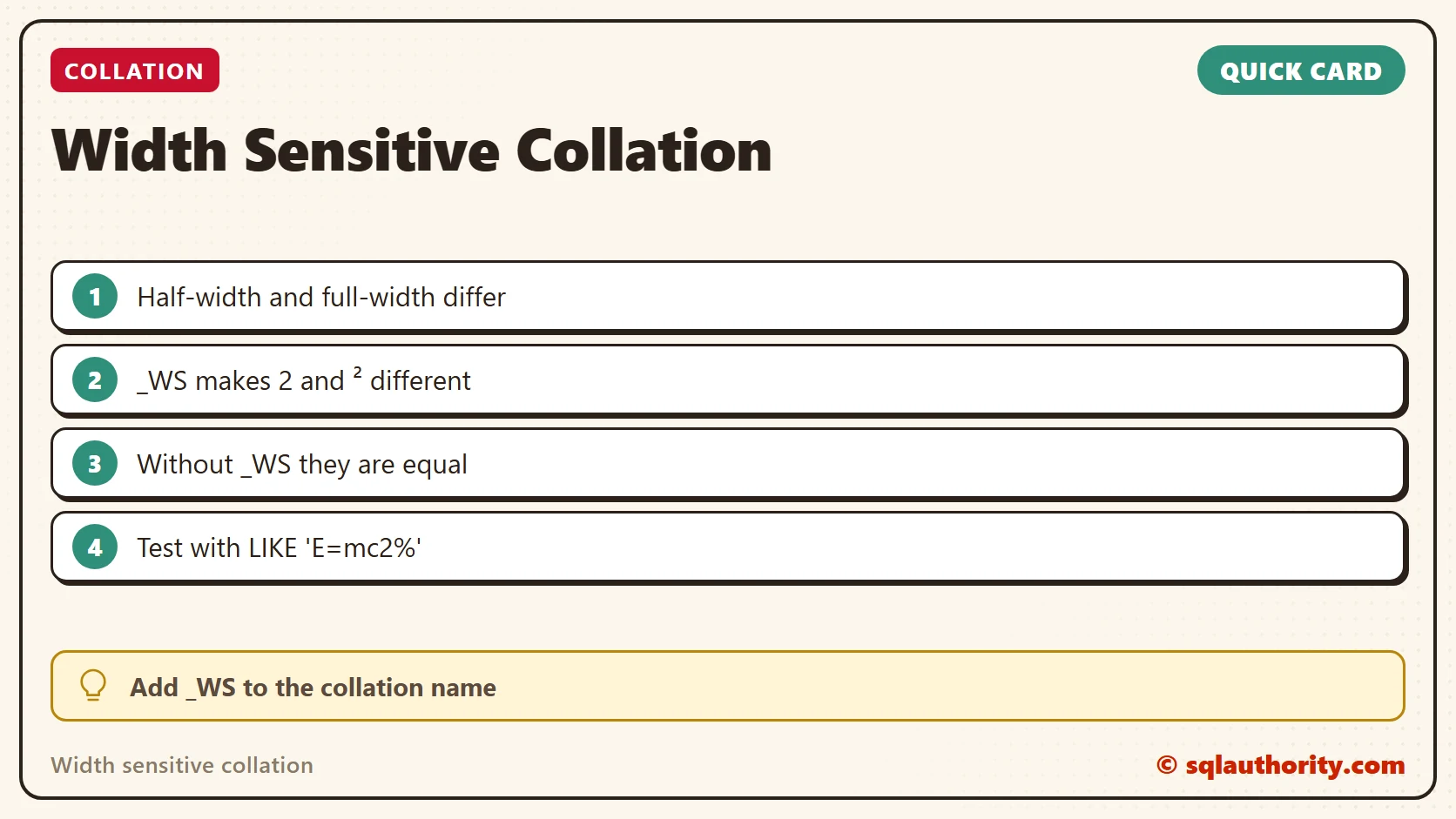
Width sensitivity is not about column size, it is about how a character is encoded.
Published by Pinal Dave on SQLAuthority. More of my work at pinaldave.com.
Discover more from SQL Authority with Pinal Dave
Subscribe to get the latest posts sent to your email.



9 Comments. Leave new
I am munish i like u r blog very interesting daily, I saw in your blog very thanks in your article
Hello Pinal,
I like your articles very much. From last week i started read your articles. Thanks for your articles.
I want to become master in database so please tell me what steps i will follow.
Thanks in advance.
Thanks,
MK.
Very interesting stuff! I had been unaware this collation setting even existed until now.
Pian Dave you are just awesome… i have leanrt lot of things from you blog and infact i have read your books buy purchasing… Thanks a lot for your awesome explanations.
Hi pinal,
Thanks a lot for your Blogs, I am following you for more than last two years and also studying your books.
I have a query for Width Senstivity, as I understood, WS check the bytes occupied by data.
I executed the below queries and share the results, please let e know, where I am wrong ??
use AdventureWorks2008
Create table testcollation
(
Name varchar(10),
Addres nvarchar(20) collate Latin1_General_CI_AI_WS,
)
Create table testcollation1
(
Name varchar(10) collate Latin1_General_CS_AS,
Addres varchar(20) collate Latin1_General_CI_AI_WS, — WS Sesitive
)
insert into testcollation select ‘Ashish’,’Jain’
insert into testcollation1 select ‘Ashish’,’Jain’
Select * from testcollation1 where Name=’ashish’
Select * from testcollation1 where Addres=’jain’
Select a.Name,b.Addres from testcollation1 a join testcollation b on a.Addres=b.Addres
— Ashish Jain
— Why data is return, when it’s WS sensitive testcollation table column addres is nvarchar and testcollation1 is varchar.
Select a.Name,b.Addres from testcollation1 a join testcollation b
on datalength(a.Addres)=datalength(b.Addres)
— No Row return
Warm Regards
Ashish Jain
you are having case sensitivity also.
Very helpful when we need to cleanup some email addresses that are in full-width characters.
I am glad that you liked it Brian. Thanks for your comment.
hi pinal, i like your explanation,its very easy to understand.