
This Query Store Quiz asks where a slow query goes after the plan cache forgets it. Anyone who has been asked why something was slow last Tuesday knows the problem. Read the setup, pick your answer, and then run the script to check yourself.

The Quiz
Riley gets a message on Monday morning. A report was slow last Tuesday, and users want to know why. The server restarted over the weekend, so the plan cache is empty.
Riley needs three things: the text of the query, the plan it used, and how long it ran.
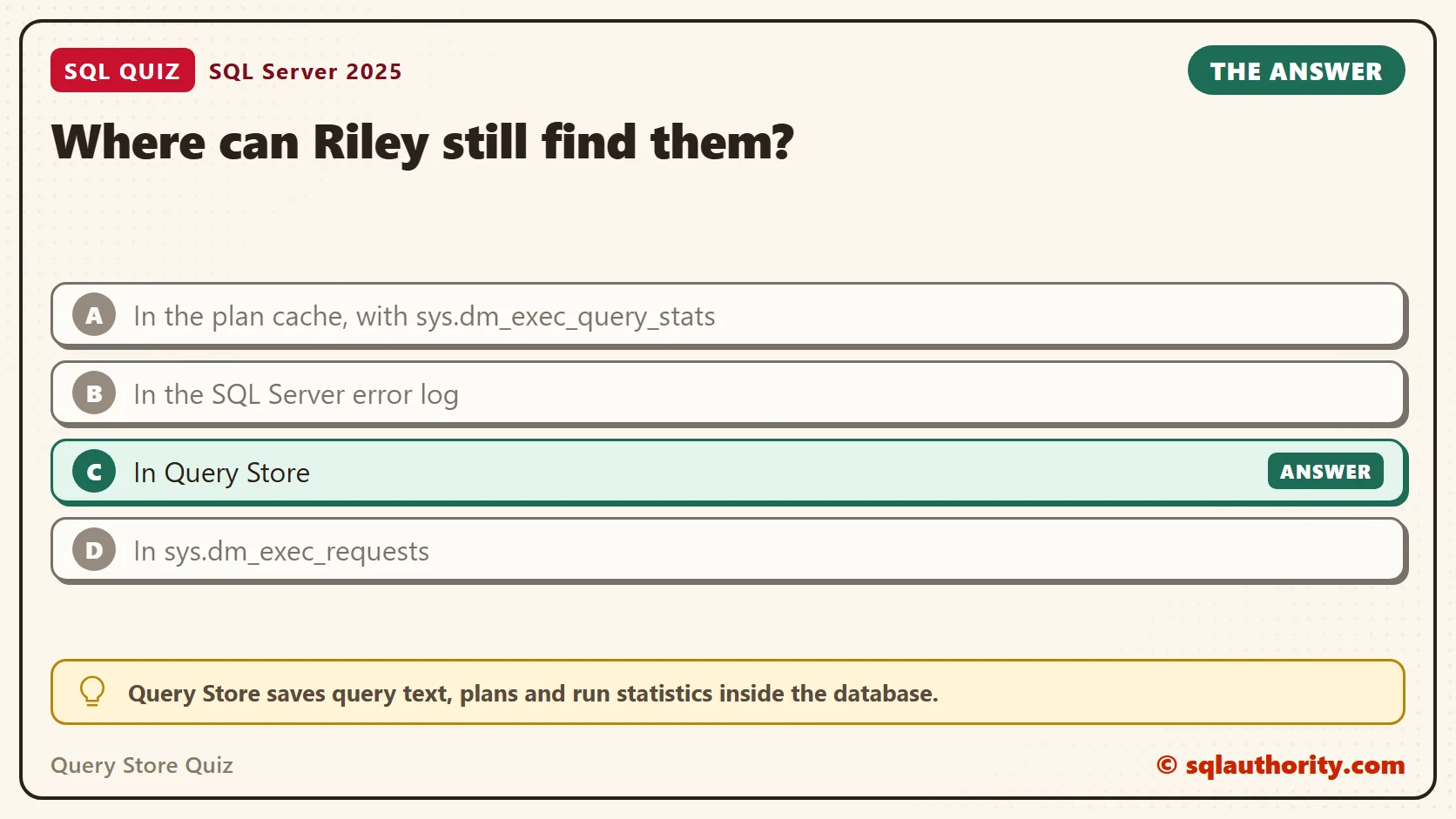
Where can Riley still find them?
A. In the plan cache, with sys.dm_exec_query_stats
B. In the SQL Server error log
C. In Query Store
D. In sys.dm_exec_requests
Take a moment and pick one before you read on.
The Answer
The answer is C. Query Store saves query text, plans and run statistics inside the database. Because the data sits in the database files, a restart doesn’t remove it.
Query Store is on by default for new databases since SQL Server 2022. A database restored or upgraded from an older version keeps its old setting, so check it before you need it. A store that was never turned on has nothing to show.
Prove It
Here is the quiz as a script. It creates a database called SqlQuizQueryStore, so run it on a test server. The first query reads the Query Store settings of a brand new database.
IF DB_ID(N'SqlQuizQueryStore') IS NULL CREATE DATABASE SqlQuizQueryStore;
USE SqlQuizQueryStore;
GO
SELECT actual_state_desc AS State, query_capture_mode_desc AS CaptureMode, interval_length_minutes AS IntervalMinutes,
       stale_query_threshold_days AS KeepDays, max_storage_size_mb AS MaxMb
FROM sys.database_query_store_options;
GO
ALTER DATABASE SqlQuizQueryStore SET QUERY_STORE (QUERY_CAPTURE_MODE = ALL);
On SQL Server 2025, the settings query returned this row. I never turned Query Store on. It was already running. State READ_WRITE means it is recording. IntervalMinutes is the width of each statistics bucket, and KeepDays is how long the data stays.
| State | CaptureMode | IntervalMinutes | KeepDays | MaxMb |
|---|---|---|---|---|
| READ_WRITE | AUTO | 60 | 30 | 1000 |
The ALTER DATABASE line that follows switches the capture mode to ALL, so every run is recorded. The default, AUTO, skips cheap queries. A later section shows what that means.
Next comes a table with 500,000 sales and two queries. One is slow on purpose, because the function on the date column forces a scan. The last line of the next script empties the store. That way the report shows only these two queries.
DROP TABLE IF EXISTS dbo.QueryStoreSale;
CREATE TABLE dbo.QueryStoreSale
(
    SaleID int IDENTITY(1,1) PRIMARY KEY,
    Customer nvarchar(20) NOT NULL,
    Amount decimal(10,2) NOT NULL,
    SaleDate date NOT NULL
);
INSERT INTO dbo.QueryStoreSale (Customer, Amount, SaleDate)
SELECT CHOOSE(value % 5 + 1, N'Avery', N'Jordan', N'Riley', N'Morgan', N'Casey'),
       (value % 90) + 10,
       DATEADD(DAY, -(value % 700), CAST(SYSDATETIME() AS date))
FROM GENERATE_SERIES(1, 500000);
ALTER DATABASE SqlQuizQueryStore SET QUERY_STORE CLEAR;
Each query runs three times. The SET LANGUAGE line comes first, because DATENAME returns weekday names in the session language. Without it, the Tuesday filter finds nothing on a server set to French.
SET LANGUAGE us_english;
GO
SELECT COUNT(*) AS TuesdaySales FROM dbo.QueryStoreSale WHERE UPPER(Customer) LIKE N'%AV%' AND DATENAME(WEEKDAY, SaleDate) = N'Tuesday';
GO 3
SELECT COUNT(*) AS MondaySales FROM dbo.QueryStoreSale WHERE DATENAME(WEEKDAY, SaleDate) = N'Monday';
GO 3
Now comes the part that matters. The middle command clears the plan cache for the test database only. Both counts look at that database alone. It plays the role of the restart, without touching the other databases on the server.
SELECT COUNT(*) AS PlansInCache FROM sys.dm_exec_query_stats AS qs
CROSS APPLY sys.dm_exec_sql_text(qs.sql_handle) AS t
CROSS APPLY sys.dm_exec_plan_attributes(qs.plan_handle) AS a
WHERE a.attribute = N'dbid' AND CONVERT(int, a.value) = DB_ID()
  AND t.text LIKE N'%QueryStoreSale%' AND t.text NOT LIKE N'%dm_exec_query_stats%';
ALTER DATABASE SCOPED CONFIGURATION CLEAR PROCEDURE_CACHE;
SELECT COUNT(*) AS PlansInCache FROM sys.dm_exec_query_stats AS qs
CROSS APPLY sys.dm_exec_sql_text(qs.sql_handle) AS t
CROSS APPLY sys.dm_exec_plan_attributes(qs.plan_handle) AS a
WHERE a.attribute = N'dbid' AND CONVERT(int, a.value) = DB_ID()
  AND t.text LIKE N'%QueryStoreSale%' AND t.text NOT LIKE N'%dm_exec_query_stats%';
The first count returned 2 and the second returned 0. SQL Server forgot both plans. Query Store didn’t, and this report proves it. It lists the queries from the last seven days, slowest first.
EXEC sys.sp_query_store_flush_db;
SELECT TOP (5) LEFT(qt.query_sql_text, 55) AS QueryText, p.plan_id AS PlanId, SUM(rs.count_executions) AS Runs,
       CAST(SUM(rs.avg_duration * rs.count_executions) / SUM(rs.count_executions) / 1000.0 AS decimal(10,1)) AS AvgMs,
       DATALENGTH(p.query_plan) AS PlanBytes
FROM sys.query_store_query AS q
JOIN sys.query_store_query_text AS qt ON qt.query_text_id = q.query_text_id
JOIN sys.query_store_plan AS p ON p.query_id = q.query_id
JOIN sys.query_store_runtime_stats AS rs ON rs.plan_id = p.plan_id
JOIN sys.query_store_runtime_stats_interval AS i ON i.runtime_stats_interval_id = rs.runtime_stats_interval_id
WHERE i.start_time >= DATEADD(DAY, -7, SYSDATETIMEOFFSET())
  AND qt.query_sql_text LIKE N'%FROM dbo.QueryStoreSale%' AND qt.query_sql_text NOT LIKE N'%sys.%'
GROUP BY LEFT(qt.query_sql_text, 55), p.plan_id, DATALENGTH(p.query_plan)
ORDER BY AvgMs DESC;| QueryText | PlanId | Runs | AvgMs | PlanBytes |
|---|---|---|---|---|
| SELECT COUNT(*) AS TuesdaySales FROM dbo.QueryStoreSale | 1 | 3 | 309.8 | 11120 |
| SELECT COUNT(*) AS MondaySales FROM dbo.QueryStoreSale | 2 | 3 | 98.1 | 9940 |
Riley now has all three answers. The slow query is the Tuesday one, at about 310 milliseconds per run in my test. Your times will differ, but the Tuesday query stays roughly three times slower. Its plan is stored next to it. To open it, run this query in SSMS and click the PlanXml value. The graphical plan appears.
SELECT TRY_CAST(query_plan AS xml) AS PlanXml FROM sys.query_store_plan WHERE plan_id = 1;
Why the Other Answers Are Wrong
A fails because the plan cache lives in memory. SQL Server drops plans from it for several reasons, and a restart drops all of them. The command above did the same thing here. The count of cached plans went from 2 to 0, while Query Store kept both plans.
B fails because the error log records errors and startup messages. It doesn’t hold the text or run times of ordinary queries.
D fails because sys.dm_exec_requests lists requests that are running right now. A query that finished last Tuesday left no row there.
Asking for the Right Week
The report filters on runtime_stats_interval, which splits time into intervals of 60 minutes by default. To look at one day, change the DATEADD in the WHERE clause or compare start_time to two dates.
There is a limit, and KeepDays is a cleanup rule, not a promise. A value of 30 means Query Store deletes data older than 30 days. MaxMb is a size limit, and automatic cleanup removes the oldest data when the store fills, even before 30 days. A slow query from last Tuesday can be there, if Query Store captured it and nobody cleared the store. One from last quarter is gone under the default settings.
A full store is the quiet failure. Query Store switches itself to read-only, and new queries stop being recorded. This check compares the state you asked for with the state you have.
SELECT desired_state_desc AS Wanted, actual_state_desc AS Actual, readonly_reason AS ReadOnlyReason,
       current_storage_size_mb AS UsedMb, max_storage_size_mb AS MaxMb
FROM sys.database_query_store_options;| Wanted | Actual | ReadOnlyReason | UsedMb | MaxMb |
|---|---|---|---|---|
| READ_WRITE | READ_WRITE | 0 | 1 | 1000 |
Wanted and Actual match, ReadOnlyReason is 0, and the store uses 1 MB of its 1,000. If Actual says READ_ONLY, the reason code tells you why, and the fix is more space or an earlier cleanup. Run this check on any database before you rely on its history.
Why a Quick Query Can Be Missing
With AUTO, Query Store ignores queries that are cheap or rare. That keeps the store small, but a query you later care about can be missing. This script runs a quick lookup five times under each mode and counts what was captured.
ALTER DATABASE SqlQuizQueryStore SET QUERY_STORE (QUERY_CAPTURE_MODE = AUTO);
GO
SELECT COUNT(*) AS QuickLookups FROM dbo.QueryStoreSale WHERE SaleID = 500;
GO 5
EXEC sys.sp_query_store_flush_db;
SELECT COUNT(*) AS Captured FROM sys.query_store_query_text
WHERE query_sql_text LIKE N'%QuickLookups%' AND query_sql_text NOT LIKE N'%query_store_query_text%';
GO
ALTER DATABASE SqlQuizQueryStore SET QUERY_STORE (QUERY_CAPTURE_MODE = ALL);
GO
SELECT COUNT(*) AS QuickLookups FROM dbo.QueryStoreSale WHERE SaleID = 500;
GO 5
EXEC sys.sp_query_store_flush_db;
SELECT COUNT(*) AS Captured FROM sys.query_store_query_text
WHERE query_sql_text LIKE N'%QuickLookups%' AND query_sql_text NOT LIKE N'%query_store_query_text%';
Under AUTO the count was 0. After switching to ALL, it was 1. Use ALL on a database you are investigating, and watch the storage, because it records everything.
What to Remember
Query Store is the answer when someone asks about a query from the past. The plan cache is a short memory. Query Store is a record that survives restarts.
Do the check before the incident. Three problems leave you with no data. The store was never turned on, the store is full, or the capture mode skipped your query. Each takes a minute to fix today. None can be fixed afterward.
When I look at a new database, I read three settings first. They are the state, the capture mode and the days kept. Then I know what history exists before anyone asks for it. When you finish testing, remove the example database.
USE master;
GO
ALTER DATABASE SqlQuizQueryStore SET SINGLE_USER WITH ROLLBACK IMMEDIATE;
DROP DATABASE SqlQuizQueryStore;
Query Store is not a cache of recent plans, it is a diary the database keeps for you.
Published by Pinal Dave on SQLAuthority. More of my work at pinaldave.com.
Discover more from SQL Authority with Pinal Dave
Subscribe to get the latest posts sent to your email.




2 Comments. Leave new
Hi Pinal,
I have a query, in one of my informatica mappings wherein SQL server 2008 is the backend, i’m trying to insert rows sequentially by passing parameter values to a stored procedure.
Eg. i have 2 cols like LOW= 5, HIGH=7, it has to pick both parameters and dynamically do an insert of 3 rows sequentially like row1= 5, row2=6 & row3=7, my range is not specified so it will always do be dynamic & do a
HIGH-LOW, i tried in Oracle it worked and inserted fine, but finding it difficult to do in SQL server, can u please help me out as its urgent and its and priority deliverable.
Also i get alphanumeric values in the range like LOW=S1234 HIGH=S1240 how to split and insert seq. rows?
My Oracle code:
——————-
CREATE or replace PROCEDURE DMDEV.addrowv2
(x in VARCHAR2 , y in VARCHAR2)
AS
A VARCHAR2(10);
B varchar2(10);
BEGIN
A := x;
FOR A in x .. y Loop
insert into dummy_1 values (A);
End loop;
end;
Thanks in advance
Hareesh.