
It is a very frequent request to upload CSV file to database or Import CSV file into a database. I have previously written article how one can do this using T-SQL over here SQL SERVER – Import CSV File Into SQL Server Using Bulk Insert – Load Comma Delimited File Into SQL Server. This time, let us import CSV file into database tables using an SSIS package.
One of the request which I quite often encounter is how I can do the same using SSIS package and automate it. Today we will understand the same using images.
First of all, let us create the table where we want to insert the CSV file.
Here is the sample table which I am creating where I will import my CSV.
CREATE TABLE [EmployeeImported](
[EmployeeID] [int] IDENTITY(1,1) NOT NULL,
[ContactID] [int] NOT NULL,
[ManagerID] [int] NULL,
[Title] [varchar](100) NOT NULL,
[MaritalStatus] [char](1) NOT NULL,
[Gender] [char](1) NOT NULL,
[HireDate] [datetime] NOT NULL
) ON [PRIMARY]
GO
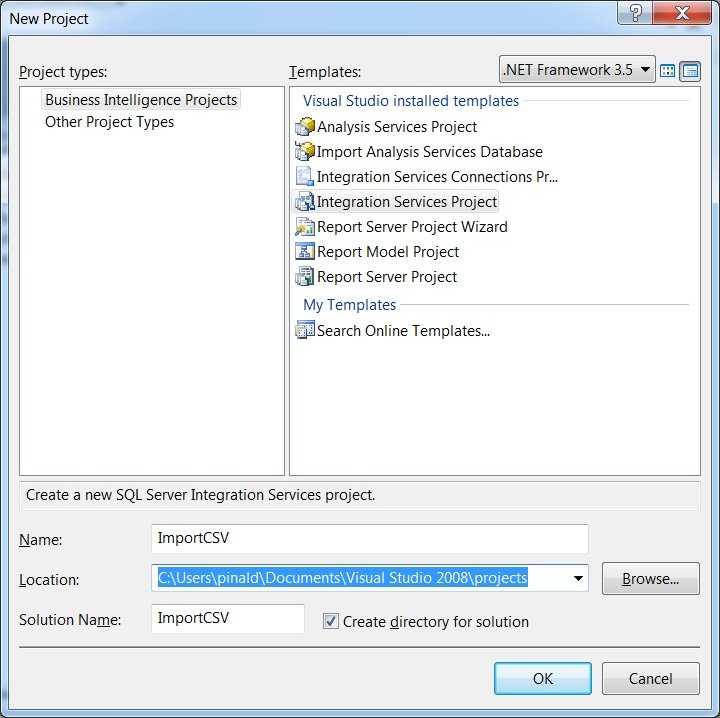
Now let us open SQL Server Business Intelligence studio. (Path: Start >All Programs > Microsoft Sql Server 2008 R2 > SQL Server Business Intelligence Development Studio. Select Integration Services Project. Create a new project and save it.
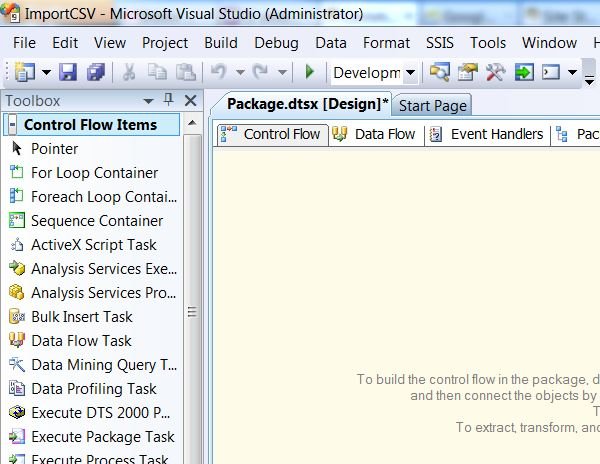
Click on Control Flow and drag Data Flow Task to the right side pan.
Double click on the Control Flow task.
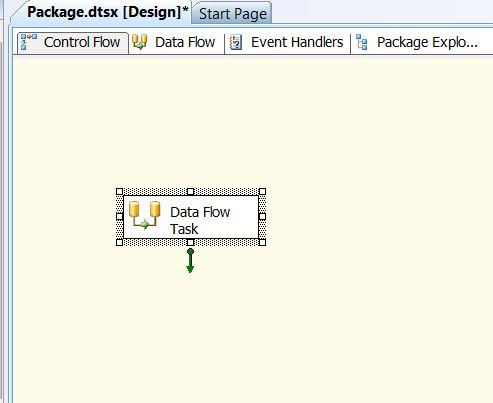
It will take you to Data Flow pan.
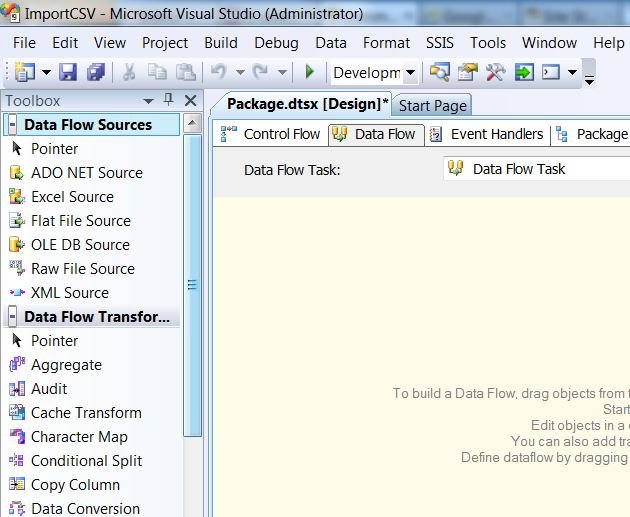
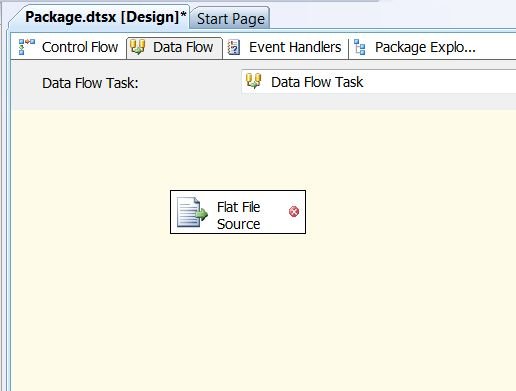
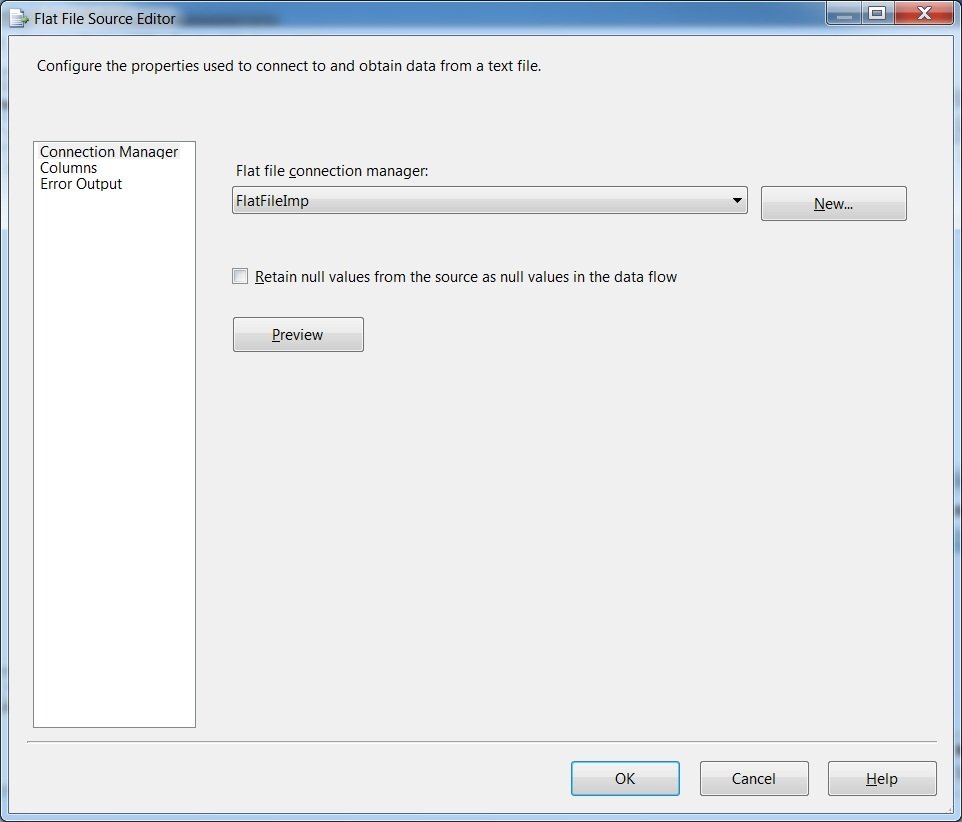
Drag Flat File Source from Toolbox to Data Flow task pan.
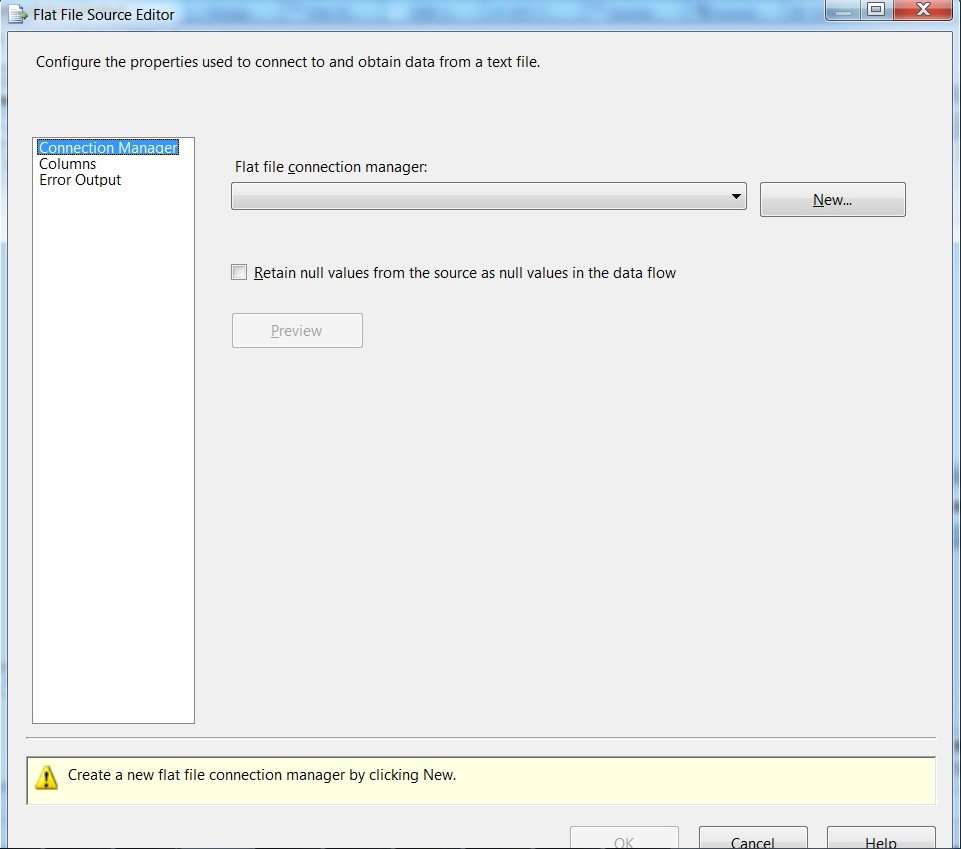
Configure New Connection by clicking New.
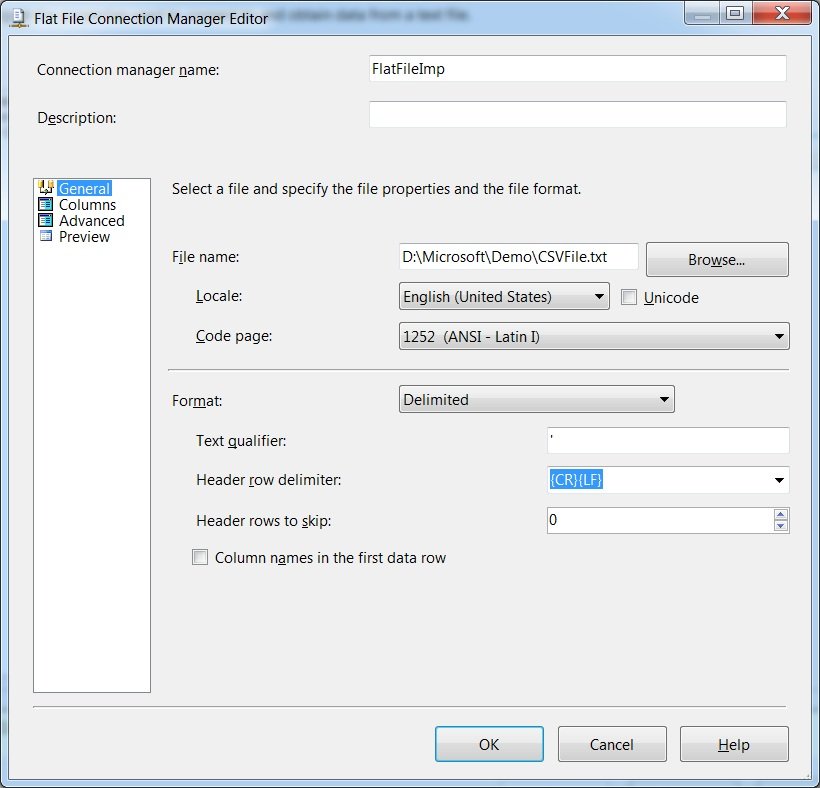
Select the Path of the file and specify Text Qualifier. For me the text qualifier is comma(,).
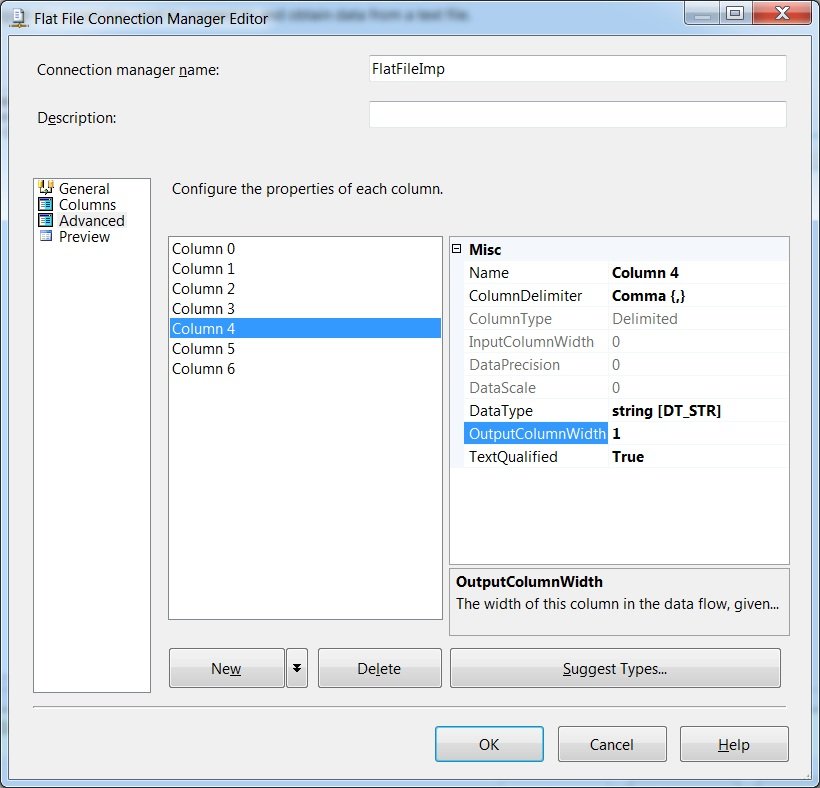
Click on the columns and adjust OutputColumnWidth – match it with the width of your original data. If you do not know leave it as default (at 50).
Click on on following screen.
Now Select OLE DB Destination from right side Toolbox and drag to below the Flat File Source.

Put them near to each other ad demonstrated below.

Connect Green Arrow to Flat File Source with OLE DB Destination.

Double click on the OLE DB Destination and connect to the database and table created earlier in the code.

After configuring connection the mapping needs to be adjusted as well.

Now on the mappings tab connect both the size. I have not connected very first column as it is identify column for me.

Clicking OK will bring me to following screen.

Now click on F5 and it will execute the package in debug mode.

Do let me know your opinion about this article.
Published by Pinal Dave on SQLAuthority. More of my work at pinaldave.com.
Discover more from SQL Authority with Pinal Dave
Subscribe to get the latest posts sent to your email.




127 Comments. Leave new
while i am importing csv file through import wizard (from database to task option) . In csv file last column only have header there is no data in this column . some data imported wrongly while i am importing . what delimeter i need to use to sort this issue. please suggest.
HI PInal,
when we pull data from flat file we need to push the file into our DB Column . How we can do that.
eg. Data-01.csv ,….. Data-10.csv
Great article. I have a very vague idea about SSIS packages and tasks in general, yet achieved my goal with this walkthrough very quickly. Thank you very much.
Thanks Mark.
Hi Pinal Dave,
Is it possible to move data from csv to mysql using SSIS?
Thanks
While connecting to OLE DB source the error on my Remote machine tells “Components OLE DB Source has no inputs, or all of its inputs are already connected to other outputs. You may be able to edit the components to add new inputs to it.”
What does this means? How can I get it resolved?
you should choose OLEDB destination not OLEDB SOurce from SSIS tool box
Hi Pinal,
Can we import a CSV/Xlsx file with 7000+ columns using SSIS job?
I am getting weird errors while trying to do this.
Excellent Dave!
I need to load flat files which have dynamic columns (columns are not fixed they change sometimes). How do I create a stored procedure which loads these flat files into sql table. These files are nearly 100 and seat in one location.
Sample of the flat file:
OUTPUT_2
NUMLINES, 4
VARIABLE_TYPES,I,N,I,N,N,T,N,T,Ddd/mm/yyyy
!,SPCODE,ADD_DEFER_M,ADD_TERM_M,AGE_AT_ENTRY
*,1,0,0,21,0,”SP Cap Bond”,0,”SP Cap Bond”,19740401,
*,1,0,0,17,0,”END Linked”,0,”END Linked”,19950901,
*,1,0,0,36,0,”END Linked”,0,”END Linked”,19961201
CSV file contain Name which contain(R’amesh,Sureshe’s,Raj’esh) so I want to ignore the ‘(single quotes) in source level without using transformation,Could you please let me know how to reslove it
Thanks,
Vivek.
Very helpful. Very clear! Thanks!
may god bless you…awesome article..really helpful
how we can use Semicolon in text qualifier if we have Semicolon as a delimited.
Please help