
Validate an XML document in SQL Server by typing it with an XSD schema collection. This lesson is by Jacob Sebastian. It follows the original example, from an Employee document to validation rules and a typed XML variable.

I kept the lesson and ran every example on SQL Server 2025. I also added the error number for each kind of bad document. A typed column and the difference between a document and a fragment follow.
XML Schema Collections
An XML schema describes the structure and values a document can contain. SQL Server stores supported XSD definitions in an XML schema collection. A typed XML variable or column uses that collection when it validates assigned XML.
Well-formed XML and schema-valid XML are different checks. Correct opening and closing tags do not prove that the document has the elements your application expects. The schema supplies those rules.
XML Document
Jacob’s example uses the following document. Keep these element names and their order when you compare the examples.
<Employee>
    <FirstName>Jacob</FirstName>
    <MiddleName>V</MiddleName>
    <LastName>Sebastian</LastName>
</Employee>
Validation Rules
- The document has one Employee root element.
- Employee contains FirstName, MiddleName and LastName.
- Those child elements appear in that order, once each.
Creating the XML Schema Collection
Run this example in a practice database where dbo.EmployeeSchema does not exist. Creating a schema collection needs the right database permissions. Run the following batches in the same database.
CREATE XML SCHEMA COLLECTION dbo.EmployeeSchema AS N'
<xsd:schema xmlns:xsd="http://www.w3.org/2001/XMLSchema">
  <xsd:element name="Employee">
    <xsd:complexType>
      <xsd:sequence>
        <xsd:element name="FirstName" type="xsd:string" />
        <xsd:element name="MiddleName" type="xsd:string" />
        <xsd:element name="LastName" type="xsd:string" />
      </xsd:sequence>
    </xsd:complexType>
  </xsd:element>
</xsd:schema>';
GO
The sequence defines the child order. Each declaration has the default occurrence count of one. These string types allow empty text, so a required element does not mean a nonempty name.
Validating an XML Document in a Variable
The DOCUMENT keyword requires one complete document with one top-level element. Assigning the original Employee XML succeeds, because it follows the schema.
DECLARE @Employee xml(DOCUMENT dbo.EmployeeSchema);
SET @Employee = N'<Employee>
    <FirstName>Jacob</FirstName>
    <MiddleName>V</MiddleName>
    <LastName>Sebastian</LastName>
</Employee>';
SELECT @Employee AS ValidEmployee;
GO
Now try a document without MiddleName. The assignment fails validation, and the CATCH block shows the error. The document differs from the original in one required element.
DECLARE @Candidate nvarchar(max) = N'<Employee>
    <FirstName>Jacob</FirstName>
    <LastName>Sebastian</LastName>
</Employee>';
BEGIN TRY
    DECLARE @Employee xml(DOCUMENT dbo.EmployeeSchema);
    SET @Employee = @Candidate;
    SELECT @Employee AS ValidEmployee;
END TRY
BEGIN CATCH
    SELECT ERROR_NUMBER() AS ErrorNumber,
           ERROR_MESSAGE() AS ValidationMessage;
END CATCH;
GO
The error number was 6965. The message named the expected element, MiddleName, and the element it found instead, LastName. That is precise enough to show to the person who sent the document. The location part of the message points to the element, so nobody has to hunt for it.
Read the Error Number
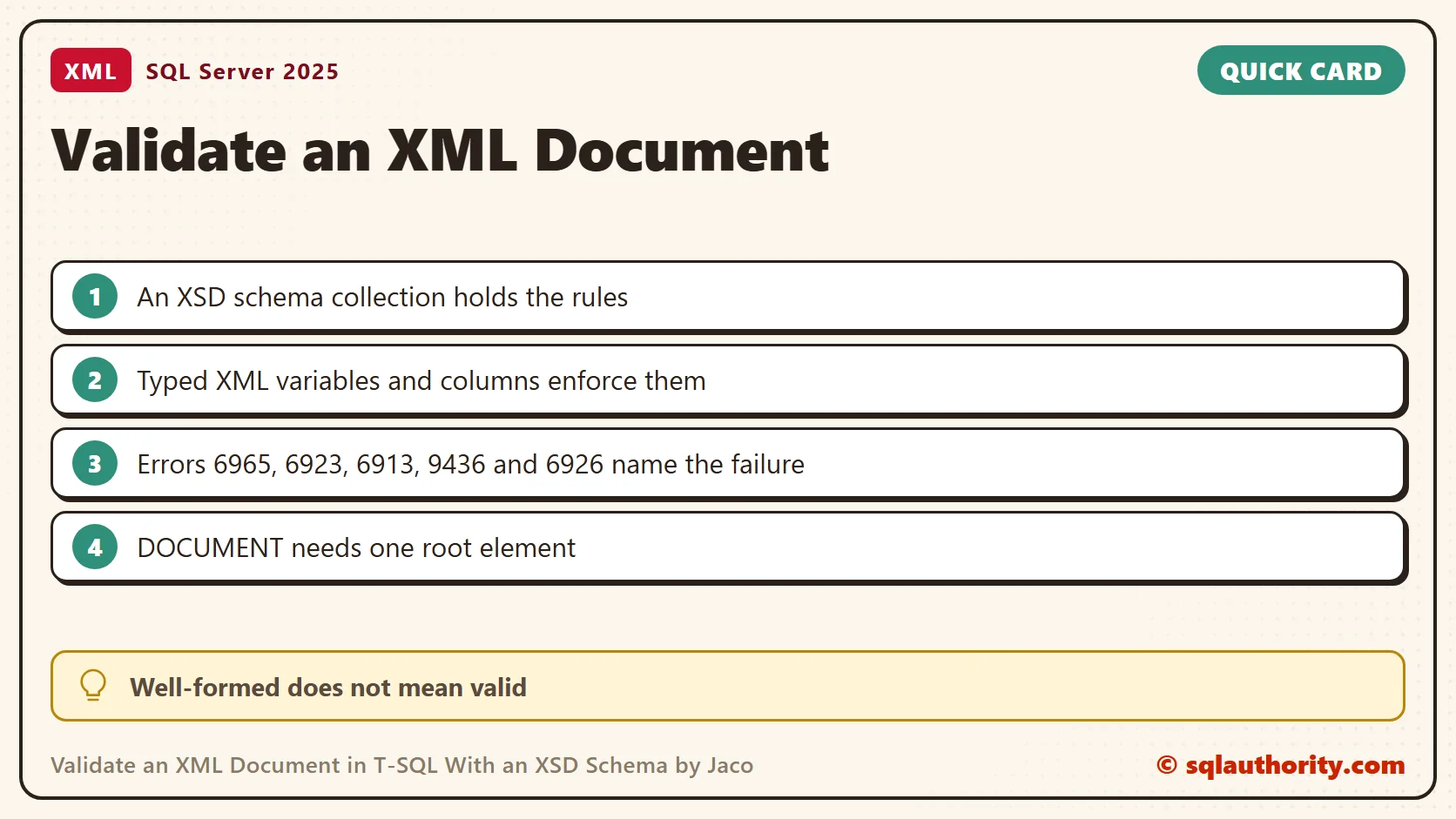
Each kind of failure has its own number. I ran five more documents through the same schema in a loop. The CATCH block reports the number and the start of the message.
DECLARE @Cases TABLE (CaseName varchar(30), Doc nvarchar(max));
INSERT @Cases VALUES
 ('wrong order', N'<Employee><LastName>Sebastian</LastName><FirstName>Jacob</FirstName><MiddleName>V</MiddleName></Employee>'),
 ('extra element', N'<Employee><FirstName>Jacob</FirstName><MiddleName>V</MiddleName><LastName>Sebastian</LastName><Age>40</Age></Employee>'),
 ('wrong root', N'<Person><FirstName>Jacob</FirstName></Person>'),
 ('not well formed', N'<Employee><FirstName>Jacob</Employee>'),
 ('empty middle name', N'<Employee><FirstName>Jacob</FirstName><MiddleName/><LastName>Sebastian</LastName></Employee>');
DECLARE @Name varchar(30), @Doc nvarchar(max);
DECLARE c CURSOR LOCAL FAST_FORWARD FOR SELECT CaseName, Doc FROM @Cases;
OPEN c;
FETCH NEXT FROM c INTO @Name, @Doc;
WHILE @@FETCH_STATUS = 0
BEGIN
    BEGIN TRY
        DECLARE @x xml(DOCUMENT dbo.EmployeeSchema);
        SET @x = @Doc;
        SELECT @Name AS CaseName, 'accepted' AS Outcome, CAST(NULL AS int) AS ErrorNumber, CAST(NULL AS nvarchar(300)) AS Message;
    END TRY
    BEGIN CATCH
        SELECT @Name, 'rejected', ERROR_NUMBER(), LEFT(ERROR_MESSAGE(), 130);
    END CATCH;
    FETCH NEXT FROM c INTO @Name, @Doc;
END;
CLOSE c; DEALLOCATE c;| Case | Outcome | Error |
|---|---|---|
| Wrong order | Rejected | 6965 |
| Extra element | Rejected | 6923 |
| Wrong root element | Rejected | 6913 |
| Mismatched end tag | Rejected before validation | 9436 |
| Empty MiddleName | Accepted | none |
The mismatched end tag failed during parsing, which comes before validation. The empty MiddleName passed, because an empty string is still a valid string. If a name must not be empty, add a length rule to the XSD.
Enforce the Schema in a Table
A typed column applies the same rules to every row. One schema collection can serve many variables and columns, so the rules live in one place. The first insert below follows the schema. The second leaves out MiddleName and fails with error 6908. The table kept one row.
CREATE TABLE dbo.Staff (StaffId int IDENTITY(1,1) PRIMARY KEY, Profile xml(DOCUMENT dbo.EmployeeSchema) NOT NULL);
INSERT dbo.Staff (Profile) VALUES (N'<Employee><FirstName>Jacob</FirstName><MiddleName>V</MiddleName><LastName>Sebastian</LastName></Employee>');
BEGIN TRY
    INSERT dbo.Staff (Profile) VALUES (N'<Employee><FirstName>Asha</FirstName></Employee>');
END TRY
BEGIN CATCH
    SELECT ERROR_NUMBER() AS ErrorNumber, LEFT(ERROR_MESSAGE(), 140) AS Message;
END CATCH;
SELECT COUNT(*) AS StaffRows FROM dbo.Staff;
GO
DROP XML SCHEMA COLLECTION dbo.EmployeeSchema;
The last statement failed with error 6328, because the Staff column still uses the collection. Drop the table first, and then the collection.
Make an Element Optional, or Typed
Real data can lack a middle name. Set minOccurs="0" on that element and the document without it passes. A typed element works the same way. An xsd:int element that holds the word forty failed with error 6926.
CREATE XML SCHEMA COLLECTION dbo.EmployeeOptionalSchema AS N'
<xsd:schema xmlns:xsd="http://www.w3.org/2001/XMLSchema">
  <xsd:element name="Employee">
    <xsd:complexType>
      <xsd:sequence>
        <xsd:element name="FirstName" type="xsd:string" />
        <xsd:element name="MiddleName" type="xsd:string" minOccurs="0" />
        <xsd:element name="LastName" type="xsd:string" />
      </xsd:sequence>
    </xsd:complexType>
  </xsd:element>
</xsd:schema>';
GO
DECLARE @x xml(DOCUMENT dbo.EmployeeOptionalSchema) = N'<Employee><FirstName>Jacob</FirstName><LastName>Sebastian</LastName></Employee>';
SELECT @x AS AcceptedWithoutMiddleName;
GO
CREATE XML SCHEMA COLLECTION dbo.AgeSchema AS N'
<xsd:schema xmlns:xsd="http://www.w3.org/2001/XMLSchema">
  <xsd:element name="Employee">
    <xsd:complexType>
      <xsd:sequence>
        <xsd:element name="Age" type="xsd:int" />
      </xsd:sequence>
    </xsd:complexType>
  </xsd:element>
</xsd:schema>';
GO
BEGIN TRY
    DECLARE @a xml(DOCUMENT dbo.AgeSchema) = N'<Employee><Age>forty</Age></Employee>';
END TRY
BEGIN CATCH
    SELECT ERROR_NUMBER() AS ErrorNumber, LEFT(ERROR_MESSAGE(), 140) AS Message;
END CATCH;
One Complete XML Document or a Fragment
Without DOCUMENT, typed XML defaults to CONTENT. That permits fragments, including several top-level elements, when they satisfy the schema. Two Employee elements in a DOCUMENT variable failed with error 6901. The same text in a CONTENT variable held both.
BEGIN TRY
    DECLARE @doc xml(DOCUMENT dbo.EmployeeSchema) = N'<Employee><FirstName>A</FirstName><MiddleName>B</MiddleName><LastName>C</LastName></Employee><Employee><FirstName>D</FirstName><MiddleName>E</MiddleName><LastName>F</LastName></Employee>';
END TRY
BEGIN CATCH
    SELECT 'DOCUMENT' AS Mode, ERROR_NUMBER() AS ErrorNumber, LEFT(ERROR_MESSAGE(), 100) AS Message;
END CATCH;
DECLARE @content xml(CONTENT dbo.EmployeeSchema) = N'<Employee><FirstName>A</FirstName><MiddleName>B</MiddleName><LastName>C</LastName></Employee><Employee><FirstName>D</FirstName><MiddleName>E</MiddleName><LastName>F</LastName></Employee>';
SELECT 'CONTENT' AS Mode, @content.value('count(/Employee)', 'int') AS Employees;
The schema collection stays in the practice database for reuse until you drop it. This example validates structure and string values. It does not establish every business rule for employee records. Thanks to Jacob Sebastian for the original lesson.
XML validation is not a tag check, it is a check against the document contract.
Published by Pinal Dave on SQLAuthority. More of my work at pinaldave.com.
Discover more from SQL Authority with Pinal Dave
Subscribe to get the latest posts sent to your email.




9 Comments. Leave new
Simple and perfect example, for any newbie to understand. Great thanks to sebastian and pinal for this lucid explanation.
How does the schema shown above enforce having elements named FirstName, MiddleName, LastName?
Hi Pinal,
When i ran the CREATE XML SCHEMA script, i got this error:
Msg 2299, Level 16, State 1, Line 1
Required attribute “name” of XSD element “element” is missing.
Any thoughts on this.
Thank you
Hi Pinal,
When i modified the CREATE XML SCHEMA COLLECTION to include the element name it worked:
CREATE XML SCHEMA COLLECTION EmployeeSchema


    AS'<xsd:schema xmlns:xsd="http://www.w3.org/2001/XMLSchema">


    <xsd:element name = "Employee" >


        <xsd:complexType>


            <xsd:sequence>


                <xsd:element name = "FirstName" />


                <xsd:element name = "MiddleName"/>


                <xsd:element name = "LastName" />


            </xsd:sequence>


        </xsd:complexType>


    </xsd:element>


</xsd:schema>'
I’ve tried everything I can to create an XML SCHEMA in SQL Server 2008.
Maybe someone can help. Here’s the XML that I need a schema for:
e4933d5d-7452-4fad-b557-125d700da000
Here is my original XSD SCHEMA that successfully ‘compiled’ into a XML SCHEMA:
CREATE XML SCHEMA COLLECTION [dbo].[GUIDSchema]
AS
N’
‘
GO
Here is the function that makes use of the schema:
ALTER FUNCTION [dbo].[fnGUID_from_XML] ( @inputXML XML )
RETURNS uniqueidentifier
AS
BEGIN
DECLARE @ValidateXML as XML(GUIDSchema)
SET @ValidateXML = @inputXML
DECLARE @GUID as uniqueidentifier
DECLARE @PL_FILE TABLE (TempGUID uniqueidentifier )
INSERT INTO @PL_FILE (TempGUID)
SELECT ParamValues.Items.value(‘GUID[1]’,’uniqueidentifier’)
FROM @ValidateXML.nodes(‘/NODE’) as ParamValues(Items)
select @GUID = TempGUID from @PL_FILE
RETURN @GUID
END
However, when I try to compile the above function, I get this error:
Msg 9314, Level 16, State 1, Procedure fnGUID_from_XML, Line 18
XQuery [value()]: Cannot implicitly atomize or apply ‘fn:data()’ to complex content elements, found type ‘xs:anyType’ within inferred type ‘element(GUID,xs:anyType) ?’.
I have tried removing the various tags from the schema, but can never compile the schema again. The only code that creates a successful schema compilation is what I’ve provided here.
Thanks in advance,
Jerry
Hi,
Im poorna. Can any one please let me know how to get alla error messages at once while validating xml with xsd in sql2008?
thank a lot in advance.
Very concise and useful. Thanks Pinal and Jacob.
Do you have a way to generate SQL tables from XML Schema Collections?
Brilliant! Thanks a tonne!