
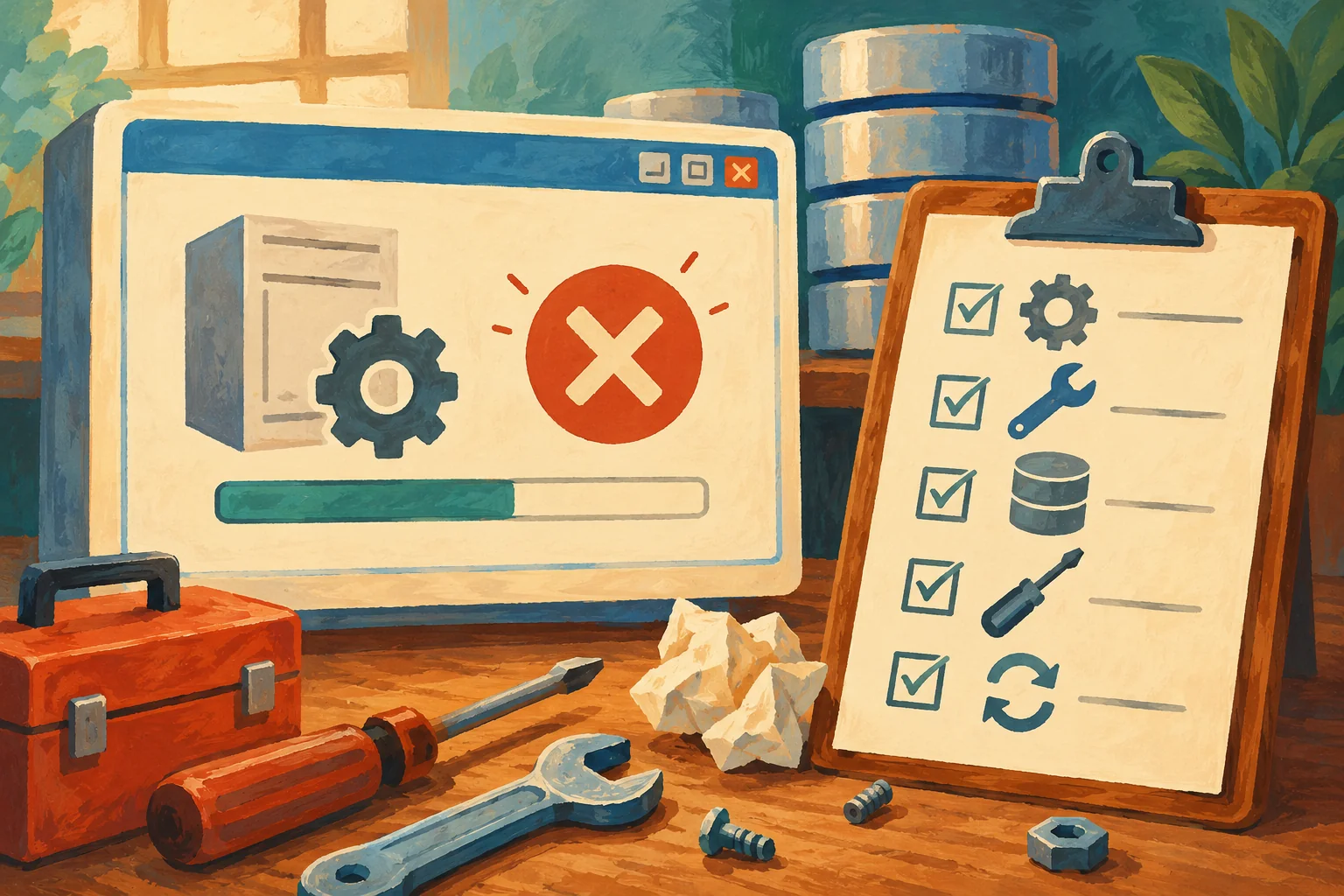
A Visual Studio 2010 Shell error interrupted a SQL Server patch in a 2017 case. The setup screen named the component, but the component log named the missing package. This post shows how to read the logs, decode the Windows Installer error and match the package before any repair.
Checking That a Patch Really Installed
Checking That a Patch Really Installed means comparing full versions, reading Setup summary logs, and confirming the startup error log.

Extended Security Updates Explained
Extended Security Updates give eligible older SQL Server releases limited critical security coverage while you complete a migration.

GDR or CU: Choosing Your Update Branch
Choose GDR or CU for SQL Server by understanding security and cumulative branches, checking the exact build, and testing a branch change.

Automating SQL Server Patching With PowerShell
Automating SQL Server Patching with PowerShell means staging a verified package, running Setup quietly, checking logs, and stopping on failure.

Keeping a Patch Test Environment Honest
A Patch Test Environment must match production data, settings, jobs, and versions closely enough to reveal real patch risks.

Is This Instance Patched? Reading ProductUpdateLevel and Build
An update label is one clue, the build number is the identity. I show how to read both, compare builds safely, and avoid the NULL typo trap.