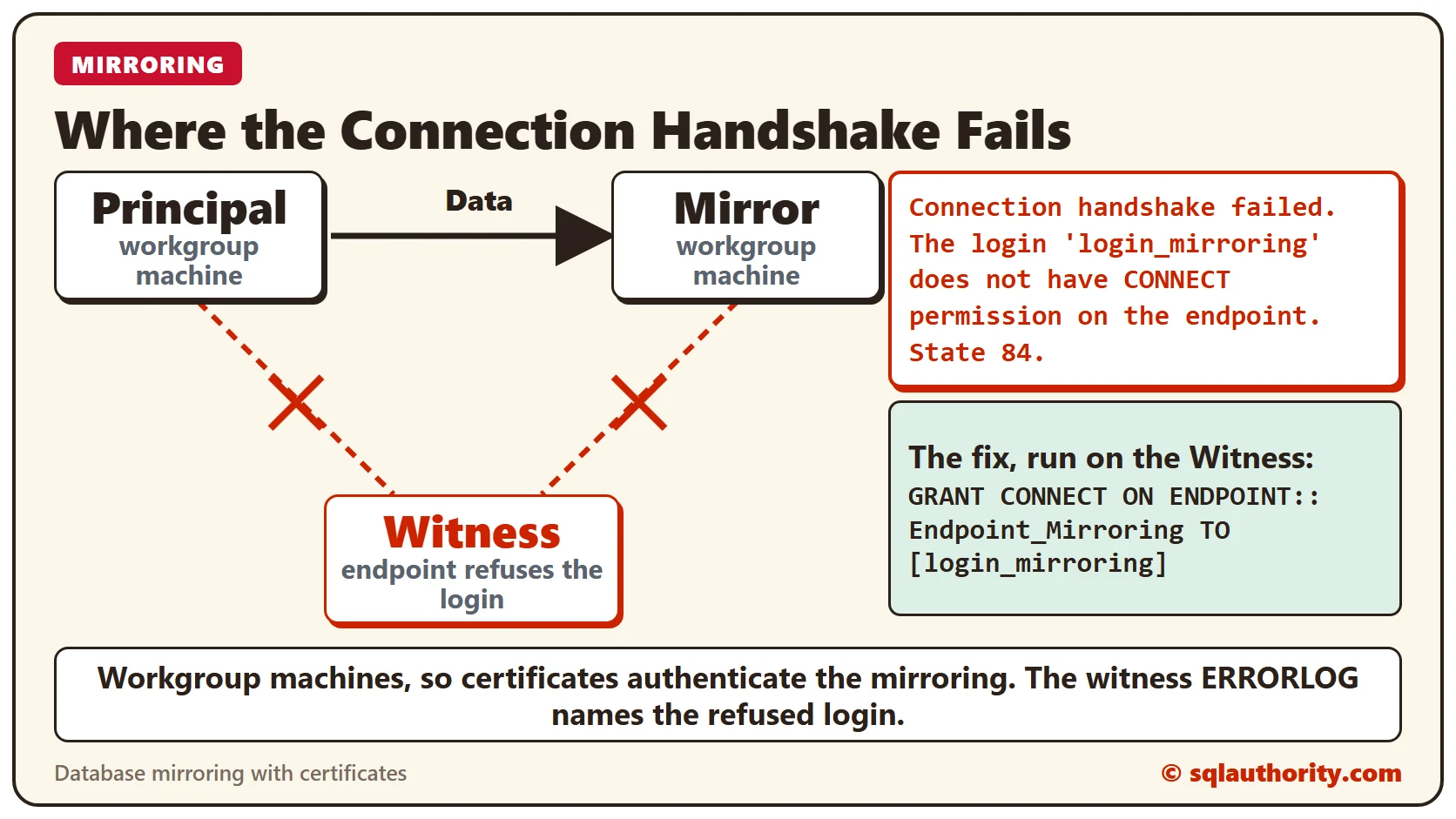
A friend using certificates on workgroup machines hit a database mirroring error: Connection Handshake Failed. Here is how I tracked it down in the ERRORLOG.
SQL SERVER – How Enable Transparent Database Encryption (TDE) for Database Mirroring?
hey incidentally wanted to enable Transparent Database Encryption (TDE) on their server and wanted me to guide on how to enable.
SQL SERVER – Mirroring Error 1412 – The remote copy of database has not been rolled forward to a point in time that is encompassed in the local copy of the database log. (Microsoft SQL Server, Error:)
A client clicked Start Mirroring and got Mirroring Error 1412: the remote copy has not been rolled forward far enough. Here is what it means and how to fix it.
SQL SERVER – Database Mirroring login attempt failed – Connection handshake failed
While building an AlwaysOn demo I hit the Database Mirroring login attempt failed error with a connection handshake failure. Here is how I fixed it.
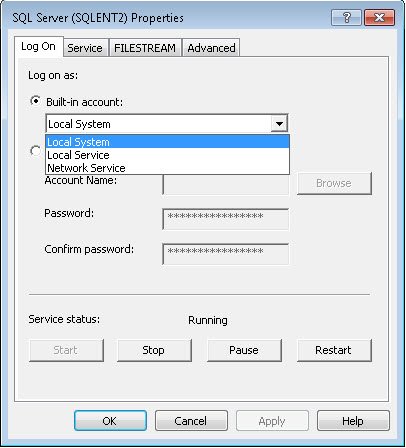
SQL SERVER – Mirroring Configured Without Domain – The server network address TCP://SQLServerName:5023 can not be reached or does not exist
My friend kept getting the server network address cannot be reached error while testing mirroring configured without domain on his laptop. Here is why.
SQL SERVER – Quick Note of Database Mirroring
My notes on Database Mirroring from a round table meeting: FULL recovery is required, system databases cannot be mirrored, and there are two modes.
SQL SERVER – The server network address “TCP://SQLServer:5023” can not be reached or does not exist. Check the network address name and that the ports for the local and remote endpoints are operational. (Microsoft SQL Server, Error: 1418)
Error 1418 in database mirroring says the server network address cannot be reached. Try my suggestions one by one, starting with a NO RECOVERY restore.