

When I do not find anything on my blog, I write a blog post about it, so next time I do not have to recreate the scripts from the beginning. Just another day, I was doing performance tuning for an organization, I had to create a computed column with CASE statement and I suddenly realize that I do not have such a script on my blog so I decided to write a blog post on this subject.
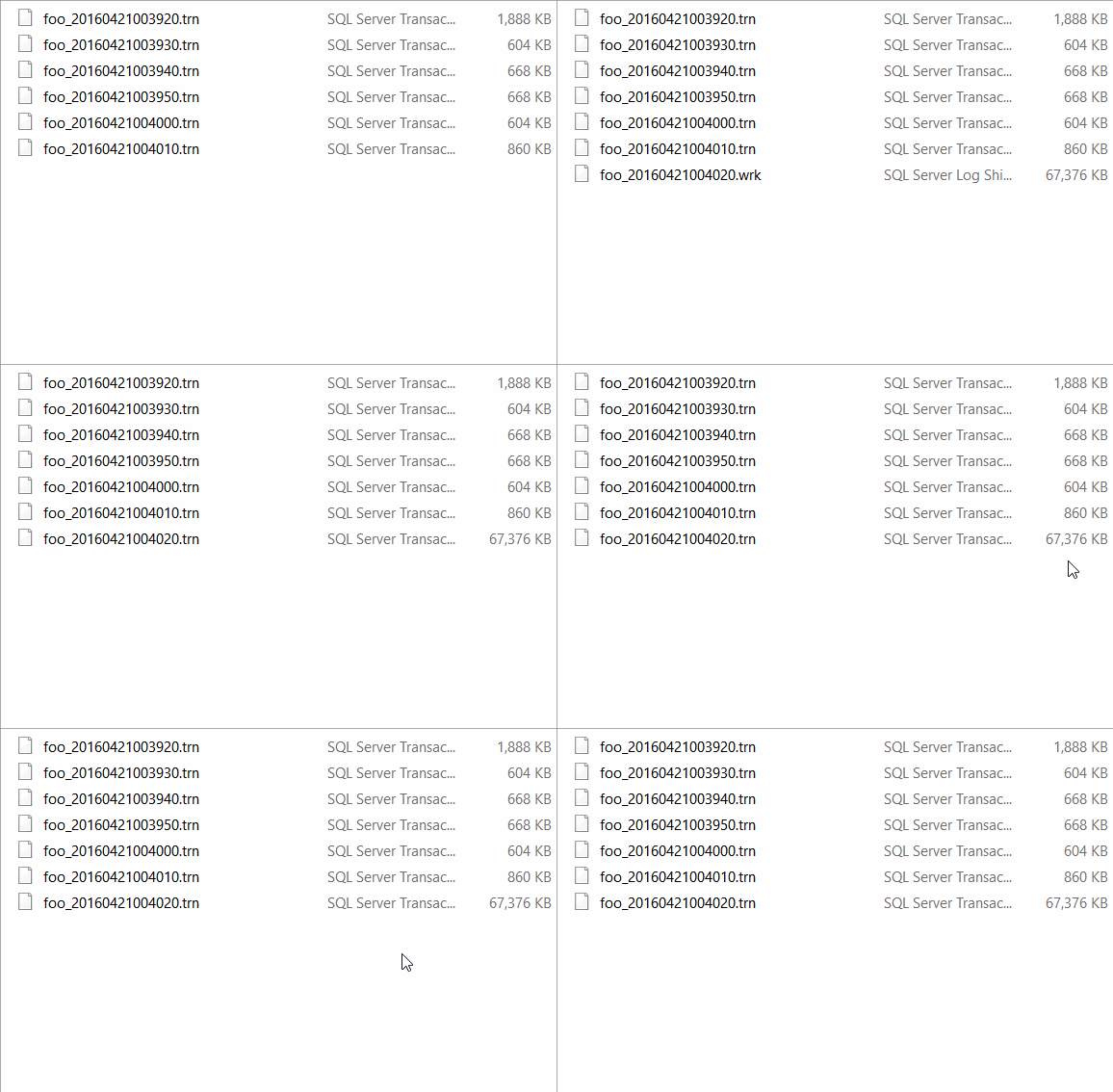
SQL SERVER – What is WRK file in Log Shipping?
Several customers use log shipping for disaster recovery across a remote data center. If you are reading this blog, I would assume that you already know SQL Server log shipping If you don’t, then please go through online resources to read the basics. Here is an interesting fact which I learned recently about the WRK file in log shipping. I know some of these are around as theory, but there is no concrete way to understand the nuances of what these files actually mean.

SQL SERVER 2016 – Enhancements with AlwaysOn Availability Groups – Notes from the Field #121
[Note from Pinal]: In this episode of the Notes from the Field series database expert Mike Lawell talks about his thoughts and observation about SQL Server 2016 and enhancements with AlwaysOn Availability Groups. When AlwaysOn was newly introduced, I was not able to catch up with the feature. I just thought it was just one of the subject which will not be developed by Microsoft, however, as the new versions of the SQL Server are now taking this feature to the next level, I am very delighted that I should have not worried at all. Let us see what Mike says in his own words about Enhancements with AlwaysOn Availability Groups.

SQL SERVER – InMemory OLTP Migration Assistant Powershell Script
In one of my recent interaction with my client, they were so much impressed with the fact that SQL Server has now introduced the ability to use In Memory OLTP. They said they were interested in implementing the same in their environment for a number of applications. The hardware refresh was due and they were also upgrading a number of their legacy applications which were hosted on SQL Server 2005 to the latest version as that was also due. In this blog post we will learn about InMemory OLTP Migration Assistant.

SQL SERVER – Identifying Database Default Locations for Data and Logs
How often have you had the opportunity to go back to basics and learn the same thing again in a different manner? How many of you are developers here? I am sure each one of us write a piece of code that gets onto the production – how often have you been revisiting the same code say after a week post release. Have you ever tried to look at the code to enhance it or do the same thing differently? I am sure the majority of you never even want to look at the old code you wrote. This is second to human nature and trust me, you are not alone in this planet with this attitude. Let us learn about Database Default Locations.

SQL SERVER – Huge Transaction Log in Snapshot Replication!
Learning never stops for me! I was into a situation where the log space for the database is not getting reused and it is increasing in size. As usual, I asked to check sys.databases catalog view and we found that the log_space_reuse_wait as “Replication”.