
CLONEDATABASE can Generate Statistics and schema-only diagnostic copies without copying table rows. I use that distinction when investigating optimizer behavior.

I noticed this feature while reviewing SQL Server 2016 enhancements. It also appeared in SQL Server 2014 SP2. The useful distinction is what travels with the copy: metadata and statistics, rather than the business data.
-- Diagnostic example only. Use a new destination name.
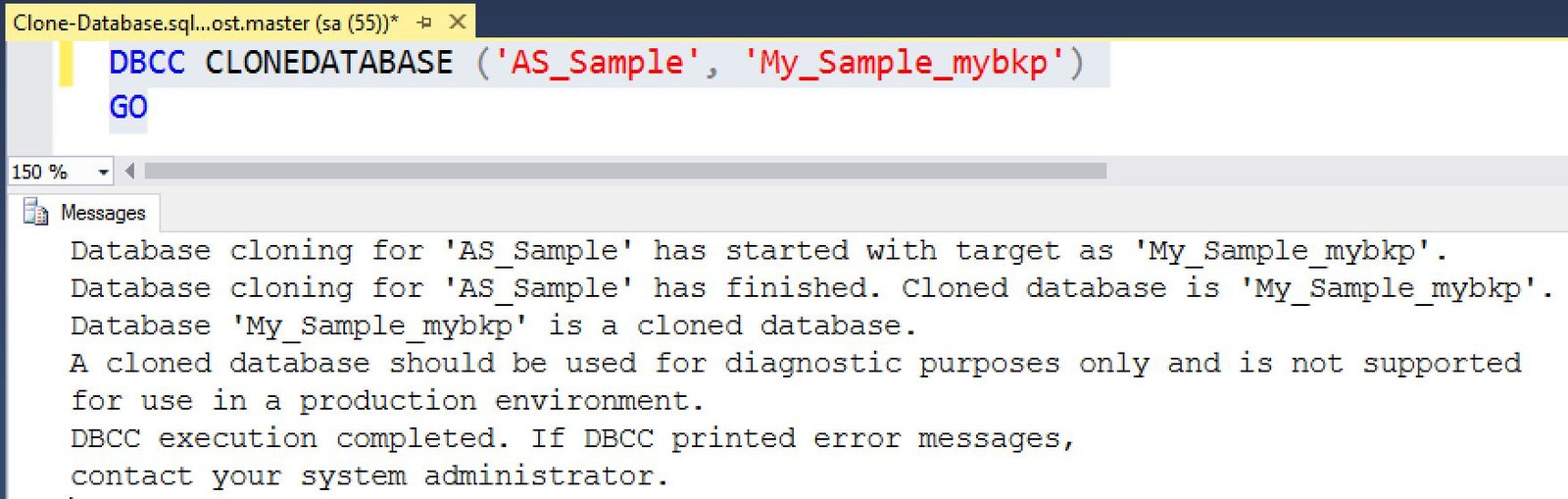
DBCC CLONEDATABASE (N'AS_Sample', N'My_Sample_mybkp');

SELECT DATABASEPROPERTYEX(N'My_Sample_mybkp', N'IsClone') AS is_clone,
       DATABASEPROPERTYEX(N'My_Sample_mybkp', N'Updateability') AS updateability;
The source must exist and the destination must not. Review the supported objects and options for your build before creating a clone. Use it for diagnosis, not as the starting point for a production database.
The original size comparison
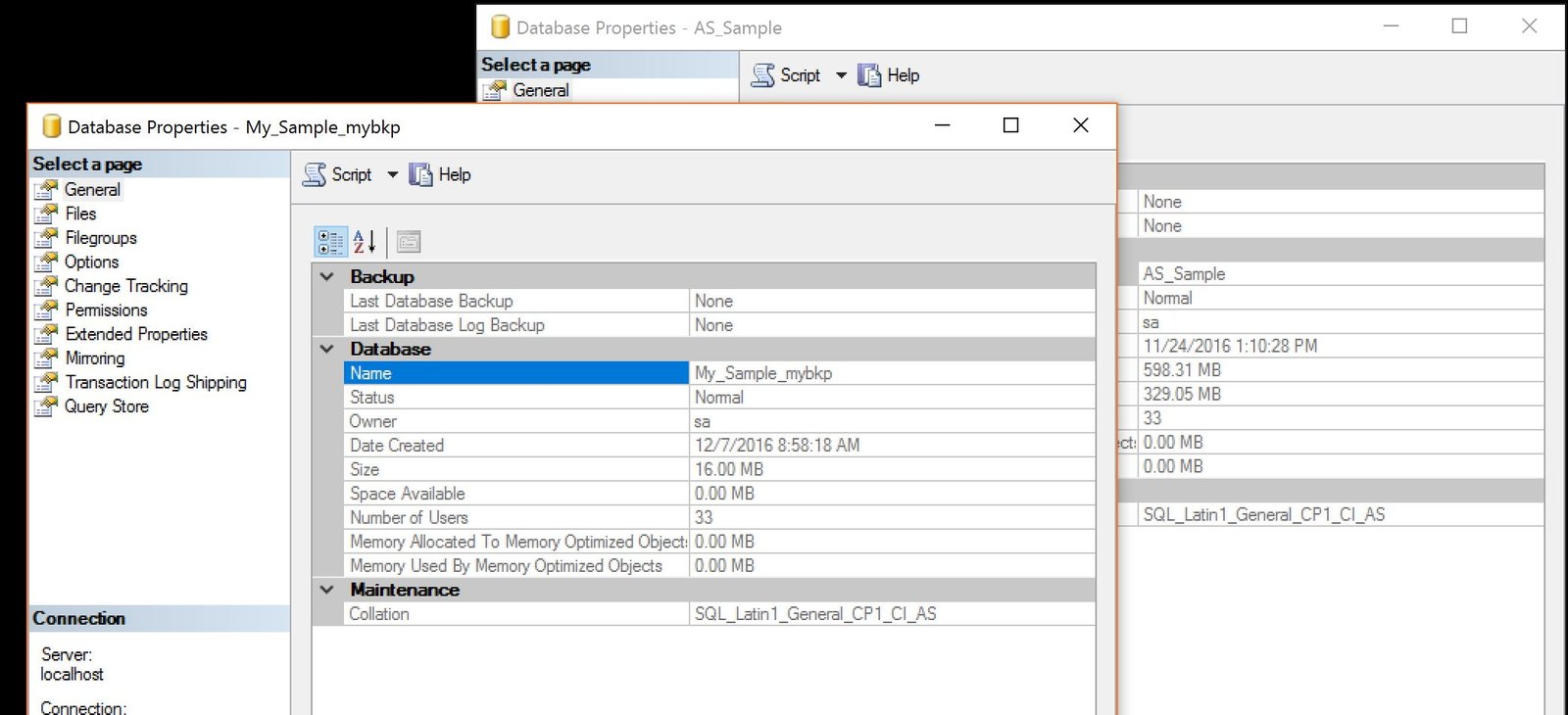
My historical source data files were close to 600 MB. The clone was about 16 MB. Those sizes belonged to that instance. They aren’t expected sizes for every database.
Verify the clone
IsClone = 1 identifies a clone. A NULL result needs a check of the name, access and property applicability. The current lab uses a different database name from the historical sample.

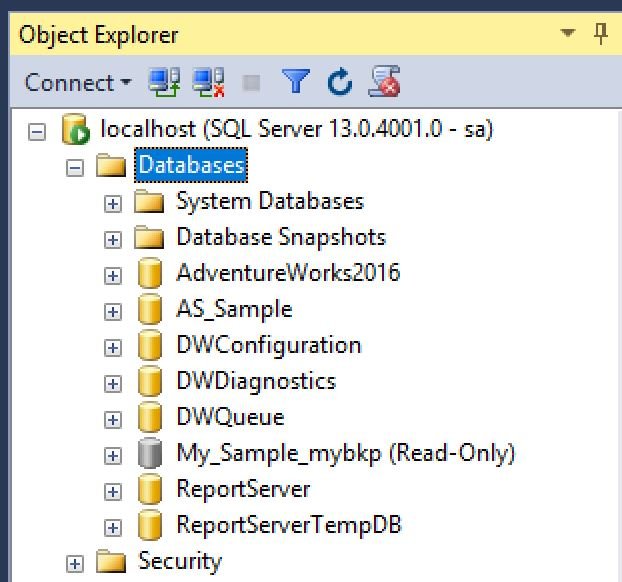
The separately named AdventureWorks2025 test clone is online, read-only and verified. Use its name when checking the pictured properties. It isn’t the same database as the historical size comparison.
A diagnostic clone is not a data backup, it is a schema-and-statistics copy with a limited purpose.
Published by Pinal Dave on SQLAuthority. More of my work at pinaldave.com.
Discover more from SQL Authority with Pinal Dave
Subscribe to get the latest posts sent to your email.




2 Comments. Leave new
Hello Pinal,
Fabulous post, as always !
It could be very helpful during performance tuning exercise when Production data is either too critical to be shared or matching resources to proceed with Prod DB restore are not available. It is simpler than generating database scripts with few custom configurations including setting ‘script statistics’ option to script statistics and histogram. Not 100% sure if outcome is exactly same for both approaches.
Appreciate your great contribution to SQL community.
Br,
Anil
That’s a great point @Anil.