
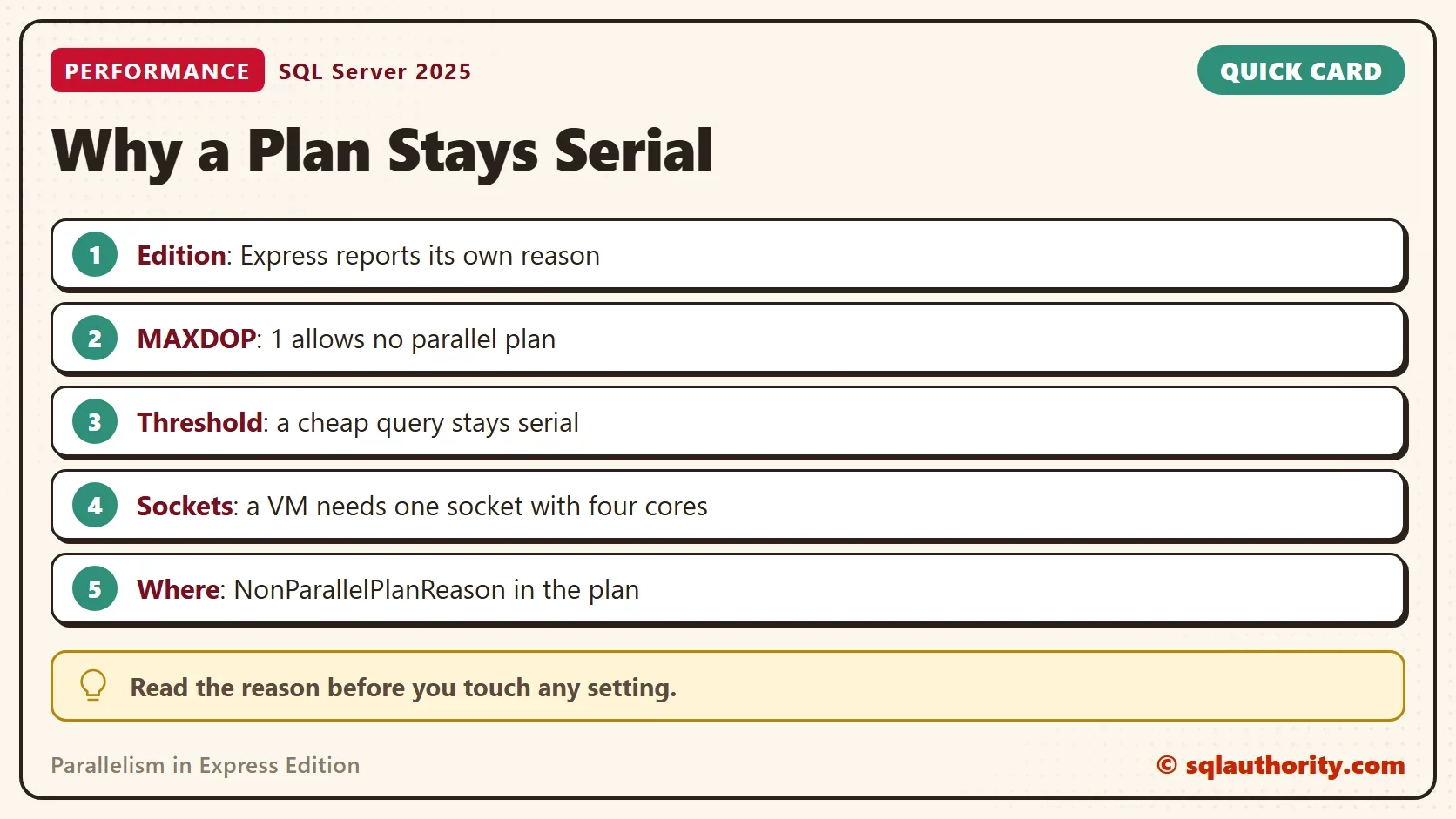
Parallelism in Express Edition looks like a setting, and it is an edition limit. A plan that uses several cores in Standard Edition can stay on one core in Express. The execution plan names its own reason for staying serial, and that reason is the first thing to read.

The Client Case
A large online retailer ran many editions of SQL Server on one 64 logical CPU machine. One query ran well with parallel threads, and MAXDOP was 4 on the Standard instance. The same query on an Express instance always got a serial plan and ran slowly. The client wanted the same parallel plan on Express.
The answer sits in the plan. A documented reason value, NoParallelPlansInDesktopOrExpressEdition, says Express does not build parallel plans. SQL Server records the cause inside the plan itself, so you can confirm it instead of guessing.
Two Limits, Not One
Parallelism in Express Edition meets two limits. The first is a compute limit. Express uses the lesser of one socket or four cores. That limit controls how many cores the instance can use at all. It does not decide whether a single query can go parallel.
The plan decides that. Older advice says Express reaches parallelism through the cores of its one socket. Read the plan on your own Express instance to settle it. A showplan carries an attribute named NonParallelPlanReason, and one of its documented values is NoParallelPlansInDesktopOrExpressEdition. When a plan on Express stays serial for that reason, the edition is the cause. No setting changes it.
The compute limit still matters on virtual machines. The limit counts sockets, so a virtual machine with four single-core sockets gives Express only one core. Present the same cores as one socket with four cores instead.
The test server runs Developer Edition, so it cannot show the Express reason. It does show the same attribute with the other reasons. You need to rule those out before you blame the edition.
Check the Settings First
Two server settings keep plans serial on every edition. MAXDOP set to 1 allows no parallel plan. A cost threshold higher than the query’s estimated cost keeps a cheap query serial. This query lists both, with the cores the instance can use.
SELECT CAST(SERVERPROPERTY('Edition') AS nvarchar(60)) AS Edition,
       i.socket_count AS Sockets, i.cores_per_socket AS CoresPerSocket, i.cpu_count AS LogicalCpus,
       (SELECT COUNT(*) FROM sys.dm_os_schedulers WHERE status = N'VISIBLE ONLINE') AS UsableSchedulers,
       (SELECT CONVERT(int, value_in_use) FROM sys.configurations WHERE name = N'max degree of parallelism') AS MaxDop,
       (SELECT CONVERT(int, value_in_use) FROM sys.configurations WHERE name = N'cost threshold for parallelism') AS CostThreshold
FROM sys.dm_os_sys_info AS i;| Edition | Sockets | CoresPerSocket | LogicalCpus | UsableSchedulers | MaxDop | CostThreshold |
|---|---|---|---|---|---|---|
| Enterprise Developer Edition (64-bit) | 1 | 16 | 16 | 16 | 2 | 50 |
These values come from the test server, and yours will differ. On an Express instance, UsableSchedulers shows how many of the machine’s cores the instance can use. A value of 1 means no query can run in parallel there, whatever the edition says.
Read the Reason From the Plan
The demo creates a database named ParallelExpressDemo with two million rows. GENERATE_SERIES needs SQL Server 2022 and compatibility level 160. The demo then runs four queries, each in its own batch. A comment tags each query so the plan can be found later.
IF DB_ID(N'ParallelExpressDemo') IS NULL CREATE DATABASE ParallelExpressDemo;
GO
USE ParallelExpressDemo;
GO
DROP TABLE IF EXISTS dbo.Readings;
CREATE TABLE dbo.Readings (
    ReadingID int NOT NULL PRIMARY KEY,
    SensorID  int NOT NULL,
    Amount    decimal(10,2) NOT NULL
);
INSERT INTO dbo.Readings (ReadingID, SensorID, Amount)
SELECT value, value % 1000, CAST(value % 97 AS decimal(10,2))
FROM GENERATE_SERIES(1, 2000000);
The first query asks SQL Server to prefer a parallel plan with a documented hint. The second forbids parallelism with MAXDOP 1. The third is a cheap query that touches 99 rows. The fourth is the same grouping as the first, with no hint.
SELECT /*PXDEMO1*/ SensorID, SUM(Amount) AS Total
FROM dbo.Readings GROUP BY SensorID
ORDER BY SensorID OFFSET 0 ROWS FETCH NEXT 1 ROWS ONLY
OPTION (USE HINT ('ENABLE_PARALLEL_PLAN_PREFERENCE'));
SELECT /*PXDEMO2*/ SensorID, SUM(Amount) AS Total FROM dbo.Readings GROUP BY SensorID ORDER BY SensorID OFFSET 0 ROWS FETCH NEXT 1 ROWS ONLY OPTION (MAXDOP 1);
SELECT /*PXDEMO3*/ SUM(Amount) AS Total FROM dbo.Readings WHERE ReadingID < 100;
SELECT /*PXDEMO4*/ SensorID, SUM(Amount) AS Total
FROM dbo.Readings GROUP BY SensorID
ORDER BY SensorID OFFSET 0 ROWS FETCH NEXT 1 ROWS ONLY;
Now read the cached plans. The query counts the operators that run in parallel and returns the reason, if the plan has one.
SELECT CONVERT(nvarchar(20), SUBSTRING(st.text, CHARINDEX(N'PXDEMO', st.text), 7)) AS Query,
       qp.query_plan.value('declare namespace p="http://schemas.microsoft.com/sqlserver/2004/07/showplan"; count(//p:RelOp[@Parallel="1"])', 'int') AS ParallelOperators,
       qp.query_plan.value('declare namespace p="http://schemas.microsoft.com/sqlserver/2004/07/showplan"; (//p:QueryPlan/@NonParallelPlanReason)[1]', 'varchar(80)') AS Reason
FROM sys.dm_exec_cached_plans AS cp
CROSS APPLY sys.dm_exec_sql_text(cp.plan_handle) AS st
CROSS APPLY sys.dm_exec_query_plan(cp.plan_handle) AS qp
WHERE st.text LIKE N'%/*PXDEMO_*/%' AND st.text NOT LIKE N'%dm_exec_cached_plans%'
ORDER BY Query;| Query | ParallelOperators | Reason |
|---|---|---|
| PXDEMO1 | 4 | NULL |
| PXDEMO2 | 0 | MaxDOPSetToOne |
| PXDEMO3 | 0 | NULL |
| PXDEMO4 | 0 | NULL |
The first plan has four parallel operators, so the instance can go parallel when it chooses to. The second plan is serial, and its reason says MAXDOP is set to 1 for that query. The last two plans are serial with no reason at all. The estimated cost of the fourth query is 11.67, which is under the cost threshold of 50. SQL Server keeps a plan like that serial without recording a reason.
With a cost threshold of 5, the fourth query goes parallel, because 11.67 is above 5.
This is the check to run on Express. Tag the slow query, find its plan, and read the reason. On an Express instance, a serial plan for a large query carries NoParallelPlansInDesktopOrExpressEdition. The documented value is in the showplan schema, and the engine on the test server contains the same text.
What You Can Do Instead
Express does not build parallel plans, so tune the work. An index that fits the filter removes most of the reads. A serial plan on a few pages is fast. Move large reporting queries to an instance on a higher edition. Remember that Express also caps the database at 10 GB.
You could argue that parallelism is not worth this much attention, because a well-indexed query rarely needs it. That holds for most queries. The client’s query ran well in parallel on the Standard instance. On Express it gets a serial plan, and the plan says why.
What to Remember
For parallelism in Express Edition, a serial plan has a reason, and the plan states it. Read NonParallelPlanReason before you touch MAXDOP or the cost threshold. On Express the edition is the cause, and the fix is a different edition or a cheaper query. On any edition, check the settings first, then the reason.
When you finish testing, drop the demo database.
USE master;
GO
ALTER DATABASE ParallelExpressDemo SET SINGLE_USER WITH ROLLBACK IMMEDIATE;
DROP DATABASE ParallelExpressDemo;
Parallelism in Express Edition is not a setting you missed, it is a limit the plan reports.
Published by Pinal Dave on SQLAuthority. More of my work at pinaldave.com.
Discover more from SQL Authority with Pinal Dave
Subscribe to get the latest posts sent to your email.



2 Comments. Leave new
Hi Pinal,
I came across this:
SQL Express is limited to one physical processor (socket), however if you are running multi core processors (dual core, quad core etc.) in that case sql server can achieve parallelism by using all the cores of a single processor. The following MS support aritlce confirms that http://support.microsoft.com/kb/914278
please be aware when running SQL express on a VirtualMachine: In ESX you can define either a single socket with multi core, or a multi socket with a single core. in the 2nd situation you will end up with only 1 core available for SQL Express, because SQL is limited to 1 socket. Change VM to use a single socket with multi core will increase SQL performance a lot.