
The READPAST query hint tells SQL Server to skip rows that another transaction has locked, instead of waiting. The query returns the rows that are free at that moment and says nothing about the rest.

What the Hint Does
A cinema booking system shows why this is useful. Every seat passes through several stages before it’s confirmed, and a seat in the middle of a stage is locked. The screen that draws the hall needs the seats nobody is working on. Waiting for each lock would freeze that screen.
Without a hint, a read waits for every lock on the rows it needs. NOLOCK avoids the wait by reading uncommitted data. It can show a seat as held after the booking is rolled back. The READPAST query hint takes a third way. It doesn’t wait, and it doesn’t read locked rows. It leaves them out.
See It in Two Windows
You need two query windows on the same server, because one window never blocks itself. The first script creates a database named ReadPastDemo and a table of five seats. It also creates a small table with no index, which matters later.
IF DB_ID(N'ReadPastDemo') IS NULL CREATE DATABASE ReadPastDemo;
GO
USE ReadPastDemo;
GO
DROP TABLE IF EXISTS dbo.Seats, dbo.SeatsHeap;
CREATE TABLE dbo.Seats (
    SeatID    int          NOT NULL PRIMARY KEY,
    SeatLabel nvarchar(10) NOT NULL,
    Status    nvarchar(10) NOT NULL
);
CREATE TABLE dbo.SeatsHeap (ID int NOT NULL);
INSERT INTO dbo.Seats (SeatID, SeatLabel, Status)
VALUES (1, N'A1', N'Free'),
       (2, N'A2', N'Free'),
       (3, N'A3', N'Free'),
       (4, N'A4', N'Free'),
       (5, N'A5', N'Free');
INSERT INTO dbo.SeatsHeap (ID) VALUES (1), (2), (3), (4), (5);
In window 1, mark three seats as held. Leave the transaction open.
USE ReadPastDemo;
BEGIN TRANSACTION;
UPDATE dbo.Seats SET Status = N'Held' WHERE SeatID IN (1, 2, 5);
In window 2, run a plain read. It waits for the locks on seats 1, 2 and 5. SET LOCK_TIMEOUT ends the wait after three seconds, so the window doesn’t hang.
USE ReadPastDemo;
SET LOCK_TIMEOUT 3000;
SELECT SeatID, SeatLabel, Status FROM dbo.Seats ORDER BY SeatID;
Msg 1222, Level 16, State 51, Line 3
Lock request time out period exceeded.
Now run the two hints in window 2. READPAST returns seats 3 and 4. NOLOCK returns all five, and seats 1, 2 and 5 show the uncommitted value Held.
SELECT SeatID, SeatLabel, Status FROM dbo.Seats WITH (READPAST) ORDER BY SeatID;

SELECT SeatID, SeatLabel, Status FROM dbo.Seats WITH (NOLOCK) ORDER BY SeatID;
| SeatID | SeatLabel | Status |
|---|---|---|
| 3 | A3 | Free |
| 4 | A4 | Free |
| SeatID | SeatLabel | Status |
|---|---|---|
| 1 | A1 | Held |
| 2 | A2 | Held |
| 3 | A3 | Free |
| 4 | A4 | Free |
| 5 | A5 | Held |
Back in window 1, release the seats so the demo can go on.
ROLLBACK TRANSACTION;
A No-Op Update Is Not a Reliable Lock
A common demo uses a table with no index. Its update sets a column to itself. Run it on the table named SeatsHeap. Window 1 holds the rows, and window 2 reads them with the hint.
BEGIN TRANSACTION;
UPDATE dbo.SeatsHeap SET ID = ID WHERE ID IN (1, 2, 5);
SELECT ID FROM dbo.SeatsHeap WITH (READPAST) ORDER BY ID;
The result of a no-op update isn’t stable. Whether the read skips IDs 1, 2 and 5 depends on one thing. Can SQL Server read the page without row locks? That depends on the page being clean. The same script returned all five rows in some test runs and only IDs 3 and 4 in others. Make the demo update change a value. If your read returns all five rows, check two things. The update must change a value, and read committed snapshot must be off.
ROLLBACK TRANSACTION;
BEGIN TRANSACTION;
UPDATE dbo.SeatsHeap SET ID = ID + 100 WHERE ID IN (1, 2, 5);
Run the same read in window 2 again. It returns IDs 3 and 4, which is what the hint promises. Then roll window 1 back.
ROLLBACK TRANSACTION;
Where the Hint Does Nothing
The hint works only under the READ COMMITTED and REPEATABLE READ isolation levels. Under SERIALIZABLE or SNAPSHOT, SQL Server refuses the query. The first line of the script changes the level for window 2 only. The last line puts it back.
SET TRANSACTION ISOLATION LEVEL SERIALIZABLE;
GO
SELECT SeatID FROM dbo.Seats WITH (READPAST);
GO
SET TRANSACTION ISOLATION LEVEL READ COMMITTED;
Msg 650, Level 16, State 1, Line 1
You can only specify the READPAST lock in the READ COMMITTED or REPEATABLE READ isolation levels.
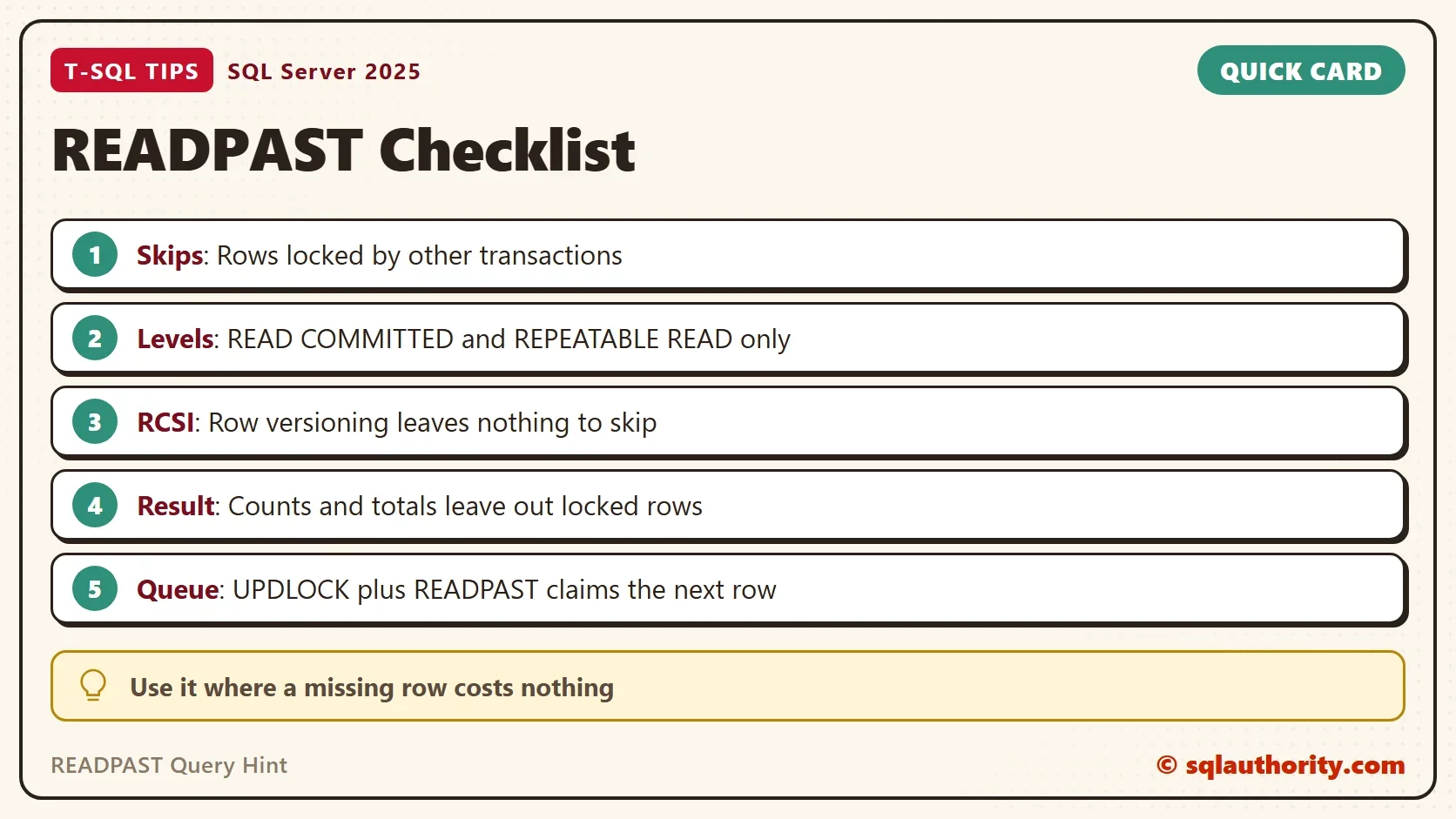
Row versioning has the same effect from the other side. When READ_COMMITTED_SNAPSHOT is on, a read at the default level takes no shared locks, so there is nothing to skip. With the option on, the READPAST query hint returned all five seats with their last committed value, Free. Check the setting before you test.
SELECT name, is_read_committed_snapshot_on FROM sys.databases WHERE name = N'ReadPastDemo';
| name | is_read_committed_snapshot_on |
|---|---|
| ReadPastDemo | 0 |
A READPAST result is incomplete by design. A count, a sum or an average over a table with locked rows leaves those rows out. Use the hint for screens and queues, not for totals.
Claim the Next Row
The second use is a work queue. Several workers each need the next free row, and none should wait for a row another worker holds. Combine READPAST with UPDLOCK and ROWLOCK. UPDLOCK keeps the row yours until the transaction ends. ROWLOCK limits the lock to one row. TOP (1) with ORDER BY inside a CTE picks the lowest free seat.
BEGIN TRANSACTION;
WITH NextSeat AS (
    SELECT TOP (1) SeatID, SeatLabel, Status
    FROM dbo.Seats WITH (UPDLOCK, READPAST, ROWLOCK)
    WHERE Status = N'Free'
    ORDER BY SeatID
)
UPDATE NextSeat SET Status = N'Claimed'
OUTPUT inserted.SeatID, inserted.SeatLabel;
Window 1 claims seat 1. Run the same statement in window 2, without BEGIN TRANSACTION. It claims seat 2 at once. Without READPAST in the hint list, window 2 waits for seat 1. After the timeout it fails with the same Msg 1222.
| Window | SeatID | SeatLabel |
|---|---|---|
| 1 | 1 | A1 |
| 2 | 2 | A2 |
Roll window 1 back when you finish, so seat 1 is free again.
ROLLBACK TRANSACTION;
When the Hint Is the Wrong Choice
You could argue that skipping rows is dangerous. A screen that quietly leaves seats out looks like a screen that works. That’s fair. The READPAST query hint is right when a missing row costs nothing. A seat map that refreshes and a worker that picks the next job are examples. It’s wrong for totals, reconciliation and anything an auditor reads. For those, row versioning gives a complete answer without waiting.
What to Remember
Use the READPAST query hint to skip locked rows, and read the result as “the rows that were free”. Test it with an update that changes a value, in two windows, under READ COMMITTED.
For a work queue, add UPDLOCK and ROWLOCK, and let the lowest free row win. When you finish, drop the demo database.
USE master;
GO
IF DB_ID(N'ReadPastDemo') IS NOT NULL
BEGIN
    ALTER DATABASE ReadPastDemo SET SINGLE_USER WITH ROLLBACK IMMEDIATE;
    DROP DATABASE ReadPastDemo;
END;
A skipped row is not a missing row, it is a row somebody else is still using.
Published by Pinal Dave on SQLAuthority. More of my work at pinaldave.com.
Discover more from SQL Authority with Pinal Dave
Subscribe to get the latest posts sent to your email.




6 Comments. Leave new
I tried READPAST using the query given in the example, but it doesn’t work, It still gives the output as 1,2,3,4,5.
You have to try that in the new session.
Hi Pinal,
I tried in new session but still it is not giving any data running long time but no data.
I am sorry, I do not know how I will be able to help as I tried it again and it is working. I have asked a few of the other blog readers and it is working for them too!
Did you use tempdb?
If READ COMMITTED SNAPSHOT is enabled in the current database, the example won’t work. Any locked data is read from the snapshot of committed data, so… it doesn’t need to READPAST anything.
It’s not possible to turn that setting on in tempdb. (I just tried).
That’s because SQL Server got smarter and realizes that SET ID = ID doesn’t change anything. Try using SET ID = -ID instead and it will work.