SQL Server blocking, told as a choose-your-own-path story. You are the on-call DBA. The phone has gone. The diagnosis and the kill were run in the lab on SQL Server 2025 and measured. The other branches are reasoned, and the text says which is which.

Page 1
It’s 2:14. The alert says the order screen is timing out. You open a connection and run the query the screen runs, one order by ID.
It hangs. Eight seconds later SQL Server’s lock timeout fires. It was set at eight seconds for this connection, and it hands back the error the users see.
Msg 1222: Lock request time out period exceeded.
(after 8,009 ms)
A single-row read on a primary key is waiting on a lock. Something is holding it.
To find out what, turn to page 2. To restart the SQL Server service because that usually fixes things, turn to page 5.
Page 2
You ask the server who’s holding what.
SELECT r.session_id, r.blocking_session_id, r.wait_type, r.wait_time / 1000 AS wait_s,
       r.status, b.event_info
FROM sys.dm_exec_requests r
OUTER APPLY sys.dm_exec_input_buffer(r.session_id, NULL) b
WHERE r.session_id <> @@SPID;
session_id  wait_type  wait_s  status     input
52          WAITFOR    9       suspended  INSERT dbo.IncidentLog ... ('archive', 'begin ...
Session 52 isn’t blocked by anyone. It’s in a WAITFOR. It is sleeping, on purpose, in the middle of whatever it’s doing.
One more query, for the transaction.
SELECT s.session_id, s.program_name, DATEDIFF(SECOND, t.transaction_begin_time, SYSDATETIME()) AS open_s,
       (SELECT COUNT(*) FROM sys.dm_tran_locks l WHERE l.request_session_id = s.session_id) AS locks
FROM sys.dm_exec_sessions s
JOIN sys.dm_tran_session_transactions st ON st.session_id = s.session_id
JOIN sys.dm_tran_active_transactions t ON t.transaction_id = st.transaction_id;
session_id  program_name  open_s  locks
52          SQLCMD        11      3,367
A transaction open for eleven seconds, holding 3,367 locks, and the session is asleep. This is the archive job. It updated 400,000 rows and then paused inside its own transaction. Whoever wrote it put the pause in the wrong place.
Everything that touches those rows waits for it.
To kill session 52, turn to page 3. To wait for it to finish on its own, turn to page 4.
Page 3: you kill it
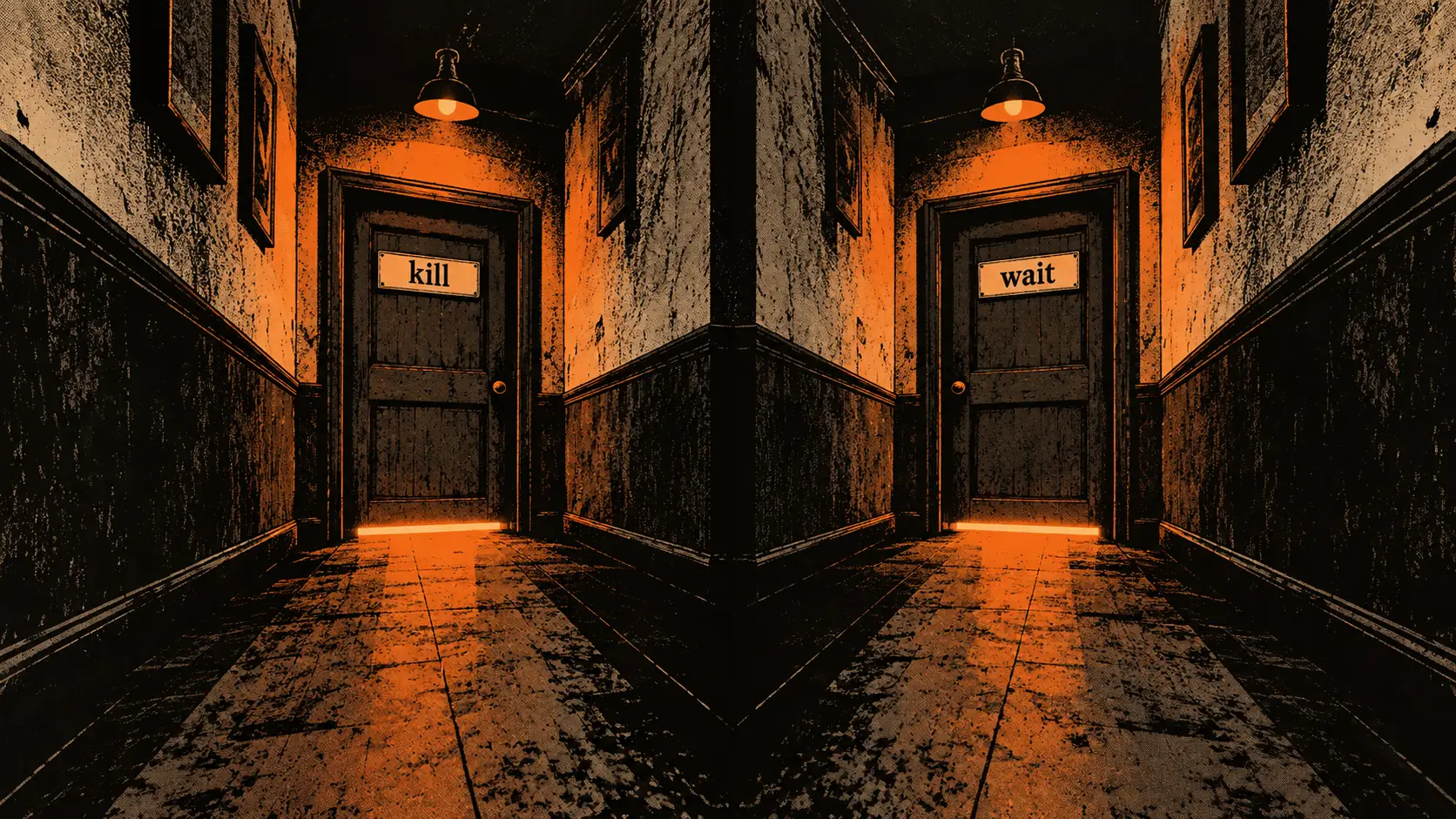
KILL 52;
The server has to undo 400,000 row updates before the locks are released. That is how it works with accelerated database recovery off, which is how this lab was set. You watch the session until it’s gone.
10:14:56.586  branch KILL: killing spid 52
10:14:57.238  rollback finished, session gone after 652 ms
10:14:57.238  rows still archived after kill: 0
Six hundred and fifty-two milliseconds. The locks are gone and the order screen comes back. Every one of the 400,000 rows is back where it started.
The job will need to be re-run, and whoever owns it needs to hear about the pause. But nobody is waiting any more.
One thing worth knowing. I measured 652 ms and did not isolate what made it that fast. A rollback can take as long as the work it undoes. Age alone doesn’t tell you that cost. Before you kill, check the work it has done and who is stuck behind it. Check whether accelerated database recovery is on, because it changes both the rollback and when the locks come back.
To read what would have happened if you’d waited, turn to page 4. For the ending, turn to page 6.
Page 4: you wait
The job was written to commit after its ninety-second pause. If nothing else goes wrong, it will.
So the order screen is down for ninety seconds, minus the eleven already gone. Every user who tried in that window got the timeout on page 1.
That is sometimes the right answer. Suppose the transaction had been open for two hours and the rollback would take two more. Waiting ten minutes for it to commit is the lesser harm.
The rule is arithmetic. Time left until it finishes, against time to undo what it’s done. Neither number is the transaction’s age. Both come from what it has actually written, and you can only look that up if you did page 2.
For the ending, turn to page 6.
Page 5: you restart the service
You didn’t look. You restarted.
Every open transaction on the server rolls back, including the archive job, including anything else that was running fine. Every connection drops. Every plan leaves the cache. The buffer pool empties, and I didn’t measure what that costs the next morning.
The order screen does come back, after recovery finishes, and you never find out what the problem was. So it happens again next week.
I didn’t run this branch in the lab, because I didn’t need to. Everything on this page follows from what a restart is.
Go back to page 1 and choose again.
Page 6: the ending
You were on call for one incident, and it had one cause: a transaction that held locks while it slept.
The fix is not in your hands at 2 a.m. It’s in the job. Commit before you pause. Batch the update so each batch commits. Never hold a transaction open across a wait, a network call or a prompt.
What was in your hands was the order you did things in. Look, then decide, then act. The looking took two queries and about thirty seconds.
One detail from the lab I liked. The job wrote a log line saying “400,000 rows updated, holding locks” inside its own transaction. When I killed it, the line vanished with the rollback. The evidence of the problem was undone along with the problem.
Write your incident log from a different connection.

How this SQL Server blocking incident was built
A 1,200,000 row ledger table. One session updates 400,000 rows and sleeps ninety seconds inside the transaction. A second session, with an 8-second lock timeout, plays the application. A third plays you.
The timings above are from the log those sessions wrote. The 652-millisecond rollback is a measurement, not a guess. The log’s clock reads 10:14 rather than 2:14. I ran the incident at ten in the morning, which is the only respectable time to rehearse one.
If your shop has a job that pauses inside a transaction, I’d like to meet it before 2 a.m. does.
An incident is not a mystery, it is a transaction somebody left open.
Published by Pinal Dave on SQLAuthority. More of my work at pinaldave.com.
Discover more from SQL Authority with Pinal Dave
Subscribe to get the latest posts sent to your email.