AI writes genuinely beautiful T-SQL queries. Aligned, aliased, commented, indented like a textbook. Beautiful has never meant correct, but we have spent thirty years treating it as a signed affidavit.
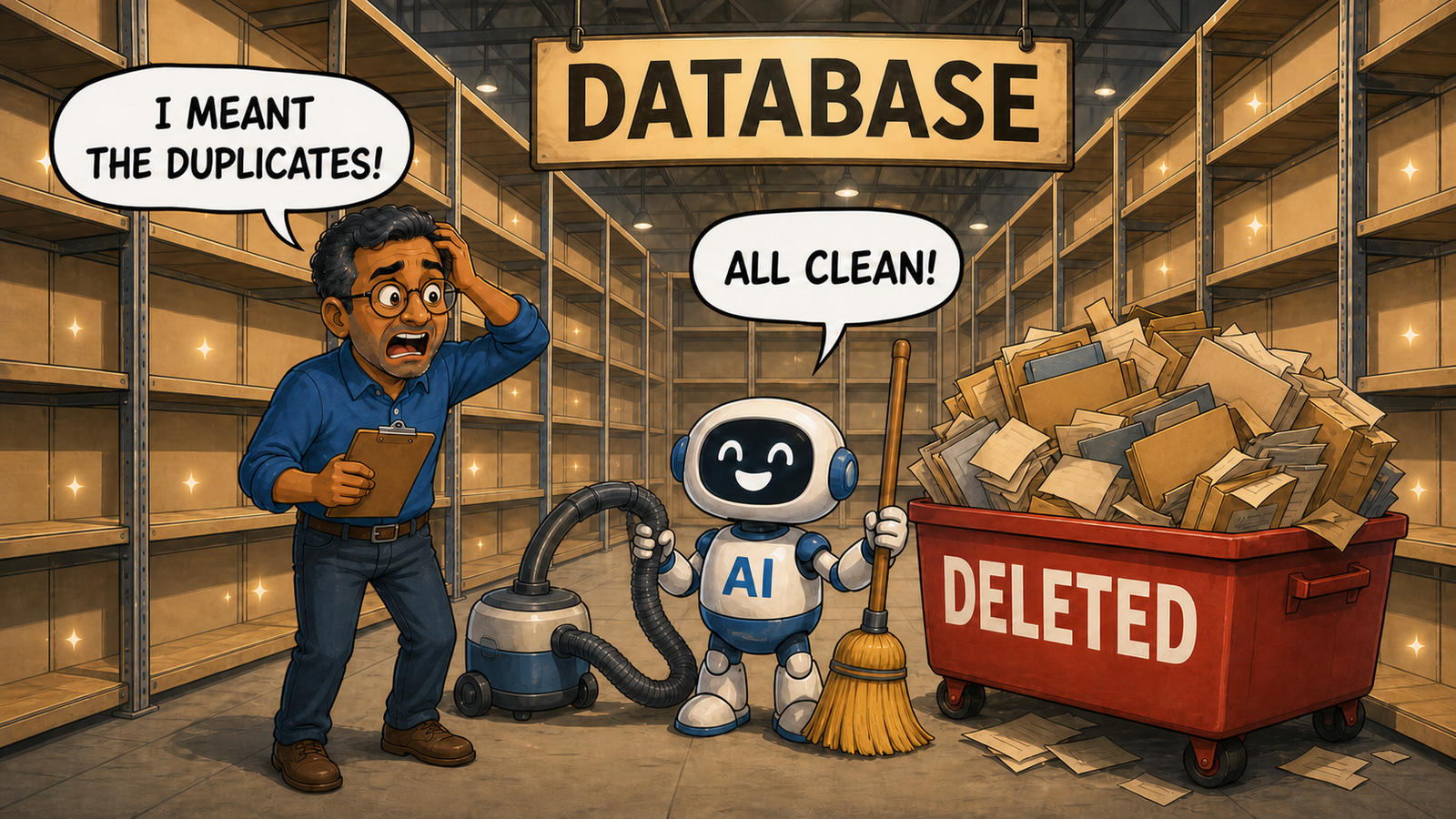
Here is a thing I only noticed recently, having relied on it my entire career without ever saying it out loud.
Bad code used to look bad. It dressed for the occasion.
Not always. But usually. The query written at midnight by somebody who had stopped caring looked like it had been written at midnight by somebody who had stopped caring. Ragged indentation. Aliases called a, b and aa. A comment that said -- fix later dated 2017. The file might be called final_v6_ACTUAL_FINAL.sql. You could feel the fatigue coming off it before you read a single line, and you slowed down accordingly.
That was not laziness on my part. It was a useful signal for thirty years.
It does not work now. Dangerous code arrives beautifully formatted, correctly aliased, sensibly commented, and looking exactly like something out of official documentation. It looks as though it has references. The signal has been severed from the thing it was signalling. Nobody told my instincts, which continue to give it a visitor badge.
A quick note. Every example below is real in shape and changed in detail. Do not run any of them anywhere you care about, including the server everybody says is only staging.
Exhibit A: The One That Can Delete the Company
I asked for a query to clean up customers with no recent activity. This came back with the posture of something that had already passed review.
-- Remove customers whose orders are all historical
DELETE c
FROM   dbo.Customers AS c
JOIN   dbo.Orders    AS o ON o.CustomerID = c.CustomerID
WHERE  o.OrderDate < '20200101';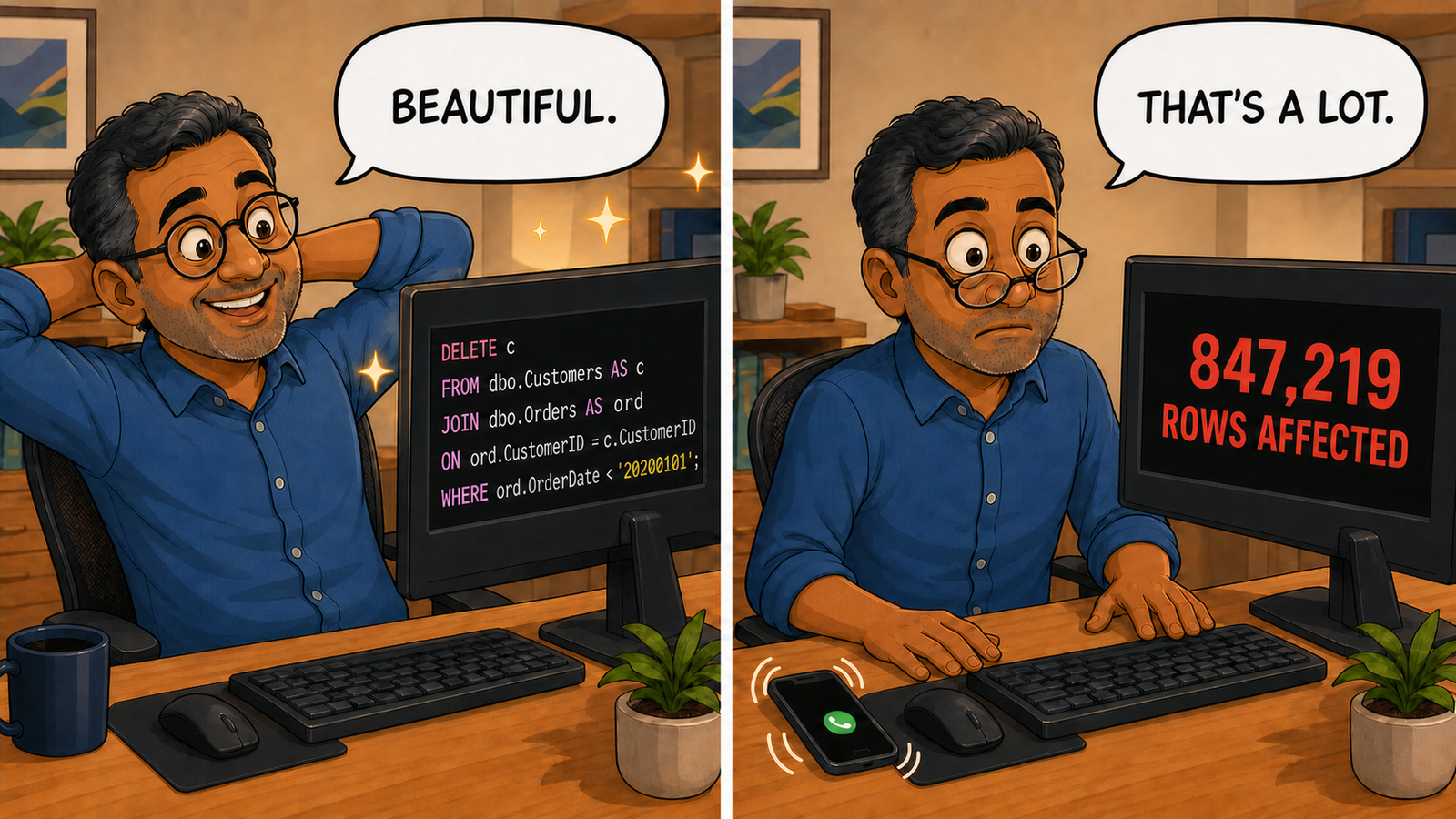
Look at that: aligned columns, aliases on both sides, and a comment explaining the intent. If a junior on my team sent me that I’d think, good, somebody is finally reading the style guide. I might even add a thumbs-up, which is how many modern incidents receive formal approval.
It deletes every customer who has any order before 2020. Or it tries to. The word any is doing the work the comment assigned to all.
A normal foreign key using NO ACTION will stop the delete, loudly, and you should thank whoever created it. The constraint is now employee of the month. With ON DELETE CASCADE, disabled constraints, or no foreign key at all, your best client can be gone. They ordered every month since 2016 and again this morning. The database rewards that loyalty by removing the evidence. If cascades are enabled, the deletion keeps walking, professionally and without raising its voice.
The comment says the right thing. The query does not. And the comment is what your eye reads first, because comments are the code’s version of events.
Exhibit B: The One That Silently Returns Nothing
SELECT c.CustomerID,
       c.CustomerName
FROM   dbo.Customers AS c
WHERE  c.CustomerID NOT IN (SELECT o.CustomerID FROM dbo.Orders AS o);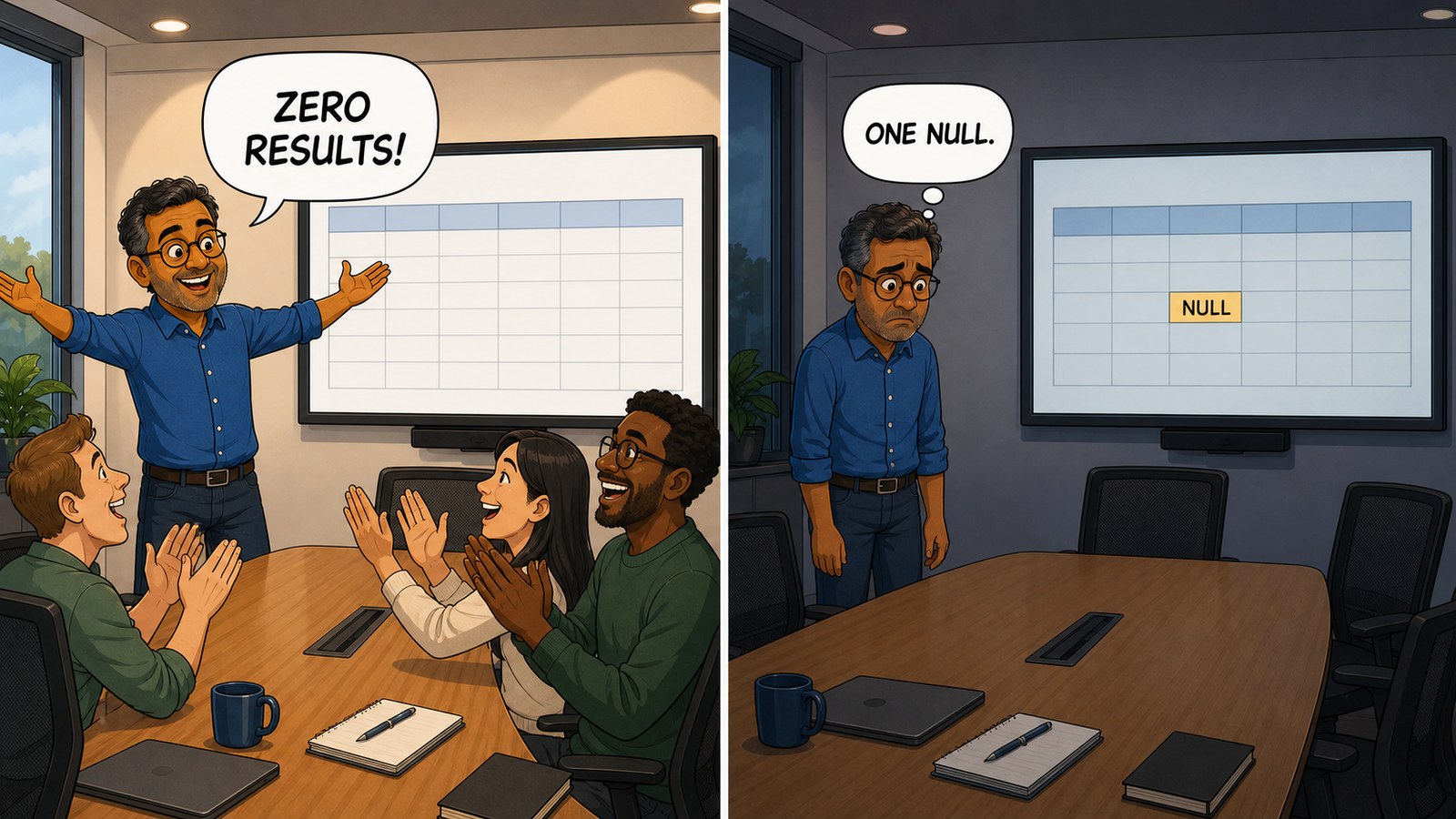
Textbook. It is the query in the textbook. The textbook is now face down and not taking calls.
If a single row in Orders has a NULL CustomerID, this returns zero rows, promptly and forever. One NULL has veto power over the entire customer base, which is more authority than the change advisory board.
No error, no warning. Just zero rows delivered with total composure, because NOT IN against a set containing NULL evaluates to unknown, and unknown is not true.
Somebody will look at that empty result and say, ah good, every customer has ordered. That statement will go into a report. The report will go into a meeting. The slide will be green. This is how a NULL in one row in one table becomes a strategy.
Exhibit C: The One That Gives a Different Answer Every Time
UPDATE p
SET    p.Price      = s.Price,
       p.ModifiedOn = SYSUTCDATETIME()
FROM   dbo.Products AS p
JOIN   dbo.PriceStaging AS s ON s.SKU = p.SKU;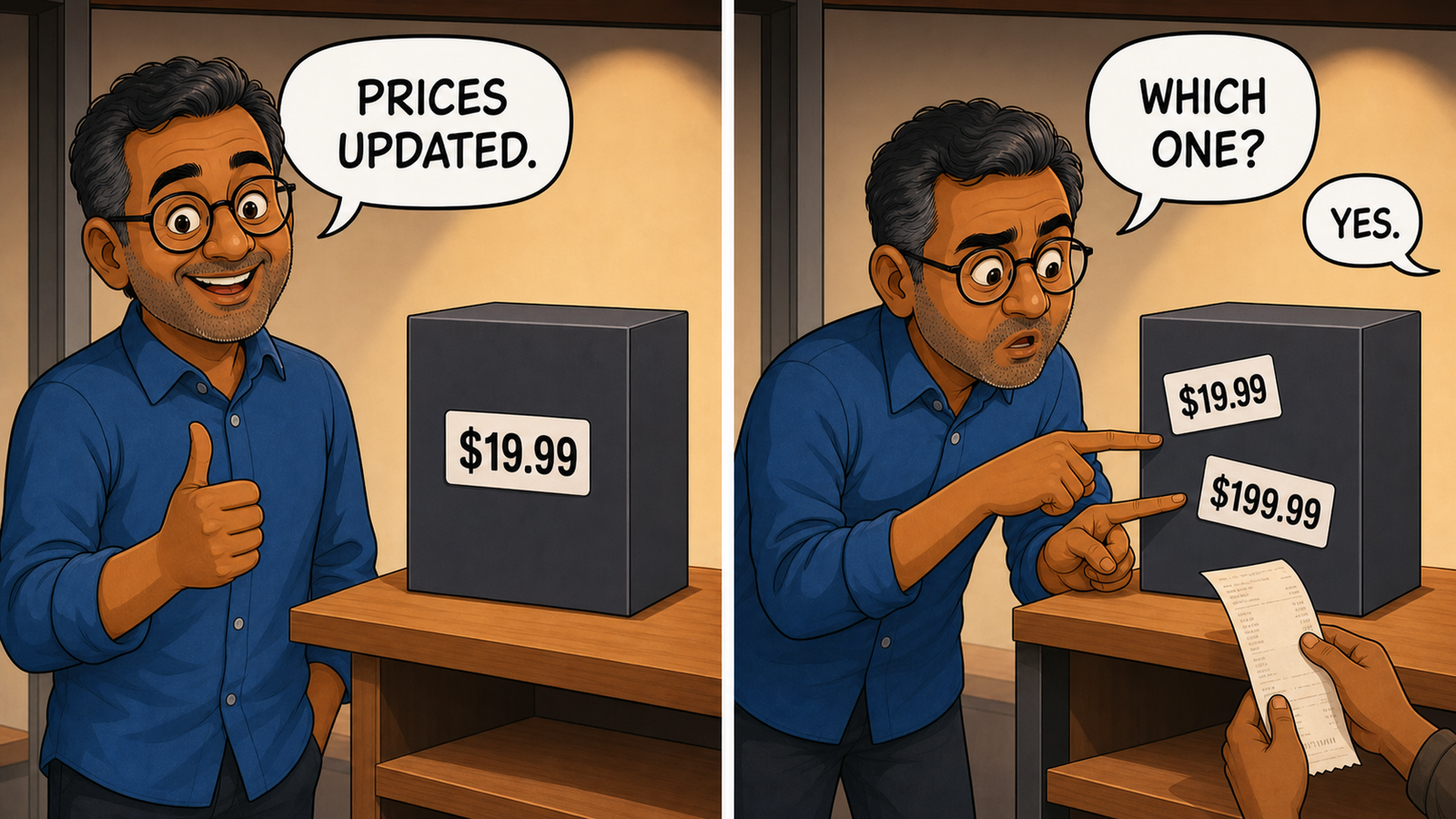
Perfectly reasonable. I’ve written this query, and so have you.
If PriceStaging contains two rows for the same SKU, and staging tables always eventually contain two rows for the same SKU, SQL Server does not complain. Every staging table begins life with standards and ends life accepting a file called prices_FINAL_final_use_this_2.xlsx. SQL Server raises no error, picks no newest row, and offers no warning. Microsoft’s documentation calls the result undefined, which is a very calm word for choosing a price by accident.
Run it again and it may pick the other one. Same query, same data, new answer. The database has developed a position.
You’ve now got a non-deterministic pricing process. You’ll find out when somebody in finance asks why the same import produced two different numbers on two different days, and you spend a Tuesday discovering that the answer is a shrug written into the engine.
Exhibit D: The One Everybody Has Shipped
SELECT SUM(o.OrderTotal) AS MonthlyRevenue
FROM   dbo.Orders AS o
WHERE  o.OrderDate BETWEEN '20260101' AND '20260131';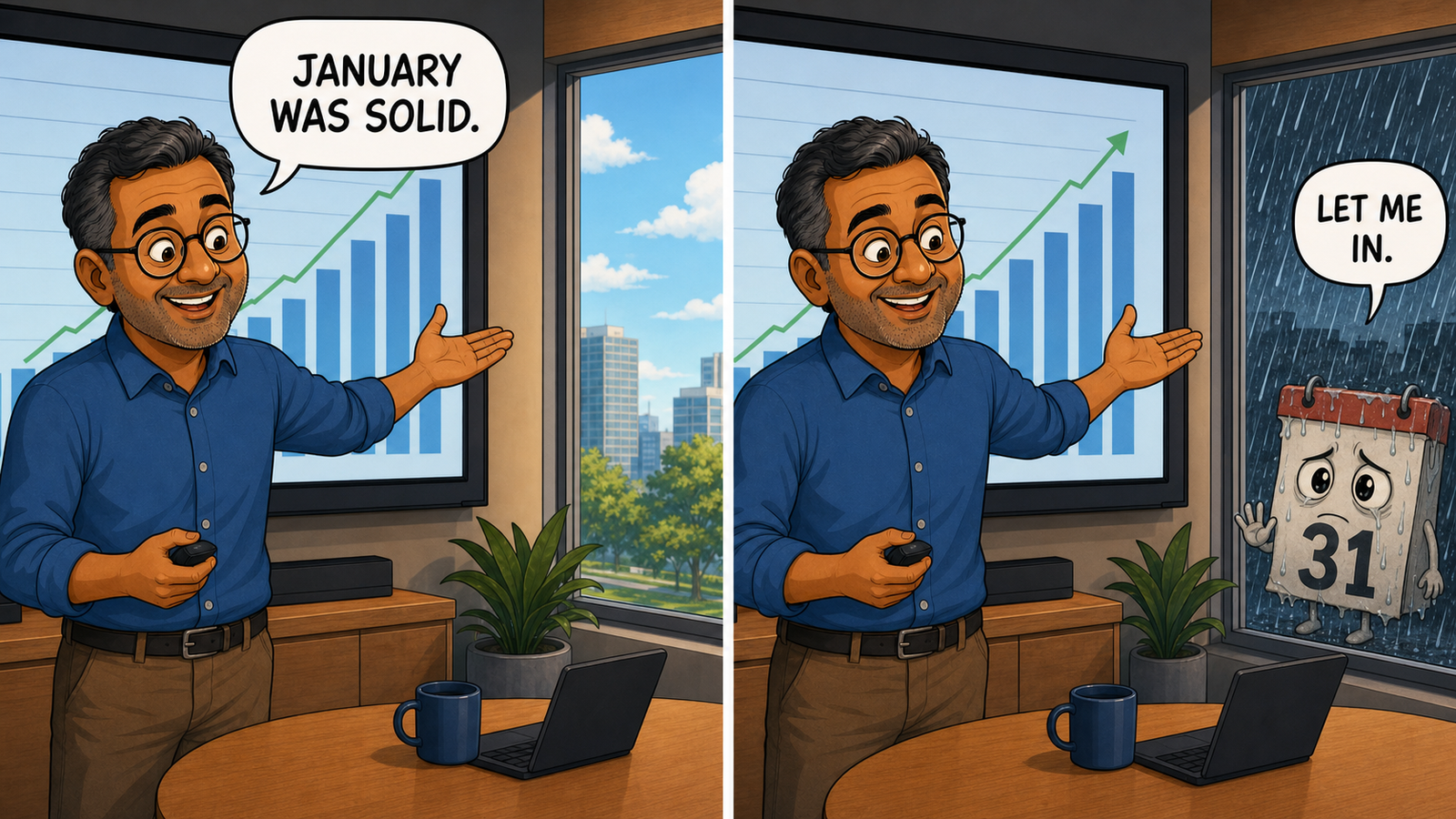
Clean, readable, and in production somewhere near you right now, probably inside a report with the word certified in its filename.
If OrderDate is a datetime, this includes exactly midnight on the 31st and then closes for the day. The monthly revenue report has given the final day of January office hours of zero seconds.
You’ve just quietly excluded one day in thirty one, or roughly three percent of your revenue, from a number that somebody is going to make a decision with. It will not look wrong. Three percent never looks wrong. It looks like January.
The safe range is >= '20260101' and < '20260201'. BETWEEN includes both endpoints, and a date without a time means midnight. January is already difficult enough without asking the database what time the month closes.
This mistake predates AI by decades and we’ve always made it slowly, one developer at a time. Now it can arrive in beautiful formatting, in forty places, before lunch. Lunch then becomes the incident call.
Exhibit E: The One That Is Fine Until the Server Is Busy
BEGIN TRY
    BEGIN TRANSACTION;

    UPDATE dbo.Accounts SET Balance = Balance - @Amount WHERE AccountID = @From;
    UPDATE dbo.Accounts SET Balance = Balance + @Amount WHERE AccountID = @To;

    COMMIT TRANSACTION;
END TRY
BEGIN CATCH
    ROLLBACK TRANSACTION;
END CATCH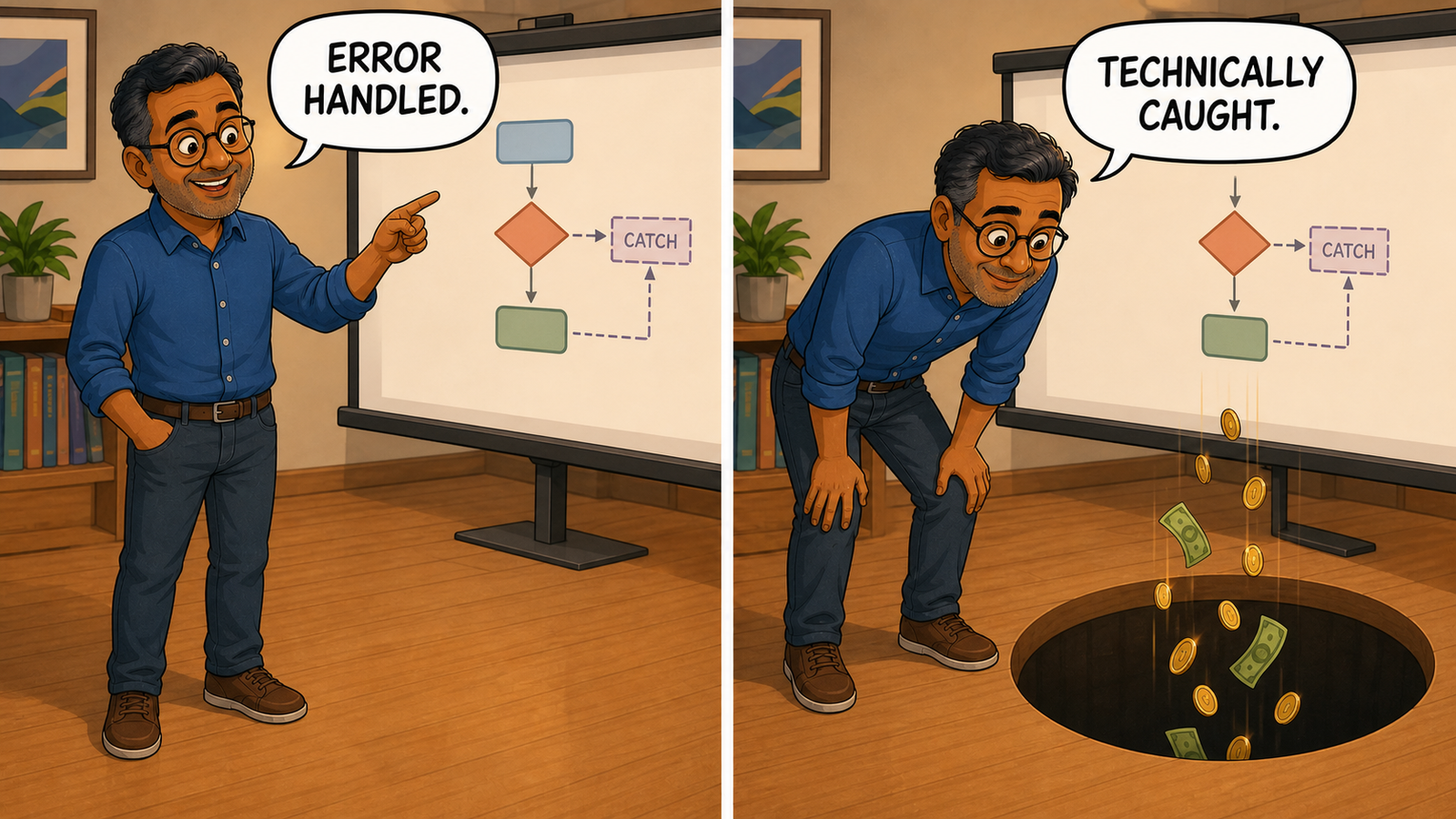
This is the most reassuring block of code in the entire post. It has a transaction and error handling. It is wearing a high-visibility vest and carrying a clipboard. It has the shape of safety, and shape is what we’re pattern matching on.
The CATCH block rolls back and then says nothing at all. No rethrow, no log, no alert. The error is caught in the sense that a hole in the floor catches things. It has been handled and is now in the basement.
Money leaves one account, the second statement fails, everything rolls back correctly, and the calling application can continue as though the operation succeeded because nothing was ever raised. A receipt may even be sent. This is a financial system with excellent manners and no memory of transferring money.
The boring safe version checks XACT_STATE(), rolls back an active transaction, and uses THROW; to return the original error. That final line is the only thing in the block willing to admit something happened.
Why Our Instincts Are Now Working Against Us
The argument is not really about SQL. I trusted formatting because it used to cost somebody an afternoon. Aligning columns, naming aliases properly, and writing a comment took care. If somebody spent that care on presentation, I assumed they’d also thought about the join, or at least stared at it long enough to become cautious. Sometimes I was wrong, but it was a useful shortcut.
Now that finish can be generated for free. A query can look as though it has passed review before it has even met the data. Our instincts were trained when care and presentation came welded together, so code that looks like documentation still gets a lighter review than code that looks like a Tuesday.
What I Actually Do Now
Nothing clever. Four habits and one rule, all of them boring, all of them cheap. None requires a steering committee, which is probably why they work.
Read the FROM clause first. Before the SELECT, before the comment, before anything. Most catastrophic data changes are catastrophic in the join, and the join is the part your eye skips because it looks like plumbing. Exhibit A is a FROM clause problem. The word DELETE merely gets the press coverage. The join did the planning.
Turn every DELETE and UPDATE into a SELECT first. Select the target key, keep the same FROM and WHERE clauses, then count both joined rows and distinct target keys. If those numbers differ, explain why. If either surprises you, stop. The acceptable number of surprises in a DELETE preview is zero. This policy has never required a meeting. Exhibit A would have returned a number that made somebody say “that seems like a lot of customers,” which is the entire safety mechanism and it costs eleven seconds. Most organisations can still afford it.
Ignore the comment. The comment tells you what the author meant. You’re not reviewing intentions. The comment is an alibi. Read the evidence first. If the two disagree, one of them is lying, and it’s usually not the code.
Ask what happens when the data is worse than expected. A NULL where you didn’t expect one. Two rows where you assumed one. A datetime where you pictured a date. Every exhibit above looks correct against the data the author imagined. Real data arrives with food stains and a column called Temp2. Yours has been accumulating character since 2011.
Then the rule. Review it as though it were written by somebody extremely confident who has never met your data. That is not an insult to anybody. It’s a precise description of what actually happened.
The Half of This That Is Good News
I don’t want to leave you thinking I’ve stopped using it, because I haven’t and I’m not going to.
Every one of those five queries is a fine first draft. Four took seconds to produce and would’ve taken me a few minutes each. The fifth is better structured than what I’d have typed at half past five on a Friday, when an alias called x2 begins to feel sufficiently descriptive.
The work moved rather than disappeared. Writing and reviewing used to share the load. Now it has collapsed almost entirely into reviewing, which was always the harder part. We’ve automated the fun bit and kept the part where you stare at a NULL for forty minutes.
The elegant version is free now. The skill worth having is being able to look at it and stay suspicious for another ninety seconds. Those ninety seconds have no logo, launch event, or dashboard, which is why nobody has scheduled them.
That’s roughly the argument running through all thirty essays in my book AI: Nobody’s in There. But we’re still in here. All thirty are free to read at pinaldave.com, and the book is available in paperback, Kindle and audiobook on Amazon.
By the way, the title of this post isn’t really a joke. Of the five queries above, exhibit A can delete your customers, exhibit C can corrupt your prices, and exhibit E can lose money silently.
Three of them could delete the company. They just wouldn’t all do it on the same afternoon.
The machine made beauty free, and it turns out a worrying amount of code review was just us admiring the tailoring.
Published by Pinal Dave on SQLAuthority. More of my work at pinaldave.com.
Discover more from SQL Authority with Pinal Dave
Subscribe to get the latest posts sent to your email.