tempdb space resource governance lets SQL Server 2025 cap how much tempdb one workload can fill. Until now, one runaway sort or temp table could take all the space and stop every other query. Now you give a Resource Governor group a limit, and only the query that crosses it fails. Let’s build the fence and watch it hold.

Why tempdb Needs a Fence
tempdb is the scratch space of the whole instance. Temp tables, table variables, sort and hash spills and row versions all live there, for every session. When one query fills the data files, nobody else can create a temp table or finish a sort. One session causes a problem for the whole server.
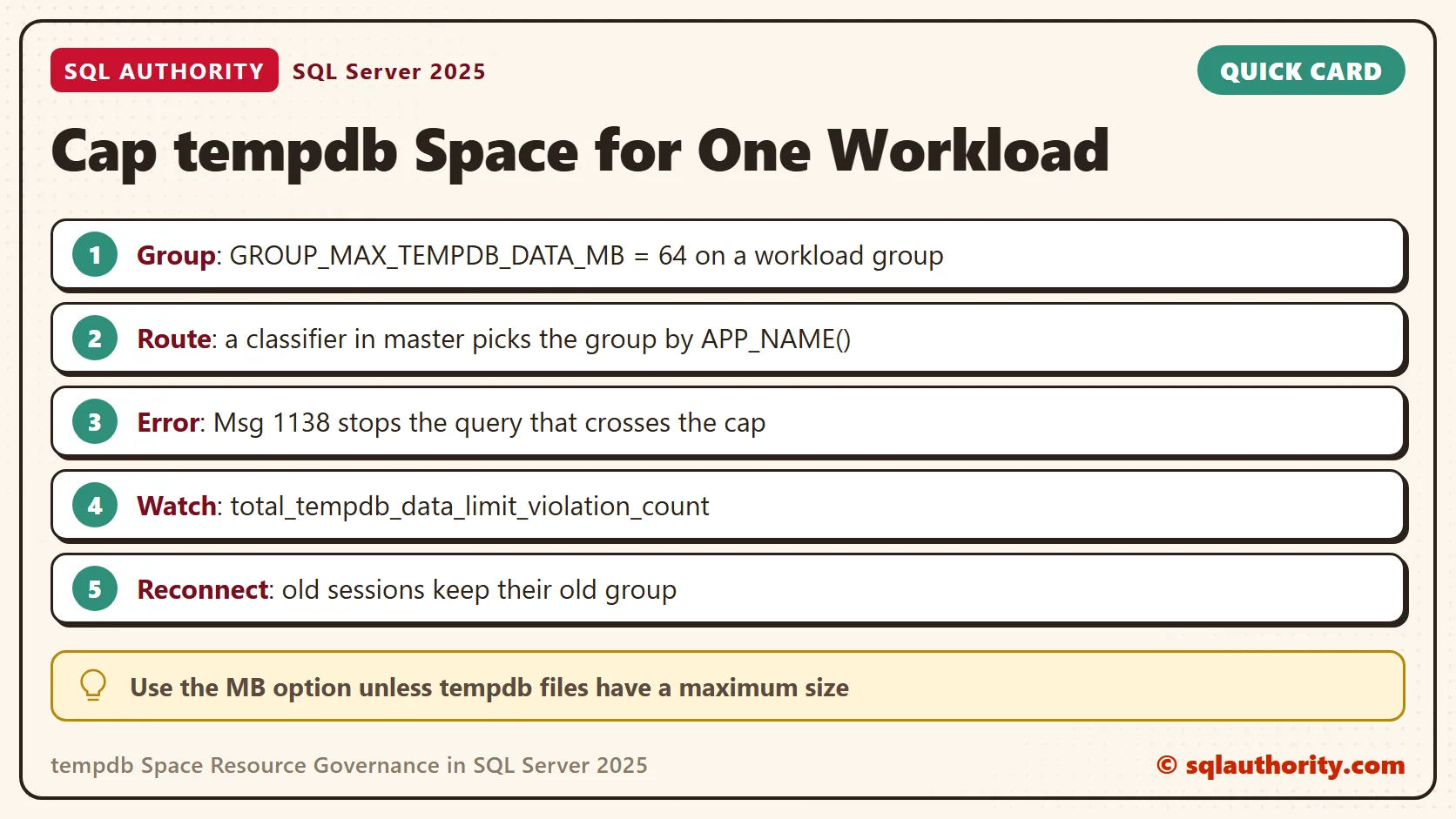
Resource Governor already limited CPU, memory and IO. It works with workload groups. A workload group is a named set of sessions that share the same limits. A small function, the classifier, picks the group for each new connection. That is where tempdb space resource governance fits. SQL Server 2025 adds two group settings, GROUP_MAX_TEMPDB_DATA_MB and GROUP_MAX_TEMPDB_DATA_PERCENT, that cap the tempdb data space a group can use.
Build a Test Database
I ran everything here on SQL Server 2025. Resource Governor is a server-wide feature, so use a test server. We need two windows. Window A is your normal connection. Window B connects with the application name TempdbCapDemo. In SSMS, click Options in the connect dialog and add Application Name=TempdbCapDemo under Additional Connection Parameters.
Run the first two scripts in Window A. The orders table holds 40,000 rows with a 2,000-byte note each, so a big sort has plenty to move.
IF DB_ID(N'TempdbCapDemo') IS NULL CREATE DATABASE TempdbCapDemo;
USE TempdbCapDemo;
GO
DROP TABLE IF EXISTS dbo.Orders;
CREATE TABLE dbo.Orders
(
    OrderID int NOT NULL PRIMARY KEY,
    Customer int NOT NULL,
    Note char(2000) NOT NULL
);
INSERT INTO dbo.Orders (OrderID, Customer, Note)
SELECT value, value % 500, REPLICATE(CHAR(65 + value % 26), 2000)
FROM GENERATE_SERIES(1, 40000);
SELECT COUNT(*) AS Orders, SUM(DATALENGTH(Note)) / 1048576 AS NoteMB FROM dbo.Orders;| Orders | NoteMB |
|---|---|
| 40000 | 76 |
Create the Group
The group holds the cap. USING [default] puts it in the default pool, so CPU and memory limits stay as they are. The RECONFIGURE line makes SQL Server apply the change.
USE master;
GO
CREATE WORKLOAD GROUP TempdbCapGroup WITH (GROUP_MAX_TEMPDB_DATA_MB = 64) USING [default];
ALTER RESOURCE GOVERNOR RECONFIGURE;
GO
SELECT name, group_max_tempdb_data_mb, group_max_tempdb_data_percent
FROM sys.resource_governor_workload_groups WHERE name = N'TempdbCapGroup';
| name | group_max_tempdb_data_mb | group_max_tempdb_data_percent |
|---|---|---|
| TempdbCapGroup | 64 | NULL |
On my server Resource Governor was off, and the first RECONFIGURE switched it on. Check sys.resource_governor_configuration before you start, so you know what to restore.
Route One Application Into the Group
The classifier runs when a connection opens. It returns the name of a group. This one sends only TempdbCapDemo to our group, and everyone else stays in default. It lives in master, and SCHEMABINDING keeps anyone from changing what it uses.
CREATE FUNCTION dbo.TempdbCapClassifier() RETURNS sysname WITH SCHEMABINDING AS
BEGIN
    DECLARE @g sysname = N'default';
    IF APP_NAME() = N'TempdbCapDemo' SET @g = N'TempdbCapGroup';
    RETURN @g;
END;
GO
ALTER RESOURCE GOVERNOR WITH (CLASSIFIER_FUNCTION = dbo.TempdbCapClassifier);
ALTER RESOURCE GOVERNOR RECONFIGURE;
GO
SELECT OBJECT_NAME(classifier_function_id, 1) AS Classifier, is_enabled
FROM sys.resource_governor_configuration;| Classifier | is_enabled |
|---|---|
| TempdbCapClassifier | True |
The classifier runs only at login. A window that was already open keeps its old group. In my test, a TempdbCapDemo window opened before this step was still in default afterwards. Always reconnect.
Watch the Fence Hold
Open a fresh Window B with the application name. This query asks SQL Server which group the session landed in.
SELECT g.name AS group_name
FROM sys.dm_exec_sessions AS s
JOIN sys.dm_resource_governor_workload_groups AS g ON g.group_id = s.group_id
WHERE s.session_id = @@SPID;
| group_name |
|---|
| TempdbCapGroup |
Now fill tempdb on purpose. Each row of this temp table is 8,000 bytes, so each row takes one 8 KB page. So 4,000 rows need about 32 MB.
CREATE TABLE #Big (id int NOT NULL, pad char(8000) NOT NULL);
INSERT INTO #Big (id, pad) SELECT value, 'x' FROM GENERATE_SERIES(1, 4000);
SELECT COUNT(*) AS RowsLoaded FROM #Big;
The group view shows what the group holds right now. The columns are the current data space in KB, the peak, and the count of queries the limit stopped.
SELECT name, tempdb_data_space_kb, peak_tempdb_data_space_kb, total_tempdb_data_limit_violation_count
FROM sys.dm_resource_governor_workload_groups WHERE name = N'TempdbCapGroup';
| name | tempdb_data_space_kb | peak_tempdb_data_space_kb | total_tempdb_data_limit_violation_count |
|---|---|---|---|
| TempdbCapGroup | 32064 | 35584 | 0 |
The group holds 32,064 KB, close to the 32 MB we expected. Another 4,000 rows would pass the 64 MB cap, so let’s load them.
INSERT INTO #Big (id, pad) SELECT value + 4000, 'y' FROM GENERATE_SERIES(1, 4000);
Msg 1138, Level 17, State 1, Line 1
Could not allocate a new page for database 'tempdb' because that would exceed the limit set for workload group 'TempdbCapGroup', group_id 262.
The statement fails, and the message names the group that hit its limit. The 4,000 rows from before are still there, and the session keeps working. Run the group view again to see the record.
SELECT COUNT(*) AS RowsAfterError FROM #Big;
SELECT name, tempdb_data_space_kb, peak_tempdb_data_space_kb, total_tempdb_data_limit_violation_count
FROM sys.dm_resource_governor_workload_groups WHERE name = N'TempdbCapGroup';
| name | tempdb_data_space_kb | peak_tempdb_data_space_kb | total_tempdb_data_limit_violation_count |
|---|---|---|---|
| TempdbCapGroup | 32064 | 65536 | 1 |
The peak is 65,536 KB, exactly 64 MB. The count shows one stopped query. A monitoring job can read that count and tell you which group is hitting its fence.
A Report That Spills
A temp table is not the only way to fill tempdb. When a sort needs more memory than SQL Server granted, it writes the rest to tempdb. That is a spill. The next report ranks all orders by note. The hint caps its memory grant at 1 percent, so it spills the same way on every run. Reconnect Window B first, because closing the old connection drops the temp table.
USE TempdbCapDemo;
GO
WITH r AS (SELECT ROW_NUMBER() OVER (ORDER BY Note DESC, OrderID) AS rn FROM dbo.Orders)
SELECT MAX(rn) AS RowsRanked FROM r OPTION (MAX_GRANT_PERCENT = 1);
Msg 1138, Level 17, State 1, Line 1
Could not allocate a new page for database 'tempdb' because that would exceed the limit set for workload group 'TempdbCapGroup', group_id 262.
Same error, and no temp table in sight. Now run the same report in Window C. Window C is any connection with a different application name, so it stays in default. Afterwards, ask how much tempdb the session used for internal work such as sort spills.
SELECT session_id, internal_objects_alloc_page_count * 8 / 1024 AS InternalMB
FROM sys.dm_db_session_space_usage WHERE session_id = @@SPID;
| Window | Group | Result | InternalMB |
|---|---|---|---|
| B | TempdbCapGroup | Msg 1138 | stopped |
| C | default | 40000 rows ranked | 78 |
The report needs 78 MB of tempdb. The cap is 64 MB, so it can never finish in the capped group. In default, it finishes.
Change the Cap
Raising the limit takes one statement. A new connection picks it up.
USE master;
GO
ALTER WORKLOAD GROUP TempdbCapGroup WITH (GROUP_MAX_TEMPDB_DATA_MB = 128);
ALTER RESOURCE GOVERNOR RECONFIGURE;
I reconnected Window B and ran the report again. It ranked all 40,000 rows and used 78 MB. That is under the new cap of 128 MB.
What About the Percent Option?
GROUP_MAX_TEMPDB_DATA_PERCENT sets the cap as a share of tempdb instead of a fixed size. SQL Server accepted it on my server, and the catalog view showed 1 for it. Then I reconnected Window B and ran the same report. It finished with 78 MB used.
USE master;
GO
ALTER WORKLOAD GROUP TempdbCapGroup WITH (GROUP_MAX_TEMPDB_DATA_MB = NULL, GROUP_MAX_TEMPDB_DATA_PERCENT = 1);
ALTER RESOURCE GOVERNOR RECONFIGURE;
Nothing stopped it, because my tempdb files have no maximum size. A percent has nothing to measure against. The documentation ties the percent option to a maximum tempdb size. I did not change tempdb files to test it. Use the MB option unless you cap your tempdb files.
Is a Failed Query Better?
You could say tempdb space resource governance only moves the failure. The query dies instead of the server. Fair point. That is the whole idea. One failed report is cheaper than a stalled server. The error names the group, so you know where to look.
The cap also needs an application that copes with error 1138. Let it log the message and tell the user, or retry later. A cap that nobody handles only turns one outage into many small ones.
A Short Checklist
- Record the Resource Governor state before you start tempdb space resource governance, and restore it after.
- Start with the MB option, and pick a number above what the workload needs on a normal day.
- Route by something stable, like the application name, and keep the classifier short.
- Reconnect after you change the classifier. Old sessions keep their old group.
- Watch total_tempdb_data_limit_violation_count to see which group hits its limit.
Clean Up
Close Windows B and C first, so no session still uses the group. The script removes the classifier, the group and the database. The DISABLE line is only for servers where Resource Governor was off before you started.
USE master;
GO
ALTER RESOURCE GOVERNOR WITH (CLASSIFIER_FUNCTION = NULL);
ALTER RESOURCE GOVERNOR RECONFIGURE;
GO
DROP WORKLOAD GROUP TempdbCapGroup;
DROP FUNCTION dbo.TempdbCapClassifier;
ALTER RESOURCE GOVERNOR RECONFIGURE;
GO
ALTER RESOURCE GOVERNOR DISABLE;
GO
ALTER DATABASE TempdbCapDemo SET SINGLE_USER WITH ROLLBACK IMMEDIATE;
DROP DATABASE TempdbCapDemo;
A tempdb cap is not a punishment, it is a fence.
Published by Pinal Dave on SQLAuthority. More of my work at pinaldave.com.
Discover more from SQL Authority with Pinal Dave
Subscribe to get the latest posts sent to your email.