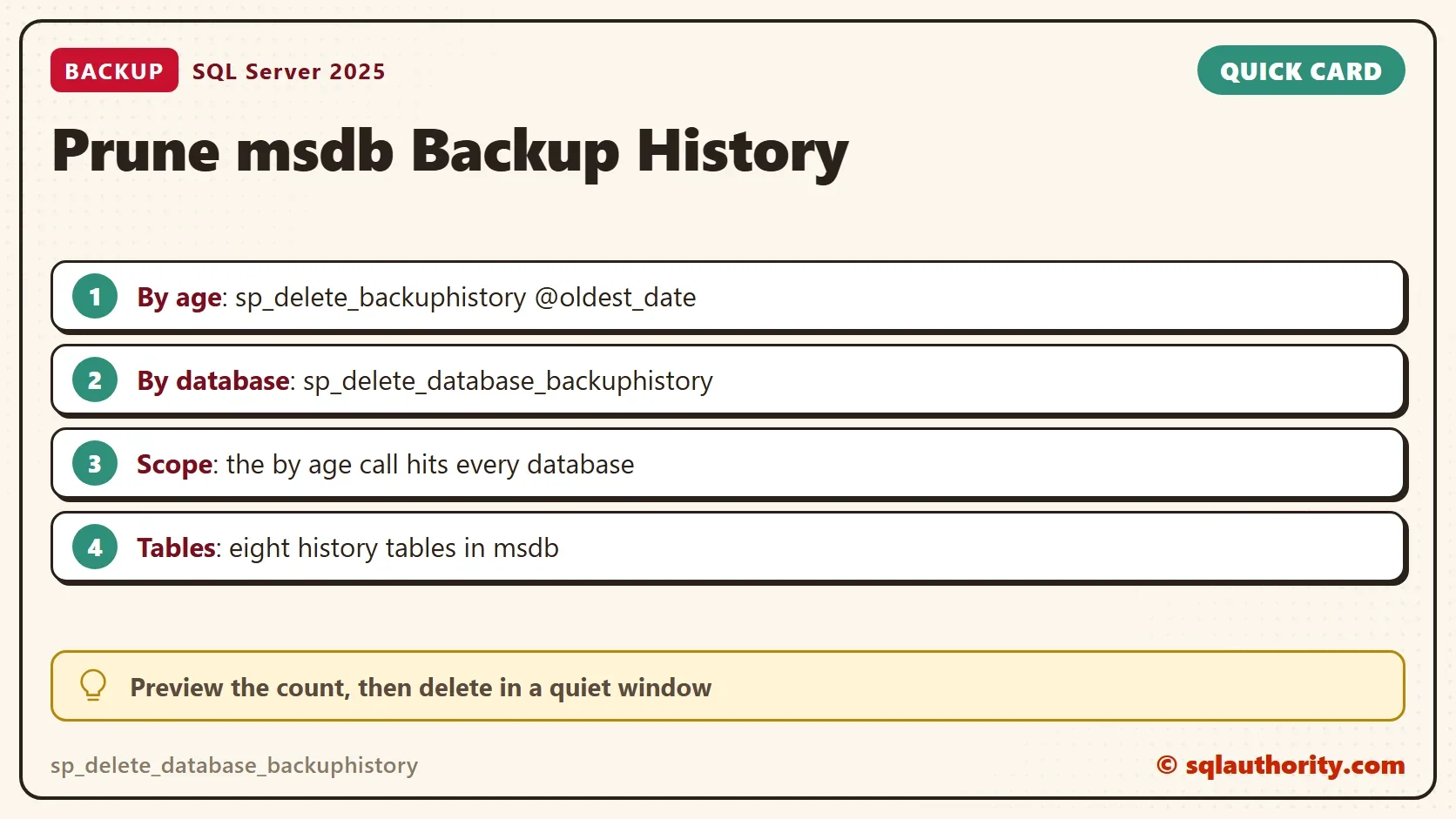
The sp_delete_database_backuphistory procedure removes the msdb history of one database, and sp_delete_backuphistory does it by date. Every backup and restore adds rows to msdb, and SQL Server never removes them by itself.
In a Comprehensive Database Performance Health Check, a client had a large msdb database for exactly this reason. Nobody had cleaned the history for a long time. Two system procedures cleared the rows. The file itself shrinks only when you shrink it.

Where the History Lives
Each backup writes a row to backupset in msdb. It also writes rows for the files, the file groups and the backup device. A restore writes to three more tables. The rows are small, but they add up with every backup of every database. The Restore dialog in Management Studio reads these tables, and so do many scripts.
backupset,backupfile,backupfilegroupbackupmediaset,backupmediafamilyrestorehistory,restorefile,restorefilegroup
This read-only query shows how many rows and how much space each table holds. On a small server there is little to reclaim, which is also useful to know.
USE msdb;
GO
SELECT t.name AS TableName, SUM(CASE WHEN ps.index_id IN (0,1) THEN ps.row_count END) AS TableRows, CAST(SUM(ps.used_page_count) * 8 / 1024.0 AS decimal(9,2)) AS UsedMB
FROM sys.tables AS t JOIN sys.dm_db_partition_stats AS ps ON ps.object_id = t.object_id
WHERE t.name IN (N'backupset', N'backupfile', N'backupfilegroup', N'backupmediafamily', N'backupmediaset', N'restorehistory', N'restorefile', N'restorefilegroup')
GROUP BY t.name
ORDER BY UsedMB DESC;
The two procedures below remove rows from all of these tables together. Never delete from the tables by hand, because the procedures know how the tables relate.
Delete the History of One Database
The first procedure is sp_delete_database_backuphistory. The call takes a database name and removes the history of that database only. This makes it safe to test. The demo creates a database and takes four backups to NUL, which keeps no data. Then it counts the history rows before and after the delete. The counts come from the ids captured before the delete, so a row left behind in any table would show.
IF DB_ID(N'BackupPruneDemo') IS NULL CREATE DATABASE BackupPruneDemo;
GO
DECLARE @i int = 1;
WHILE @i <= 4
BEGIN
    BACKUP DATABASE BackupPruneDemo TO DISK = N'NUL' WITH COPY_ONLY;
    SET @i += 1;
END;
DECLARE @db sysname = N'BackupPruneDemo';
DECLARE @sets TABLE (backup_set_id int, media_set_id int);
INSERT @sets SELECT backup_set_id, media_set_id FROM msdb.dbo.backupset WHERE database_name = @db;
SELECT N'Before' AS Moment,
       (SELECT COUNT(*) FROM msdb.dbo.backupset WHERE backup_set_id IN (SELECT backup_set_id FROM @sets)) AS backupset,
       (SELECT COUNT(*) FROM msdb.dbo.backupfile WHERE backup_set_id IN (SELECT backup_set_id FROM @sets)) AS backupfile,
       (SELECT COUNT(*) FROM msdb.dbo.backupfilegroup WHERE backup_set_id IN (SELECT backup_set_id FROM @sets)) AS backupfilegroup,
       (SELECT COUNT(*) FROM msdb.dbo.backupmediafamily WHERE media_set_id IN (SELECT media_set_id FROM @sets)) AS backupmediafamily,
       (SELECT COUNT(*) FROM msdb.dbo.backupmediaset WHERE media_set_id IN (SELECT media_set_id FROM @sets)) AS backupmediaset;
EXEC msdb.dbo.sp_delete_database_backuphistory @database_name = @db;
SELECT N'After' AS Moment,
       (SELECT COUNT(*) FROM msdb.dbo.backupset WHERE backup_set_id IN (SELECT backup_set_id FROM @sets)) AS backupset,
       (SELECT COUNT(*) FROM msdb.dbo.backupfile WHERE backup_set_id IN (SELECT backup_set_id FROM @sets)) AS backupfile,
       (SELECT COUNT(*) FROM msdb.dbo.backupfilegroup WHERE backup_set_id IN (SELECT backup_set_id FROM @sets)) AS backupfilegroup,
       (SELECT COUNT(*) FROM msdb.dbo.backupmediafamily WHERE media_set_id IN (SELECT media_set_id FROM @sets)) AS backupmediafamily,
(SELECT COUNT(*) FROM msdb.dbo.backupmediaset WHERE media_set_id IN (SELECT media_set_id FROM @sets)) AS backupmediaset;| Moment | backupset | backupfile | backupfilegroup | backupmediafamily | backupmediaset |
|---|---|---|---|---|---|
| Before | 4 | 8 | 4 | 4 | 4 |
| After | 0 | 0 | 0 | 0 | 0 |
Four backups left 4 rows in most tables. They left 8 in backupfile, because each backup lists a data file and a log file. After the call every table held 0 rows for the demo backups. Use sp_delete_database_backuphistory for databases you dropped, or for test databases whose history has no value.
Delete the History Before a Date
The second procedure is sp_delete_backuphistory. It takes a date and removes the history of every database older than that date. Preview first. This query shows which databases hold the most history. Read the count and the oldest date of each one before you pick a cutoff.
SELECT TOP (10) database_name, COUNT(*) AS BackupSets, MIN(backup_finish_date) AS OldestBackup
FROM msdb.dbo.backupset
GROUP BY database_name
ORDER BY BackupSets DESC;
The next query counts the backup sets that a cutoff of 90 days ago would remove. It only reads.
DECLARE @cutoff datetime = DATEADD(DAY, -90, GETDATE());
SELECT COUNT(*) AS BackupSetsToDelete, MIN(backup_finish_date) AS OldestBackup
FROM msdb.dbo.backupset
WHERE backup_finish_date < @cutoff;
One more check matters. The delete can remove the only full backup row of a database. This query lists the databases that would lose their last full backup row.
DECLARE @cutoff datetime = DATEADD(DAY, -90, GETDATE());
SELECT d.name, MAX(b.backup_finish_date) AS LastFullBackup
FROM sys.databases AS d JOIN msdb.dbo.backupset AS b ON b.database_name = d.name AND b.type = 'D'
GROUP BY d.name
HAVING MAX(b.backup_finish_date) < @cutoff;
Every database in that list loses its last full backup row. Pick an older cutoff or keep it. The result of each query depends on your server, so no output is printed here. If the counts and dates look right, run the delete in a quiet window. The block below changes msdb for every database, so the demo does not run it.
DECLARE @cutoff datetime = DATEADD(DAY, -90, GETDATE());
EXEC msdb.dbo.sp_delete_backuphistory @oldest_date = @cutoff;
A cutoff of 90 days keeps recent history for the Restore dialog. A script that reads the last backup keeps working for every database with a newer backup. If the history is years old, move the cutoff forward in steps, for example one year at a time. Each call then deletes less and holds its locks for less time.
Neither procedure touches backup files. The files stay where they are, and you can still restore them by file name. After the delete, the Restore dialog can no longer list those backups, because it reads the history. Keep the history for as long as you want the dialog to find the backups.
Keep It Clean
A one-time delete only helps until the history grows again. Schedule the cleanup. The History Cleanup Task in a maintenance plan does the same work. The Maintenance Cleanup Task is a different task: it deletes files, not history. A SQL Server Agent job that calls sp_delete_backuphistory does it with a script you can read. Both remove history that has aged out.
Database Mail history is a second table family that grows the same way. See How to Remove Database Mail History and Stop msdb Growing.
The delete frees rows, but it does not give disk space back. The msdb data file keeps its size until you shrink it. SQL Server reuses the space as new history arrives, so a shrink is optional.
You could argue that the history is cheap to keep, because the rows are small. That is true until msdb has years of rows for hundreds of databases. The history is useful for a recent restore. It stops being useful when it is older than your retention for backups.
What to Remember
Use sp_delete_database_backuphistory for one database and sp_delete_backuphistory for an age cutoff. Never delete from the msdb tables by hand. Preview the count first, because the age procedure deletes history for every database. Run the cleanup on a schedule, so it never grows into a project.
When you finish, run the cleanup script. It removes the demo database and its history.
USE master;
GO
IF DB_ID(N'BackupPruneDemo') IS NOT NULL
BEGIN
    ALTER DATABASE BackupPruneDemo SET SINGLE_USER WITH ROLLBACK IMMEDIATE;
    DROP DATABASE BackupPruneDemo;
END;
EXEC msdb.dbo.sp_delete_database_backuphistory @database_name = N'BackupPruneDemo';
Backup history is not a log you keep forever, it is a record you prune on a schedule.
Published by Pinal Dave on SQLAuthority. More of my work at pinaldave.com.
Discover more from SQL Authority with Pinal Dave
Subscribe to get the latest posts sent to your email.