The VLF growth rules decide how many virtual log files each growth adds. The size of the growth step decides the answer.
A log that grows in tiny steps ends up with hundreds of small files inside one file. The rules below were measured on SQL Server 2025, and so is the repair of a log that grew badly.

What a Virtual Log File Is
SQL Server divides the transaction log into virtual log files, or VLFs. The log is one file on disk, but the engine reuses it one VLF at a time. Each time the file grows, SQL Server cuts the new space into VLFs. The VLF growth rules say how many it cuts, and the size of the growth decides.
A handful of VLFs is normal. A log with thousands can slow database startup and recovery. A log with a few giant VLFs frees space in big, slow pieces. The count is worth a look, and sys.dm_db_log_info gives it. It needs SQL Server 2016 SP2 or later.
Measure the Growth Rules
The first script creates a demo database. A loop then grows its log in five steps and counts the VLFs before and after each one. The steps are 16, 64, 65, 1,024 and 1,025 MB. They show each edge of the VLF growth rules. The log reaches about 2.2 GB, so run the script where that space is free. The last script drops the database.
IF DB_ID(N'VlfGrowthRulesDemo') IS NULL CREATE DATABASE VlfGrowthRulesDemo;
GO
USE VlfGrowthRulesDemo;
GO
DECLARE @steps TABLE (n int IDENTITY(1,1), StepMB int);
INSERT @steps (StepMB) VALUES (16), (64), (65), (1024), (1025);
CREATE TABLE #Result (StepMB int, LogMB int, NewVlfs int);
DECLARE @n int = 1, @step int, @log int, @before int, @after int, @sql nvarchar(200);
WHILE @n <= (SELECT COUNT(*) FROM @steps)
BEGIN
    SELECT @step = StepMB FROM @steps WHERE n = @n;
    SELECT @before = COUNT(*) FROM sys.dm_db_log_info(DB_ID());
    SELECT @log = size / 128 + @step FROM sys.database_files WHERE type_desc = N'LOG';
    SET @sql = N'ALTER DATABASE VlfGrowthRulesDemo MODIFY FILE (NAME = VlfGrowthRulesDemo_log, SIZE = ' + CAST(@log AS nvarchar(10)) + N'MB);';
    EXEC (@sql);
    SELECT @after = COUNT(*) FROM sys.dm_db_log_info(DB_ID());
    INSERT #Result VALUES (@step, @log, @after - @before);
    SET @n += 1;
END;
SELECT StepMB, LogMB, NewVlfs FROM #Result ORDER BY StepMB;
DROP TABLE #Result;| StepMB | LogMB | NewVlfs |
|---|---|---|
| 16 | 24 | 1 |
| 64 | 88 | 1 |
| 65 | 153 | 8 |
| 1024 | 1177 | 8 |
| 1025 | 2202 | 16 |
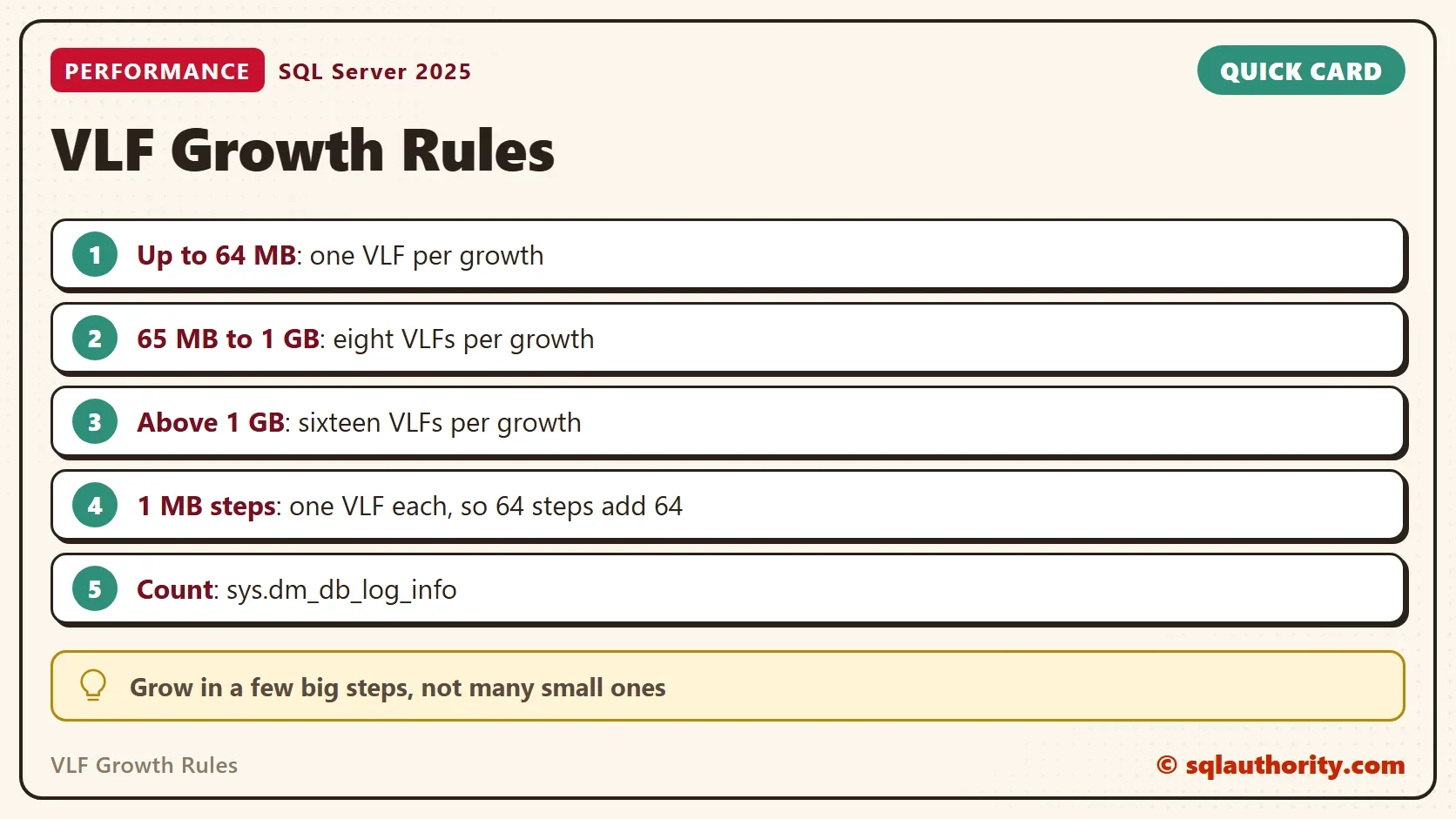
A growth of 64 MB or less adds one VLF. A growth above 64 MB, up to 1,024 MB, adds eight. A growth above 1,024 MB adds sixteen. The edges are exact: 64 MB adds one VLF, and 65 MB adds eight. These are the VLF growth rules of SQL Server 2022 and later. Earlier versions also looked at the size of the log before the growth.
What Small Steps Do to the Count
Now the common mistake. The second database grows its log by 1 MB, 64 times in a row. That is how a log with a 1 MB growth step grows under load. The total is the same 64 MB that one 64 MB step added above. The script uses SIMPLE recovery, so a checkpoint empties the log when the repair needs it.
IF DB_ID(N'VlfSmallStepDemo') IS NULL CREATE DATABASE VlfSmallStepDemo;
GO
ALTER DATABASE VlfSmallStepDemo SET RECOVERY SIMPLE;
GO
USE VlfSmallStepDemo;
GO
DECLARE @i int = 1, @sql nvarchar(200);
WHILE @i <= 64
BEGIN
    SET @sql = N'ALTER DATABASE VlfSmallStepDemo MODIFY FILE (NAME = VlfSmallStepDemo_log, SIZE = ' + CAST(8 + @i AS nvarchar(10)) + N'MB);';
    EXEC (@sql);
    SET @i += 1;
END;
SELECT CAST(size * 8 / 1024.0 AS decimal(9,1)) AS LogMB FROM sys.database_files WHERE type_desc = N'LOG';
SELECT COUNT(*) AS Vlfs, MIN(vlf_size_mb) AS SmallestMB, MAX(vlf_size_mb) AS LargestMB FROM sys.dm_db_log_info(DB_ID());| LogMB |
|---|
| 72.0 |
| Vlfs | SmallestMB | LargestMB |
|---|---|---|
| 68 | 1 | 2.17 |
The log holds 72 MB and 68 VLFs. Sixty-four of them are 1 MB each, and each step added one. A log of the same size that grew in one 64 MB step holds 5 VLFs. A log that grows to several gigabytes in 1 MB steps ends with thousands. Autogrowth follows the same rule as this loop.
Repair a Log With Too Many VLFs
The repair has two steps. Shrink the log to its smallest size. Then grow it once to the size the workload needs, with a sensible growth step. In SIMPLE recovery a checkpoint empties the log first. In FULL recovery, take log backups until the end of the file is free. When the shrink stalls, read Log File Not Shrinking: Read log_reuse_wait_desc First.
CHECKPOINT;
DBCC SHRINKFILE (N'VlfSmallStepDemo_log', 1);
SELECT COUNT(*) AS VlfsAfterShrink FROM sys.dm_db_log_info(DB_ID());
GO
ALTER DATABASE VlfSmallStepDemo MODIFY FILE (NAME = VlfSmallStepDemo_log, SIZE = 72MB, FILEGROWTH = 64MB);
SELECT COUNT(*) AS VlfsAfterRegrow, CAST(SUM(vlf_size_mb) AS decimal(9,1)) AS TotalMB FROM sys.dm_db_log_info(DB_ID());
| VlfsAfterShrink |
|---|
| 2 |
| VlfsAfterRegrow | TotalMB |
|---|---|
| 10 | 72.0 |
The shrink printed a message that a log cannot hold fewer than two virtual log files.
Cannot shrink log file 2 (VlfSmallStepDemo_log) because total number of logical log files cannot be fewer than 2.
That is the floor, not a failure. The count fell from 68 to 10, and the log is 72 MB. The regrow added about 68 MB in one step, which adds eight VLFs by the rule above. The new growth step of 64 MB adds one VLF per later growth.
To see which VLFs are active, read Active and Inactive VLFs: List Them for Every Database.
Do Not Overcorrect
You could argue that the safest answer is one huge growth, so the log never grows again. That has a price. A 4 GB growth adds sixteen VLFs of 256 MB. SQL Server frees a VLF only when all of it is inactive. So one long transaction can keep a whole 256 MB piece in use.
The plain middle sits between a thousand tiny VLFs and a few giant ones. Pre-size the log, and keep the growth step at 64 MB or less. A larger step is zeroed in full, as Log File Growth and Instant File Initialization: The 64 MB Rule shows.
What to Remember
The VLF growth rules are simple. Up to 64 MB adds one VLF, up to 1 GB adds eight, and above that adds sixteen. Many small steps add many VLFs. Count them with sys.dm_db_log_info, and repair a bad log by shrinking it and growing it once.
When you finish, run the cleanup script. It drops both demo databases.
USE master;
GO
IF DB_ID(N'VlfGrowthRulesDemo') IS NOT NULL
BEGIN
    ALTER DATABASE VlfGrowthRulesDemo SET SINGLE_USER WITH ROLLBACK IMMEDIATE;
    DROP DATABASE VlfGrowthRulesDemo;
END;
IF DB_ID(N'VlfSmallStepDemo') IS NOT NULL
BEGIN
    ALTER DATABASE VlfSmallStepDemo SET SINGLE_USER WITH ROLLBACK IMMEDIATE;
    DROP DATABASE VlfSmallStepDemo;
END;
Too many VLFs is not a size problem, it is a step problem.
Published by Pinal Dave on SQLAuthority. More of my work at pinaldave.com.
Discover more from SQL Authority with Pinal Dave
Subscribe to get the latest posts sent to your email.