Max server memory set too low can leave SQL Server too starved to answer a normal connection. The Dedicated Administrator Connection, or DAC, is a reserved way in. It lets you raise the value without restarting anything.

What Went Wrong
One of my clients set max server memory to a tiny value by accident. The server slowed, then stopped. When they tried to restart the services, the services did not start at all. Max server memory set too low needs a fix from a connection that does not depend on the normal path. That is what the DAC gives.
The setting caps the memory SQL Server uses for its buffer pool and several caches. Its unit is megabytes. The lowest value SQL Server accepts is 128, and the default is 2,147,483,647, which means no cap. This query reads both limits and the value in use.
SELECT name, minimum, maximum, value_in_use FROM sys.configurations WHERE name = N'max server memory (MB)';
| name | minimum | maximum | value_in_use |
|---|---|---|---|
| max server memory (MB) | 128 | 2147483647 | 2147483647 |
The test server runs with the default. Anything below 128 is refused. A reader who types 3 and means gigabytes gets an error, and nothing changes. The line number in the message depends on your build.
EXEC sys.sp_configure N'max server memory (MB)', 3;
Msg 15129, Level 16, State 1, Procedure sys.sp_configure, Line 172
'3' is not a valid value for configuration option 'max server memory (MB)'.
A value of 128 or more passes. A tiny cap such as 128 is therefore easy to type, and it starves the server.
Connect Through the DAC
The DAC has its own scheduler and reserved resources, so it can answer when ordinary connections wait. Only one DAC session can exist at a time. By default it accepts connections from the server itself, and a remote connection needs the option remote admin connections. That option is 0 on the test server, and a local DAC still worked.
Use sqlcmd with the -A switch. Sign in with Windows authentication through -E. Typing the sa password on the command line leaves it in the console history. In Management Studio, open a new query window and connect to ADMIN: followed by the server name. The Object Explorer cannot use the DAC.
sqlcmd -S ServerName -E -A
sqlcmd -S .\INSTANCENAME -E -A
To prove that you are on the DAC, ask for the endpoint of your own session. This query was run through the DAC on the test server. Run it inside your own DAC session, because a normal session shows a different endpoint.
SELECT s.session_id, e.name AS EndpointName
FROM sys.dm_exec_sessions AS s
INNER JOIN sys.endpoints AS e ON e.endpoint_id = s.endpoint_id
WHERE s.session_id = @@SPID;
| session_id | EndpointName |
|---|---|
| 54 | Dedicated Admin Connection |
The session number changes from run to run. A normal local session on the same server showed the endpoint named TSQL Local Machine.
Raise the Memory
Inside the DAC session, the fix is two sp_configure calls and a RECONFIGURE after each. The old value is your undo, so read it first. The number below, 3072, is only an example of 3 GB. Choose a value that leaves room for Windows and anything else on the server. If the server has more memory, set a higher number.
EXEC sys.sp_configure N'show advanced options', 1;
RECONFIGURE;
EXEC sys.sp_configure N'max server memory (MB)', 3072;
RECONFIGURE;
-- Undo: run the same call with the old value you wrote down, and set show advanced options back to its old value as well
These statements were not run on the shared test server, because they change a setting. The option is dynamic, so the change takes effect at once, with no restart. After the second RECONFIGURE, SQL Server can use the memory again, and ordinary connections should respond. Read the value with the query above to confirm.
When the Service Will Not Start
In the client case, the service did not start. SQL Server has a documented answer for a setting that blocks startup. Start it with the minimal configuration flag, which also limits it to one connection. Then connect, run the same calls and restart the service normally. Stop SQL Server Agent first, or it can take the only connection. For a named instance, use the service name MSSQL$INSTANCENAME.
net start MSSQLSERVER /f
sqlcmd -S localhost -E
net stop MSSQLSERVER
net start MSSQLSERVER
Run the sp_configure calls in the sqlcmd window, and type EXIT before you stop the service. The DAC can fail to connect when another DAC session is open or when you aim at the wrong port. The error log records the port the DAC listens on.
Avoid the Problem
Write down the current value before any change. Max server memory set too low is easy to cause, because the number means megabytes and nobody checks the unit. Change the setting in a maintenance window, and test one connection afterward.
You could argue that nobody should cap max server memory. On a server that shares its memory with other services, an uncapped SQL Server can starve them. The cap is worth setting. It needs a careful number.
What to Remember
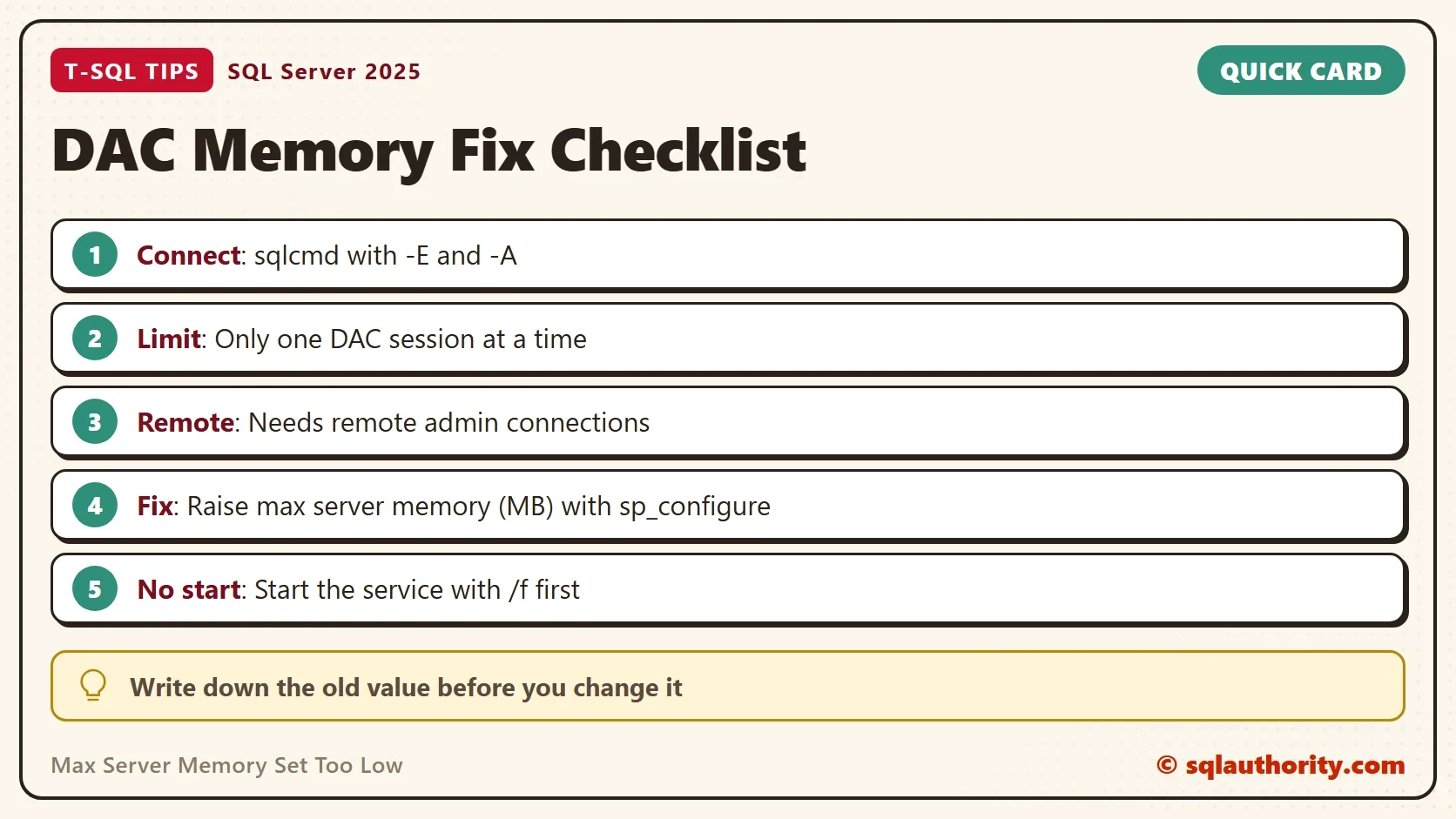
With max server memory set too low, connect through the DAC with sqlcmd -E -A. Raise the value with sp_configure, and the change takes effect at once. If the service will not start, begin it with /f and make the same change. Always record the old value first.
A memory cap is not a safety belt, it is a number you must be able to undo.
Published by Pinal Dave on SQLAuthority. More of my work at pinaldave.com.
Discover more from SQL Authority with Pinal Dave
Subscribe to get the latest posts sent to your email.