System threads outside max worker threads are the background threads that the documentation says SQL Server creates outside the limit. Two read-only queries show the background tasks a server holds and what they do.

What the Setting Limits
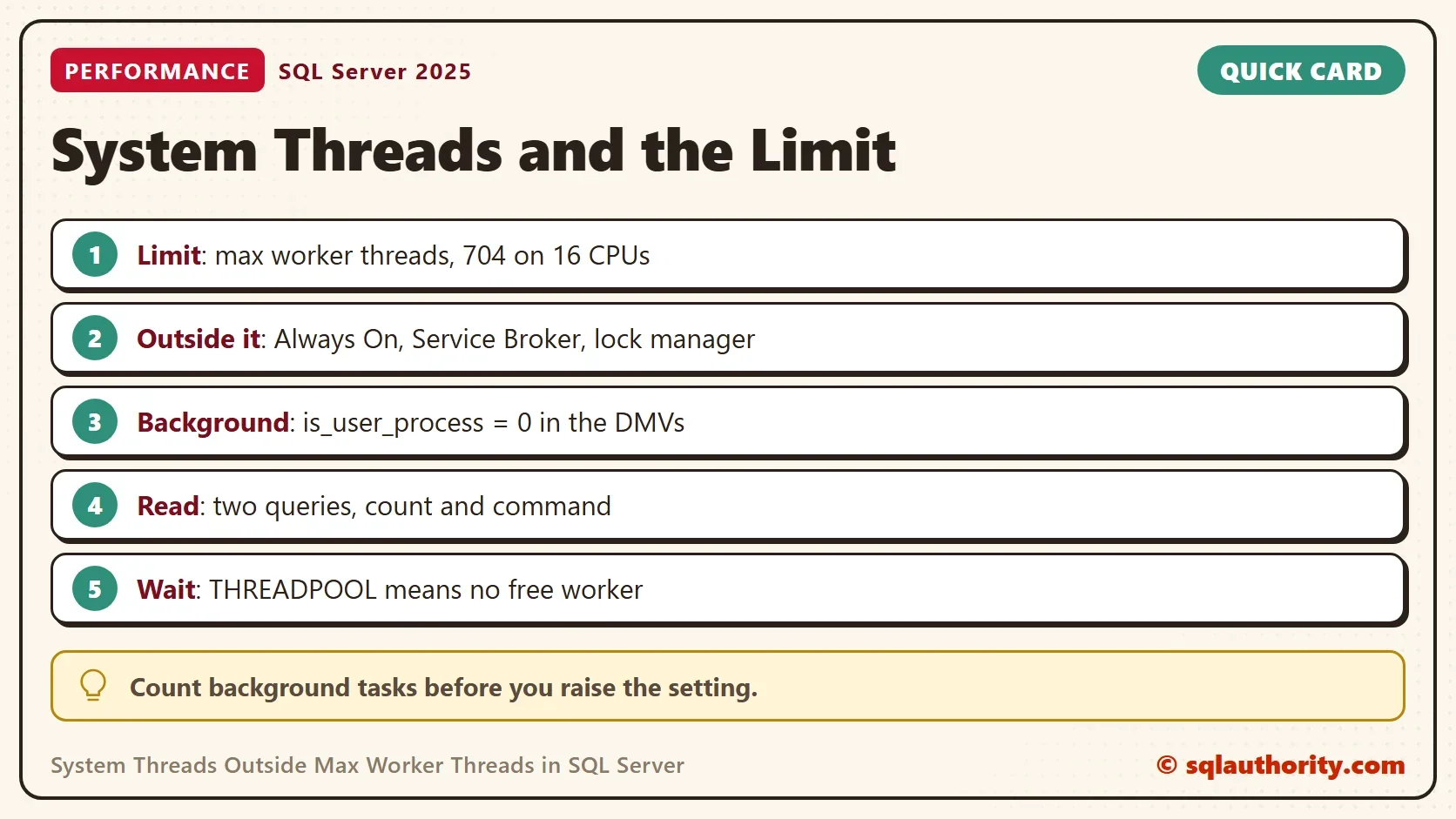
The max worker threads option sets how many worker threads SQL Server can use to process requests. The default is 0, which means SQL Server calculates the number from the CPUs it sees. The test server has 16 logical CPUs, and the calculated limit is 704. The limit applies to the threads that run your queries.
System threads outside max worker threads exist because the option does not limit every thread in the engine. The documentation names some groups. Threads for tasks such as Always On Availability Groups, Service Broker and the lock manager are created outside the limit. Background work runs in sessions that are not user sessions, and the DMVs show it with is_user_process = 0. The DMVs do not tell which of those tasks sit outside the limit. The counts below show background work, not the number outside the limit.
The distinction matters when you add numbers. The background task count is not the number of threads outside the limit. Do not subtract it from max worker threads.
Count the System Tasks
A task is a unit of work, and each task runs on a worker thread. The first query counts the tasks of user sessions and system sessions side by side. It prints the limit next to them, reads three views and changes nothing. The views need the permission to view server state, which sysadmin members have.
SELECT i.max_workers_count AS MaxWorkerThreads,
       SUM(CASE WHEN s.is_user_process = 1 THEN 1 ELSE 0 END) AS UserTasks,
       SUM(CASE WHEN s.is_user_process = 0 THEN 1 ELSE 0 END) AS SystemTasks
FROM sys.dm_os_sys_info AS i
CROSS JOIN sys.dm_os_tasks AS t
JOIN sys.dm_exec_sessions AS s ON s.session_id = t.session_id
WHERE t.task_state <> N'DONE'
GROUP BY i.max_workers_count;| MaxWorkerThreads | UserTasks | SystemTasks |
|---|---|---|
| 704 | 2 | 104 |
This is one reading from a development server, so your numbers will differ. The system tasks outnumber the user tasks by a wide margin. A server with a few busy sessions still carries about a hundred background tasks. Some tasks belong to no session and appear in neither column.
See What They Do
The second query groups the system tasks by the command they run and by the last wait they reported. The command names the job. The wait shows what the task is doing now.
SELECT TOP (6) r.command AS SystemCommand, w.last_wait_type AS LastWaitType, COUNT(*) AS Tasks
FROM sys.dm_exec_requests AS r
JOIN sys.dm_exec_sessions AS s ON s.session_id = r.session_id
JOIN sys.dm_os_tasks AS t ON t.task_address = r.task_address
JOIN sys.dm_os_workers AS w ON w.worker_address = t.worker_address
WHERE s.is_user_process = 0
GROUP BY r.command, w.last_wait_type
ORDER BY Tasks DESC, r.command;
| SystemCommand | LastWaitType | Tasks |
|---|---|---|
| XTP_THREAD_POOL | DISPATCHER_QUEUE_SEMAPHORE | 48 |
| UCS_TASK_NO_SPEC | BROKER_TASK_STOP | 14 |
| PARALLEL REDO TASK | DISPATCHER_QUEUE_SEMAPHORE | 11 |
| LOG WRITER | LOGMGR_QUEUE | 4 |
| BRKR TASK | BROKER_TRANSMITTER | 2 |
| XE DISPATCHER | XE_DISPATCHER_WAIT | 2 |
Most of these tasks wait on a queue. The XTP_THREAD_POOL tasks belong to In-Memory OLTP. The LOG WRITER tasks write the transaction log, and the BRKR TASK rows come from Service Broker. PARALLEL REDO TASK is redo work for a database. It can link to the Always On group that the documentation names. A task that waits on a queue uses almost no CPU until work arrives. The counts change between reads, and the list on your server depends on the features you use. Run the query before you guess.
Why It Matters
The first lesson is about THREADPOOL waits, which THREADPOOL Waits: When Raising Max Worker Count Helps covers in full. A THREADPOOL wait means a request found no free worker. If requests queue for workers, count the user tasks and the parallel queries behind them.
Every thread needs memory for its stack, so system threads cost memory even when they sleep. That is a reason to read the list before you turn on a feature such as In-Memory OLTP.
The second lesson is about the fix. Raising max worker threads does not give the groups outside the limit more room. It lets more user requests run at once, with more memory used for thread stacks and more switching between threads. Look at blocking and parallel plans before you touch the number.
The third lesson is the old one. When a server is slow, the cause is not always a user query. System processes also take resources, and a feature that creates many system threads leaves less CPU for everyone. The second query shows which feature that is.
Is the Count Worth Reading?
You could argue that a hundred sleeping tasks are noise. On this server they are. The count becomes useful when it changes. A new command in the list means a feature started, and a missing one means it stopped. Run the query on a normal day and keep the result for comparison.
What to Remember
System threads outside max worker threads run apart from the setting, as the documentation names them. The DMVs list background work with is_user_process = 0, which is a wider set. Count it with the two queries above, and do not treat the count as the number outside the limit. When THREADPOOL waits appear, look at user requests first.
A system thread is not a user’s problem, it is the server’s own housekeeping.
Published by Pinal Dave on SQLAuthority. More of my work at pinaldave.com.
Discover more from SQL Authority with Pinal Dave
Subscribe to get the latest posts sent to your email.