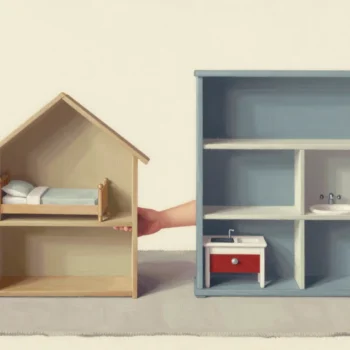
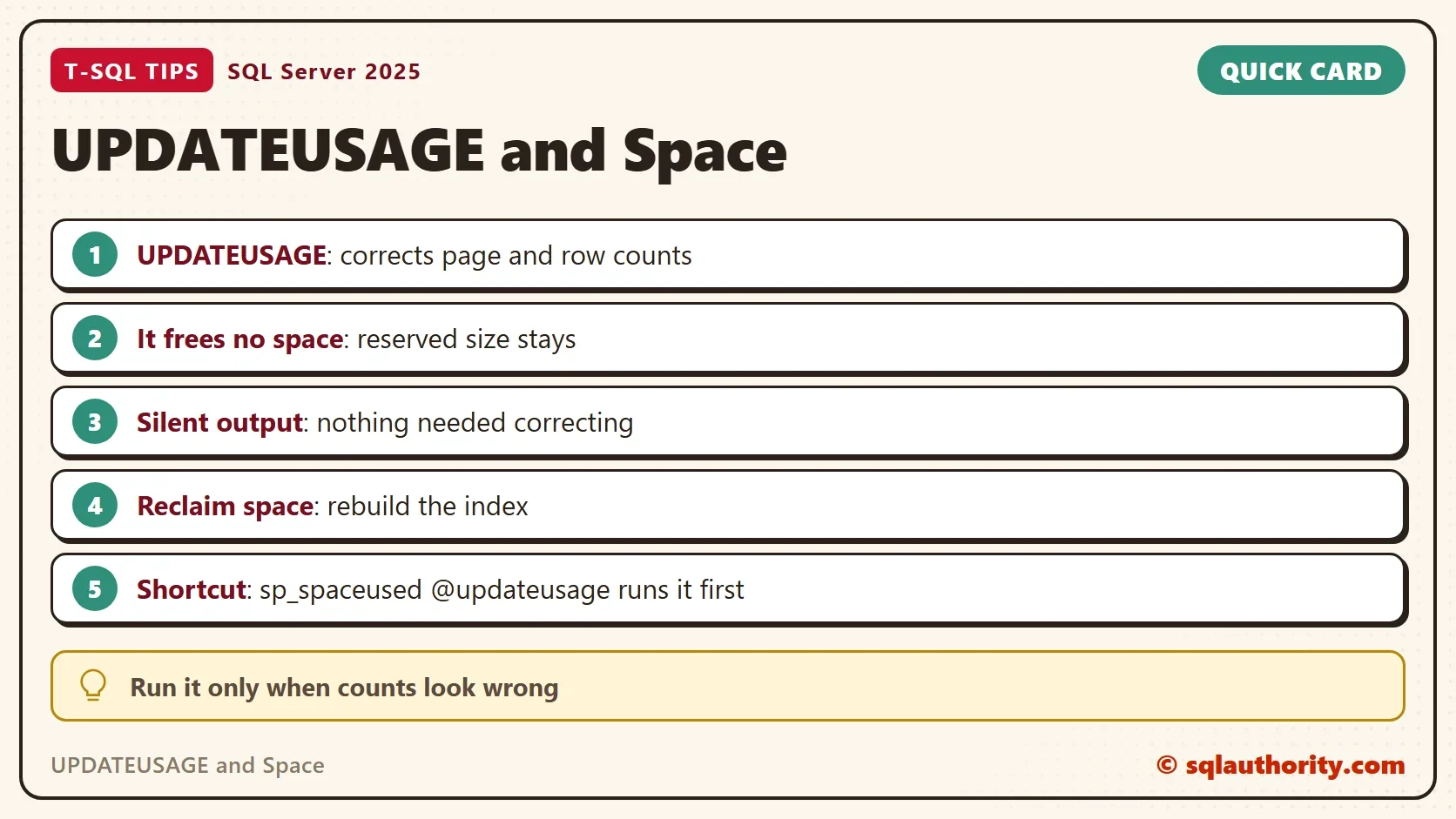
UPDATEUSAGE and space are two different jobs: the command corrects page and row counts, but it frees no space. People mix up the two jobs, and then wait for a size that never shrinks.

What the Command Does
SQL Server keeps page and row counts for every table and index in its catalog. Tools such as sp_spaceused read them. When a count is wrong, a table looks larger or smaller than it is. DBCC UPDATEUSAGE checks each count against the real allocation, and it corrects the ones that differ.
The command takes a database name and, optionally, a table. The name 0 stands for the current database.
DBCC UPDATEUSAGE (DatabaseName, 'Schema.TableName');
DBCC UPDATEUSAGE (0);
A client once removed a huge varchar column from a table of about one terabyte. The sizes that the system views reported were off by many gigabytes afterwards. The command, run for that one table, brought the page and row counts back. That case is from an older server, and the demo below could not reproduce it on SQL Server 2025. It is still a good reason to know the command. It is not a reason to run it every night.
A Test Table With a Dropped Column
The demo shows what the command does and does not do. It builds a database named UpdateUsageDemo with a table of 20,000 documents. Each row carries a 1,500 character body, so the table is large. Run the scripts on a test server.
IF DB_ID(N'UpdateUsageDemo') IS NULL CREATE DATABASE UpdateUsageDemo;
GO
USE UpdateUsageDemo;
GO
DROP TABLE IF EXISTS dbo.Documents;
CREATE TABLE dbo.Documents (
    DocumentID int           NOT NULL PRIMARY KEY,
    Title      varchar(50)   NOT NULL,
    Body       varchar(2000) NOT NULL
);
WITH Numbers AS (
    SELECT TOP (20000) ROW_NUMBER() OVER (ORDER BY (SELECT NULL)) AS n
    FROM sys.all_objects AS a CROSS JOIN sys.all_objects AS b
)
INSERT INTO dbo.Documents (DocumentID, Title, Body)
SELECT n, 'Tea notes', REPLICATE('x', 1500) FROM Numbers;
sp_spaceused reports the size of the table.
EXEC sys.sp_spaceused N'dbo.Documents';
| name | rows | reserved | data | index_size | unused |
|---|---|---|---|---|---|
| Documents | 20000 | 32264 KB | 32000 KB | 128 KB | 136 KB |
The table reserves about 32 MB. Now drop the Body column and look again.
ALTER TABLE dbo.Documents DROP COLUMN Body;
EXEC sys.sp_spaceused N'dbo.Documents';
| name | rows | reserved | data | index_size | unused |
|---|---|---|---|---|---|
| Documents | 20000 | 32264 KB | 32000 KB | 128 KB | 136 KB |
Nothing changed. The column is gone, and the table still reserves 32 MB. Dropping a column is a metadata change. SQL Server leaves the old bytes in the rows until something rewrites them. This is where UPDATEUSAGE and space get mixed up.
Run the UPDATEUSAGE Command
This is the moment to try the UPDATEUSAGE command. It checks the table and prints a line only for a count it changes.
DBCC UPDATEUSAGE (N'UpdateUsageDemo', N'dbo.Documents');
When the command does change a count, it prints a line for it. The line names the table and the index and gives the old and the new value. Running the command needs membership in the sysadmin server role or the db_owner database role.
The only output here is the closing message: DBCC execution completed. If DBCC printed error messages, contact your system administrator. The command found nothing to correct, because the counts were right. The size is large because the space is still in use, not because a count is wrong.
EXEC sys.sp_spaceused N'dbo.Documents';
| name | rows | reserved | data | index_size | unused |
|---|---|---|---|---|---|
| Documents | 20000 | 32264 KB | 32000 KB | 128 KB | 136 KB |
You can also check the counts yourself. The query below compares the real row count with the catalog row count and shows the catalog page count.
SELECT (SELECT COUNT(*) FROM dbo.Documents) AS ActualRows,
       SUM(ps.row_count) AS CatalogRows,
       SUM(ps.used_page_count) AS CatalogPages
FROM sys.dm_db_partition_stats AS ps
WHERE ps.object_id = OBJECT_ID(N'dbo.Documents') AND ps.index_id IN (0, 1);| ActualRows | CatalogRows | CatalogPages |
|---|---|---|
| 20000 | 20000 | 4016 |
The catalog agrees with the table. The row count and the sizes are the same as before. The option COUNT_ROWS also checks the row counts. Here it changed nothing either. The procedure sp_spaceused offers the same check through its parameter @updateusage, which runs the command before it reports.
DBCC UPDATEUSAGE (N'UpdateUsageDemo', N'dbo.Documents') WITH COUNT_ROWS;
EXEC sys.sp_spaceused N'dbo.Documents', @updateusage = N'TRUE';
The second line runs the same check through sp_spaceused. It prints the same sizes as before, and no correction.
What Gives the Space Back
A rebuild rewrites the rows and releases the pages. A rebuild of a table that size needs free space the size of the table, plus a lot of log. The file keeps its size afterwards, so shrink it only if you need the disk space back. A related command, DBCC CLEANTABLE, reclaims space from dropped variable length columns. In this test it left the reserved size at 32 MB. The rebuild shrank the table.
DBCC CLEANTABLE (N'UpdateUsageDemo', N'dbo.Documents');
ALTER INDEX ALL ON dbo.Documents REBUILD;
EXEC sys.sp_spaceused N'dbo.Documents';
| name | rows | reserved | data | index_size | unused |
|---|---|---|---|---|---|
| Documents | 20000 | 648 KB | 520 KB | 16 KB | 112 KB |
SELECT (SELECT COUNT(*) FROM dbo.Documents) AS ActualRows,
       SUM(ps.row_count) AS CatalogRows,
       SUM(ps.used_page_count) AS CatalogPages
FROM sys.dm_db_partition_stats AS ps
WHERE ps.object_id = OBJECT_ID(N'dbo.Documents') AND ps.index_id IN (0, 1);| ActualRows | CatalogRows | CatalogPages |
|---|---|---|
| 20000 | 20000 | 67 |
The table now reserves 648 KB instead of 32,264 KB. The same check now shows 67 pages. The counts were never the problem. UPDATEUSAGE and space need different tools, because the rows held bytes of a column that no longer existed.
The check is cheap to repeat. Run the same query after any large change, and compare the catalog numbers with the table. If they match, there is nothing for the command to correct.
When to Run It
You could argue that you should run the UPDATEUSAGE command on every database, as a precaution. It is allowed, but it does real work. It reads allocation information for every table, and on a large database that takes time. Run it when a size looks wrong and a rebuild or a restart does not explain it.
Old databases are where drift can happen. Counts could drift in databases that came from much older versions of SQL Server. On a current server it printed nothing here.
What to Remember
UPDATEUSAGE and space are separate jobs. The command corrects counts. It does not move, compact or free pages. If a size is large after a drop or a purge, ask whether the space is still in use. A rebuild answers that. When you finish with the demo, remove the database.
USE master;
GO
DROP DATABASE UpdateUsageDemo;
A wrong size is not always a wrong count, it is sometimes space nobody has taken back.
Published by Pinal Dave on SQLAuthority. More of my work at pinaldave.com.
Discover more from SQL Authority with Pinal Dave
Subscribe to get the latest posts sent to your email.