
Error 8632 is the internal error that says an expression services limit has been reached. I met it while helping a client with a Comprehensive Database Performance Health Check. A few of their stored procedures failed with it.

The Error
Internal error: An expression services limit has been reached. Please look for potentially complex expressions in your query, and try to simplify them.What the Client Saw
After a SQL Server upgrade, the client had a query performance regression. A few queries and stored procedures weren’t performing well. During the investigation, we found a few queries that gave the error above.
One of the first reactions was to restart SQL Server. That wasn’t possible, because the business needed continuity. I also don’t see a point in a restart unless there are major configuration changes or patch upgrades.
Why It Happens
I made a copy of each stored procedure, and every copy worked fine. That told me the error was not tied to the query text. It was tied to the cached stored procedures.

The Fix
The solution was simple. We opened each stored procedure and recreated it with the same name, and everything worked. Some procedures had other stored procedures inside them. We recreated or recompiled the nested ones too, and the error went away.
This command recompiles a stored procedure:
EXEC sp_recompile N'SPName';
GO
How to Prevent It
After an upgrade, try a recompile before you reach for a restart. If you’ve faced this error, please tell me in the comments how you fixed it.
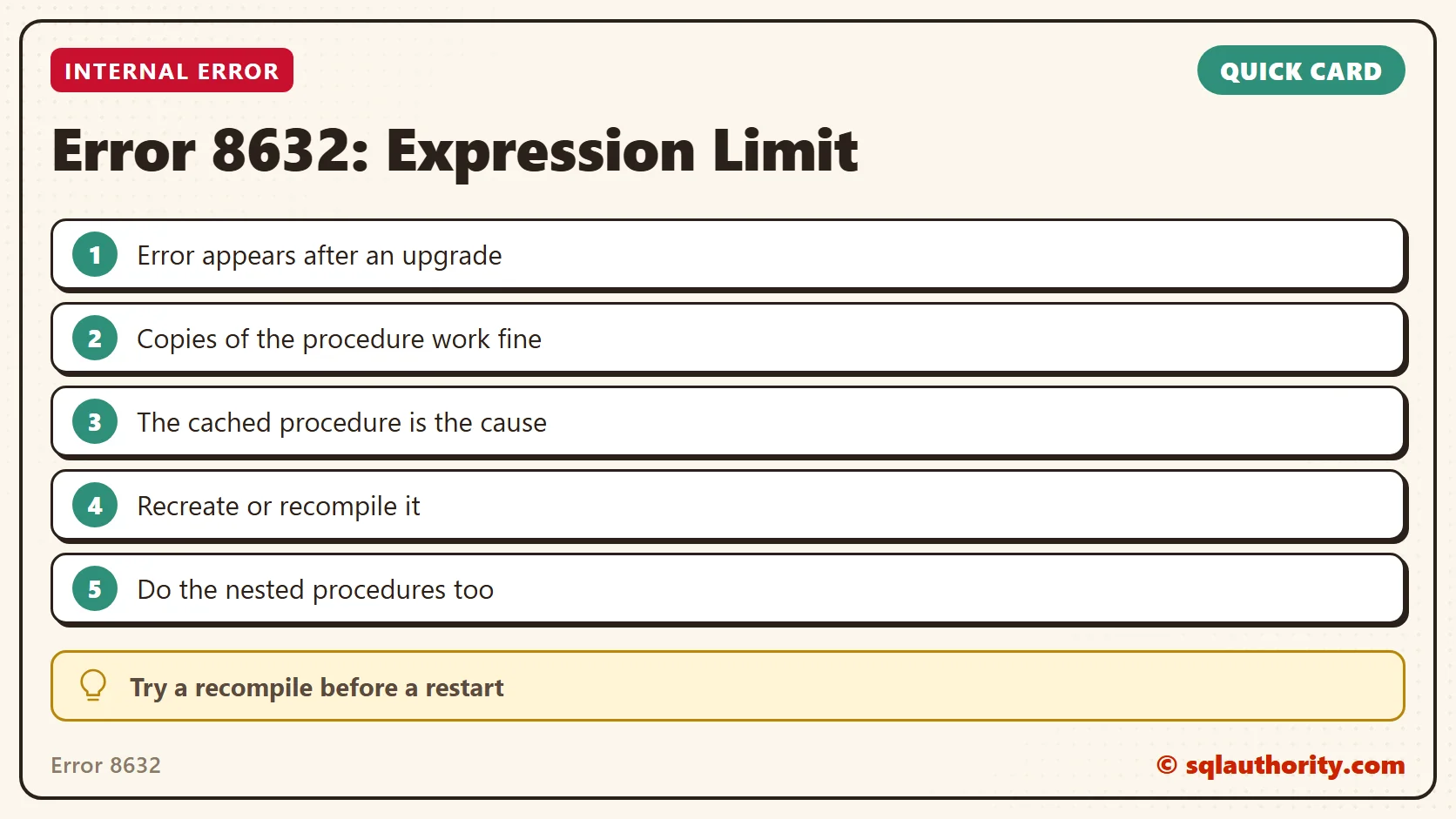
Error 8632 is not a query to rewrite, it is a cached procedure to refresh.
Published by Pinal Dave on SQLAuthority. More of my work at pinaldave.com.
Discover more from SQL Authority with Pinal Dave
Subscribe to get the latest posts sent to your email.



6 Comments. Leave new
What version of SQL was throwing this error?
We are getting this error for queries in windows application. We don’t use stored procedures. What do you suggest?
I found these work arounds:
ALTER DATABASE SCOPED CONFIGURATION SET TSQL_SCALAR_UDF_INLINING = OFF;
Less desirable workaround:
Use SQL 2017 compatibility mode
Hi,
I got this error in sqlserver 2019. My database migrated from sql 2017. I have got 4 databases and these databases access to another via views etc. 3 databases compatibility level were 2012 and main database compatibility level was 2019 (I don’t known why. its’ mistake). I changed main database compatibility level from 2019 to 2017 then errors gone. After that I changed all databases compatibility level to 2019 (150) and errors gone. May be issue related with this.
Tank you , Tank You very very much
trevormorehead2015 thank you so much. That work around command fix the thing.
why did you mentioned “less desirable”?