
A DROP STATISTICS script can remove every auto-created statistic in a database. SQL Server builds the useful ones again when queries ask for them. The script is short, and the next query pays for the rebuild.

Why Auto-Created Statistics Pile Up
Every database has AUTO_CREATE_STATISTICS on by default. Take a query that filters or joins on a column with no statistic. SQL Server samples the column and builds one. These statistics carry names that start with _WA_Sys_. A system that runs for years collects one for every column any query ever touched.
One fintech client had a different reason. Load test scripts had created thousands of statistics before the launch, and none of them matched real use. Dropping them all let the live system build exactly the ones its own queries needed. A reader described the other common reason. A 3 TB database held about 6,000 auto-created statistics, and weekend maintenance updated about 2,000 of them. Fewer statistics mean a shorter maintenance job.
Build a Table With Auto-Created Statistics
This script creates a demo database with one table of 20,000 orders. It then runs two queries on columns that have no index, which makes SQL Server create statistics for them.
IF DB_ID(N'AutoStatsDemo') IS NULL CREATE DATABASE AutoStatsDemo;
GO
USE AutoStatsDemo;
GO
DROP TABLE IF EXISTS dbo.Orders;
CREATE TABLE dbo.Orders (
    OrderID    int IDENTITY(1,1) NOT NULL CONSTRAINT PK_Orders PRIMARY KEY,
    CustomerID int NOT NULL,
    Region     nvarchar(20) NOT NULL,
    Status     nvarchar(20) NOT NULL,
    Amount     decimal(10,2) NOT NULL
);
INSERT INTO dbo.Orders (CustomerID, Region, Status, Amount)
SELECT TOP (20000) n % 500 + 1,
       CHOOSE(n % 4 + 1, N'East', N'West', N'North', N'South'),
       CHOOSE(n % 3 + 1, N'Open', N'Shipped', N'Closed'),
       n % 90 + 10
FROM (SELECT ROW_NUMBER() OVER (ORDER BY (SELECT NULL)) AS n
      FROM sys.all_columns AS a CROSS JOIN sys.all_columns AS b) AS x;
GO
SELECT COUNT(*) AS OpenWest FROM dbo.Orders WHERE Region = N'West' AND Status = N'Open';
SELECT COUNT(*) AS BigSpenders FROM (SELECT CustomerID FROM dbo.Orders WHERE Amount > 95 GROUP BY CustomerID HAVING COUNT(*) > 1) AS g;
Now list the statistics. The flag auto_created separates the two kinds, and sys.stats_columns names the column behind each one.
SELECT s.name AS StatName, s.auto_created AS AutoCreated, c.name AS ColumnName
FROM sys.stats AS s
INNER JOIN sys.stats_columns AS sc ON sc.object_id = s.object_id AND sc.stats_id = s.stats_id
INNER JOIN sys.columns AS c ON c.object_id = sc.object_id AND c.column_id = sc.column_id
WHERE s.object_id = OBJECT_ID(N'dbo.Orders')
ORDER BY s.auto_created, c.name;
| StatName | AutoCreated | ColumnName |
|---|---|---|
| PK_Orders | 0 | OrderID |
| _WA_Sys_00000005_48CFD27E | 1 | Amount |
| _WA_Sys_00000002_48CFD27E | 1 | CustomerID |
| _WA_Sys_00000003_48CFD27E | 1 | Region |
| _WA_Sys_00000004_48CFD27E | 1 | Status |
The primary key statistic belongs to the index, and its flag is 0. The four others were created by the two queries. The digits after the last underscore come from the table’s object ID, so they differ on your server.
Count Them First
Before you drop anything, count what you have. This query groups the auto-created statistics by table, so the busiest tables come first. A table with dozens of them is a candidate for review.
SELECT SCHEMA_NAME(o.schema_id) AS SchemaName, o.name AS TableName, COUNT(*) AS AutoCreatedStats
FROM sys.stats AS s
INNER JOIN sys.objects AS o ON o.object_id = s.object_id
WHERE s.auto_created = 1 AND o.is_ms_shipped = 0
GROUP BY o.schema_id, o.name
ORDER BY AutoCreatedStats DESC, TableName;
| SchemaName | TableName | AutoCreatedStats |
|---|---|---|
| dbo | Orders | 4 |
Preview, Then Run
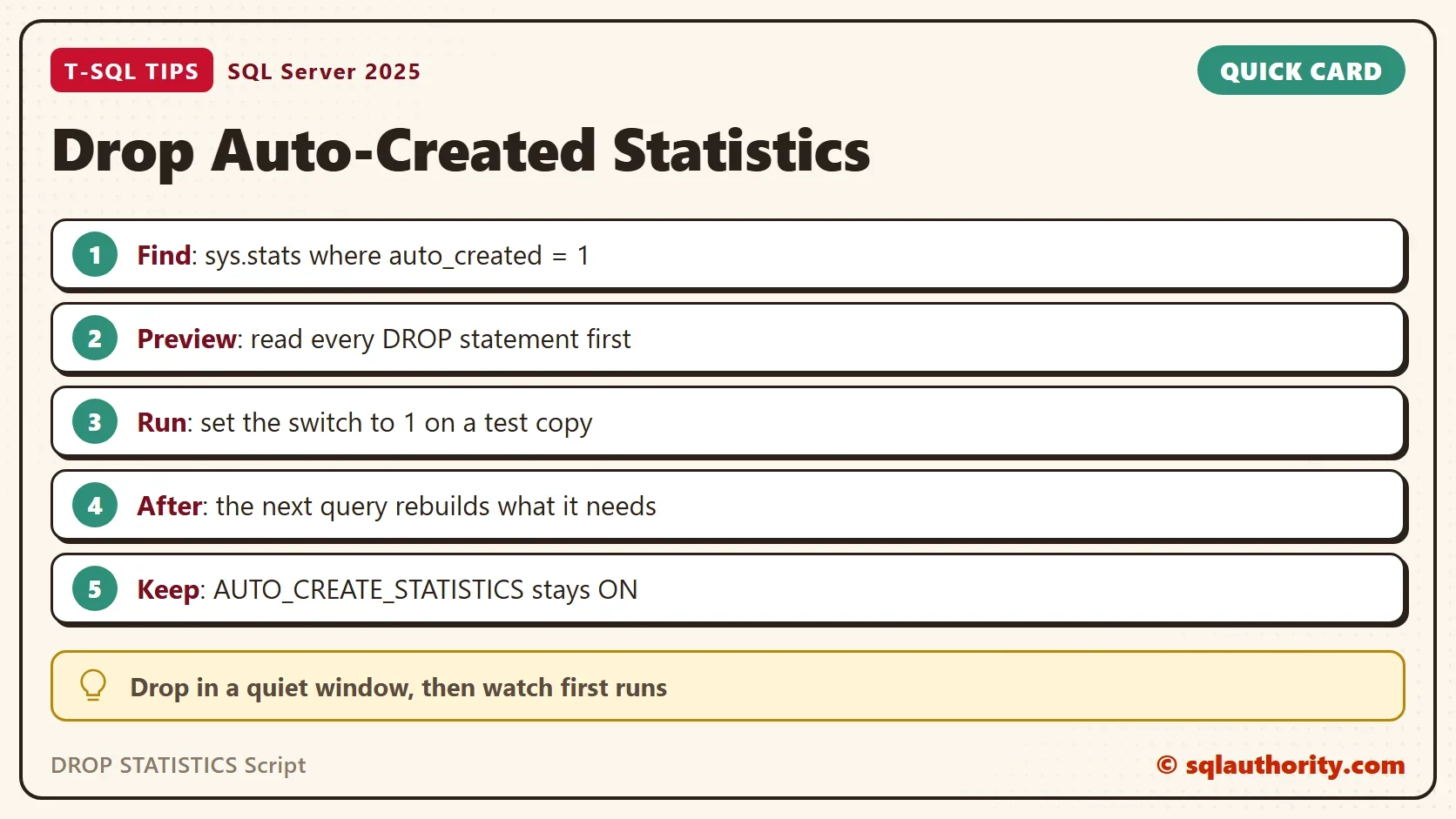
The DROP STATISTICS script below is a procedure. It builds one statement for every auto-created statistic on a table or view. By default it only shows the list. The statements run when you pass @Run = 1. QUOTENAME protects odd names, and is_ms_shipped skips system objects. To use it elsewhere, run the CREATE OR ALTER PROCEDURE in that database. Or paste the body into a query window and set @Run first.
CREATE OR ALTER PROCEDURE dbo.DropAutoCreatedStats @Run bit = 0
AS
BEGIN
    SELECT CONCAT(N'DROP STATISTICS ', QUOTENAME(SCHEMA_NAME(o.schema_id)), N'.', QUOTENAME(o.name), N'.', QUOTENAME(s.name), N';') AS DropStatement
    INTO #Drops
    FROM sys.stats AS s
    INNER JOIN sys.objects AS o ON o.object_id = s.object_id
    WHERE s.auto_created = 1 AND o.is_ms_shipped = 0 AND o.type IN ('U', 'V');
    SELECT DropStatement FROM #Drops ORDER BY DropStatement;
    IF @Run = 1
    BEGIN
        DECLARE @sql nvarchar(max) = (SELECT STRING_AGG(CONVERT(nvarchar(max), DropStatement), NCHAR(10)) FROM #Drops);
        EXEC (@sql);
    END;
END;
GO
EXEC dbo.DropAutoCreatedStats;| DropStatement |
|---|
| DROP STATISTICS [dbo].[Orders].[_WA_Sys_00000002_48CFD27E]; |
| DROP STATISTICS [dbo].[Orders].[_WA_Sys_00000003_48CFD27E]; |
| DROP STATISTICS [dbo].[Orders].[_WA_Sys_00000004_48CFD27E]; |
| DROP STATISTICS [dbo].[Orders].[_WA_Sys_00000005_48CFD27E]; |
Nothing is dropped yet. Read the four statements. To cover an instance, run the script once in each user database. Read each list before you set the switch.
What the Next Query Pays
Dropping a statistic only removes metadata. The cost arrives later. A plan that used the statistic is compiled again. The first query that needs the column waits while SQL Server samples it. On a 20,000 row table that is invisible. On a large table it takes real time.
A small procedure shows both effects. Its query filters on Region and Status. The first call compiles it, and the second reuses the plan. The counters say so.
CREATE OR ALTER PROCEDURE dbo.CountOrders @Region nvarchar(20)
AS
SELECT COUNT(*) AS OpenOrders FROM dbo.Orders WHERE Region = @Region AND Status = N'Open';
GO
EXEC dbo.CountOrders N'West';
EXEC dbo.CountOrders N'West';
SELECT qs.plan_generation_num AS PlanGeneration, qs.execution_count AS Executions
FROM sys.dm_exec_query_stats AS qs
CROSS APPLY sys.dm_exec_sql_text(qs.sql_handle) AS st
WHERE st.objectid = OBJECT_ID(N'dbo.CountOrders') AND st.dbid = DB_ID();
| PlanGeneration | Executions |
|---|---|
| 1 | 2 |
Now run the drop for real, call the procedure once more, and read the counters and the statistics again.
EXEC dbo.DropAutoCreatedStats @Run = 1;
GO
EXEC dbo.CountOrders N'West';
SELECT qs.plan_generation_num AS PlanGeneration, qs.execution_count AS Executions
FROM sys.dm_exec_query_stats AS qs
CROSS APPLY sys.dm_exec_sql_text(qs.sql_handle) AS st
WHERE st.objectid = OBJECT_ID(N'dbo.CountOrders') AND st.dbid = DB_ID();
SELECT c.name AS ColumnName
FROM sys.stats AS s
INNER JOIN sys.stats_columns AS sc ON sc.object_id = s.object_id AND sc.stats_id = s.stats_id
INNER JOIN sys.columns AS c ON c.object_id = sc.object_id AND c.column_id = sc.column_id
WHERE s.object_id = OBJECT_ID(N'dbo.Orders') AND s.auto_created = 1
ORDER BY c.name;
| PlanGeneration | Executions |
|---|---|
| 2 | 1 |
| ColumnName |
|---|
| Region |
| Status |
The plan was compiled again: generation 2 and one execution. SQL Server rebuilt the statistics on Region and Status. It left Amount and CustomerID alone, because no query used them since.
That is the whole trade. You lose the statistics nobody needs, and the ones in use come back on first use. You could argue the cleanup is pointless, because SQL Server rebuilds what it needs. For the used ones that is true. The gain is in the unused ones, which no longer need updating every weekend. For the effect of stale statistics on plans, read When Are Statistics Updated? What Triggers an Automatic Update.
What to Remember
Keep AUTO_CREATE_STATISTICS on. Drop auto-created statistics only for a reason. A load test left thousands behind, or a maintenance window spends its time on statistics no query reads. Preview the output of the DROP STATISTICS script. Run it in a quiet window and watch the first runs of your busiest queries.
The drop has no undo, and the old statistics can’t come back as they were. The new ones come from a fresh sample. A restored copy of the database lets you time the rebuild before you touch production.
The script touches only auto-created statistics. Statistics you created with CREATE STATISTICS have user_created = 1 and stay. Statistics that belong to an index stay too, and UPDATE STATISTICS refreshes them. Run the cleanup script when you finish with the demo.
USE master;
GO
IF DB_ID(N'AutoStatsDemo') IS NOT NULL
BEGIN
    ALTER DATABASE AutoStatsDemo SET SINGLE_USER WITH ROLLBACK IMMEDIATE;
    DROP DATABASE AutoStatsDemo;
END;
An auto-created statistic is not clutter, it is a cache of what your queries asked about.
Published by Pinal Dave on SQLAuthority. More of my work at pinaldave.com.
Discover more from SQL Authority with Pinal Dave
Subscribe to get the latest posts sent to your email.




5 Comments. Leave new
–Realy good.
–Here the rest to delete the statistics
DECLARE @sql nvarchar(255)
DECLARE cur CURSOR FOR
(
SELECT DISTINCT ‘DROP STATISTICS ‘
+ QUOTENAME(SCHEMA_NAME(ob.Schema_id)) + ‘.’
+ QUOTENAME(OBJECT_NAME(s.object_id)) + ‘.’ +
QUOTENAME(s.name) DropStatisticsStatement
FROM sys.stats s
INNER JOIN sys.Objects ob ON ob.Object_id = s.object_id
WHERE SCHEMA_NAME(ob.Schema_id) ‘sys’
AND Auto_Created = 1
)
OPEN cur
FETCH NEXT FROM cur INTO @sql
WHILE @@FETCH_STATUS = 0
BEGIN
print @sql
–EXECUTE sp_executeSQL @sql; –Drop it
FETCH NEXT FROM cur INTO @sql;
END
CLOSE cur;
DEALLOCATE cur;
This will give you the script to clear the entire instance.
BEGIN
IF OBJECT_ID(‘tempdb..#tempcommands’) IS NOT NULL
DROP TABLE #tempcommands;
CREATE TABLE #tempcommands
(
xCommand varchar(500)
);
EXEC sp_MSForEachDb ‘
IF ”?” NOT IN (”master”, ”model”, ”msdb”, ”tempdb”)
IF ((SELECT DATABASEPROPERTYEX(”?”, ”Updateability”))=”read_write”)
BEGIN
INSERT INTO #tempcommands
SELECT
— so.name,
— ss.name,
”USE [?];DROP STATISTICS [”+ ssc.name+”]”+”.[”+ so.name +”]”+ ”.[”+ ss.name+ ”];”
FROM ?.sys.stats AS ss
INNER JOIN ?.sys.objects AS so
ON ss.[object_id] = so.[object_id]
INNER JOIN ?.sys.schemas AS ssc
ON so.schema_id = ssc.schema_id
WHERE ss.auto_created = 1 AND so.is_ms_shipped = 0
order by so.name,ss.name;
END’;
Select * from #tempcommands;
END;
–This will generate the queries to clear the entire instance
BEGIN
IF OBJECT_ID(‘tempdb..#tempcommands’) IS NOT NULL
DROP TABLE #tempcommands;
CREATE TABLE #tempcommands
(
xCommand varchar(500)
);
EXEC sp_MSForEachDb ‘
IF ”?” NOT IN (”master”, ”model”, ”msdb”, ”tempdb”)
IF ((SELECT DATABASEPROPERTYEX(”?”, ”Updateability”))=”read_write”)
BEGIN
INSERT INTO #tempcommands
SELECT
— so.name,
— ss.name,
”USE [?];DROP STATISTICS [”+ ssc.name+”]”+”.[”+ so.name +”]”+ ”.[”+ ss.name+ ”];”
FROM ?.sys.stats AS ss
INNER JOIN ?.sys.objects AS so
ON ss.[object_id] = so.[object_id]
INNER JOIN ?.sys.schemas AS ssc
ON so.schema_id = ssc.schema_id
WHERE ss.auto_created = 1 AND so.is_ms_shipped = 0
order by so.name,ss.name;
END’;
Select * from #tempcommands;
END;
How old stats affect for poor performance? Can I get elaborated answer or any link will be appreciated
I have a 3 TB Production database which is taking approx. 8hours maintenance(Both Index and UpdateStats together) which is causing large transaction log backup files and causing latency in Logshpping Secondary server (DR) .
Found there are 6000 Auto created Statistics in the db, around 2000 autoStats are being updated through weekend maintenance. is it okay to drop all AutoCreated Stats at once? will this make the sql server slow?