
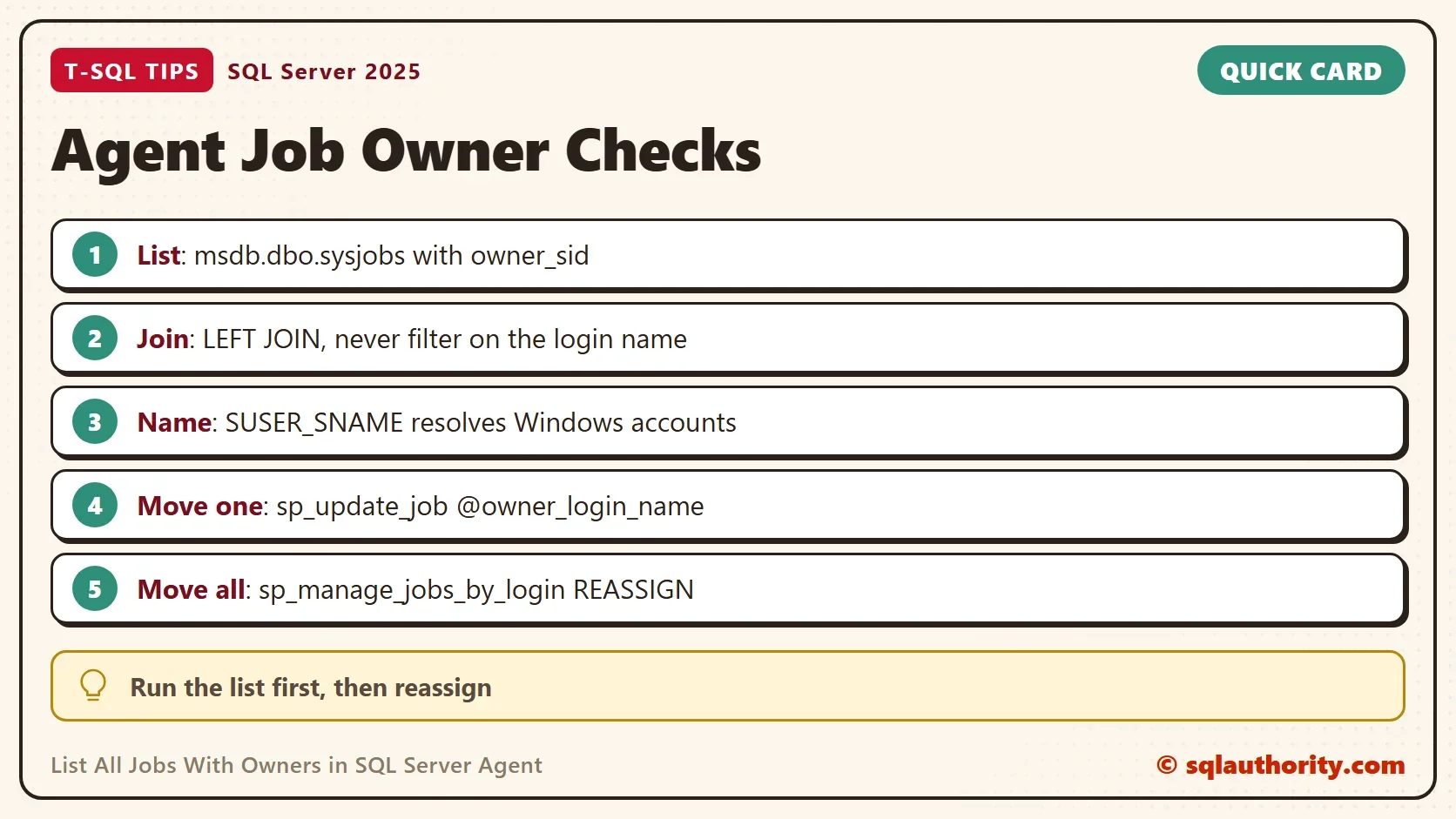
To list all jobs with owners, read msdb.dbo.sysjobs and resolve each owner_sid to a name. The query is short. The trap is a join that quietly drops every job whose owner has no login any more. Those are the jobs you most need to see.

Why the Owner Matters
A job owner is a login. A T-SQL job step runs with the rights of its owner. A sysadmin owner is the exception, because the step then runs as the Agent service account. When a person leaves, their login is disabled or removed, and the jobs they own can fail. You can list all jobs with owners in one query, and the list is a short audit.
Run this demo on a test server. It creates two throwaway logins and four jobs, and the cleanup at the end removes them. A generated password is used for the logins and never printed. The jobs have no steps, no schedule and no server, so they never run.
DECLARE @pw nvarchar(100) = CONVERT(nvarchar(36), NEWID()) + N'Aa1!';
DECLARE @cmd nvarchar(300);
IF SUSER_ID(N'JobOwnerDemoAnna') IS NULL
BEGIN
    SET @cmd = N'CREATE LOGIN JobOwnerDemoAnna WITH PASSWORD ' + N'= ' + QUOTENAME(@pw, N'''') + N', CHECK_POLICY = OFF;';
    EXEC (@cmd);
END;
IF SUSER_ID(N'JobOwnerDemoBen') IS NULL
BEGIN
    SET @cmd = N'CREATE LOGIN JobOwnerDemoBen WITH PASSWORD ' + N'= ' + QUOTENAME(@pw, N'''') + N', CHECK_POLICY = OFF;';
    EXEC (@cmd);
END;
GO
USE msdb;
GO
EXEC dbo.sp_add_job @job_name = N'JobOwnerDemo Nightly Load', @owner_login_name = N'JobOwnerDemoAnna';
EXEC dbo.sp_add_job @job_name = N'JobOwnerDemo Index Rebuild', @owner_login_name = N'JobOwnerDemoAnna';
EXEC dbo.sp_add_job @job_name = N'JobOwnerDemo Weekly Report', @owner_login_name = N'JobOwnerDemoBen';
EXEC dbo.sp_add_job @job_name = N'JobOwnerDemo Cleanup', @owner_login_name = N'sa';
List All Jobs With Owners
SUSER_SNAME turns the owner SID into a name. The filter on the job name keeps the output to the demo jobs. On your own server, remove that line to list every job.
SELECT j.name AS JobName, SUSER_SNAME(j.owner_sid) AS JobOwner, j.enabled
FROM msdb.dbo.sysjobs AS j
WHERE j.name LIKE N'JobOwnerDemo%'
ORDER BY j.name;
| JobName | JobOwner | enabled |
|---|---|---|
| JobOwnerDemo Cleanup | sa | 1 |
| JobOwnerDemo Index Rebuild | JobOwnerDemoAnna | 1 |
| JobOwnerDemo Nightly Load | JobOwnerDemoAnna | 1 |
| JobOwnerDemo Weekly Report | JobOwnerDemoBen | 1 |
You can ask for the same information with sp_help_job. It returns one row per job with about thirty columns, and the owner is one of them. That is enough for a look at a single job. An audit needs your own filter, your own sort and only the columns you need. The query wins.
Move the Jobs of a Leaving Login
When a login leaves, sp_manage_jobs_by_login moves every job it owns to another login in one call. The statement moves all of them, so run the list first and read it. Here it moves the jobs of the second demo login to sa.
EXEC msdb.dbo.sp_manage_jobs_by_login @action = N'REASSIGN', @current_owner_login_name = N'JobOwnerDemoBen', @new_owner_login_name = N'sa';
The procedure prints “1 jobs reassigned to sa.” One job moved. Now try to remove the first login while it still owns two jobs.
DROP LOGIN JobOwnerDemoAnna;
Msg 15170, Level 16, State 1, Line 1
This login is the owner of 2 job(s). You must delete or reassign these jobs before the login can be dropped.
SQL Server protects you here, so DROP LOGIN can’t orphan a job. Orphans arrive another way, such as a restored msdb or a Windows account removed outside SQL Server.
The Query That Hides a Job
Owners without a login still happen. They appear when msdb is restored from another server. They also appear when an owner account was removed outside SQL Server’s checks. A popular version of the owner query joins to master.sys.syslogins and adds WHERE l.name IS NOT NULL. That filter turns the outer join into an inner join. A job with an orphaned owner then disappears from the list.
The next script doesn’t touch msdb. It copies the four job rows into a temp table. One job gets a made-up owner SID, as if the login were gone. Then it runs the popular query and a safer one.
USE tempdb;
SELECT job_id, name, owner_sid INTO #JobCopy FROM msdb.dbo.sysjobs WHERE name LIKE N'JobOwnerDemo%';
UPDATE #JobCopy SET owner_sid = 0x01050000000000051500000011111111222222223333333355550000 WHERE name = N'JobOwnerDemo Nightly Load';
SELECT s.name AS JobName, l.name AS JobOwner
FROM #JobCopy AS s
LEFT JOIN master.sys.syslogins AS l ON s.owner_sid = l.sid
WHERE l.name IS NOT NULL
ORDER BY s.name;
SELECT s.name AS JobName, ISNULL(p.name, N'(no login)') AS JobOwner,
       CASE WHEN p.sid IS NULL THEN N'Fix' ELSE N'OK' END AS Status
FROM #JobCopy AS s
LEFT JOIN sys.server_principals AS p ON p.sid = s.owner_sid
ORDER BY s.name;
DROP TABLE #JobCopy;
The first query returns three rows, and Nightly Load is missing. The second returns all four.
| JobName | JobOwner | Status |
|---|---|---|
| JobOwnerDemo Cleanup | sa | OK |
| JobOwnerDemo Index Rebuild | JobOwnerDemoAnna | OK |
| JobOwnerDemo Nightly Load | (no login) | Fix |
| JobOwnerDemo Weekly Report | sa | OK |
SUSER_SNAME can show a name even when no login exists. That holds for Windows accounts: SUSER_SNAME asks Windows. Given the SID of the built-in LOCAL SERVICE account, it returned NT AUTHORITY\LOCAL SERVICE. This server has no login for that SID. For the made-up SID it returned NULL. So use both: SUSER_SNAME for the name, and the join to sys.server_principals to see whether a login exists.
Fix One Job
sp_update_job changes the owner of a single job. Move both remaining demo jobs to sa, then read the list again.
EXEC msdb.dbo.sp_update_job @job_name = N'JobOwnerDemo Nightly Load', @owner_login_name = N'sa';
EXEC msdb.dbo.sp_update_job @job_name = N'JobOwnerDemo Index Rebuild', @owner_login_name = N'sa';
SELECT j.name AS JobName, SUSER_SNAME(j.owner_sid) AS JobOwner
FROM msdb.dbo.sysjobs AS j
WHERE j.name LIKE N'JobOwnerDemo%'
ORDER BY j.name;
All four jobs now show sa. In real work, don’t hand every job to sa. Pick a service login that exists for jobs, so no job depends on a person. A bad owner causes failures, and Find SQL Server Agent Job Failures Before Users Do catches them. To list when each job runs, read SQL Job Schedules: Read Every Schedule in Plain English.
What to Remember
To list all jobs with owners, use an outer join and mark the rows with no login. Never filter on the login name, because that hides the rows you want. Move one job with sp_update_job. Move all jobs of one login with sp_manage_jobs_by_login. Read the list before you run either.
You could argue that an audit like this belongs in a monitoring tool. The query still takes seconds, and it needs no setup. Run the cleanup script when you finish the demo.
USE msdb;
GO
IF EXISTS (SELECT 1 FROM dbo.sysjobs WHERE name = N'JobOwnerDemo Nightly Load') EXEC dbo.sp_delete_job @job_name = N'JobOwnerDemo Nightly Load';
IF EXISTS (SELECT 1 FROM dbo.sysjobs WHERE name = N'JobOwnerDemo Index Rebuild') EXEC dbo.sp_delete_job @job_name = N'JobOwnerDemo Index Rebuild';
IF EXISTS (SELECT 1 FROM dbo.sysjobs WHERE name = N'JobOwnerDemo Weekly Report') EXEC dbo.sp_delete_job @job_name = N'JobOwnerDemo Weekly Report';
IF EXISTS (SELECT 1 FROM dbo.sysjobs WHERE name = N'JobOwnerDemo Cleanup') EXEC dbo.sp_delete_job @job_name = N'JobOwnerDemo Cleanup';
GO
USE master;
GO
IF SUSER_ID(N'JobOwnerDemoAnna') IS NOT NULL DROP LOGIN JobOwnerDemoAnna;
IF SUSER_ID(N'JobOwnerDemoBen') IS NOT NULL DROP LOGIN JobOwnerDemoBen;
A job without an owner is not a leftover, it is a failure that has not run yet.
Published by Pinal Dave on SQLAuthority. More of my work at pinaldave.com.
Discover more from SQL Authority with Pinal Dave
Subscribe to get the latest posts sent to your email.



6 Comments. Leave new
I have had better luck using SUSER_SNAME(msdb..sysjobs.owner_sid) to identify job owner since the login that owns a job may no longer be a login on that instance.
Very good point and I just came back here to comment this because I ran into the same results since the colleague no longer worked here and consequently was not in syslogins due to cleanup.
This is a great way to approach this. however, I been using dbo.sp_help_job to achieve the same thing. do you think this method is better and why?
There’s a small bug in the second script. Comma missing at the end of the 5th line shouldn’t be on the 6th. ;)
Good catch. I fixed it.
We recently had an issue where we had a number of replication jobs with an owner that no longer had rights. The WHERE clause of NOT NULL on your query effectively made the outer join an inner join. So I didn’t catch my broken jobs, when I took the were clause off or changed it to IS NULL then it worked and found our broken jobs. Thank you for what you do Dave, you still save me lots of time!