
Setup error 25641 stopped a SQL Server 2012 installation in a client environment. The client faced an interesting error that mentioned a target. The SQL Server ERRORLOG said the filename parameter for the event_file target was invalid.

The Error
These lines come from the ERRORLOG. If you don’t know how to find it, see my earlier post. I trimmed the date and time column, and some of the lines, to keep it short.
Starting up database 'tempdb'.
Database 'master' is upgrading script 'u_tables.sql' from level 502 to level 569.
Starting u_Tables.SQL at ...
This file creates all the system tables in master.
Insert into spt_monitor ....
Error: 25641, Severity: 16, State: 0.
For target, "package0.event_file", the parameter "filename" passed is invalid. Target parameter at index 0 is invalid ...
Error: 912, Severity: 21, State: 2.
Script level upgrade for database 'master' failed because upgrade step 'u_tables.sql' encountered error 25641, state 0, severity 16. This is a serious error condition which might interfere with regular operation and the database will be taken offline. If the error happened during upgrade of the 'master' database, it will prevent the entire SQL Server instance from starting. Examine the previous errorlog entries for errors, take the appropriate corrective actions and re-start the database so that the script upgrade steps run to completion.
Error: 3417, Severity: 21, State: 3.
Cannot recover the master database. SQL Server is unable to run. Restore master from a full backup, repair it, or rebuild it. For more information about how to rebuild the master database, see SQL Server Books Online.
SQL Server shutdown has been initiated
SQL Trace was stopped due to server shutdown. Trace ID = '1'. This is an informational message only; no user action is required.
What the Client Saw
When I searched for the errors in the ERRORLOG, I found many results that weren’t relevant. In earlier posts, I’ve covered upgrades failing with Cannot recover the master database. In such cases, we can start SQL Server with trace flag 902 and fix the cause. Then we remove 902 and continue the install or upgrade.
My client got the Retry option with this message: Wait on the Database Engine recovery handle failed. Check the SQL Server error log for a potential cause. The script that failed is u_tables.sql, in this path:
C:\Program Files\Microsoft SQL Server\MSSQL11.MSSQLSERVER\MSSQL\Install\u_tables.sqlWhy It Happens
In u_tables.sql, the relevant section is the one that creates an extended events session. The last message in the ERRORLOG before the failure is Insert into spt_monitor. That confirms the create event session step is what fails.

How to Check
We tried to create an extended events session by hand. It failed with the same error as in the ERRORLOG. We then captured Process Monitor while it ran. It showed ACCESS DENIED. The SQL Server service account had no permission on the E drive, where the LOG folder was located.
The Fix
Give the SQL Server service account Read permission at the root level of the disk that holds the MSSQL11.MSSQLSERVER\MSSQL\Log folder. After the account had this permission, there were no more errors during the installation or upgrade.
How to Prevent It
The same error can appear when you apply a service pack. Mostly, there was some hardening on the server that changed the service account permissions. After any hardening, check the service account’s access. It must still read the root of the drive that holds the LOG folder.
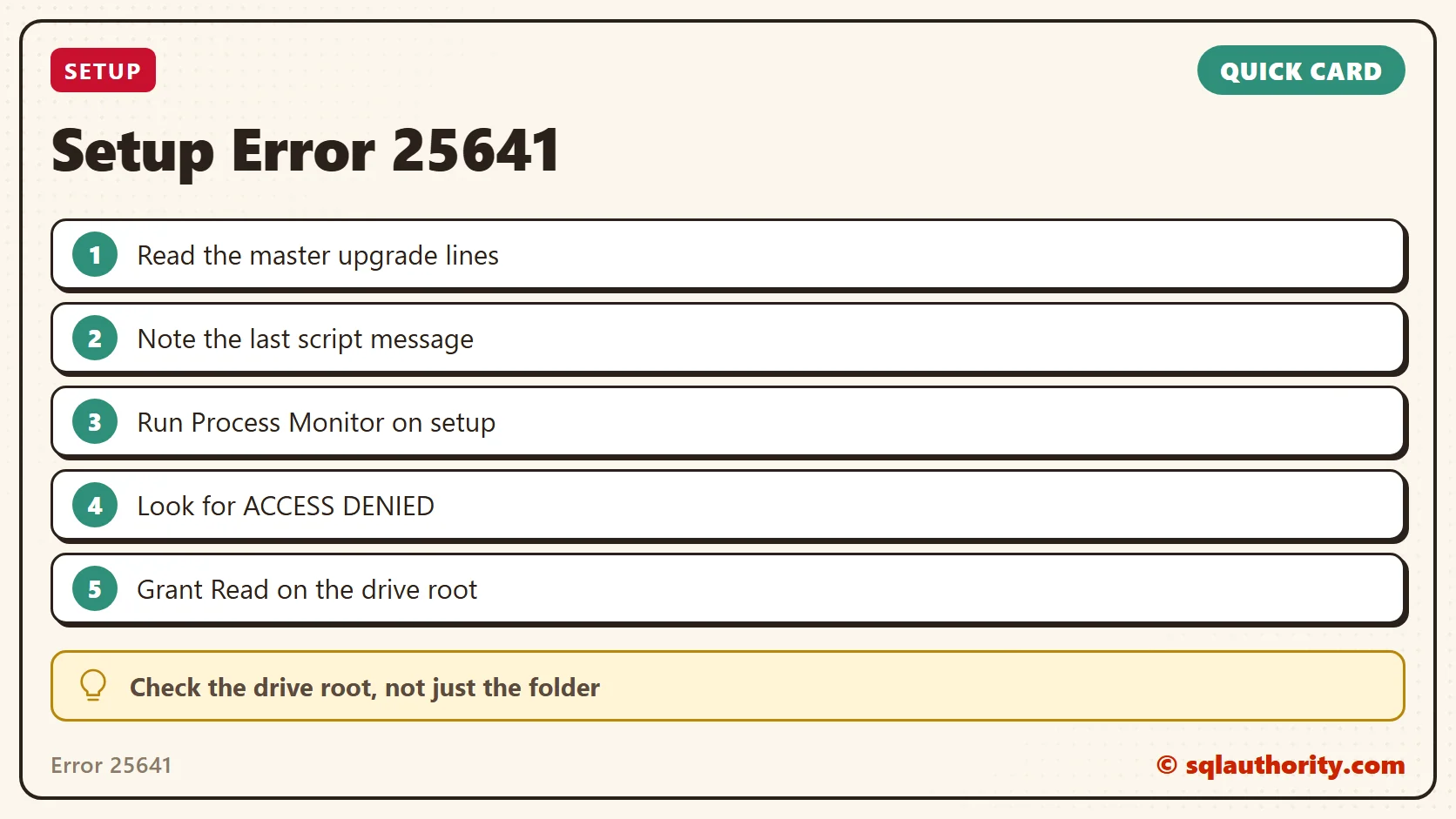
A permission error in setup is not always on the folder, it is sometimes on the drive root.
Published by Pinal Dave on SQLAuthority. More of my work at pinaldave.com.
Discover more from SQL Authority with Pinal Dave
Subscribe to get the latest posts sent to your email.




1 Comment. Leave new
Thank you Pinal. Still relevant fix for SQL Server 2025.