
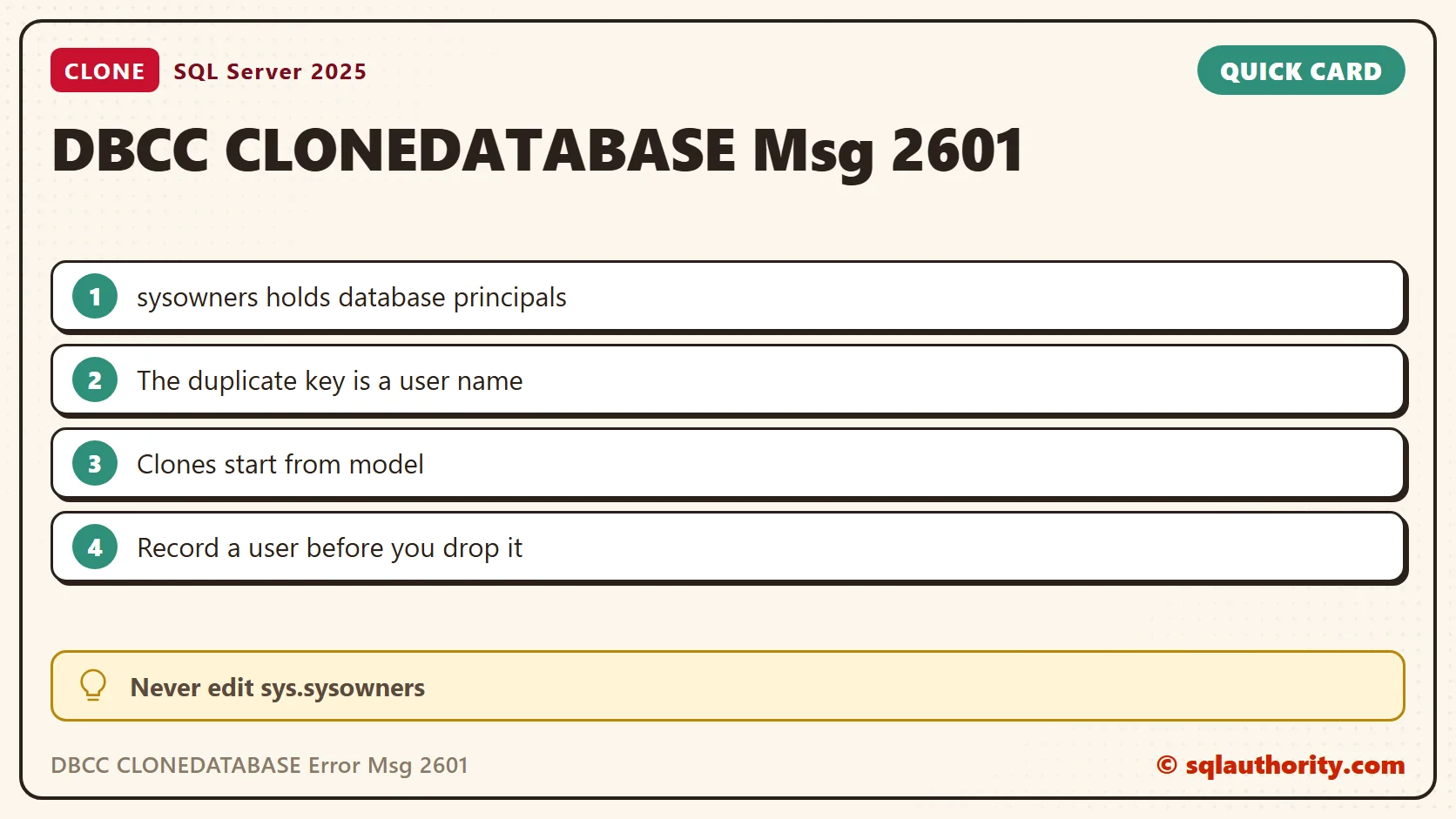
A DBCC CLONEDATABASE error that names sys.sysowners points at a database user name, not at the database owner. This 2019 case followed the sys.sysschobjs duplicate-key investigation. Both errors were Msg 2601. The system table and the duplicate key were different.
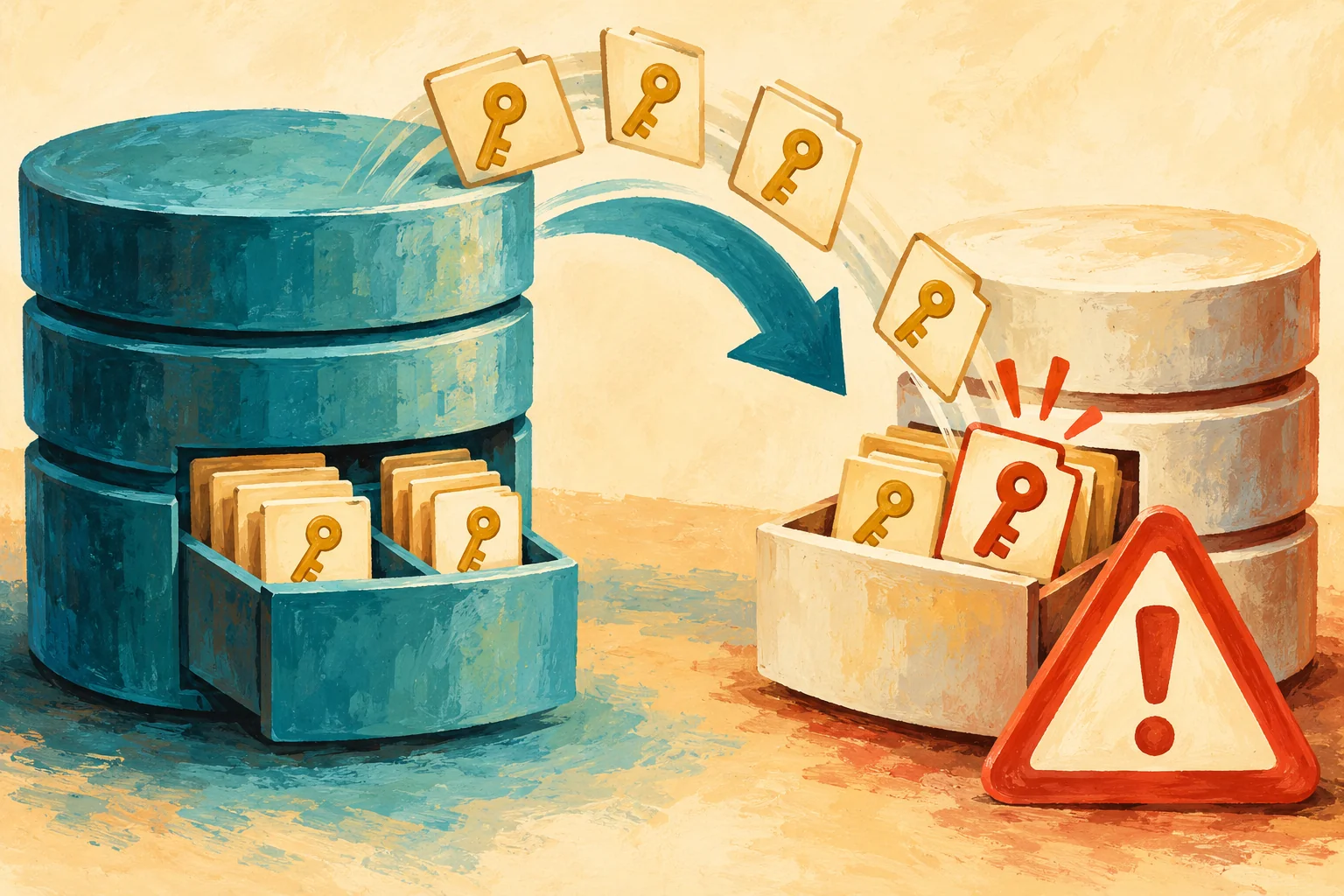
The Duplicate Key Was a Principal Name
Database cloning for 'SQLAUTH' has started with target as 'SQLAUTH_CLONE'.
Msg 2601, Level 14, State 1
Cannot insert duplicate key row in object 'sys.sysowners'
with unique index 'nc1'. The duplicate key value is (Domain\DBReader).
In the earlier case, the duplicate was a numeric object ID in sys.sysschobjs. Here it was a name in sys.sysowners, the internal table behind sys.database_principals. The error is not an instruction to change the database owner or to make a login sysadmin.
Why Model Matters to a Clone
The clone starts as a copy of model. SQL Server then copies the source database’s metadata into it. Suppose model already holds a user named like a user in the source. The unique index then rejects the second row. That is the error.
Microsoft documents user-created objects in model as unsupported for this command. In the reported case, removing the custom user from model let the clone finish. The original investigation found that user by name.
Look for the Same Name in Both Places
Start with the name in the error. It sits in parentheses after the words duplicate key value. The first query looks for it in model and in the source database. Run it in the source database, and replace the name with yours. Metadata visibility depends on permissions, so use an authorized login.
DECLARE @PrincipalName sysname = N'DBReader';
SELECT N'model' AS database_name, principal_id, name, type_desc, authentication_type_desc
FROM model.sys.database_principals
WHERE name = @PrincipalName
UNION ALL
SELECT DB_NAME(), principal_id, name, type_desc, authentication_type_desc
FROM sys.database_principals
WHERE name = @PrincipalName;
The second query does the check for every name at once. It joins the principals of model to the principals of the source database. Any row it returns is a clone conflict waiting to happen. Run it on the instance where the clone failed.
SELECT m.name, m.type_desc AS model_type, s.type_desc AS source_type
FROM model.sys.database_principals AS m
JOIN sys.database_principals AS s ON s.name = m.name
WHERE m.principal_id > 4 AND m.is_fixed_role = 0;
Finally, list what a person added to model. The filter skips principal IDs 1 to 4 (dbo, guest, INFORMATION_SCHEMA and sys). It also skips the fixed roles. This is an inventory, not a list of objects to drop. The authentication_type_desc column in the first query tells you whether the user maps to a login or a Windows account.
SELECT principal_id, name, type_desc, is_fixed_role
FROM model.sys.database_principals
WHERE principal_id > 4 AND is_fixed_role = 0
ORDER BY name;
What I Tested and What I Did Not
On my SQL Server 2025 instance, model held no user-added principals, so the join returned nothing. To prove the join works, I created one user name in two scratch databases. I pointed the query at one of them as a stand-in for model, and it returned the pair.
I did not reproduce the error itself. That needs a user in model, and every database created while it sits there would copy it. I will not do that on a shared instance. A clean clone worked, and its result shows what to expect.
DBCC CLONEDATABASE (SalesDemo, SalesDemo_clone);
SELECT name, state_desc, is_read_only FROM sys.databases WHERE name = N'SalesDemo_clone';
The clone came back ONLINE and read-only. SQL Server says in its output that a clone is for diagnostic use only. It needs sysadmin membership and a new target name. Run it outside a user transaction.
Handle a User in Model with Care
Removing the user fixed the reported case. It is not a blanket instruction. Model can hold deliberate provisioning choices for every future database. Before you drop a principal, record its definition, its role memberships, its permissions and the schemas it owns. Back up model, and agree the effect on new databases.
If the user must stay, clone the database on a separate instance instead. Do not remove built-in principals, and do not edit sys.sysowners directly. The internal table name in the error is a clue, not a repair surface.
After the change, run the clone again and read the output for the finished message. Review a clone before you share it. Statistics and Query Store data can keep sensitive values and query text. A clone also does not replace a backup and restore.
A sys.sysowners error is not about ownership, it is about a user name that exists twice.
Published by Pinal Dave on SQLAuthority. More of my work at pinaldave.com.
Discover more from SQL Authority with Pinal Dave
Subscribe to get the latest posts sent to your email.




2 Comments. Leave new
How did you know you had to go model db?
hi Pinal, thanks for sharing the solution, it would take me a long time to figure out the issue was related to the model database :). I was using invoke-dbaclone from dbatools and got the same error.