
The setup error Value cannot be null hit a client of mine who was automating their SQL Server deployment. They were testing the automation when they got stuck on an interesting installation error, and they contacted me. The exception was System.ArgumentNullException.

The Error
I asked for the installation log and found this exception in the Detail.txt file:
The following is an exception stack listing the exceptions in outermost to innermost order
Inner exceptions are being indented
Exception type: System.ArgumentNullException
Message:
Value cannot be null.
Parameter name: instanceName
HResult : 0x80004003
Stack:
at Microsoft.SqlServer.Configuration.Fulltext.Util.IsDefaultInstanceName(String instanceName)
What the Client Saw
The client had an internal website. Users entered the server name, the instance name, standalone or clustered, and the features. Based on those inputs, the site generated a setup configuration file and installed SQL Server with it. Randomly, some installations were failing.
How to Check
Summary.txt shows the parameter that points to the setup configuration file. Open that file and look at the InstanceName parameter. The exception already names it: Parameter name: instanceName.

Why It Happens
The parameter was empty. After carefully examining the files, we found that the InstanceName parameter was missing from the file under certain conditions. The client thought a default instance needed no name, but setup needs MSSQLSERVER to be passed.
The Fix
The client changed their code to handle the empty value. A default instance now passes MSSQLSERVER, like this in the configuration file:
INSTANCENAME="MSSQLSERVER"After that change, the issue was resolved.
How to Prevent It
If your code generates setup configuration files, write every parameter explicitly, even for a default instance. Then check the generated file for empty or missing values before setup starts.
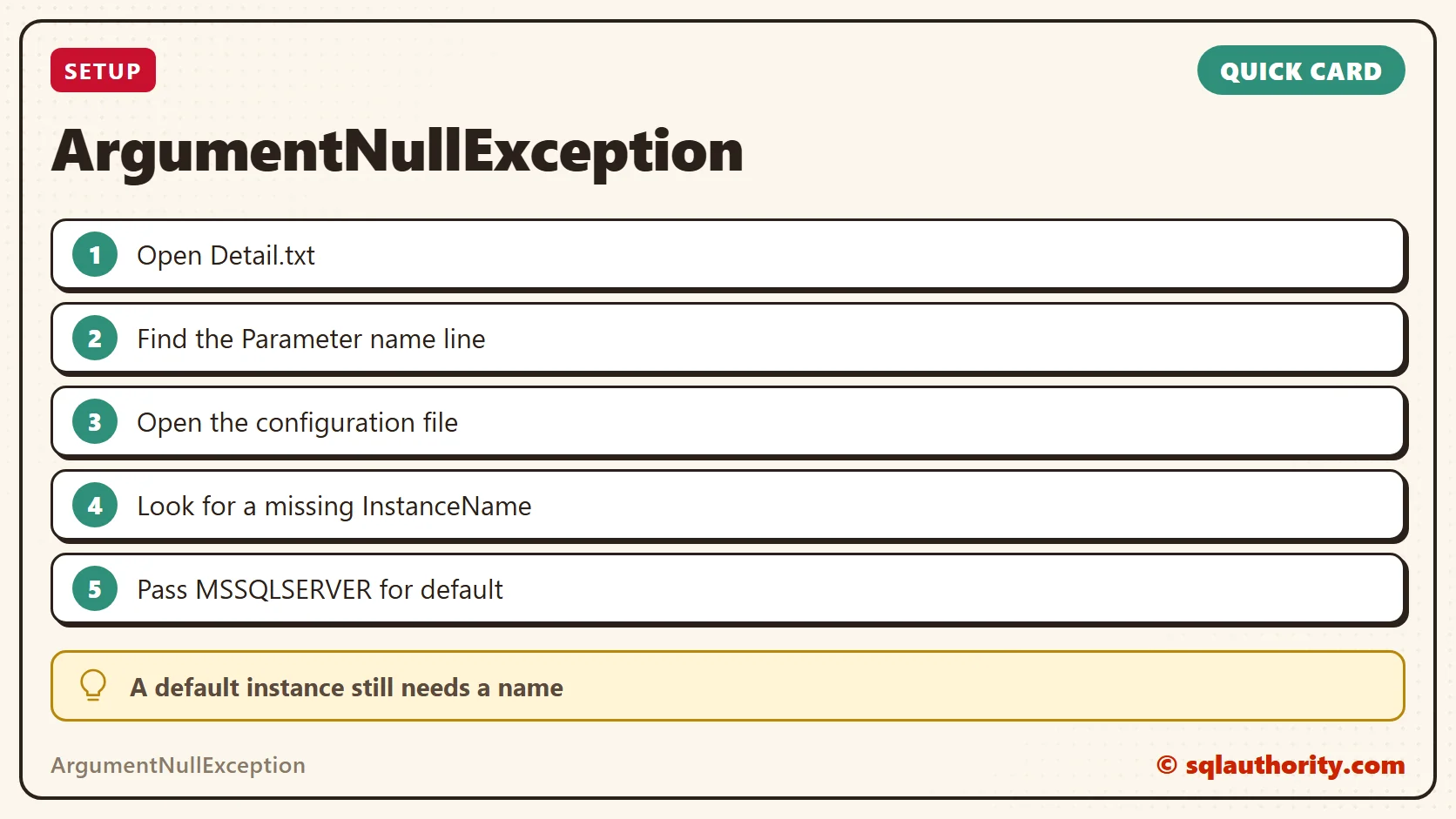
A default instance is not a blank name, it is MSSQLSERVER.
Published by Pinal Dave on SQLAuthority. More of my work at pinaldave.com.
Discover more from SQL Authority with Pinal Dave
Subscribe to get the latest posts sent to your email.




1 Comment. Leave new
i am getting error 15004 – name cannot be null.
please help