
The log reuse wait reason AVAILABILITY_REPLICA means a secondary replica is still applying log records of your database. Earlier this week I had multiple engagements of the Comprehensive Database Performance Health Check. With one customer, we saw that sys.databases always showed AVAILABILITY_REPLICA in the column log_reuse_wait_desc for one database. The customer was curious what it means, so we did some quick research.
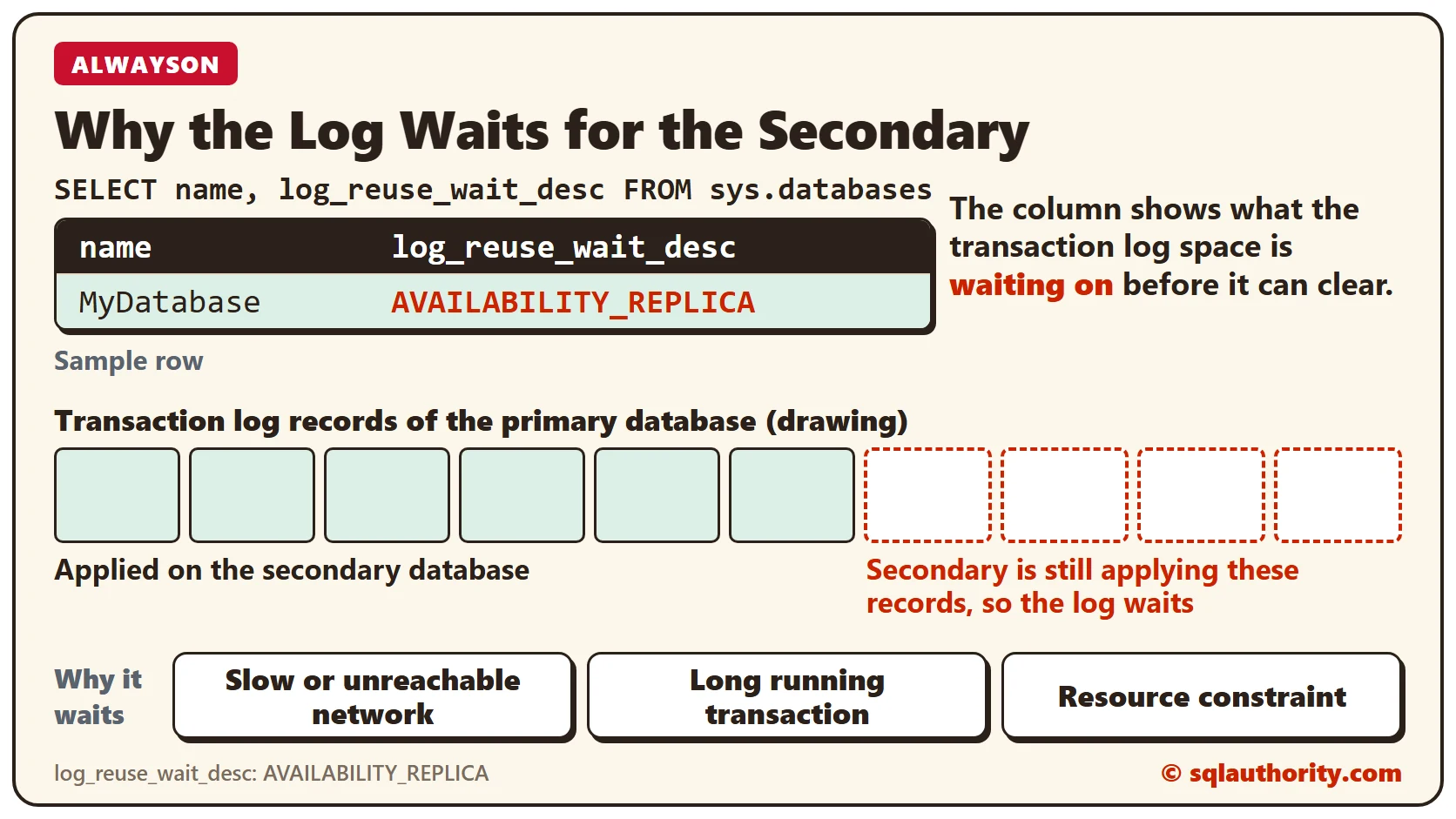
How to Check
First, run the following script.
SELECT name, log_reuse_wait_desc
FROM sys.databases
The script returns the name of each database with its log_reuse_wait_desc. The column shows the reason the transaction log space is currently waiting to clear.
If you see AVAILABILITY_REPLICA, an AlwaysOn secondary replica is applying the log records of this database. It applies them to the matching secondary database. In other words, your secondary database is being synced at that moment.
Why It Happens
There can be several reasons for this wait. Here are the three I found.
- Slow or unreachable network: Check with your network admin for the reason. One of my customers had an incorrectly configured network card, and it slowed the syncing.
- Long running transaction: Sometimes the primary and secondary databases are both synced, but sys.databases still shows AVAILABILITY_REPLICA. Then a long running transaction on the primary can be writing to the log file. That part of the log is not shipped to the secondary yet.
- Resource constraint: In a rare case, the secondary runs out of worker threads. Restart the sync. If that does not help, reset the sync from the beginning.
Your Turn
So far, I have found that any one of these three reasons can cause AVAILABILITY_REPLICA as a log_reuse_wait_desc. If you know of other reasons and solutions, please tell me in the comments.
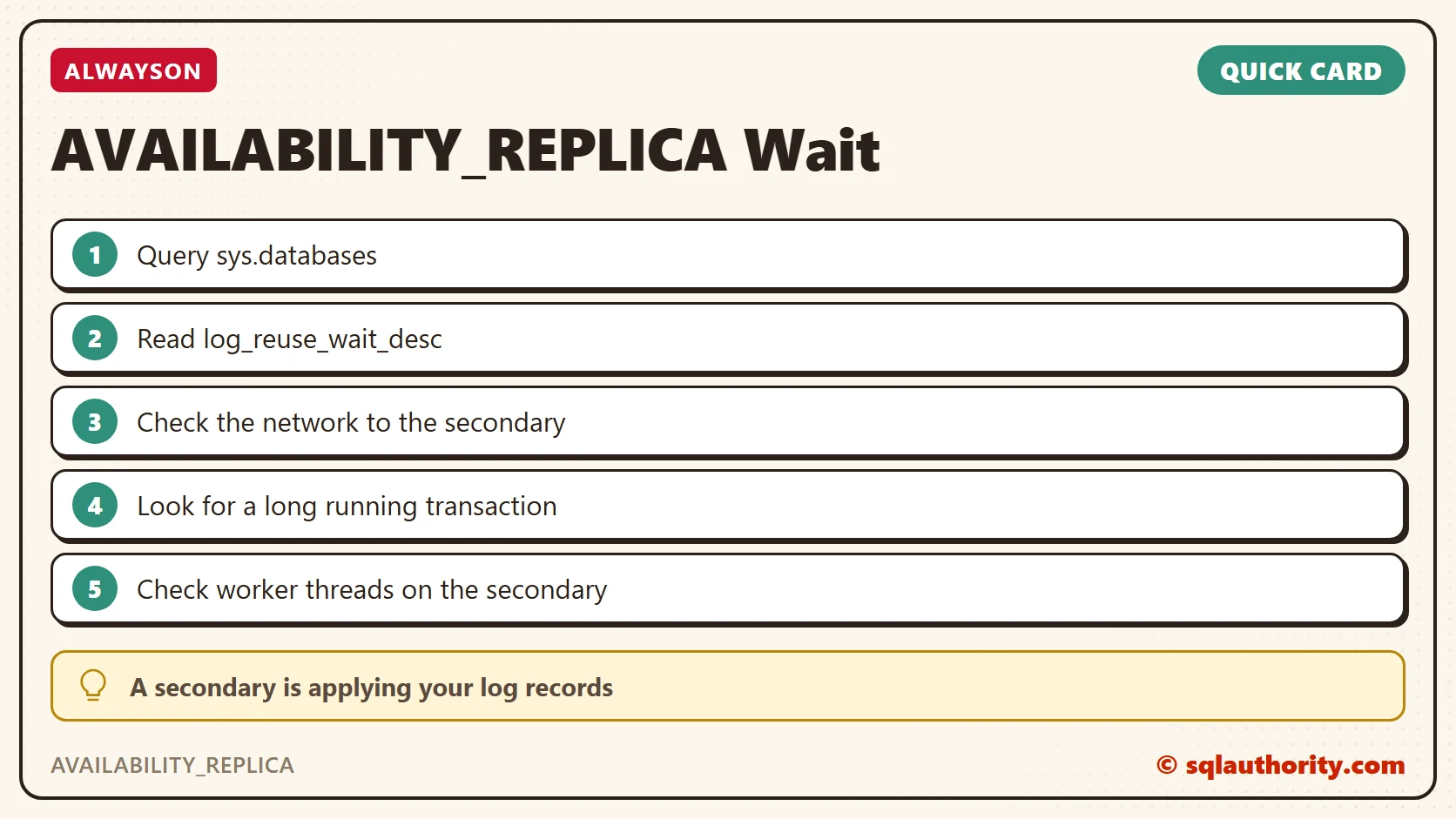
AVAILABILITY_REPLICA is not an error, it is a sign that a secondary is still applying your log.
Published by Pinal Dave on SQLAuthority. More of my work at pinaldave.com.
Discover more from SQL Authority with Pinal Dave
Subscribe to get the latest posts sent to your email.



6 Comments. Leave new
@Pinal, just for additional information to this article. Not only that, If there is a secondary replica disconnected or not in sync either it will be in async or sync mode will give the same problem.
you may be running the indexes.. that might blow up your log files…when log files are large – AG is going to fall behind… take appropriate actions.
what can be done if log files are filling and become large
Take backup.
Pinal, would it be possible to expand this article? Eg) you write “it is quite possible that sometimes on the secondary we run out of the worker thread” – how to check for that? You also wrote “you can either restart the sync or if that works, you may have to reset the sync from the beginning” – I’m confused – what’s the difference between the two options you’re describing here? For your options 1 and 2 – would these scenarios show on the AG dashboard – for example, having a large redo queue or wait time? Maybe more information on how to confirm those scenarios too.
other reason is because the secondary replica have running a backup
bye