Msg 3292 means a backup or restore with a URL device failed, and the next message names the cause. In one 2018 client case, that cause was a renamed BackupToUrl.exe. It was not a general Azure Storage failure.

The Original Failure
The client was configuring SQL Server backups to Azure Blob Storage with a storage-account-key credential. The backup failed with these messages.
Msg 3292: A failure occurred while attempting to execute Backup or Restore
with a URL device specified. Consult the operating system error log for details.
Msg 3013: BACKUP DATABASE is terminating abnormally.
The command worked on another server, which gave us a useful comparison. It did not prove that the credential, the network route or the storage settings were right on the failing server. Each instance needs its own checks.
The Clue Was 0x80070002
Extra diagnostics in that investigation showed this line.
BackupToUrl: couldn't load process Error Code: 80070002
The Windows error means the system cannot find the specified file. Someone had renamed BackupToUrl.exe to BackupToUrl.exe.dll in the SQL Server Binn folder. Restoring the original name fixed the backup for that client.
My earlier post on converting hexadecimal Windows errors to readable messages explains the lookup.
Read the Message Family
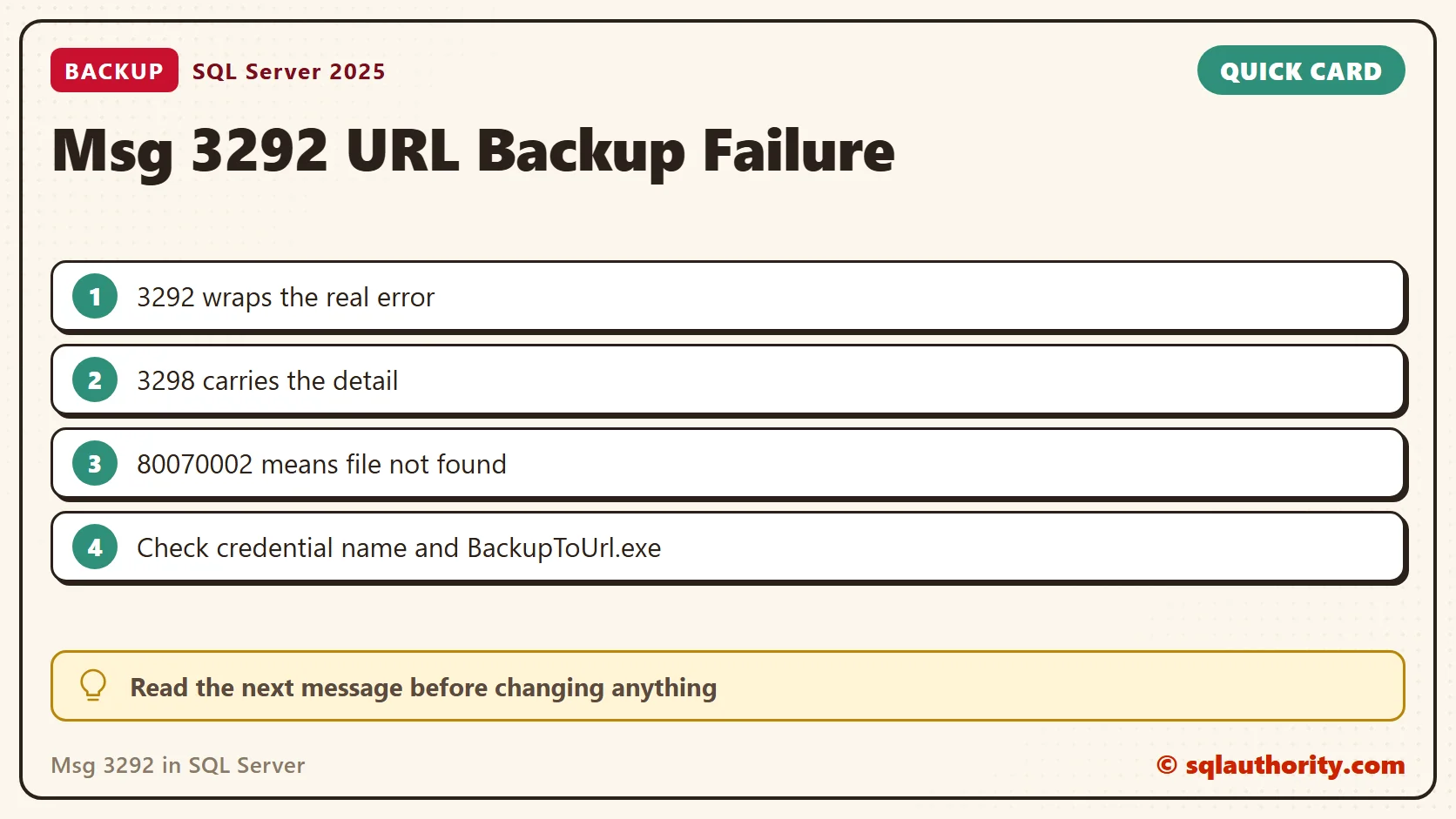
Msg 3292 is a wrapper. Msg 3298 carries the detail from the URL device, and Msg 3013 closes the failed statement. This query shows the text of all three on your build.
SELECT message_id, severity, text
FROM sys.messages
WHERE message_id IN (3013, 3292, 3298) AND language_id = 1033
ORDER BY message_id;
On SQL Server 2025, Msg 3292 tells you to consult the operating system error log. The text of Msg 3298 holds a placeholder, and the real reason is filled in when the error is raised. Save the full sequence together with the matching SQL Server and Windows log entries.
Then sort the failure into one of three groups before you change anything.
- Authentication or connectivity errors: investigate the credential, the container URL and the route from that instance to storage.
- A helper load failure like this case: check the installed component and its file name. Ask the server administrator about security software.
- A malformed or unsupported URL: fix the address, because the URL device never starts. A localhost address failed this way in my test with Msg 3078.
Check the Helper File and the Credential
The helper executable belongs to the older page blob path used with a storage-account-key credential. SQL Server 2016 and later also support block blobs with a Shared Access Signature. Do not assume a helper file investigation fits every URL backup failure. On my SQL Server 2025 instance, the file exists in the Binn folder.
$binn = 'C:\Program Files\Microsoft SQL Server\MSSQL17.SQLDEV\MSSQL\Binn'
Get-ChildItem -Path $binn -Filter 'BackupToUrl*' | Select-Object Name, Length, LastWriteTime
A missing file or a changed name points to the installed component. The credential is the other usual suspect. Its name must match the container URL, and its identity tells you which method it uses. I created a test credential named for a container URL to see the output. It returned one row with the identity SHARED ACCESS SIGNATURE.
SELECT name, credential_identity FROM sys.credentials ORDER BY name;
Trace the Failure With Trace Flags
Trace flags 3051 and 3605 were used during the original diagnosis. They are not a default setting for every backup error. Turn them on only for the failing attempt, record the prior state, and turn them off afterwards.
DBCC TRACEON (3051, 3605, -1);
-- run the failing BACKUP or RESTORE here
DBCC TRACEOFF (3051, 3605, -1);
DBCC TRACESTATUS (-1);
After the flags went off, the status check on my instance listed no global flag. Read the log that 3051 produces and the ERRORLOG together with the Windows event log for the same minute.
Repair the Diagnosed Problem
Do not copy a BackupToUrl.exe from another server, and do not fetch a loose binary from the web. If a component is missing or altered, use a repair that matches your build. Then find out why it changed. Security software and manual renames are the first places to look.
After the repair, retry with a new blob name. Then restore the result to a test database to prove the backup works. I tested the queries and flag commands on SQL Server 2025. I did not recreate the Azure failure or the renamed executable.
Msg 3292 is not a diagnosis, it is a reason to read the underlying error.
Published by Pinal Dave on SQLAuthority. More of my work at pinaldave.com.
Discover more from SQL Authority with Pinal Dave
Subscribe to get the latest posts sent to your email.