
You can verify a migrated database with two numbers per table: a row count and a checksum. I wrote about new trends in database administration in July 2018, and cloud migration was one of them.

At first, I viewed the cloud mainly as hosting on another organization’s servers. As the services developed, that view became too narrow. Provisioning, storage and security involved different choices from an on-premises installation. Learning the service boundaries mattered as much as learning a new interface. One duty stays the same after any move: proving the data arrived intact. I tested a way to do that on SQL Server 2025.
Row Counts Are Not Enough
A migration tool can report success while a value changes on the way. A count of rows can’t see that. My test uses two databases on one instance, Kitchen as the source and KitchenCopy as the copy. I copied two tables, then changed two values in the copy to stand in for silent damage. One dish price went up by 1. One city changed from Pune to pune.
USE Kitchen;
CREATE TABLE dbo.Customers (CustomerId int PRIMARY KEY, CustomerName nvarchar(50) NOT NULL, City nvarchar(30) NOT NULL);
CREATE TABLE dbo.Dishes (DishId int PRIMARY KEY, DishName nvarchar(40) NOT NULL, Price decimal(8,2) NOT NULL);
INSERT dbo.Customers SELECT value, CONCAT(N'Customer ', value), CHOOSE(value % 3 + 1, N'Pune', N'Surat', N'Mysore') FROM GENERATE_SERIES(1, 5000);
INSERT dbo.Dishes SELECT value, CONCAT(N'Dish ', value), 3 + value % 9 FROM GENERATE_SERIES(1, 40);
CREATE DATABASE KitchenCopy;
GO
SELECT * INTO KitchenCopy.dbo.Customers FROM Kitchen.dbo.Customers;
SELECT * INTO KitchenCopy.dbo.Dishes FROM Kitchen.dbo.Dishes;
UPDATE KitchenCopy.dbo.Dishes SET Price = Price + 1 WHERE DishId = 10;
UPDATE KitchenCopy.dbo.Customers SET City = N'pune' WHERE CustomerId = 3;
Fingerprint Each Table
The query below builds one SELECT per table. Each returns the row count and two checksums. CHECKSUM_AGG combines the per-row values into one number for the table. I run the same text in both databases and store the results side by side.
CREATE TABLE #Fingerprint (DbSide sysname, TableName sysname, TotalRows bigint, RowChecksum int, CiChecksum int);
DECLARE @Sql nvarchar(max) = (
    SELECT STRING_AGG(CONVERT(nvarchar(max),
        N'SELECT @Side, N' + QUOTENAME(t.name, '''') + N', COUNT_BIG(*), CHECKSUM_AGG(BINARY_CHECKSUM(*)), CHECKSUM_AGG(CHECKSUM(*)) FROM '
        + QUOTENAME(s.name) + N'.' + QUOTENAME(t.name)), N' UNION ALL ')
    FROM sys.tables AS t
    JOIN sys.schemas AS s ON s.schema_id = t.schema_id);
INSERT #Fingerprint EXEC Kitchen.sys.sp_executesql @Sql, N'@Side sysname', @Side = N'source';
INSERT #Fingerprint EXEC KitchenCopy.sys.sp_executesql @Sql, N'@Side sysname', @Side = N'copy';
SELECT s.TableName, s.TotalRows AS SourceRows, c.TotalRows AS CopyRows,
       CASE WHEN s.TotalRows <> c.TotalRows THEN 'ROWS DIFFER'
            WHEN s.RowChecksum <> c.RowChecksum THEN 'CONTENT DIFFERS'
            ELSE 'match' END AS Verdict,
       CASE WHEN s.CiChecksum = c.CiChecksum THEN 'same' ELSE 'different' END AS CaseInsensitiveChecksum
FROM #Fingerprint AS s
JOIN #Fingerprint AS c ON c.TableName = s.TableName AND c.DbSide = N'copy'
WHERE s.DbSide = N'source'
ORDER BY s.TableName;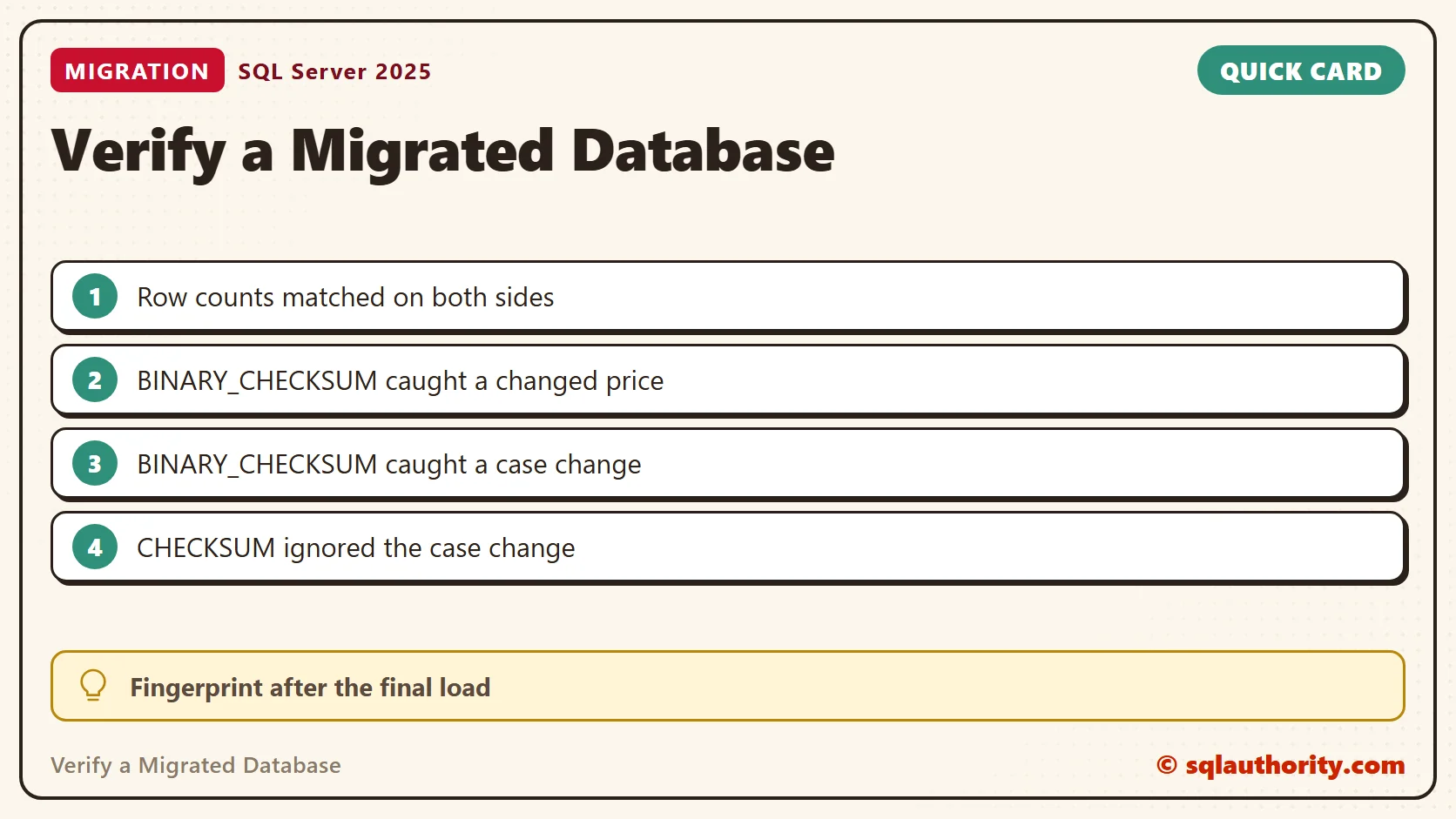
| Table | Source rows | Copy rows | Verdict | CHECKSUM result |
|---|---|---|---|---|
| Customers | 5,000 | 5,000 | CONTENT DIFFERS | same |
| Dishes | 40 | 40 | CONTENT DIFFERS | different |
The row counts matched in both tables. The checksums didn’t. The fingerprint of the Dishes table changed because of the price. The Customers table changed because of one letter’s case.
Why I Use BINARY_CHECKSUM
The last column shows why I carry two checksum functions in the script. CHECKSUM follows the database collation. This database is case insensitive, so Pune and pune looked the same and the Customers fingerprint matched. BINARY_CHECKSUM reads the stored bytes and caught the change. For a migration check, I want the bytes.
A different checksum proves the tables differ. A matching checksum is strong evidence, not proof, because two different sets of rows can produce the same number. For a stronger comparison, read Comparing Two Copies of a Table With CHECKSUM_AGG and HASHBYTES.
Find the Row That Differs
A table that differs needs a row by row comparison. EXCEPT returns the rows of the source that the copy lacks. For Dishes it returned the one row with the changed price. For the changed city it returned nothing, because EXCEPT uses the same case insensitive collation. A binary collation on the text column found it.
SELECT DishId, Price FROM Kitchen.dbo.Dishes
EXCEPT
SELECT DishId, Price FROM KitchenCopy.dbo.Dishes;
SELECT CustomerId, City FROM Kitchen.dbo.Customers
EXCEPT
SELECT CustomerId, City FROM KitchenCopy.dbo.Customers;
SELECT CustomerId, City COLLATE Latin1_General_BIN2 AS City FROM Kitchen.dbo.Customers
EXCEPT
SELECT CustomerId, City COLLATE Latin1_General_BIN2 FROM KitchenCopy.dbo.Customers;
The Fingerprint Misses Structure
A checksum sees values, not definitions. SELECT INTO copied the rows and dropped both primary keys. I also shortened one text column in the copy. The first query below found the changed column. The second counted the indexes on each side and found none in the copy. Run both checks next to the fingerprint.
ALTER TABLE KitchenCopy.dbo.Customers ALTER COLUMN CustomerName nvarchar(40) NOT NULL;
GO
SELECT s.TABLE_NAME, s.COLUMN_NAME, s.DATA_TYPE, s.CHARACTER_MAXIMUM_LENGTH AS source_length, c.CHARACTER_MAXIMUM_LENGTH AS copy_length
FROM Kitchen.INFORMATION_SCHEMA.COLUMNS AS s
JOIN KitchenCopy.INFORMATION_SCHEMA.COLUMNS AS c ON c.TABLE_NAME = s.TABLE_NAME AND c.COLUMN_NAME = s.COLUMN_NAME
WHERE ISNULL(c.CHARACTER_MAXIMUM_LENGTH, 0) <> ISNULL(s.CHARACTER_MAXIMUM_LENGTH, 0)
   OR c.DATA_TYPE <> s.DATA_TYPE OR ISNULL(c.NUMERIC_SCALE, 0) <> ISNULL(s.NUMERIC_SCALE, 0);
SELECT t.name AS table_name,
       (SELECT COUNT(*) FROM Kitchen.sys.indexes AS i WHERE i.object_id = t.object_id AND i.type > 0) AS source_indexes,
       (SELECT COUNT(*) FROM KitchenCopy.sys.indexes AS i
        JOIN KitchenCopy.sys.tables AS ct ON ct.object_id = i.object_id
        WHERE ct.name = t.name AND i.type > 0) AS copy_indexes
FROM Kitchen.sys.tables AS t;
What I Do After a Move
I run the fingerprint after the final load, not before it. Rows that arrive later change the numbers. I keep the output with the migration record, so anyone can see what was checked and when. The fingerprint reads every row, so on a large table I run it outside business hours. If a table differs, I find the rows first and fix nothing until I know why.
Features can also differ between platforms. For that side of a move, see Moving to Azure SQL Database: The Features You Give Up. For documents stored inside a database, see JSON Column Index in SQL Server: Index One Property.
A successful migration is not the one that finished, it is the one you can prove is complete.
Published by Pinal Dave on SQLAuthority. More of my work at pinaldave.com.
Discover more from SQL Authority with Pinal Dave
Subscribe to get the latest posts sent to your email.




1 Comment. Leave new
The article is pretty spot on I’m currently managing about 100 servers that are 5TB to 30TB. You probably could have mentioned the size of databases are growing exponentially since 2010!