
Error 5511 means a FILESTREAM file system log record is corrupted, and the database will not come online. This is one of my freelance consulting experiences, and it started with a restart of SQL Server. It gets stressful when a production database fails to come online afterward.

The Error
After we restarted the SQL Server service, one database failed to come online. We even restarted the server, but it did not help. These are the messages in the ERRORLOG:
spid155 Starting up database 'SQLAuthority'
spid155 9 transactions rolled forward in database 'SQLAuthority'(16:0). This is an informational message only. No user action is required.
spid155 Error: 5511, Severity: 23, State: 10.
spid155 FILESTREAM's file system log record '' under log folder '\\?\J:\Blobstore_SQLAuthority\$FSLOG' is corrupted.
spid155 Error: 3414, Severity: 21, State: 1.
spid155 An error occurred during recovery, preventing the database 'SQLAuthority'(16:0) from restarting. Diagnose the recovery errors and fix them or restore from a known good backup. If errors are not corrected or expected, contact Technical Support.
What Happened
The situation became stressful, because the production database would not come online after the restart. The error pointed to a corrupt FILESTREAM file, named like GUID.txt, under the log folder \\?\J:\Blobstore_SQLAuthority\$FSLOG.
Why It Happens
I found an article from Microsoft support engineers on FILESTREAM garbage collection. In the FILESTREAM container, the $FSLOG directory holds a set of files. Their names carry information, and they are part of the database log chain. Part of the name is an LSN that matches the LSN in the file name of the actual file storage. The garbage collector uses these files to decide what to clean up.
The article gives a danger warning. Deleting a file directly from the FILESTREAM container counts as database corruption, and DBCC CHECKDB will report it. These files are linked to the database transactionally. Deleting one is the same as damaging a page.

How to Check
Read the ERRORLOG for error 5511 and note the file named under the $FSLOG folder. In our case the only event was a restart of the SQL Server service, and there was no hardware failure.
The Fix
I thought of taking a risk. We moved the corrupted file to a different folder and tried to bring the database online. It came online. The article says not to delete files from $FSLOG, but we took this step and it worked. I didn’t know how it would affect the database and the application.
Confirm It Worked
We ran CHECKDB, and it came out clean. My client also monitored the server for a couple of weeks and told me everything seemed to work fine.
How to Prevent It
Never delete or edit files in a FILESTREAM container by hand. Treat moving a file as a last resort, and keep a recent backup before you restart a production server.
Have you seen such issues? Tell me in the comments.
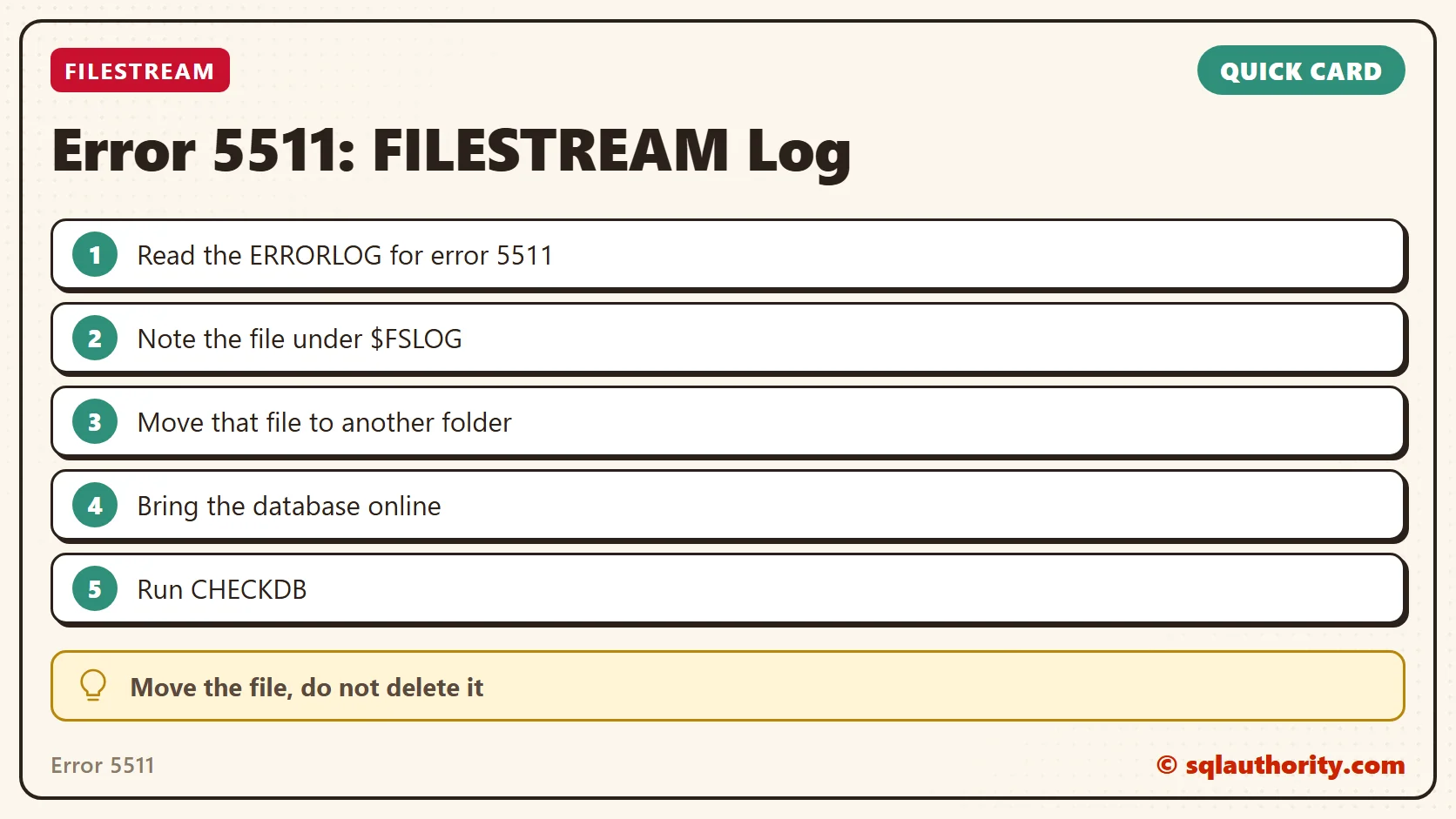
Error 5511 is not a reason to delete files, it is a reason to move one aside and check.
Published by Pinal Dave on SQLAuthority. More of my work at pinaldave.com.
Discover more from SQL Authority with Pinal Dave
Subscribe to get the latest posts sent to your email.




3 Comments. Leave new
Hi Pinal,
Nice article. Thank you for sharing the new issue.
Thanks Jagan.
The link to the MSDN article is different to the text and does not take you to the correct page