
SPID, KPID and ECID name a session, a Windows thread and one part of a parallel query. They’re the three ID columns of sys.sysprocesses. Here they are, read live, for a session at rest and for a query running on several threads.

SPID, KPID and ECID in One Sentence Each
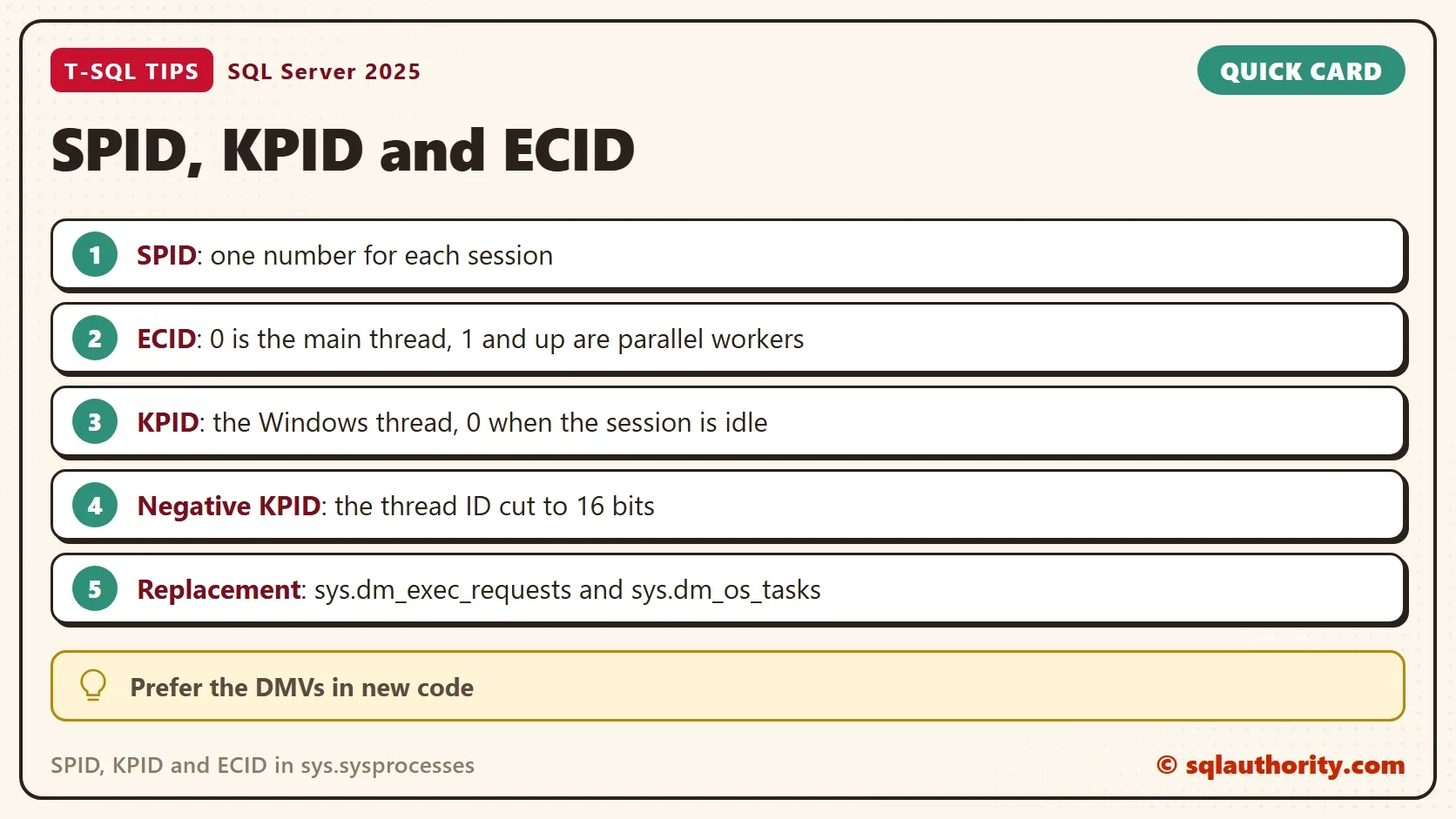
spid is the session ID. Every connection gets one, and user sessions start at 51. ecid is the execution context ID. It numbers the threads that work for one SPID. 0 is the main thread, and 1 and higher are the parallel workers. kpid is the Windows thread ID of the thread that runs the request. It is 0 when no request is running.
sys.sysprocesses is an old compatibility view. It still exists in SQL Server 2025, and it answers all three questions in one place. New code should use the dynamic management views, which the last section names.
A Session at Rest
This experiment needs two query windows. The demo database holds a table of 15,000 numbers for the heavy query later. Run the setup in window 1, then ask window 1 for its own session number.
IF DB_ID(N'SpidIdsDemo') IS NULL CREATE DATABASE SpidIdsDemo;
GO
USE SpidIdsDemo;
GO
SET NOCOUNT ON;
DROP TABLE IF EXISTS dbo.Numbers;
CREATE TABLE dbo.Numbers (n int NOT NULL PRIMARY KEY);
INSERT INTO dbo.Numbers (n)
SELECT TOP (15000) ROW_NUMBER() OVER (ORDER BY (SELECT NULL)) FROM sys.all_columns a CROSS JOIN sys.all_columns b;
SELECT @@SPID AS Spid;
The number is 52 here, and yours will differ. Leave window 1 alone. In window 2, put that number in the script below and run it. The query joins the old view to the thread views. That shows the full Windows thread ID next to kpid.
DECLARE @spid int = 52; -- replace 52 with the number that SELECT @@SPID returned in window 1
SELECT p.spid, p.ecid, p.kpid, th.os_thread_id, RTRIM(p.status) AS status, RTRIM(p.cmd) AS cmd
FROM sys.sysprocesses p
LEFT JOIN sys.dm_os_tasks t ON t.session_id = p.spid AND t.exec_context_id = p.ecid
LEFT JOIN sys.dm_os_workers w ON w.worker_address = t.worker_address
LEFT JOIN sys.dm_os_threads th ON th.thread_address = w.thread_address
WHERE p.spid = @spid
ORDER BY p.ecid;
| spid | ecid | kpid | os_thread_id | status | cmd |
|---|---|---|---|---|---|
| 52 | 0 | 0 | NULL | sleeping | AWAITING COMMAND |
The session is sleeping and waiting for a command. It has no thread, so kpid is 0 and the thread join finds nothing. A user connection with kpid 0 is an idle connection, not a special kind of process. Only a running request owns a thread.
A Query on Several Threads
Now give window 1 something to chew on. This query pairs every number with every other number and counts the pairs. The hint asks for a parallel plan with four workers. The cross join keeps it busy for about ten seconds on a fast machine. It uses four CPUs, so don’t run it on a production server.
SELECT COUNT_BIG(*) AS Pairs
FROM dbo.Numbers a CROSS JOIN dbo.Numbers b
WHERE (a.n + b.n) % 7 = 0
OPTION (MAXDOP 4, USE HINT('ENABLE_PARALLEL_PLAN_PREFERENCE'));
While it runs, go back to window 2. Run the observer script again, with the session number of window 1. A busy session answers with one row per thread.
| spid | ecid | kpid | os_thread_id | status | cmd |
|---|---|---|---|---|---|
| 162 | 0 | -7768 | 57768 | suspended | SELECT |
| 162 | 1 | -31728 | 99344 | runnable | SELECT |
| 162 | 2 | 5896 | 5896 | runnable | SELECT |
| 162 | 3 | -30872 | 34664 | runnable | SELECT |
| 162 | 4 | 13140 | 78676 | runnable | SELECT |
In this run, one SPID had five threads. The thread with ecid 0 is the coordinator, and it is suspended because it waits for the workers. The four workers with ecids 1 to 4 do the counting, which matches the degree of parallelism in the hint. The number of workers follows that degree. A plan with more than one parallel branch can show more ecids.
Why KPID Looks Negative
Compare the kpid and os_thread_id columns. Row 2 shows 99344 as -31728. Windows thread IDs can be larger than 65,535, and kpid is a small integer. The view wraps the real ID into 16 bits and shows the result as a signed number. 57768 minus 65536 is -7768, which is the first row. Row 3 is below 32,768, so it keeps its value.
A negative kpid is therefore normal, and it isn’t a unique key. Two threads can share a wrapped value. When you need the real thread, use sys.dm_os_threads.
Use the Newer Views
The same facts live in views that Microsoft maintains. sys.dm_exec_sessions has one row for each session, with the login and the host. sys.dm_exec_requests has one row for each running request, with its wait and its SQL handle. sys.dm_os_tasks has the exec_context_id, and from there the worker and the thread views lead to the Windows thread.
To connect a running request to a procedure, take its SQL handle to sys.dm_exec_sql_text. For a stored procedure, the objectid column holds the object ID. An ad hoc batch has no object ID, so the column is NULL.
Is sysprocesses Still Worth Knowing?
You could argue that nobody should touch sys.sysprocesses now. For new code, that’s right. Old monitoring scripts and a lot of advice still use it. One view with every ID in it is quick to read in an emergency. Know what SPID, KPID and ECID mean, and write new code against the DMVs.
What to Remember
In short, SPID, KPID and ECID name the session, the thread within it and the Windows thread. KPID is wrapped into 16 bits. A KPID of 0 means the session is idle. When you finish with the demo, drop the test database.
USE master;
GO
ALTER DATABASE SpidIdsDemo SET SINGLE_USER WITH ROLLBACK IMMEDIATE;
DROP DATABASE SpidIdsDemo;
A session is not a thread, it is a number that can borrow several of them.
Published by Pinal Dave on SQLAuthority. More of my work at pinaldave.com.
Discover more from SQL Authority with Pinal Dave
Subscribe to get the latest posts sent to your email.




4 Comments. Leave new
Perhaps worthwhile mentioning that ECID is an acronym for Execution Context ID.
Fine, but what about kpid = 0 for user processes ?
On Sybase we had a kpid value for all connected user, how can I replace it on MSSQL ?
In SQL, KPID is only for running query not connection.
How can I relation ecid or spid with Object_ID ?