
Msg 15153 is the second error a non-sysadmin user hits when running xp_cmdshell. I was working with a team at a retail company in India, and they needed non-sysadmin users to run xp_cmdshell.

The Error
A simple stored procedure that used xp_cmdshell failed for those users with this error:
Msg 229, Level 14, State 5, Procedure xp_cmdshell, Line 1 [Batch Start Line 0]
The EXECUTE permission was denied on the object 'xp_cmdshell', database 'mssqlsystemresource', schema 'sys'.
What the Client Saw
The team runs close to 1,500 databases at their outlets and point of sale counters. Fewer than ten DBAs manage them, so they want to automate. They followed the message and granted the permission to execute the procedure. Then they got the next error, Msg 15153:
Msg 15153, Level 16, State 1, Procedure xp_cmdshell, Line 1 [Batch Start Line 3]
The xp_cmdshell proxy account information cannot be retrieved or is invalid. Verify that the '##xp_cmdshell_proxy_account##' credential exists and contains valid information.
Why It Happens
A non-sysadmin user can run xp_cmdshell only through a proxy account. The proxy is stored as a credential named ##xp_cmdshell_proxy_account##. Msg 15153 tells you that credential is missing or holds invalid information.
I explained the reason and the risks of using xp_cmdshell, and the team decided to use a proxy account.

The Fix
These are the complete steps. First, create the proxy for xp_cmdshell. It maps the Windows account under whose credentials xp_cmdshell will run. Keep this account out of the Windows local administrators group, or you undo the protection the proxy gives you. Replace the account and password with your own.
EXEC sp_xp_cmdshell_proxy_account 'SQLAuthority\Pinal', 'Password for the user given here'Second, grant EXECUTE on xp_cmdshell to the user:
GRANT EXECUTE ON xp_cmdshell TO foo1In short, the proxy account must be a Windows account. Any non-sysadmin user needs public access to the master database and EXECUTE permission on xp_cmdshell. That user can be a Windows account or a SQL login.
Confirm It Worked
Run the same stored procedure as the non-sysadmin user again. It should run without Msg 229 or Msg 15153.
How to Prevent It
Treat xp_cmdshell as a risk, and decide on purpose which users get it. Give the proxy account only the rights the task needs.
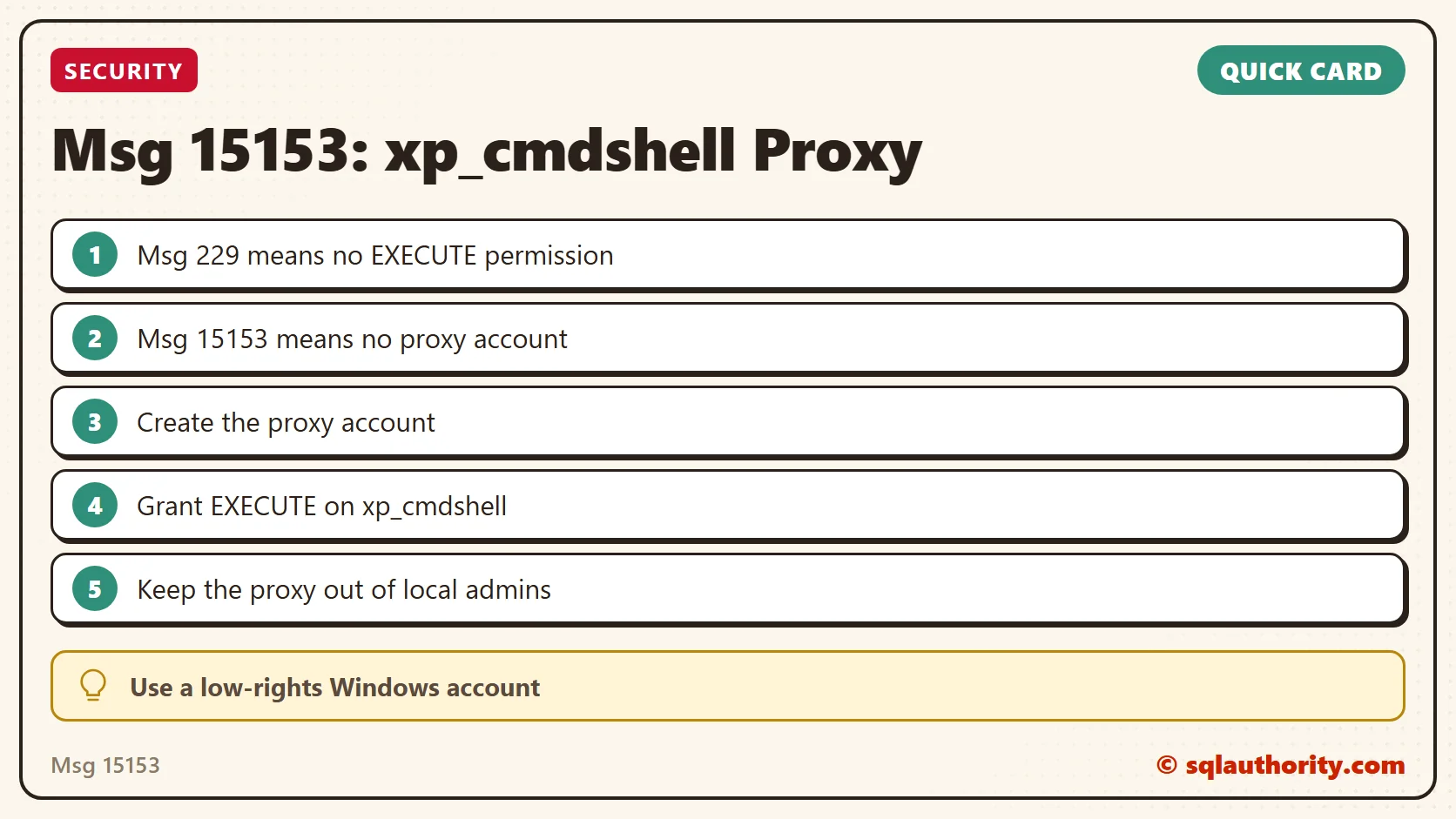
Msg 15153 is not a permissions loop, it is a missing proxy account.
Published by Pinal Dave on SQLAuthority. More of my work at pinaldave.com.
Discover more from SQL Authority with Pinal Dave
Subscribe to get the latest posts sent to your email.




4 Comments. Leave new
Why do you grant access to foo1 and not ‘SQLAuthorityPinal’ in your example?
He’s done that because foo1 is the actual user that wants to execute xp_cmdshell. The ‘SQLAuthorityPinal’ user is the proxy account that the spawned xp command will run as when executed by foo1.
GRANT EXECUTE ON xp_cmdshell TO foo1 fails with:
Permissions on server scoped catalog views or system stored procedures or extended stored procedures can be granted only when the current database is master.
Also needed your other solution for this – had to launch SSMS as an administrator to run the command http://blog.sqlauthority.com/2017/06/14/sql-server-msg-15137-level-16-error-related-sp_xp_cmdshell_proxy_account/