
A database mirroring connection error needs evidence from both ends of the connection. In this 2017 case, I was setting up mirroring on new Azure virtual machines. The setup reported a connectivity problem. The useful clue was an endpoint permission failure in the SQL Server log.

The Original Mirroring Environment
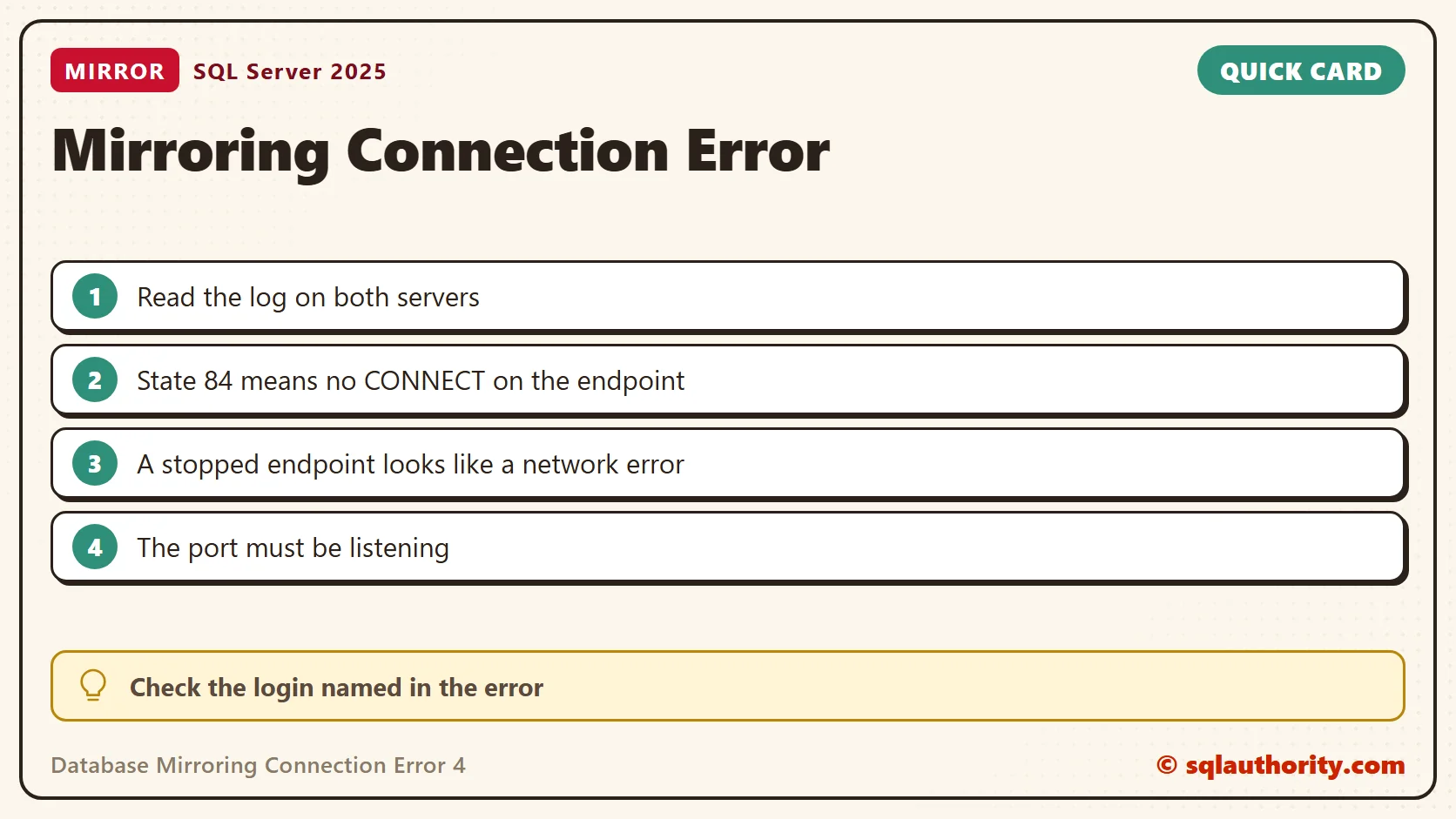
The principal, SRV_P, and the mirror, SRV_M, ran SQL Server 2014 build 12.0.4422. The witness, SRV_W, ran SQL Server 2008 R2. These versions describe the historical case, not a design to copy. Database mirroring is deprecated, so plan new designs around availability groups.
Starting mirroring produced error 1456, which says SQL Server could not send the ALTER DATABASE command to the witness endpoint. The principal’s log also held connection error 4 with operating system error 24. On the mirror, the decisive message was this:
Connection handshake failed.
The login 'SQLAUTHORITY\SRV_P$' does not have
CONNECT permission on the endpoint. State 84.
The original title includes error 10054, which means the peer reset the connection. The retained log excerpts show errors 24 and 1456 plus the permission failure. Do not treat every 10054 as this cause.
Read the Log on Both Servers
Search the error log of the mirror, and then of the principal and the witness, for the handshake text. The line names the login that was refused. That is the identity that needs access, not the account you used in SSMS.
EXEC master.dbo.xp_readerrorlog 0, 1, N'Connection handshake failed';
Compare the times across the servers. Clock differences can hide the match, so note the offset before you read the logs side by side.
Inspect the Endpoint Before You Change It
On each server, check the endpoint’s name, state, role, authentication method and port. Use an administrator login, because a restricted login can see an incomplete result. I created a scratch endpoint on SQL Server 2025 to test these queries.
SELECT e.name, e.state_desc, e.role_desc,
       e.connection_auth_desc, e.encryption_algorithm_desc,
       t.port AS endpoint_port
FROM sys.database_mirroring_endpoints AS e
JOIN sys.tcp_endpoints AS t ON t.endpoint_id = e.endpoint_id;
SELECT e.name AS endpoint_name, sp.name AS grantee,
       p.state_desc, p.permission_name
FROM sys.server_permissions AS p
JOIN sys.database_mirroring_endpoints AS e ON e.endpoint_id = p.major_id
JOIN sys.server_principals AS sp ON sp.principal_id = p.grantee_principal_id
WHERE p.class_desc = N'ENDPOINT' AND p.permission_name = N'CONNECT'
ORDER BY e.name, sp.name;
The first query returned my endpoint as STARTED on port 5877. The second returned no rows until I granted CONNECT to a test login. Then it showed GRANT. After a DENY, it showed DENY. So the query shows explicit permissions only. Role membership and higher permissions also count, so check the identity named in the error.
| What I changed on the endpoint | What the query showed |
|---|---|
| Nothing | No CONNECT rows for the test login |
| GRANT CONNECT | GRANT |
| DENY CONNECT | DENY |
| STATE = STOPPED | state_desc STOPPED |
A stopped endpoint is a second cause with the same symptom. The peer cannot connect, and the error looks like a network failure.
Confirm the Port Is Listening
An endpoint that is started should also appear as a listener. Check that the port is online, then check the firewall path between the servers. An open port alone does not prove that authentication works.
SELECT ip_address, port, type_desc, state_desc
FROM sys.dm_tcp_listener_states
WHERE type_desc = N'DATABASE_MIRRORING'
ORDER BY port;
Match the Fix to the Authentication Design
The original investigation tied the machine identity ending in $ to a service running as LocalSystem. The fix created the peer machine accounts as logins and granted CONNECT on the mirroring endpoint. Keep that as the historical observation. It is not a universal LocalSystem recipe.
Choose the authentication design first. Current guidance uses certificate-based endpoint authentication when SQL Server runs as LocalSystem. With different domain service accounts, each peer’s service identity needs a login and CONNECT on the other endpoint. Replace PeerLogin and the endpoint name with the values from your error.
USE master;
GRANT CONNECT ON ENDPOINT::Mirroring TO PeerLogin;
ALTER ENDPOINT Mirroring STATE = STARTED;
A three-instance setup also needs the witness path. Do not grant sysadmin to make a connection work. Do not turn off endpoint encryption as a test.
Verify the Result
Confirm the repair in the logs on both servers and in the mirroring state, not by closing the setup dialog. This query lists mirrored databases and their partners. It returned nothing on my instance, because I did not set up mirroring.
SELECT DB_NAME(database_id) AS database_name, mirroring_state_desc, mirroring_role_desc,
       mirroring_partner_name, mirroring_witness_name
FROM sys.database_mirroring
WHERE mirroring_guid IS NOT NULL;
Availability groups use mirroring endpoints too. The difference between network reachability and endpoint authentication stays useful there. If you change a service account, plan it in SQL Server Configuration Manager. The post on service accounts and password management has more context.
A mirroring connection error is not always a network outage, it is a reason to inspect the endpoint.
Published by Pinal Dave on SQLAuthority. More of my work at pinaldave.com.
Discover more from SQL Authority with Pinal Dave
Subscribe to get the latest posts sent to your email.



5 Comments. Leave new
Dave,
Thanks so much for this. It really helped. I am mirroring across 2016 sql servers.
For me, using domain service accounts fixed the issue.
Perfect. Thanks for sharing.
Thanks Dave,
This helped me for SQL Server 2017 database mirroring.
Thanks this helped with SQL AlwaysOn availability groups.
Why would you want to set up mirroring on Azure?
Surely Azure automatically creates copies of your database on other instances?