Query Options are the per-window settings in SSMS that change how a query runs and how its results look. Most of them stay quiet until one surprises you. A value is cut short, or a row count is off. A query that is fast in SSMS crawls inside the application.

Where to Find Query Options
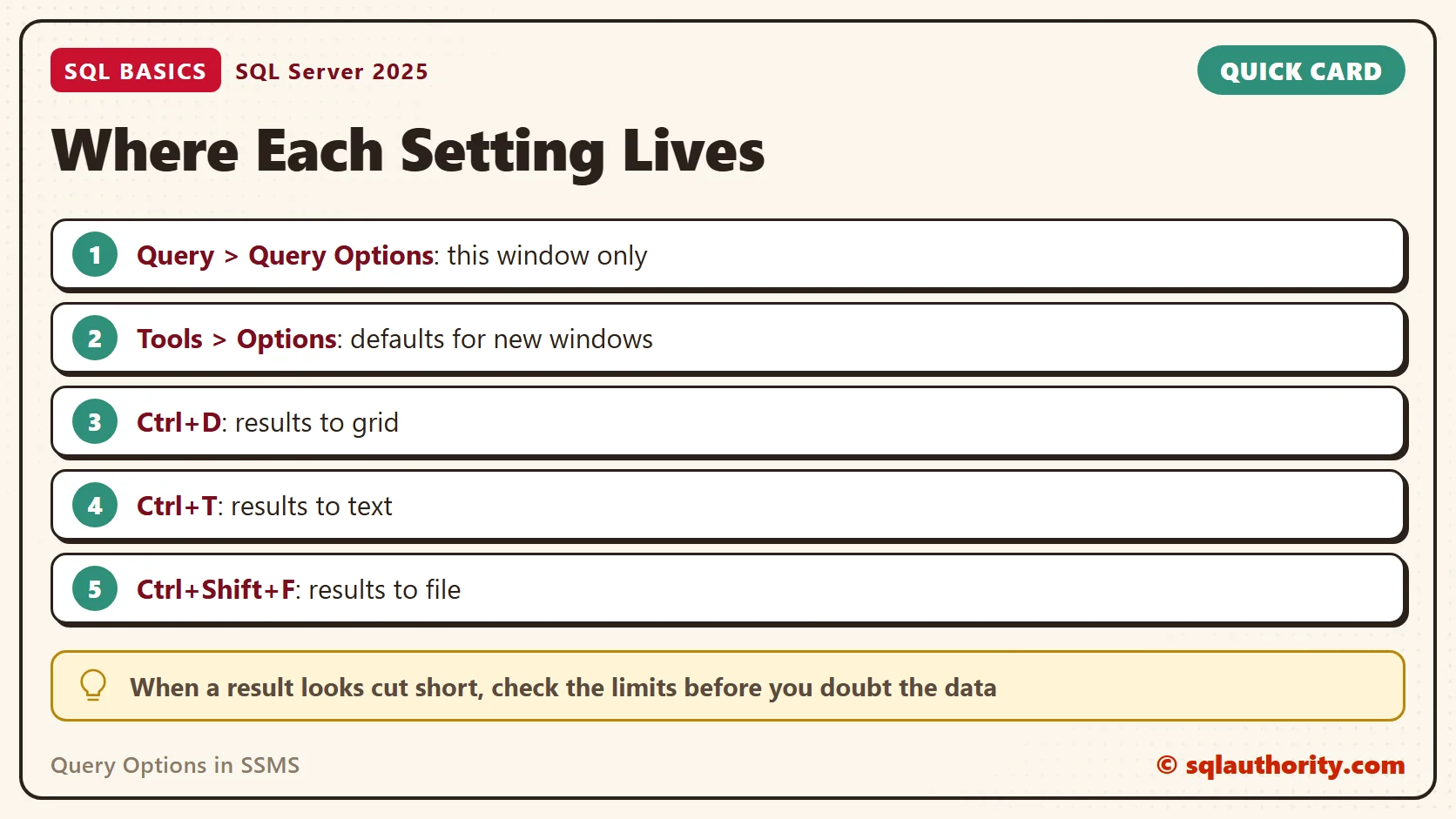
Open a query window and choose Query, then Query Options. The dialog has an Execution page and a Results page. A change there applies to the current window only. The next window you open starts with the defaults again.
Those defaults live in Tools, then Options, under Query Execution and Query Results. Change the defaults when you want every new window to behave the same way. Change the window when you want one experiment. SSMS applies the settings as SET commands on that window’s connection.
A window you already have open keeps the settings it started with. If a changed default seems to do nothing, open a new query window and try again. A SET statement typed into your script also wins over the dialog, because it runs later.
Results to Grid, Text or File
A result can go to a grid, to plain text or to a file. Ctrl+D picks the grid, Ctrl+T picks text and Ctrl+Shift+F picks a file. The grid is best for reading and for copying a few values. Text keeps columns aligned when you paste into an email.
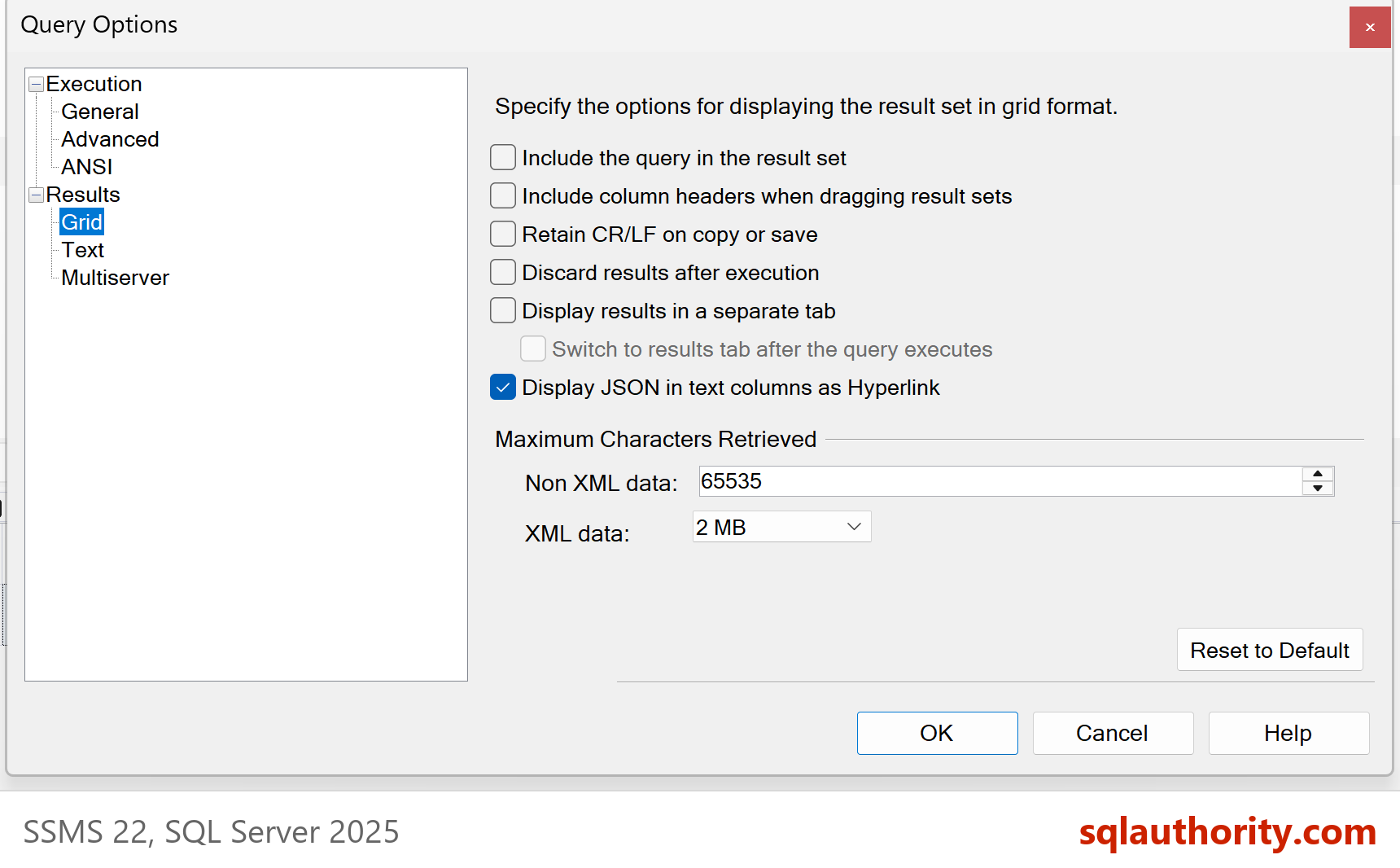
Each destination has a size limit. By default the grid retrieves 65,535 characters for an ordinary column and 2 MB for XML. Text mode shows 256 characters per column. A longer value is cut off, and SSMS doesn’t warn you.
SELECT LEN(LongValue) AS StoredLength, LongValue
FROM (SELECT REPLICATE(CAST(N'x' AS nvarchar(max)), 100000) AS LongValue) AS Source;
StoredLength reports 100000. At the default limit, the grid keeps only 65,535 characters of that cell, so a pasted copy ends there. The data in SQL Server is complete, and only the display is cut. Raise Maximum Characters Retrieved on the Results page when you need the full text.
Two more choices on that page save time. Include column headers when copying or saving results is off by default, so a pasted grid arrives without its headings. Ctrl+Shift+C copies the selection with headers. Discard results after execution runs the query and shows nothing. Use it when you only want the timing.
Text mode has its own output format. You can choose aligned columns, or comma, tab or custom delimiters. A comma-delimited result pastes straight into a spreadsheet. Choose the format on the Results page, under Text.
Query Options Include SET Options
The Execution page holds SET options that change what a query returns. Check Set rowcount first. A number there silently caps every query in the window. If a result stops at exactly 100 rows, look at that box. Zero means no limit. The same page sets the transaction isolation level and the lock time-out for the window. Check them when a query waits longer than expected.
The ANSI section holds options such as ANSI_NULLS, QUOTED_IDENTIFIER, ANSI_PADDING and CONCAT_NULL_YIELDS_NULL. The best-known one is ANSI_NULLS. With it ON, which is the standard behavior, a comparison with NULL is never true. Turning it OFF is deprecated, so I don’t demonstrate it. The demo below shows the habit to keep, which is IS NULL. Run it as one block in one window, because a temporary table lives only in its own session.
DROP TABLE IF EXISTS #Shelf;
CREATE TABLE #Shelf (ItemName nvarchar(40) NOT NULL, ShelfCode nvarchar(10) NULL);
INSERT #Shelf (ItemName, ShelfCode) VALUES (N'Cardamom', N'A1'), (N'Jaggery', NULL), (N'Lentils', N'B2');
SET ANSI_NULLS ON;
SELECT COUNT(*) AS MatchesWithEquals FROM #Shelf WHERE ShelfCode = NULL;
SELECT COUNT(*) AS MatchesWithIsNull FROM #Shelf WHERE ShelfCode IS NULL;
The first count is 0 and the second is 1. With the option ON, a comparison to NULL never matches, so you write IS NULL instead. IS NULL gives the right answer whatever the setting says. That’s one more reason the settings in this dialog are worth knowing.
You can read the current settings from the window itself. Run the query below in SSMS, then run it from your application’s connection and compare the two rows.
SELECT ansi_nulls, ansi_padding, ansi_warnings, arithabort, quoted_identifier, concat_null_yields_null
FROM sys.dm_exec_sessions
WHERE session_id = @@SPID;
Why SSMS and Your Application Disagree
Sometimes the same query on the same data behaves differently in SSMS and in the application. The cause can be a setting, not the query. Two differences cause many of these cases.
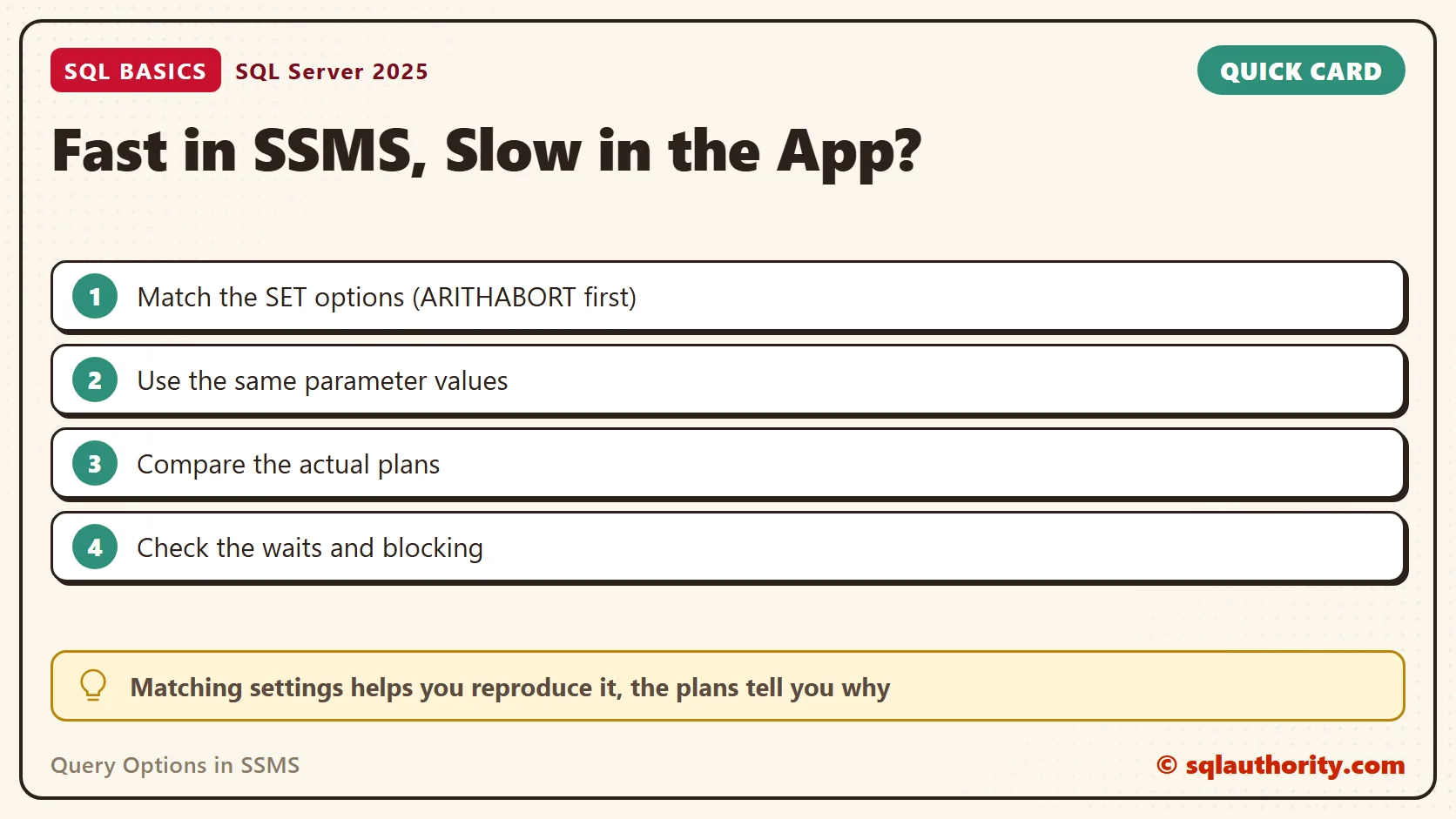
The first is the plan cache. SQL Server keeps separate plans for different sets of SET options, so connections with different options can’t share one. SSMS turns ARITHABORT on, and many application drivers leave it off. SSMS can then compile its own plan from different parameter values. It runs fast while the application uses another plan.
To reproduce an application problem, match its options. Run SET ARITHABORT OFF in the window, or clear that box on the Advanced page, and run the query again. Matching the application’s options helps you reproduce the slow query. It doesn’t prove the plans differ, because blocking, a cold cache or the parameter values can change the time too. Compare the actual plans and the waits next. Then look at the query, the indexes and the statistics.
Parameter values matter as well. When you test in SSMS, you type a value of your own. The application sends whatever the user chose. A plan built for a rare value can be slow for a common one. Test with the values the application sends.
The second difference is the time-out. SSMS waits forever by default, because its execution time-out is 0. Most .NET code gives a command 30 seconds. A query that takes two minutes finishes happily in SSMS and fails in the application.
My routine is short. When a result looks wrong, I check Query Options before I touch the query. A capped row count, a cut value or a different SET option explains more surprises than a bad join does.
Related reading
View and Send Query Results to Text, Grid or Files in SSMS
What Is NULL in SQL Server? The Value That Isn’t a Value
Using Management Studio: A First Tour of SSMS 22
A setting is not a bug in your query, it is a difference in the room where the query runs.
Published by Pinal Dave on SQLAuthority. More of my work at pinaldave.com.
Discover more from SQL Authority with Pinal Dave
Subscribe to get the latest posts sent to your email.