
SQL Code Comments are the one part of a script that SQL Server ignores and every reviewer reads. A good comment saves the next person an hour of guessing. That person is usually you, six months from now, with no memory of why the query looks that way.

Two Ways to Write SQL Code Comments
T-SQL has two comment styles. Two hyphens start a line comment, and SQL Server ignores everything after them to the end of that line. A slash with an asterisk starts a block comment, and an asterisk with a slash ends it.
Line comments suit a short note beside a column or above a statement. Block comments suit a longer explanation that runs over several lines. The setup script below creates a database named SqlBasicsComments if it is missing, used only for this example. It then drops and rebuilds the demo table inside it, so run it on a test instance. The query after it uses both kinds of SQL code comments.
IF DB_ID(N'SqlBasicsComments') IS NULL CREATE DATABASE SqlBasicsComments;
GO
USE SqlBasicsComments;
GO
DROP TABLE IF EXISTS dbo.Product;
CREATE TABLE dbo.Product
(
    ProductId int IDENTITY(1,1) PRIMARY KEY,
    ProductName nvarchar(60) NOT NULL,
    Category nvarchar(30) NOT NULL,
    Price decimal(8,2) NOT NULL
);
INSERT dbo.Product (ProductName, Category, Price)
VALUES (N'Masala Chai Tin', N'Tea', 9.50),
       (N'Green Tea Sampler', N'Tea', 14.00),
       (N'Steel Tiffin Box', N'Kitchen', 22.00),
       (N'Cotton Tea Towel', N'Kitchen', 6.25);
-- A line comment runs from the two hyphens to the end of the line.
SELECT ProductName, Price -- the shelf price in dollars
FROM dbo.Product
/* A block comment runs from the opening marks
   to the closing marks, across as many lines as you like. */
WHERE Category = N'Tea';
Every query below reads dbo.Product from the setup script. Run them in the same window, or start a new window with USE SqlBasicsComments; first. Block comments can nest in T-SQL. A second opening mark inside a block comment starts an inner level, and that level needs its own closing mark. Forget one, and SQL Server reports a missing end comment mark and stops.
I use line comments for almost everything. Block comments stay for headers and long explanations. A missing closing mark can swallow the rest of a script, and a line comment can never do that.
/* Outer comment
   /* inner comment */
   still inside the outer comment */
SELECT COUNT(*) AS TeaProducts FROM dbo.Product WHERE Category = N'Tea';
Two hyphens inside quotes are plain text, not a comment. SQL Server treats them as a comment marker only when they sit outside a string. That matters when you read a message column that happens to contain hyphens.
SELECT N'-- this is data, not a comment' AS Message; -- this part is a comment
Comment the Why, Not the What
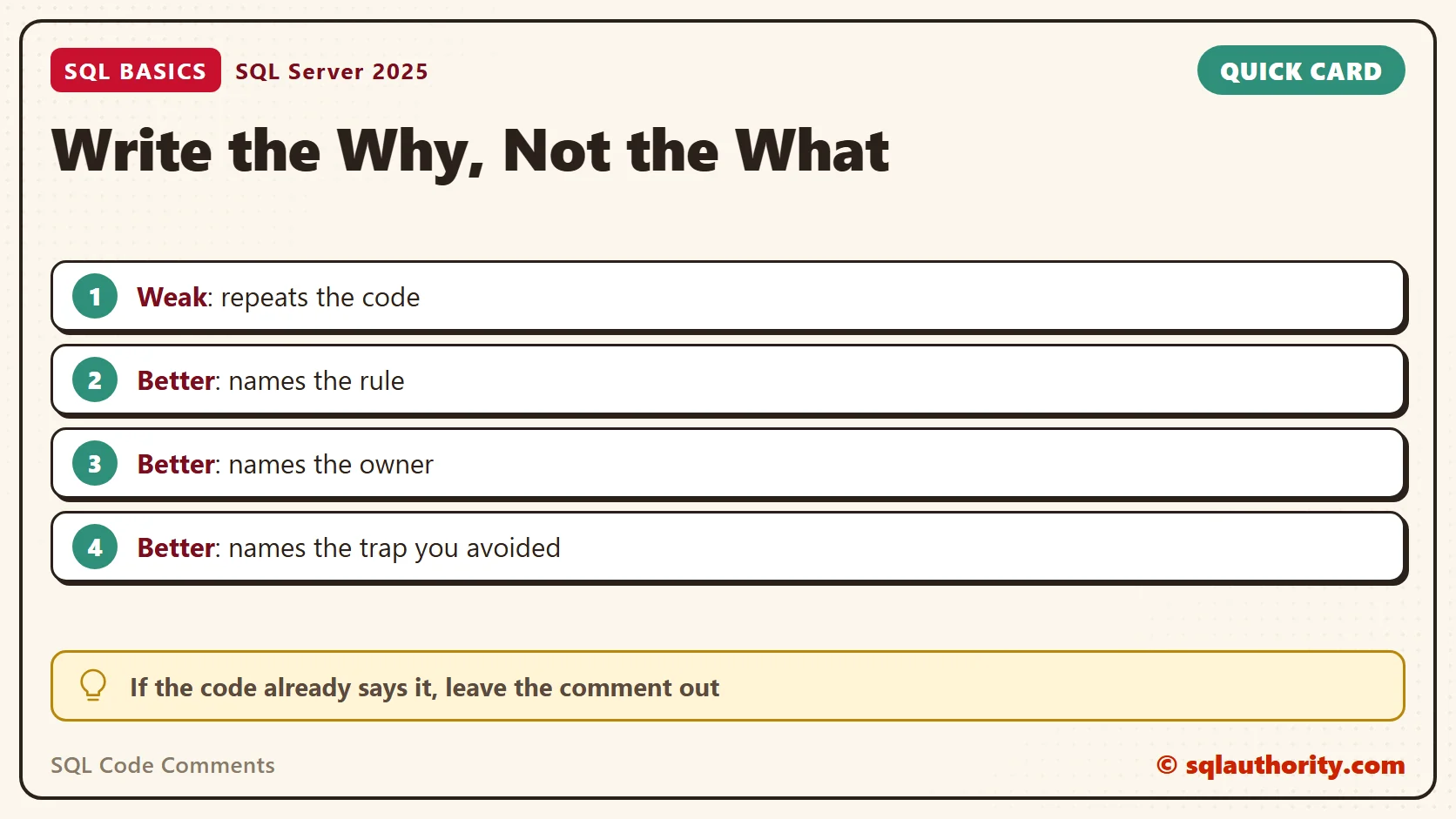
A comment that repeats the code adds noise. The query already says it selects tea products over ten dollars. What the code can’t say is why that filter exists.
The best SQL code comments record a decision. Write down the reason behind a rule. Name the team that owns it, so the next reader knows whom to ask.
-- Weak: restates the code.
-- Select tea products over ten dollars.
SELECT ProductName, Price FROM dbo.Product WHERE Category = N'Tea' AND Price > 10;
-- Better: records a decision the code can't show.
-- Finance leaves products at or under 10 dollars out of the gift-box report,
-- because they ship in standard packaging. Ask the finance team before changing it.
SELECT ProductName, Price FROM dbo.Product WHERE Category = N'Tea' AND Price > 10;
When I review a script, I read the comments first. If they only restate the code, I stop trusting them and read every line myself. A comment earns trust by telling me something the code can’t. Plain full sentences work best. I also leave out jokes and complaints. A comment lives as long as the code, and people you have never met will read it.
Where a Comment Belongs
Put a comment above the statement it explains, not far below it. The reader sees the intent first and the code second. A short note at the end of a line works for one column or one value.
A bare number deserves a note every time. A 7 inside a function call tells nobody anything. A comment that names the shop policy behind it turns the number into a rule.
-- Shop policy: returns are accepted for 7 days after delivery.
SELECT DATEADD(DAY, 7, CAST('20260301' AS date)) AS ReturnDeadline;
The surprising line is the best place for a note. When a filter looks wrong but is right, say why on the line above it. The next reader then keeps it instead of “fixing” it.
SELECT ProductName, Price
FROM dbo.Product
WHERE Category = N'Kitchen'
  -- The textile team sells tea towels, so they stay out of the kitchen list.
  AND ProductName <> N'Cotton Tea Towel';
In a long script, a plain divider helps you scroll. A line such as “Step 2: load the staging rows” gives the eye a landmark. Skip the decorative banners.
Unfinished work needs a marker too. I write TODO, a short reason and a date. A text search then finds every loose end before the script ships.
A Header Block for Scripts and Procedures
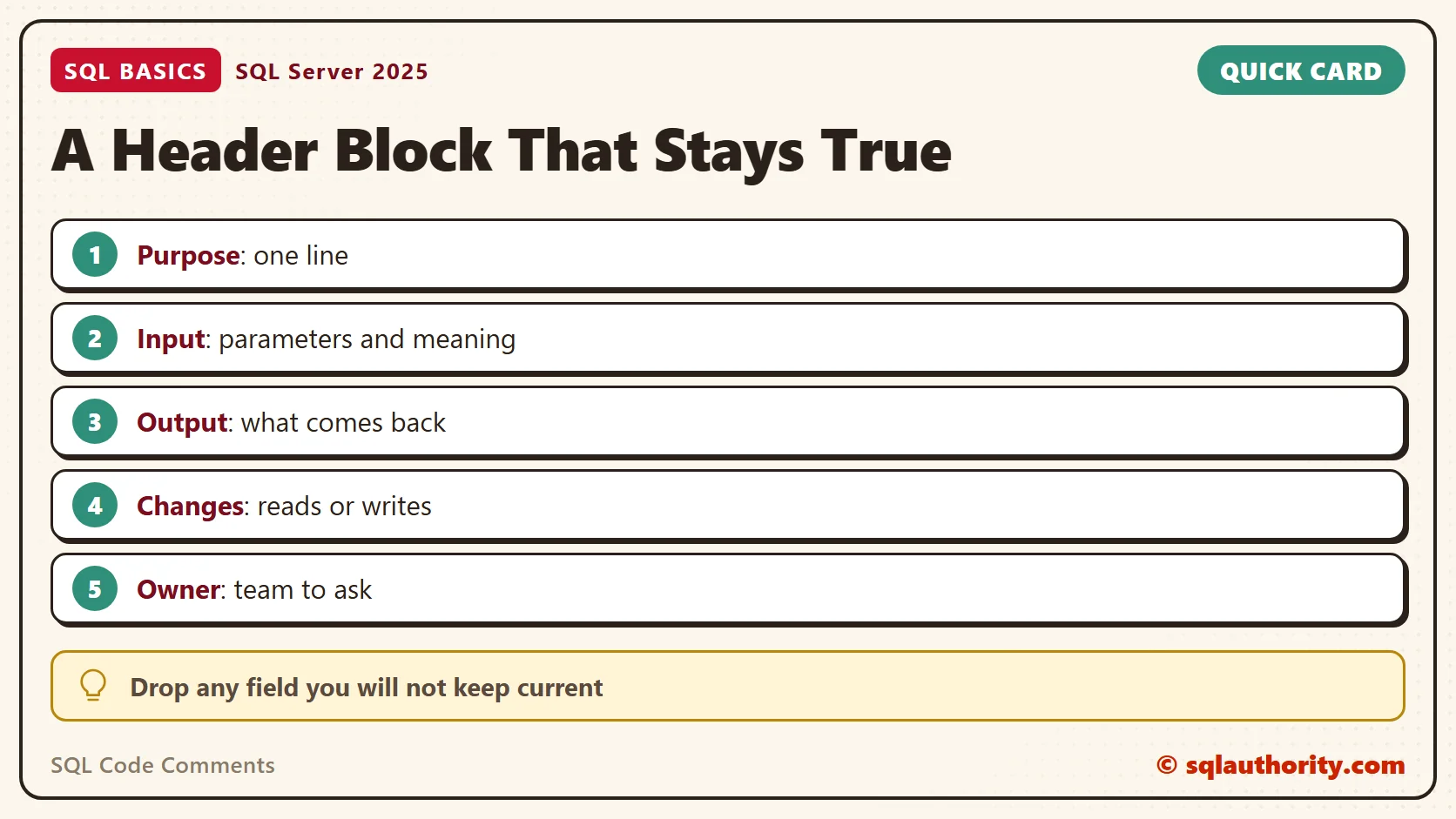
A header at the top answers four plain questions. What does the code do? What does it need? What does it change? Who owns it? Keep each answer to one line. A header is a set of SQL code comments with a job to do.
In a procedure, I put the header right after AS. Anything inside the body is part of the stored definition. Whoever scripts the procedure later sees the header too.
DROP PROCEDURE IF EXISTS dbo.GetProductsByCategory;
GO
CREATE PROCEDURE dbo.GetProductsByCategory
    @Category nvarchar(30)
AS
/*
    Purpose : Lists the products in one category for the gift-box report.
    Input   : @Category, the exact category name, for example Tea.
    Output  : One row per product, cheapest first.
    Changes : Reads only. Writes nothing.
    Owner   : Reporting team.
*/
SET NOCOUNT ON;
SELECT ProductName, Price
FROM dbo.Product
WHERE Category = @Category
ORDER BY Price; -- cheapest first, the report layout depends on it
GO
EXEC dbo.GetProductsByCategory @Category = N'Tea';
SELECT OBJECT_DEFINITION(OBJECT_ID(N'dbo.GetProductsByCategory')) AS StoredText;
Skip any field you won’t keep current. A change history that nobody updates is worse than no history, because it looks like a promise.
Comments That Lie
A wrong comment costs more than a missing one. Code gets edited, and the note above it stays behind. The reader then holds two statements that disagree and has no way to know which one is true. The comment in this block is wrong on purpose.
-- Free shipping above 25 dollars.
SELECT ProductName, Price, IIF(Price > 20, N'Free', N'Paid') AS Shipping
FROM dbo.Product;
The comment says 25 dollars. The code says 20. Which one is the rule? Someone now has to find the person who wrote it, and the comment has cost time instead of saving it.
My habit is simple. When I change a line, I change the comment above it in the same edit. Before I save, I read each comment as a stranger would. If a stranger can’t use it, I rewrite it.
When I can’t explain a line, I say so in the comment. For example: “not sure why this filter exists, ask finance”. An honest question beats a confident wrong answer.
End-of-line comments go stale first. Nobody scrolls to the right edge while editing, so the note stays and the code moves on. I keep trailing comments for column meanings and put every rule above the line it explains.
Comments are also the wrong place to park old code. Disabled code is a separate habit with its own risks, and it deserves its own rules. Delete what you don’t need.
Related reading
Commenting Out Code: Testing Safely in SSMS
Formatting T-SQL Consistently Across a Team
Templates and Snippets in SSMS
A comment is not a description of the code, it is a record of the decision behind it.
Published by Pinal Dave on SQLAuthority. More of my work at pinaldave.com.
Discover more from SQL Authority with Pinal Dave
Subscribe to get the latest posts sent to your email.




4 Comments. Leave new
Also, if using MS SQL Server Management Studio, there is a ‘comment out’ button on the SQL Editor toolbar. This works wonders if you have to comment out several lines of code similar to what you were talking about in the later part of your post. There is also an ‘uncomment’ button that removes the comment dashes.
Great stuff Pinal. Always a pleasure reading your posts!
There is also the common technique to un-comment a block with a single line.
–Commented out
/*
Select
p.ID
,p.Name
,p.DOB
From dbo.person p
— */
–Un-commented
— /*
Select
p.ID
,p.Name
,p.DOB
From dbo.person p
— */
In SQL SERVER Management Studio having comment button (2008 R2)
Edit > Adavanced > Commented / Un Commented Selection
Please check with the above path :)
Hi
I read the full article. It is very useful and provides complete information.