
While working on query optimization project, I encountered following error. Error 1807 looked scary, but the fix turned out to be quick and easy. The message says it could not obtain exclusive lock on database ‘model’.

Msg 1807, Level 16, State 3, Line 1
Could not obtain exclusive lock on database ‘model’. Retry the operation later.
Msg 1802, Level 16, State 4, Line 1
CREATE DATABASE failed. Some file names listed could not be created. Check related errors.
The resolution of above problem is quick and easy.
Fix/Workaround/Solution:
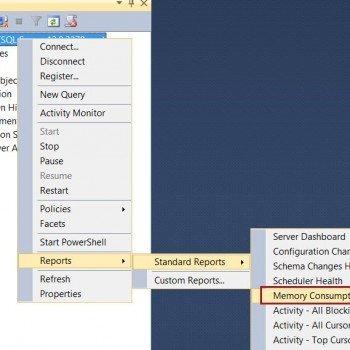
Disconnect and Reconnect your SQL Server Management Studio’s session. Your error will go away.
Published by Pinal Dave on SQLAuthority. More of my work at pinaldave.com.
Discover more from SQL Authority with Pinal Dave
Subscribe to get the latest posts sent to your email.



24 Comments. Leave new
You are the best my man :)
Hi Pinal,
i hope you are doing good !
i wants to connect with you regarding performance tunning