
The SQL Server Installation Date is the create date of one Windows login, and a short query reads it. No setting holds the date itself. You read a clue and check that it makes sense. Some clues look right and aren’t, and even the best one fails in a few cases.

The Login That Remembers Setup
When Setup builds an instance, it creates a login for the Windows account NT AUTHORITY\SYSTEM. Every login records the moment it was created. This one is created while Setup is still running. That makes it the closest thing to an install time stamp that T-SQL can read.
The query finds the login by its SID, not by its name. The long hex value is the binary form of S-1-5-18, the SID of the Local System account. That SID is the same on every Windows machine. The name can appear in the language of the operating system.
SELECT name, create_date AS InstallClue
FROM sys.server_principals
WHERE sid = 0x010100000000000512000000;
The query returns one row.
| name | InstallClue |
|---|---|
| NT AUTHORITY\SYSTEM | 2026-03-06 19:38:17.260 |
Setup keeps a summary file for every run. The one for this install says it started at 7:29:28 PM and finished at 7:38:32 PM. The login was created at 7:38:17 PM, fifteen seconds before the end, so the clue matches the real install.
Setup creates the other Windows logins in the same few seconds. They belong to the account that ran Setup and to the service accounts. This query counts the Windows logins created within ten seconds of the SYSTEM login.
SELECT COUNT(*) AS LoginsNearSystem
FROM sys.server_principals AS p
JOIN sys.server_principals AS s ON s.sid = 0x010100000000000512000000
WHERE p.type_desc = N'WINDOWS_LOGIN'
  AND ABS(DATEDIFF(SECOND, p.create_date, s.create_date)) <= 10;
| LoginsNearSystem |
|---|
| 7 |
On this instance the count is 7, which is every Windows login. A count of 1 means the SYSTEM login stands alone, and that deserves a second look. Logins that administrators add later carry later dates, so a larger total on an older server is normal.
Clues That Look Right but Aren’t
The oldest date in sys.server_principals looks like a good clue, and so does the creation date of a system database. Neither one works. This query puts six dates side by side so you can compare them.
SELECT Clue, EventTime
FROM (
    SELECT N'NT AUTHORITY\SYSTEM login' AS Clue, create_date AS EventTime
    FROM sys.server_principals
    WHERE sid = 0x010100000000000512000000
    UNION ALL
    SELECT N'Oldest login or role', MIN(create_date) FROM sys.server_principals
    UNION ALL
    SELECT N'Newest login or role', MAX(create_date) FROM sys.server_principals
    UNION ALL
    SELECT N'model database', create_date FROM sys.databases WHERE name = N'model'
    UNION ALL
    SELECT N'msdb database', create_date FROM sys.databases WHERE name = N'msdb'
    UNION ALL
    SELECT N'Last service start', sqlserver_start_time FROM sys.dm_os_sys_info
) AS c
ORDER BY EventTime;| Clue | EventTime |
|---|---|
| Oldest login or role | 2003-04-08 09:10:35.460 |
| model database | 2003-04-08 09:13:36.390 |
| msdb database | 2025-10-21 12:53:13.233 |
| NT AUTHORITY\SYSTEM login | 2026-03-06 19:38:17.260 |
| Newest login or role | 2026-10-04 13:06:21.050 |
| Last service start | 2026-10-05 06:26:15.083 |
Only one of these six rows is the install. The oldest login and the model database both say April 2003, years before the install. Those dates ship with the files from Microsoft. The msdb date, October 2025, predates the install too.
The newest login says 4 October 2026, the day a cumulative update was applied. Setup’s patch run for this instance lasted from 1:01 PM to 1:06 PM. Seven logins and certificate logins carry create dates inside that window. The last row is the service start, and it moves on every restart.
Install Date and Evaluation Expiry
An Evaluation edition instance works for 180 days after install. Add 180 days to the clue and you have the approximate expiry date. The query below does that only when the edition name contains the word Evaluation.
SELECT CAST(SERVERPROPERTY('Edition') AS nvarchar(128)) AS Edition,
       p.create_date AS InstallClue,
       CASE WHEN CAST(SERVERPROPERTY('Edition') AS nvarchar(128)) LIKE N'%Evaluation%'
            THEN DATEADD(DAY, 180, p.create_date) END AS EvaluationEnds
FROM sys.server_principals AS p
WHERE p.sid = 0x010100000000000512000000;| Edition | InstallClue | EvaluationEnds |
|---|---|---|
| Enterprise Developer Edition (64-bit) | 2026-03-06 19:38:17.260 | NULL |
The demo instance runs Developer edition, so the last column is NULL. Developer edition doesn’t expire. On an Evaluation instance, that column holds about when the evaluation ends. It’s an estimate. The clue sits seconds before Setup ends, and a later upgrade to a paid edition changes the rule. Setup’s own summary shows the exact install time.
When the Date Lies
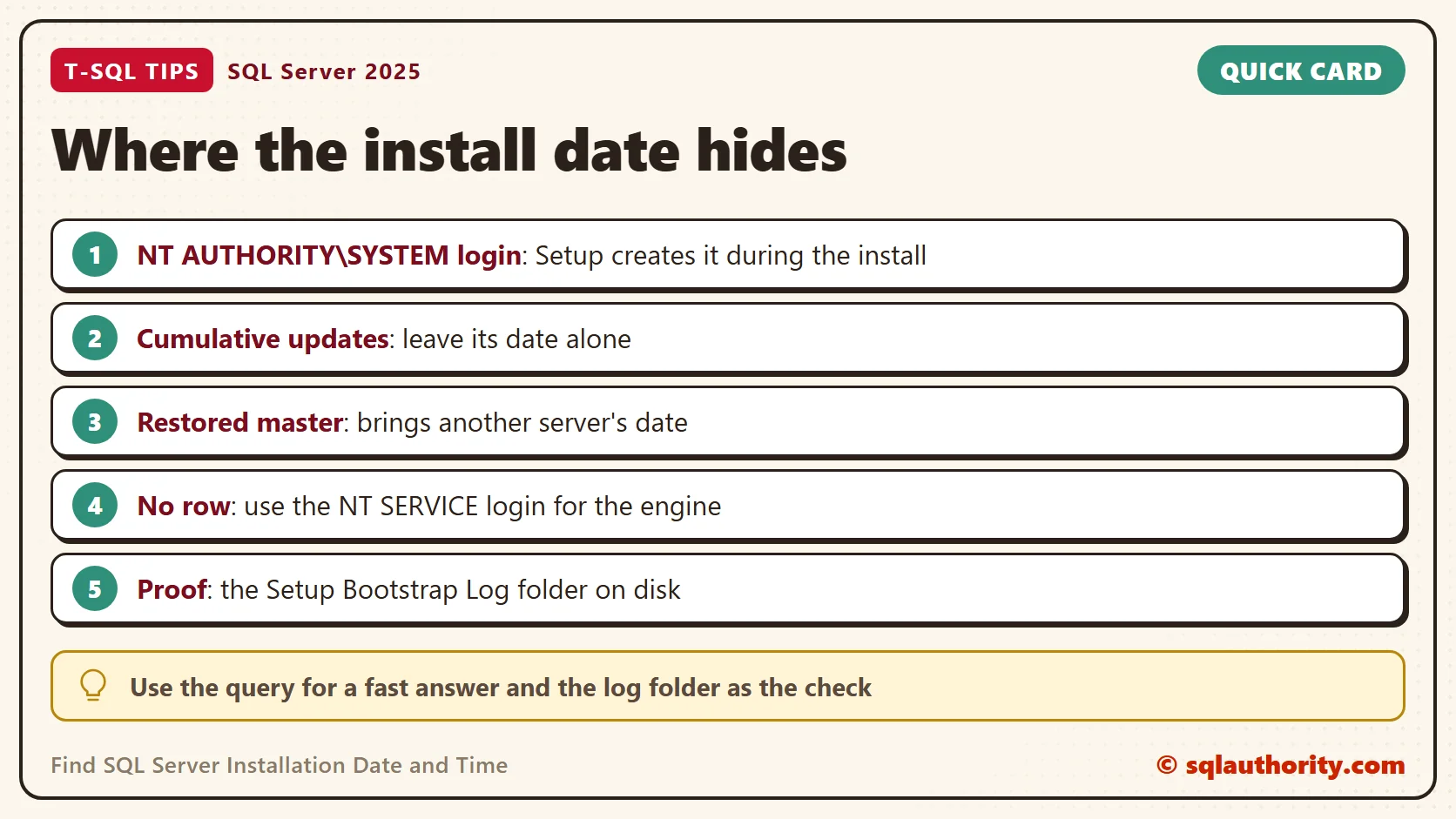
The date belongs to the login, not to the install. If someone drops the NT AUTHORITY\SYSTEM login and creates it again, the date moves. A restored master database carries the logins of the server it was backed up on. The date then describes that server.
Updates don’t touch it. An instance that took a cumulative update on 4 October still shows 6 March for the login. That’s why the SQL Server Installation Date from this query stays steady from one patch to the next.
The query returns no row when the login has been removed or when the platform has no such account. Then use the login for the database engine service, whose name starts with NT SERVICE. On the demo instance, Setup created it within a second of the SYSTEM login. Or read Setup’s own logs.
You could argue that the Setup logs on disk are better proof, and they are. Each setup run gets a folder named with its date and time, inside the Setup Bootstrap Log folder. But that needs access to the Windows machine, and many people only have a query window. Use the query for a fast answer, and use the folder as the check.
Many Servers at Once
SSMS can run one query against a whole group of registered servers through a Central Management Server. The result carries a column with the server name. One run returns the install clue of every instance in the group, which answers the question for 200 servers. The query runs on each server through the group, not against a list of linked servers.
What to Remember
The SQL Server Installation Date is the create date of the NT AUTHORITY\SYSTEM login, found by its SID. Compare it with a second source before you rely on it. A re-created login or a restored master changes the answer.
In my health checks, I read this clue together with the last service start. A server installed years ago and restarted last week tells a different story. So does one installed last week and never restarted.
The installation date is not a setting you read, it is a clue you confirm.
Published by Pinal Dave on SQLAuthority. More of my work at pinaldave.com.
Discover more from SQL Authority with Pinal Dave
Subscribe to get the latest posts sent to your email.




4 Comments. Leave new
Nice
Thanks.
Twice I have used this
Nice…! Could you please help me how to get Insatallation date of SQL server for list of servers (sqy 200+ servers) using Monitoring server?
I want to fire query on Monitor server & i should get result SQL server installation date with respect to Server Name.
If you don’t want to have to memorise a SID try …
SELECT create_date
FROM sys.server_principals
WHERE name = ‘NT AUTHORITY\SYSTEM’;