
A practice database can become a monthly subscription by accident. Practicing Azure SQL stays useful when you set a budget before the first resource is created. Free offers, serverless behavior, and a cleanup habit keep the lesson focused on SQL instead of the invoice.
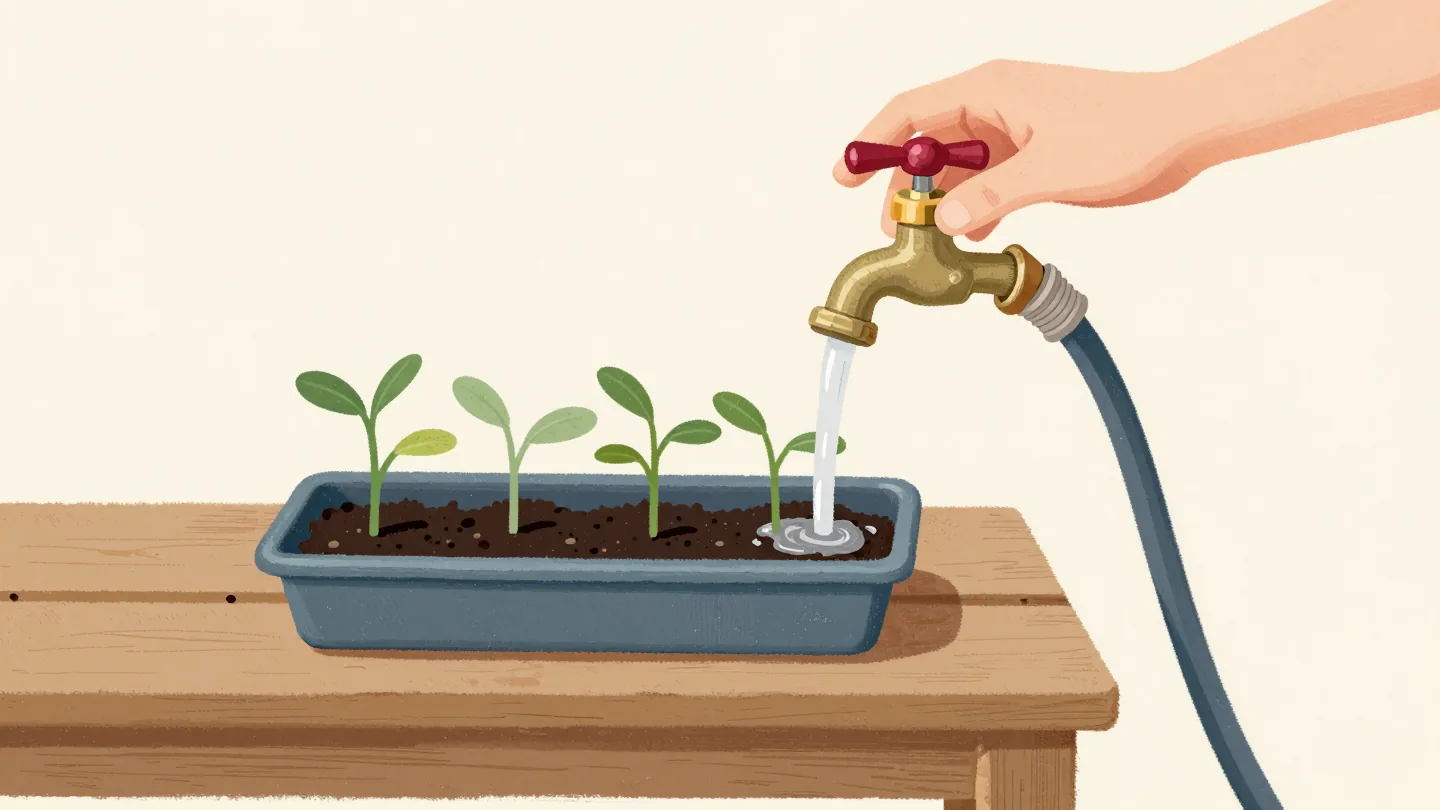
Set the Budget First When Practicing Azure SQL
Azure prices and free offers change, so check the current terms in the portal before building a lab. Set a budget alert and select the correct subscription. Record the resource group that will hold the test database, server, network resources, and logs. A separate lab group makes later cleanup easier.
I decide the maximum acceptable spend before practicing Azure SQL. The bill should never be the first monitoring dashboard you open. Which resources will remain if you close your laptop now? Answer that before creating them.
Use Current Free Offers Carefully
Azure SQL Database has a free offer with monthly compute and storage limits for eligible subscriptions. The option chosen when a free limit is reached matters: pause until the next month or continue with charges. Eligibility and exact limits can change, so read current service terms rather than copying a number from an old tutorial.
A free database can still sit beside paid networking, monitoring, or other resources. I inventory the whole resource group after each exercise. The database line item alone does not describe the lab’s cost.
Understand Serverless Auto-Pause
The General Purpose serverless tier can auto-pause after an idle delay when conditions are met. A paused database has no compute charge during the pause, but storage charges continue. An open session, background activity, or certain features can prevent pause. Hyperscale serverless supports auto-scaling but not the same auto-pause behavior.
I test whether my database actually pauses instead of assuming the label guarantees it. Repeated health checks can wake it or keep it active. The first connection after pause can need retry logic while the database resumes. That delay belongs in the lab’s application test.
Check Current Service Objective
Run this query inside Azure SQL Database to see the selected service objective. It helps catch a lab left on a larger tier after a performance experiment. Use Azure billing data for price, because the database view does not include your subscription discounts or other resource charges.
I write the expected tier beside the exercise notes. A one-line check at the end can save a month of explaining why a tiny sample table needed an expensive service level.
SELECT d.name, s.edition, s.service_objective
FROM sys.databases AS d
JOIN sys.database_service_objectives AS s
  ON s.database_id = d.database_id
WHERE d.name = DB_NAME();
Look for Sessions That Keep It Awake
An active connection can prevent serverless auto-pause. Development tools, dashboards, and application pools can leave sessions open. Query current sessions while the lab is in use, then close clients and observe service state through Azure monitoring after the idle delay. Do not kill sessions on a shared database just to force a cost experiment.
The query below shows user sessions in the current database. It is a snapshot, so repeat it if a periodic connection is suspected.
SELECT session_id, login_name,
       host_name, program_name,
       status, last_request_end_time
FROM sys.dm_exec_sessions
WHERE is_user_process = 1
  AND database_id = DB_ID()
ORDER BY session_id;
Choose Exercises With Clear Endpoints
A useful lab can cover a query plan, an index, a restore, or a short application connection test. Write down the intended result and stop condition. A lab that runs an endless generator or a scheduled polling job is a poor match for low-cost serverless practice. Shut down test clients between sessions.
I keep sample data small but representative enough to show the feature. The purpose is to learn behavior, not produce a large synthetic bill. For performance tuning, document that a tiny lab cannot predict production timing.
Watch Resource Usage
Azure SQL Database exposes recent CPU, data I/O, and log I/O utilization in sys.dm_db_resource_stats. Use it to see whether an exercise saturates its selected tier. It is a performance view, not a full billing ledger. Pair it with Azure Cost Management for actual charges.
A burst during one test is expected. I look for continued activity after the test ends, which can reveal a forgotten client or scheduled task.
SELECT TOP (30) end_time,
       avg_cpu_percent,
       avg_data_io_percent,
       avg_log_write_percent
FROM sys.dm_db_resource_stats
ORDER BY end_time DESC;
Tear Down the Whole Lab After Practicing Azure SQL
When the exercise is finished, remove the database and supporting resources you created, after saving any scripts or results you need. Use the portal or approved automation to inspect the resource group first. Confirm that no shared resource lives there. Deleting a database is irreversible without a supported restore window, so make the cleanup list explicit.
I check for retained backups, private endpoints, diagnostic settings, and storage accounts. Some resources outlive the database. A clean lab ends with a resource inventory and a cost check, not just a closed query window.
Repeat Practicing Azure SQL Without Rebuilding Confusion
Keep a short setup script and a note of the service tier, connection method, and exercise goal. Recreate the lab when you need it rather than leaving an idle environment indefinitely. Review current free offer and serverless rules each time, because cloud products change faster than old bookmarks.
Practicing Azure SQL at low cost is a matter of boundaries: a budget, a small experiment, and a verified cleanup. The valuable artifact is what you learned and the script that reproduces it. The running database is usually temporary.
Before each lab, write down the resources it will create and the time you will stop. Include the logical server, database, storage, monitoring, and any network component. A database with auto-pause can still leave other resources billing. Review the provider’s current offer details because free quotas and eligibility change.
I use a dedicated lab resource group and tag so cleanup is a short inventory exercise. After practice, remove the group through the approved portal workflow and check the billing view later. Do not assume closing the query window stops charges. Keep a small notebook of the SQL feature tested and the observed behavior. That makes the next lab focused, while the account stays small enough to invite another experiment.
Check the account again after the first billing cycle. A resource deleted at the end of a lab can leave a related charge or retained artifact. The bill is the final verification of the teardown plan.
Related reading on this blog: How to Measure Resource Status on Azure? Interview Question of the Week #264 and Trying New SQL Server Features Without Risk.

A cheap lab is not an abandoned resource, it is a bounded exercise with a verified end.
Published by Pinal Dave on SQLAuthority. More of my work at pinaldave.com.
Discover more from SQL Authority with Pinal Dave
Subscribe to get the latest posts sent to your email.



1 Comment. Leave new
When i tried to insert the new field into the ax dynamics custtable it is not synchronizing while that particular table is configured for the transactional replication—– throwing the error as—> cannot execute the data definition language command on (). the sql database has issued an error.
and problems during the sql data dictionary synchronization.
In the even viewer the error description is as bellow…..
Object Server 02: The database reported (session 3 (Admin)): [Microsoft][SQL Native Client][SQL Server]Only members of the sysadmin fixed server role or
db_owner fixed database role can perform this operation. Contact an administrator with sufficient
permissions to perform this operation.. The SQL statement was: “ALTER TABLE CUSTTABLE ADD FIELD1 NVARCHAR(10) NOT NULL DEFAULT ” ”
But the user, whose is logged in AX and trying to add a new field is having the full rights to SQL Server.
He is having sysadmin & db_owner rights.
What could be the problem?