
SQL Server Express limits depend on the version you install, even though the edition is free. I still like Express for learning and smaller applications. Before I choose it, I check the database size, the workload and the backup plan.

This guide first appeared in August 2009. Its original 4 GB figure described SQL Server 2008 Express. That historical number shouldn’t guide a new installation.
What Does SQL Server Express Cost?
Express is Microsoft’s free, entry-level SQL Server edition. It supports desktop applications and small server applications. Free software still needs someone responsible for backups, updates and access.
I wouldn’t choose it only because the database looks small today. A busy application can reach a resource limit before its database reaches the size limit.
Which Size Limit Applies?
| Express release | Maximum relational database size |
|---|---|
| SQL Server 2008, the original article’s release | 4 GB |
| SQL Server 2022 | 10 GB |
| SQL Server 2025 | 50 GB |
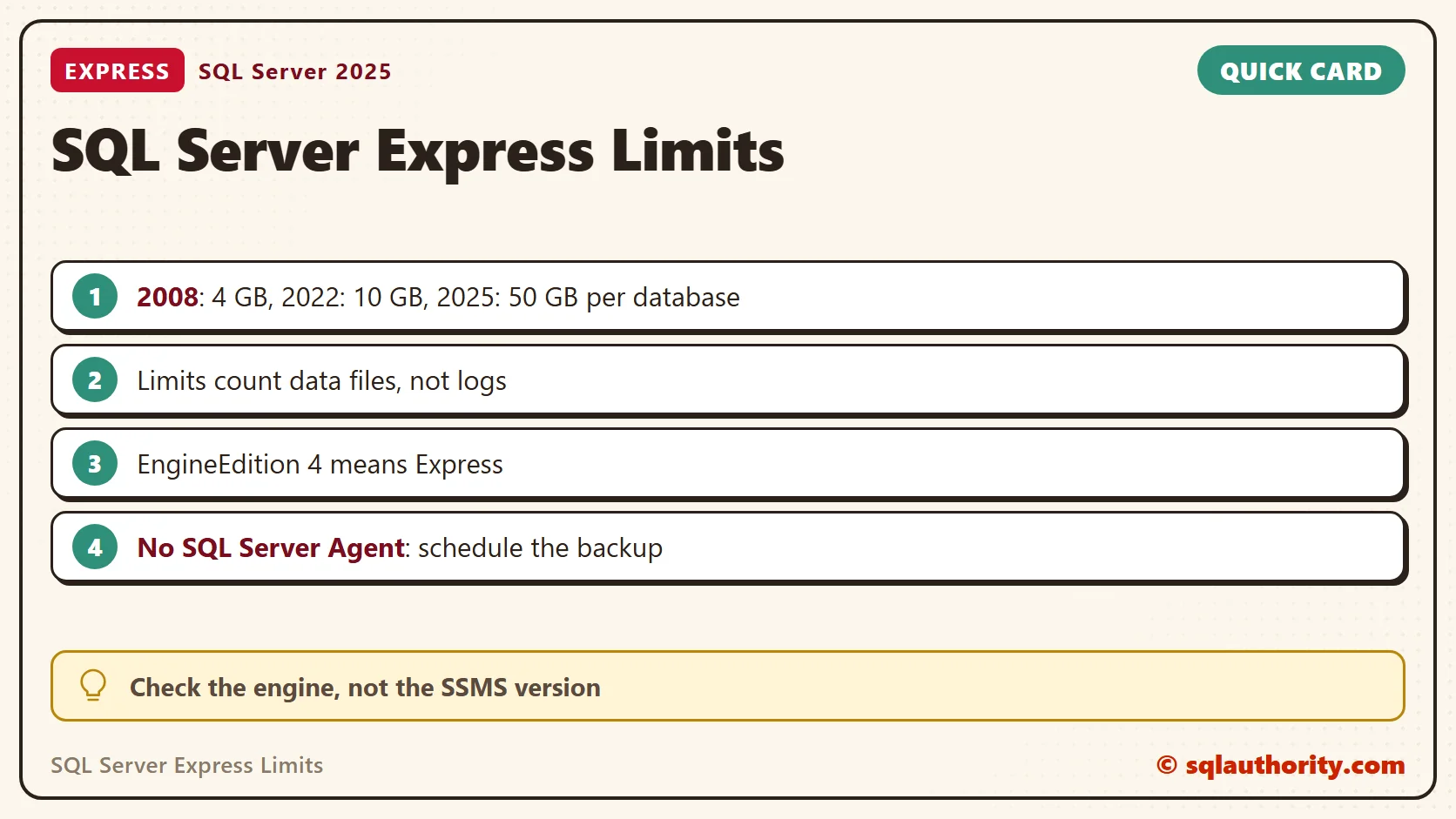
These are per-database limits, not one shared allowance for the instance. The limit counts data files, not log files. For SQL Server 2025 Express, compute capacity is the lesser of one socket or four cores. The buffer pool limit is 1,410 MB per instance, and that isn’t a cap on every kind of process memory.
Check the engine you connected to before you apply those numbers. A newer copy of SSMS doesn’t upgrade the database engine. This query reports the edition and version.
SELECT CAST(SERVERPROPERTY('Edition') AS nvarchar(128)) AS Edition,
       CAST(SERVERPROPERTY('ProductVersion') AS nvarchar(30)) AS ProductVersion,
       CAST(SERVERPROPERTY('EngineEdition') AS int) AS EngineEdition,
       CAST(SERVERPROPERTY('ProductMajorVersion') AS int) AS MajorVersion;
Major version 16 means SQL Server 2022, and 17 means SQL Server 2025. An EngineEdition of 4 means Express. My test instance is a Developer edition, so it returned 3 and 17. I couldn’t run these checks on a real Express instance.
How Much Database Space Have I Allocated?
Select your database in SSMS, then run this read-only query. It compares the allocated row-data space with the limit for the version. The limit column is my own lookup: 51,200 MB from version 17, and 10,240 MB for versions 11 through 16.
SELECT CAST(SERVERPROPERTY('Edition') AS nvarchar(128)) AS Edition,
       CASE WHEN CAST(SERVERPROPERTY('EngineEdition') AS int) = 4 THEN 'Express' ELSE 'not Express' END AS IsExpress,
       CASE WHEN CAST(SERVERPROPERTY('ProductMajorVersion') AS int) >= 17 THEN 51200
            WHEN CAST(SERVERPROPERTY('ProductMajorVersion') AS int) >= 11 THEN 10240 END AS ExpressLimitMB,
       CAST(SUM(CASE WHEN f.type = 0 THEN CAST(f.size AS bigint) END) / 128.0 AS decimal(19,2)) AS AllocatedDataMB
FROM sys.database_files AS f;
A new database on my instance showed 8.00 MB allocated against a 51,200 MB limit. The query excludes log files and doesn’t measure how much data your tables use.
Allocated Is Not Used
Allocation grows in steps, so look at both numbers. I filled a scratch table with 6,000 wide rows and compared the files.
CREATE TABLE dbo.Fill (Id int IDENTITY(1,1) PRIMARY KEY, Pad char(2000) NOT NULL DEFAULT 'x');
INSERT INTO dbo.Fill (Pad) SELECT TOP (6000) 'x' FROM sys.all_objects AS a CROSS JOIN sys.all_objects AS b;
SELECT name AS LogicalFileName, type_desc AS FileType,
       CAST(size / 128.0 AS decimal(19,2)) AS AllocatedMB,
       CAST(FILEPROPERTY(name, 'SpaceUsed') / 128.0 AS decimal(19,2)) AS UsedMB
FROM sys.database_files ORDER BY file_id;
The data file grew from 8 MB to 72 MB in one 64 MB step. Only 15.63 MB were in use. The log grew the same way. Keep enough disk space for data growth, transaction logs and backups. Don’t split an application into several databases only to avoid the edition limit. Extra databases mean extra maintenance and harder queries.
What About Backups and LocalDB?
Express doesn’t include SQL Server Agent. My Developer instance lists an Agent service in sys.dm_server_services, and an Express instance has none. On Windows, schedule a backup script with Task Scheduler and sqlcmd. A scheduled task isn’t a usable backup until you have verified it.
This script backs up with a checksum and then verifies the file. I ran it on a scratch database, and it succeeded.
DECLARE @db sysname = DB_NAME();
DECLARE @file nvarchar(260) = N'C:\SQLBackups\' + @db + N'.bak';
BACKUP DATABASE @db TO DISK = @file WITH CHECKSUM, INIT;
RESTORE VERIFYONLY FROM DISK = @file WITH CHECKSUM;
Replace the database name and the folder with your own. Save the script as a .sql file. Run it with sqlcmd -S .\SQLEXPRESS -E -i and the file name, then schedule that command. I didn’t create a scheduled task here, so that step is documented only. Test a restore from time to time, not only the verify.
LocalDB is a lightweight form of Express that runs in user mode. It suits local development. For a shared application, evaluate the regular Express service and the application’s connection requirements.
When Would I Choose Another Edition?
I choose around the workload I need to run. I measure performance, estimate growth and check the required features before deployment. A development system has different needs from a production application.
I also wouldn’t compare Express with MySQL on price alone. Application compatibility, administration skills and support requirements matter. Both being free doesn’t make them interchangeable.
SQL Server Express is not a maintenance shortcut, it is a smaller SQL Server edition.
Published by Pinal Dave on SQLAuthority. More of my work at pinaldave.com.
Discover more from SQL Authority with Pinal Dave
Subscribe to get the latest posts sent to your email.




11 Comments. Leave new
Very useful post Pinal (as usual)
Just wanted to add a point that is specific to SQL server 2008.
The 4 GB limitation is not applicable to FILESTREAM data. It means that a SQL Server 2008 Express database can store FILESTREAM data that is larger than 4 GB(the FILESTREAM data size is only limited by the size of the disk volume)
Thanks Sir,
It’s really useful information.
All the links are very useful.
hi,
i was installed SQL Server 2005 Express Edition. In that how to create database using visual studio 2005. Please give me the details.
Thank u
Hi,
I need help with SQL Server 2008 Express on an XP Pro setup, because it has screwed up my system.
To run a simple front end of a trivial, but essential piece of software, the supplier has forced me to download and install SQL Server 2008 Express. Their instructions on how to create a new database to run with their font end caused the links to SQL… to break and I tried to uninstall it using the Control Panel. No sign of the SQL.. but the files were there in the Program Files folder.
I tried Restoring to an earlier time, but it would not go back on any restore points.
I tried to reinstall the package from the supplier, but at the end of the install, the log file shows:-
File trusted
Installing using command ‘C:\DOCUME~1\ALANPE~1\LOCALS~1\Temp\VSD8.tmp\SqlExpress2008\SQLEXPR32_x86_ENU.EXE’ and parameters ‘/q /hideconsole /action=Install /features=SQL /instancename=SQLEXPRESS /enableranu=1 /sqlsvcaccount=”NT Authority\Network Service” /AddCurrentUserAsSqlAdmin /skiprules=RebootRequiredCheck’
Process exited with code -2068643839
Status of package ‘SQL Server 2008 Express Edition’ after install is ‘InstallFailed’
Apart from sliting my throat and endin it there, how can I clear out the system and get it going again?
Signed
Desperate!!!!
Excellent article. Very good knowledge sharing. Thanks for same.
is it possible to upload images into the data base in sql server express edition
Hi… guys i want to MS SQL Server 2005 certification.
How would i apply for this exam. m from Mumbai which are the centers dat conduct MS examination.
[email removed]
Can I assume that SQL server 2008R2 Express can be installed on a Windows-7 (personal edition) machine??
I noticed that version 2005 could be installed on Windows-XP thus maybe 2008 can be done with a Windows-7…
Thanks!
Raul
PS. you do great work
Hi.. I would like to ask if we can install MSSQL 2008 R2 in a server which previously has installed with SQL express? Thanks .
Yes it is possible. Have you tried it?
thats great