
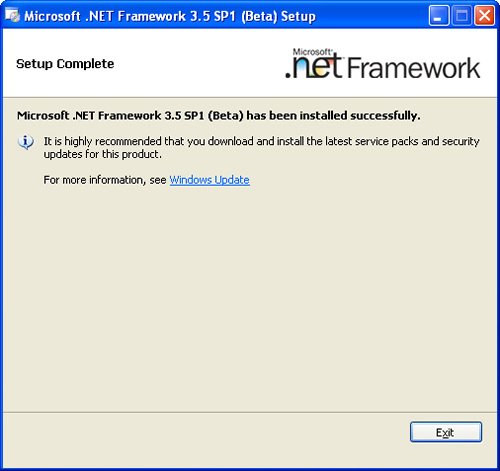
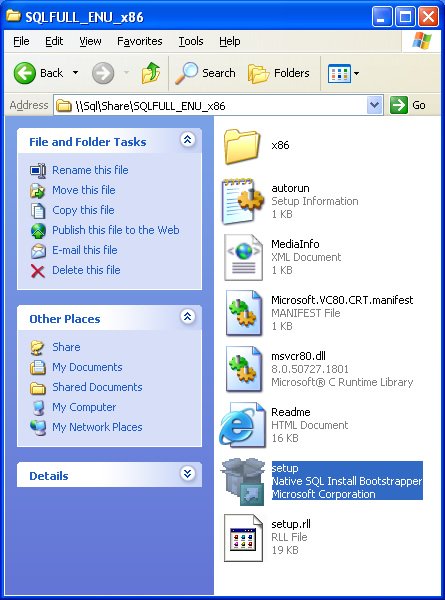
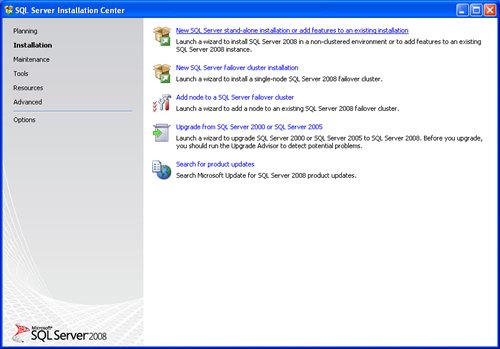
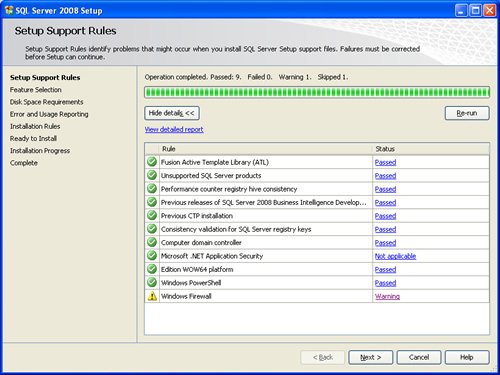
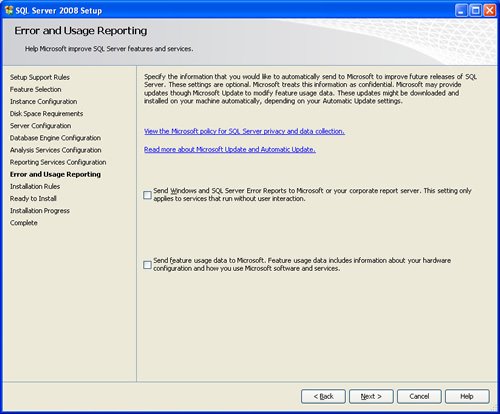
SQL SERVER 2008 has been released for some time and I have got numerous request about how to install SQL Server 2008. I have created this step by step guide Installation Guide. Images are used to explain the process easier.
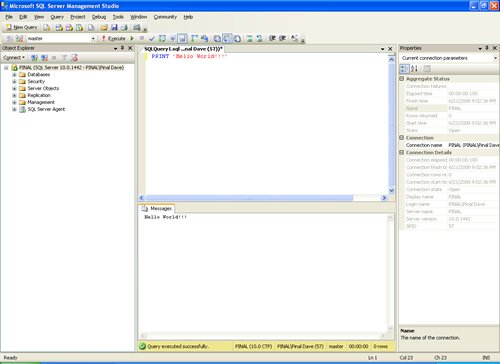
SQL Server 2008 is a major improvement from SQL Server 2005. Honestly, I still see lots of people still using SQL Server 2000. I would like to say it is time to upgrade and move to the next version of SQL Server. In SQL Server 2000, DBA had to use two different tools to maintain the database as well as the query database, specifically SQL Server Enterprise Manager and SQL Server Query Analyzer. With the release of SQL Server 2005 both of these tools are combined into one tool: SQL Server Management Studio. For a while DBA who were fans of Query Analyzer requested to bring it back, but as they keep on using SQL Server Management Studio (SSMS) they realized that it was much more convenient if every task related to SQL Server could be accomplished using SSMS. With the release of SQL Server 2008 Microsoft has upgraded SSMS with many new features as well as added tons of new functionalities requested by DBAs for long time.








Reference : Pinal Dave (https://blog.sqlauthority.com)



402 Comments. Leave new
i am trying to install sql server 2008 in my windows xp operating system but always i fail due to the error upgrade to .net 2008 sp1 but already i installed sp1 for .net still the same error is coming what to do?????????
Thanks, big help for me :)
Ever green post.. works even in 2012 (Year)… Thanks
thnx its nice
can some one help me out in letting me know about the process of downloading sql server 2008 to winodws xp, what are all the s/w i require and and how to proceed further
Thanks, it is a very helpfull manual
Hi,
When I try to install sql server 2008 in Win 7, I get this error:
The folder path specified is invalid. Please enter a valid folder parth Folder Path=C:\Program files\microsotsql server\msas10.mssqlserver\olap\data
Error code 0x84b4000
Thanks for your help.
thank you very much this tutorial helps me very much .. and it releases most of my tension. :)
hey ! whenever I follow the installation process by clicking on new Sql Server Standalone installation i get up a pop-up window “browse for sql server installation media” instead of “setup support rules window” as shown above..
Can anyone tell me what i am doing???
THANKS SIR
VERY NICE STEPS TO INSTALL SQL SERVER 2008
Thanks thats wonderfull …. so helpfull..
I am getting error “sql server 2008 setup requires microsoft .net framework 3.5 sp1 to be installed” when i tried to run Setup.exe.
I already have .Net framework 4.0 installed.
I have downloaded .Net framework 3.5 from Microsoft site but it is not opening on my machine when i double click it for installation.
I read some blogs for this error, it says open the Server Manager and add .Net Framework 3.5 feature from there, but Server Manager is not listed in my Administration Tools.
Can someone please help me here.
very nice….
it is very use full for installation of sql server
when we configure the Authentication of the sql Server from Windows Authentication to Mixed Mode Authentication whether it reflect to the Exist database running of the Sql Server
Kindly reply me back on this
It was very useful to me.Thank u.
thank u……….. sir it was very useful
It is also working for SQL server 2008 R2 ?
hi pinal..i have a questtion..
earlier i was using sql server 2005..when i right click on database i can see properties windows ..there i was getting features “mirroring and transactional log shipping” ..now i have installed sql server 2008 enterprise edition..now when i right click a database and i look at properties i cant find same two features….. in enterprise edition of sql 2008…help me which sql 2008 version i should install to get that feature………………
thanks dude….
How to resolve the fallowing error in sql server 2005 “this message cannot be copied to the clipboard. (Microsoft SQL Server Management Studio)
===================================
Current thread must be set to single thread apartment (STA) mode before OLE calls can be made. Ensure that your Main function has STAThreadAttribute marked on it. (System.Windows.Forms)
——————————
Program Location:
at System.Windows.Forms.Clipboard.SetDataObject(Object data, Boolean copy, Int32 retryTimes, Int32 retryDelay)
at System.Windows.Forms.Clipboard.SetDataObject(Object data, Boolean copy)
at Microsoft.NetEnterpriseServers.ExceptionMessageBoxForm.CopyToClipboard()
“