

Open SSMS from command prompt with the sqlwb command. I show its syntax and the switches I use, like -E and -nosplash, to start Management Studio.

SQL SERVER – Find Name of The SQL Server Instance
SELECT @@SERVERNAME returns the name of the SQL Server instance. We used it in stored procedures that ran different logic on each server during a migration.
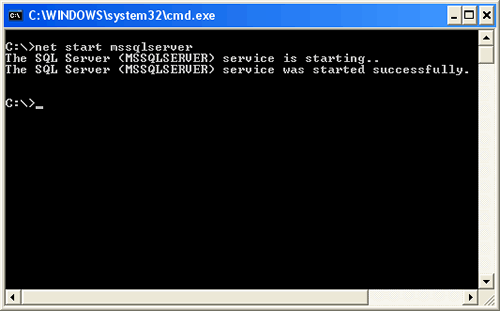
SQL SERVER – 2005 – Start Stop Restart SQL Server From Command Prompt
Start, stop or restart SQL Server from the command prompt with net start mssqlserver and net stop mssqlserver. A batch file can run both together.
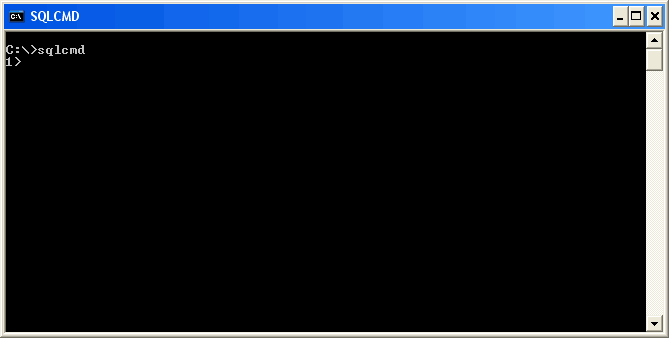
SQL SERVER – 2005 – Introduction and Explanation to sqlcmd
An introduction to sqlcmd, the SQL Server 2005 command prompt utility that runs ad hoc T-SQL statements and scripts, and how it improves on isql and osql.
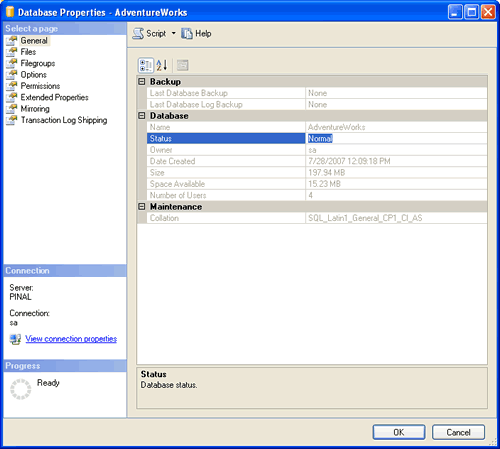
SQL SERVER – 2005 – Find Database Status Using sys.databases or DATABASEPROPERTYEX
Find database status such as ONLINE, OFFLINE, RESTORING or SUSPECT using sys.databases or DATABASEPROPERTYEX, and learn what each status means.

SQL SERVER – Find Monday of the Current Week
Find Monday of the current week with one line of T-SQL: DATEADD and DATEDIFF with the week part and GETDATE() give you the date.

SQL SERVER – Find Last Day of Any Month – Current Previous Next
Find the last day of any month with DATEADD and DATEDIFF. One script returns the last day of the previous, current and next month in SQL Server.