

A client’s ERRORLOG showed database mirroring error 1474, ‘The specified network name is no longer available’. The cause was outside SQL Server.
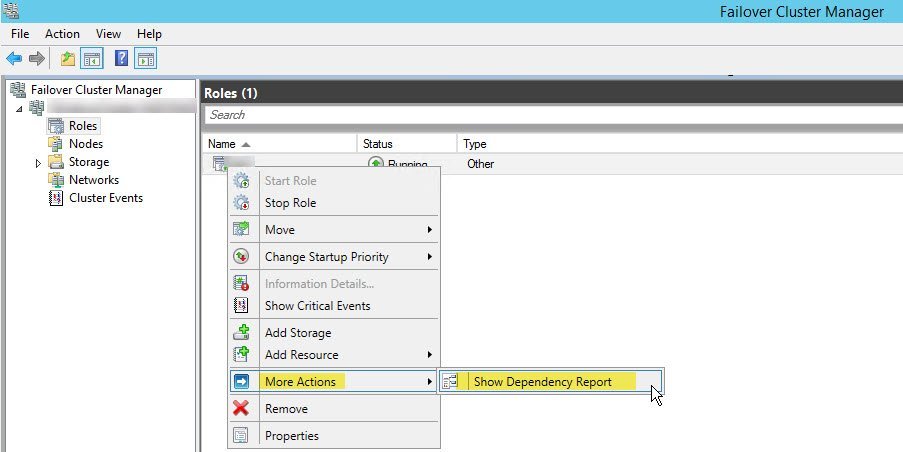
SQL SERVER – Unable to Bring Resource Online – Error – Could Not Find Any IP Address that this SQL Server Instance Depends Upon
A clustered SQL Server could not find any IP address it depends upon, so it would not start. Here is how to fix it and bring the resource online.
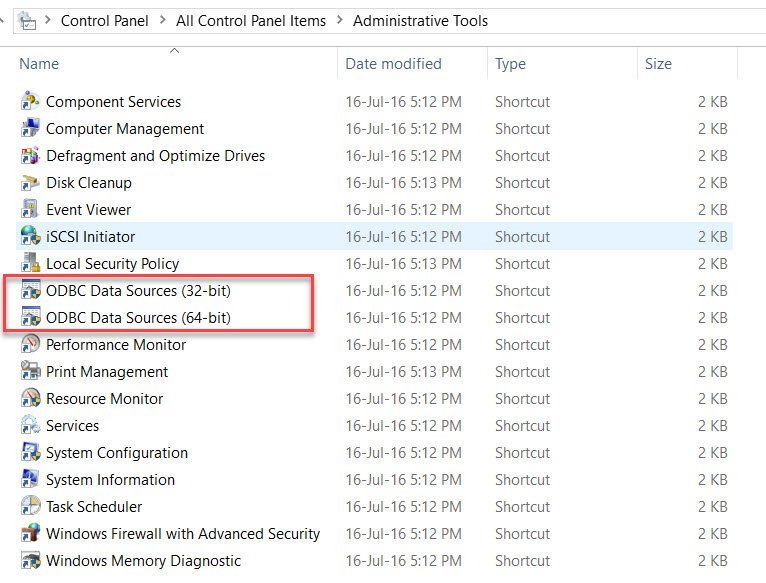
SQL SERVER – Unable to bring resource online. Error – Data source name not found and no default driver specified
A clustered SQL Server resource would not come online on one node. The cluster log said: data source name not found and no default driver specified.

SQL SERVER – Added New Node in Windows Cluster and AlwaysOn Availability Databases Stopped Working
A client added a new node to the Windows Cluster and their AlwaysOn databases stopped synchronizing. The culprit was a wizard default, and here is the fix.

SQL SERVER – Fix Error Msg 10794, Level 16 – The operation ‘CREATE INDEX’ is not supported with memory optimized tables.
A reader tried my ColumnStore on InMemory OLTP example and got Msg 10794: CREATE INDEX is not supported with memory optimized tables. Here is the fix.

SQL SERVER – Cannot Show Requested Dialog – Property Size is Not Available for Database
Opening tempdb properties in SSMS gave ‘Property Size is not available for Database’. The usual owner fix does not work on tempdb. Here is what did.
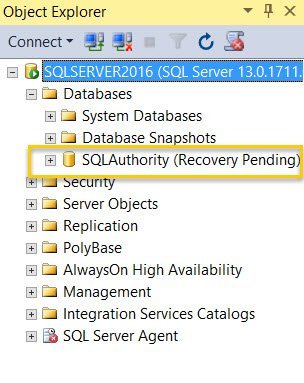
SQL SERVER – Unable to Attach Database – File Activation Failure – The Log Cannot be Rebuilt
A client lost the log drive and tried ATTACH_REBUILD_LOG, only to get a file activation failure: the log cannot be rebuilt. Here is why and what they could do.