
Error 4214 stops a log backup because SQL Server has no full backup to build on. The message looks serious, and the fix is two commands. A reader emailed me about it, and I see this one a lot.

The Error
When the log backup fails, SQL Server Management Studio shows this message:
BACKUP LOG cannot be performed because there is no current database backup. (Microsoft.SqlServer.Smo)
What the Reader Sent
The reader’s database was in full recovery mode. Every attempt to take a log backup ended with the message above, so they wrote to me asking how to fix it. They asked me to remove their name and email, and I did.
Why It Happens
Full recovery mode doesn’t make a log backup possible on its own. A log backup holds the changes since the previous backup, and that chain has to start with a full backup. If you’ve never taken one, SQL Server has nothing to chain the log to.
I see this most when someone has just changed a database from the Simple recovery model to Full. The setting changed, but no full backup followed it.
How to Check
This read-only query shows the recovery model and the last full backup on record. Change the database name to yours.
SELECT d.name, d.recovery_model_desc,
    MAX(b.backup_finish_date) AS last_full_backup
FROM sys.databases AS d
LEFT JOIN msdb.dbo.backupset AS b
    ON b.database_name = d.name AND b.type = 'D'
WHERE d.name = N'MyTestDB'
GROUP BY d.name, d.recovery_model_desc;
A NULL in the last column means msdb has no full backup on record for that database.
The Fix
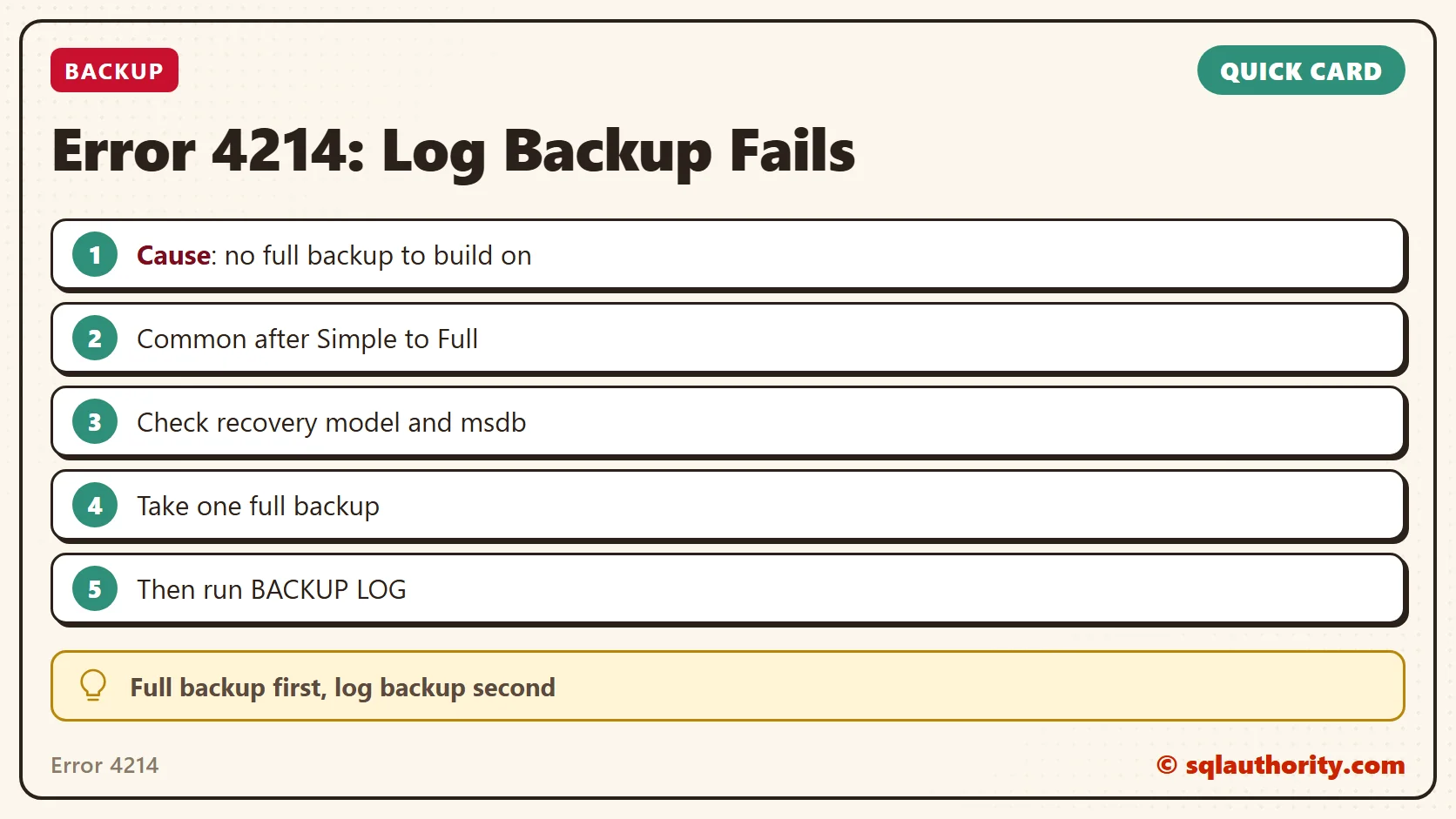
Take one full backup, then take the log backup. For a database named MyTestDB, it looks like this:
BACKUP DATABASE [MyTestDB]
TO DISK = N'C:\MyTestDB.bak'
GO
BACKUP LOG [MyTestDB]
TO DISK = N'C:\MyTestDB.bak'
GO
Confirm It Worked
The log backup now finishes without the error. Don’t stop there, though. A backup only counts if you can restore it, so always try restoring it on your development server.
How to Prevent It
Take a full backup whenever you change the recovery model. That one habit prevents this error and saves you from an unpleasant surprise later.
A log backup is not a fresh start, it is the next page after a full backup.
Published by Pinal Dave on SQLAuthority. More of my work at pinaldave.com.
Discover more from SQL Authority with Pinal Dave
Subscribe to get the latest posts sent to your email.


24 Comments. Leave new
Hi, Pinal
Thank you very much !
Your information always help me a lot!
We sometimes get this error on our production environment – most of the time we do NOT get the error. The database backup is done by Maintenance Plan which backs up all of the databases on the server; One of the first steps is to backup all the databases and a subsequent step is to backup the logs.
The error in the log file is:
Failed:(-1073548784) Executing the query “BACKUP LOG [DBNAME] TO DISK = N’\\stor-syn…” failed with the following error: “BACKUP LOG cannot be performed because there is no current database backup.
BACKUP LOG is terminating abnormally.”. Possible failure reasons: Problems with the query, “ResultSet” property not set correctly, parameters not set correctly, or connection not established correctly.
The database should always be in Full Recovery mode, but I don’t know how to check whether it is being changed by another process, although I doubt that.
Any ideas how to investigate this further?