
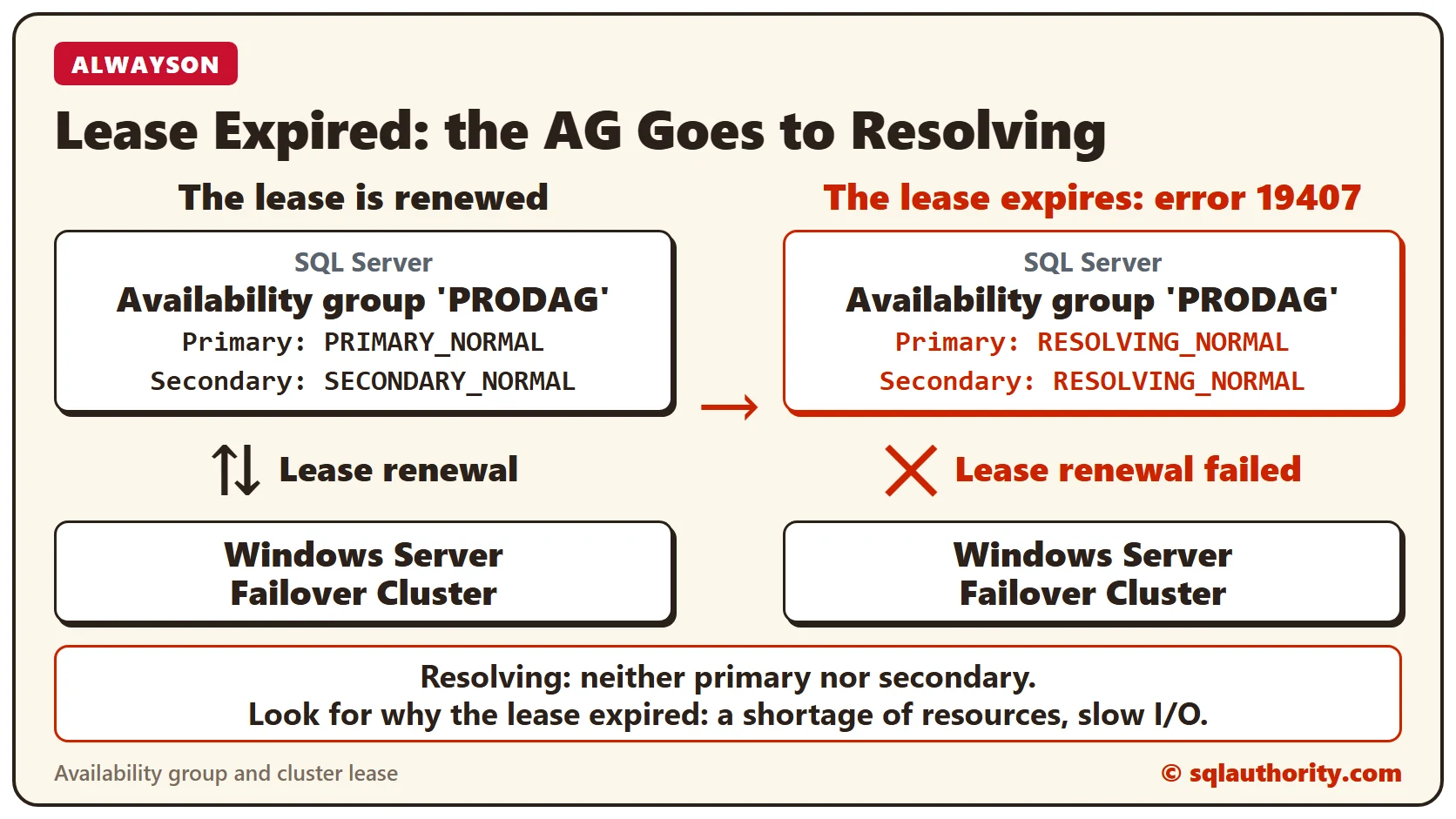
Error 19407 means the lease between an availability group and the Windows Server Failover Cluster has expired. I’ve seen it while working with customers who use SQL Server AlwaysOn availability groups. The cluster resource goes to a failed state, and Management Studio shows the group as Resolving, neither primary nor secondary.
The Error
This is what the ERRORLOG shows when the lease expires. The first two lines carry the error number and its text.
2017-02-27 19:31:07.34 Server Error: 19407, Severity: 16, State: 1.
2017-02-27 19:31:07.34 Server The lease between availability group 'PRODAG' and the Windows Server Failover Cluster has expired.
    A connectivity issue occurred between the instance of SQL Server and the Windows Server Failover Cluster.
    To determine whether the availability group is failing over correctly, check the corresponding availability group resource in the Windows Server Failover Cluster.
In plain words, the lease between the Windows cluster and SQL Server has expired.
What Happens Next
The next line says the local replica is going offline.
2017-02-27 19:31:07.34 Server AlwaysOn: The local replica of availability group 'PRODAG' is going offline because either the lease expired or lease renewal failed.
    This is an informational message only. No user action is required.
Because the lease renewal failed, the availability group resource in the cluster goes to a failed state. Then the state change is logged.
2017-02-27 19:31:07.34 Server The state of the local availability replica in availability group 'PRODAG' has changed from 'PRIMARY_NORMAL' to 'RESOLVING_NORMAL'.
    The state changed because the lease between the local availability replica and Windows Server Failover Clustering (WSFC) has expired.
    For more information, see the SQL Server error log, Windows Server Failover Clustering (WSFC) management console, or WSFC log.
Since the availability group failed, its state in SQL Server changes from PRIMARY_NORMAL to RESOLVING_NORMAL. At the same time, a secondary changes from SECONDARY_NORMAL to RESOLVING_NORMAL. The next challenge is to find why the lease expired.
Why It Happens
From my research on the internet, I found that in most cases the lease expires because the machine is short of resources. You can think of it as a momentary hang of Windows operations. So we should look at the cause of the slowness.
How to Check
At the client I worked with, I saw tons of I/O related messages like the one below. The file name here is a placeholder.
2017-02-27 19:23:26.09 spid35s SQL Server has encountered 244 occurrence(s) of I/O requests taking longer than 15 seconds to complete on file [M:\MSSQL\YourDatabase.mdf] in database id 21.
    The OS file handle is 0x0000000000001B44. The offset of the latest long I/O is: 0x00004fcfb76000
I’ve written about this warning in an earlier post on I/O requests taking longer than 15 seconds. We also saw the lines below, which point to I/O slowness again.
2017-02-27 19:31:05.09 spid18s average writes per second: 1225.28 writes/sec
average throughput: 86.19 MB/sec, I/O saturation: 149511, context switches 190629
2017-02-27 19:31:05.09 spid18s last target outstanding: 278, avgWriteLatency 38
The Fix
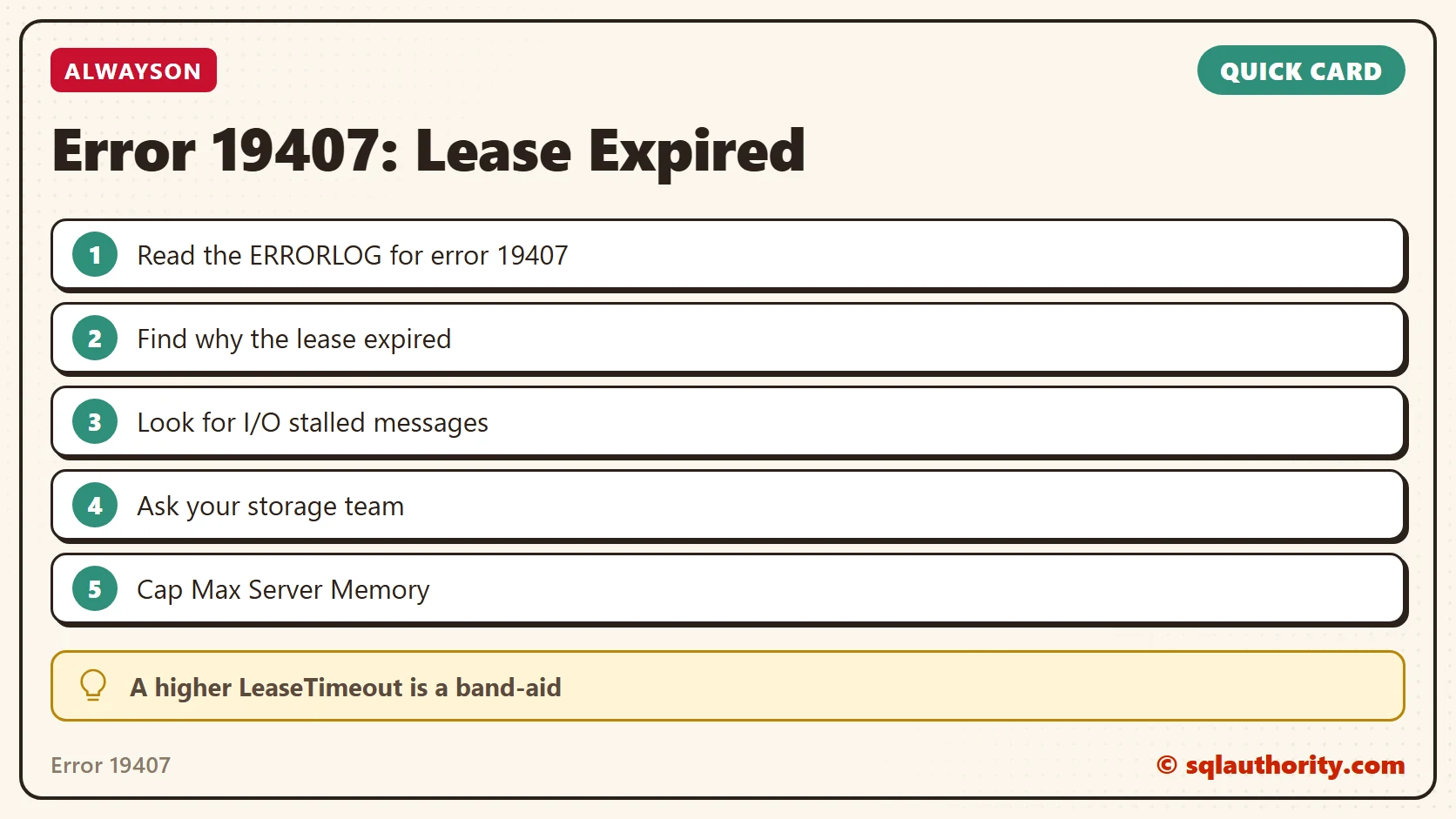
Until you find the actual cause, you can increase the LeaseTimeout value so the availability group stays healthy. Remember that this doesn’t fix the issue. It’s a band-aid. Here are a few more things to do:
- Limit Max Server Memory of SQL Server, if it isn’t capped.
- Consult your storage team about storage performance, since we see many I/O stalled messages.
- Enable lock pages in memory. This prevents working set trimming and keeps SQL Server from being paged out.
How to Prevent It
Watch for the I/O stalled messages in the ERRORLOG. They point to the same slowness that expires the lease. Keep Max Server Memory capped, and bring in your storage team when those messages appear.
Have you found anything else that helps? Please tell me in the comments.
An expired lease is not the problem, it is the symptom of a machine short of resources.
Published by Pinal Dave on SQLAuthority. More of my work at pinaldave.com.
Discover more from SQL Authority with Pinal Dave
Subscribe to get the latest posts sent to your email.




4 Comments. Leave new
There are different opinions on enabling lock pages in memory (LPIM), setting MIN Server Memory also makes sense.
Thank you Pinal !!
Thanks Anil.
This actually doesn’t have a specific relation to poor memory/storage performance.
The key is in the ‘lease renewal’ message indicated in the Log. This indicates the Client Access Point was unable to renew it’s lease on the DNS A record it depends on outside of the Failover Cluster.
As a workaround, manually create the DNS A record, assigning the Cluster Name Object Full control in DNS against it. For good measure, run through a non-Storage resource Cluster Validation afterwards.
how much lease timeout to increase? also the health check would be increased accordingly right?