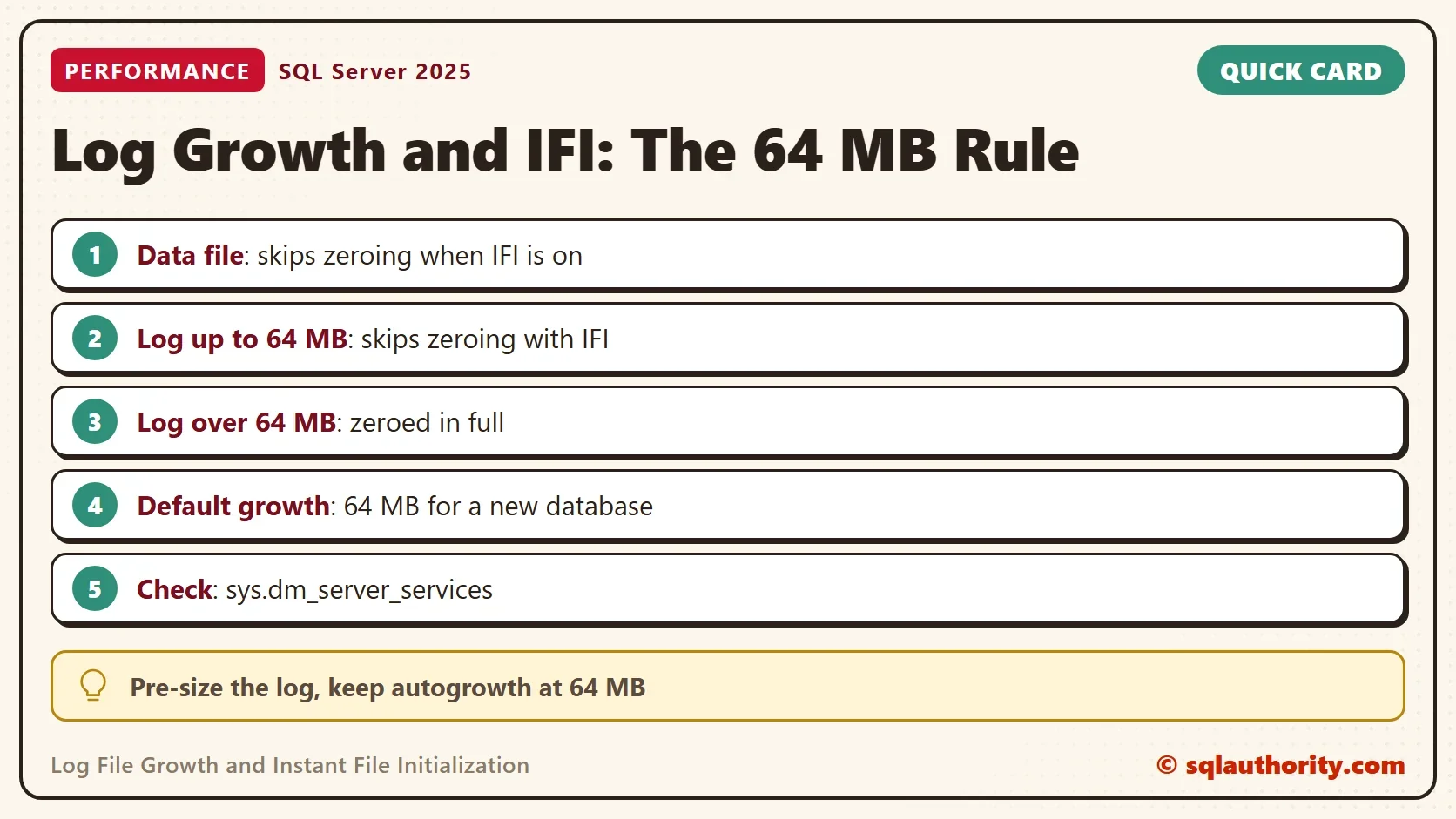
The 64 MB rule: with instant file initialization on, log growth of 64 MB or less skips zeroing.
Data files have skipped zeroing for years. Log file growth joined them in SQL Server 2022, with a limit. The limit shows up in what SQL Server writes to its error log.

What Zeroing Means
When a file grows, the new space holds whatever the disk held before. SQL Server can write zeros over it first, which is called zeroing. The growth waits until the zeros are on disk. Instant file initialization, or IFI, skips that step. SQL Server uses the space at once and overwrites it as it goes.
IFI needs the Windows right called Perform volume maintenance tasks for the SQL Server service account. It has been available for data files for a long time. Log files could not use it until SQL Server 2022. Since then, log growth of 64 MB or less skips zeroing when IFI is on. The default growth step of a new database is 64 MB, so the default case qualifies.
Check the Setting and the Defaults
The first script creates a demo database. Then it asks the service whether IFI is on and reads the growth settings of both files. The permission VIEW SERVER STATE is needed for the service query.
IF DB_ID(N'LogGrowthIfiDemo') IS NULL CREATE DATABASE LogGrowthIfiDemo;
GO
SELECT servicename, instant_file_initialization_enabled FROM sys.dm_server_services WHERE servicename LIKE N'SQL Server (%';
SELECT name, type_desc, size * 8 / 1024 AS SizeMB, growth * 8 / 1024 AS GrowthMB, is_percent_growth FROM LogGrowthIfiDemo.sys.database_files;
| servicename | instant_file_initialization_enabled |
|---|---|
| SQL Server (SQLDEV) | Y |
| name | type_desc | SizeMB | GrowthMB | is_percent_growth |
|---|---|---|---|---|
| LogGrowthIfiDemo | ROWS | 8 | 64 | 0 |
| LogGrowthIfiDemo_log | LOG | 8 | 64 | 0 |
On the test server IFI is on, and both files of the new database grow by 64 MB. Your instance name differs, and the value is N if the service account lacks the right.
If the value is N, grant the right in Windows. Open the Local Security Policy, go to User Rights Assignment, and add the service account to Perform volume maintenance tasks. Then restart the SQL Server service, because the account reads the right only at startup.
Watch the Zeroing in the Error Log
Trace flags 3004 and 3605 make SQL Server write each zeroing step to the error log. The script turns them on for the instant of three growth steps, then turns them off in the same batch. The flags apply to every database, so run it on a test server. Check first with DBCC TRACESTATUS (3004, 3605, -1);, and run the demo only when both flags show status 0. If the batch stops early, switch them off with DBCC TRACEOFF (3004, 3605, -1);.
The steps test the 64 MB rule on log file growth of 64 MB and then of 65 MB. A third step grows the data file by 64 MB.
DECLARE @start datetime = GETDATE();
DBCC TRACEON (3004, 3605, -1);
ALTER DATABASE LogGrowthIfiDemo MODIFY FILE (NAME = LogGrowthIfiDemo_log, SIZE = 72MB);
ALTER DATABASE LogGrowthIfiDemo MODIFY FILE (NAME = LogGrowthIfiDemo_log, SIZE = 137MB);
ALTER DATABASE LogGrowthIfiDemo MODIFY FILE (NAME = LogGrowthIfiDemo, SIZE = 72MB);
DBCC TRACEOFF (3004, 3605, -1);
CREATE TABLE #Lines (Seq int IDENTITY(1,1), LogDate datetime, ProcessInfo nvarchar(50), LineText nvarchar(1000));
INSERT #Lines (LogDate, ProcessInfo, LineText) EXEC sp_readerrorlog 0, 1, N'LogGrowthIfiDemo', N'zeroing';
SELECT CASE WHEN l.LineText LIKE N'Skip zeroing%' THEN N'Skipped' ELSE N'Zeroed' END AS Action,
       CASE WHEN l.LineText LIKE N'%\_log.ldf%' ESCAPE N'\' THEN N'log' ELSE N'data' END AS FileKind,
       REVERSE(SUBSTRING(x.r, 4, CHARINDEX(N' ', x.r, 4) - 4)) AS Megabytes
FROM #Lines AS l CROSS APPLY (SELECT REVERSE(l.LineText) AS r) AS x
WHERE l.LogDate >= @start AND l.LineText NOT LIKE N'Zeroing completed%'
ORDER BY l.LogDate, l.Seq;
DROP TABLE #Lines;| Action | FileKind | Megabytes |
|---|---|---|
| Skipped | log | 63 |
| Zeroed | log | 0 |
| Zeroed | log | 65 |
The 64 MB growth skipped 63 MB of zeroing. SQL Server still zeroed the last 8 KB page, which rounds to 0 MB. The 65 MB growth zeroed all 65 MB, because it is one megabyte over the limit. The data file growth wrote no zeroing line at all.
The error log lines also carry the elapsed time. On this test server the disk is fast, so zeroing 65 MB took only tens of milliseconds. A slower disk or a larger step makes the wait longer. Sessions that need log space during the growth wait with it.
What to Change
Check that IFI is on, and that the service account holds the right. Without it, every growth zeroes, and the rule above does nothing. Keep every growth within the 64 MB rule, so keep the autogrowth step at 64 MB or less. The same limit applies to autogrowth (documented; the demo above grows the file by hand). Size the log in advance, because the creation of a file and every growth above 64 MB are still zeroed.
You could argue that a bigger growth step is better, because it grows less frequently. That is true for the number of growths. It is false for the wait of each one. A step above 64 MB is zeroed in full, and it adds eight virtual log files instead of one. VLF Growth Rules: How Many Virtual Log Files One Growth Adds counts them. If you shrank a log and it grows back, Log File Not Shrinking: Read log_reuse_wait_desc First explains the shrink side.
IFI has a security cost. Zeroing hides what the disk held before. Without it, old disk contents can sit in the new space until SQL Server overwrites them. Grant the right only to the service account.
What to Remember
The 64 MB rule for log file growth: growth of 64 MB or less skips zeroing when IFI is on. Anything larger zeroes in full. Read the error log with the two trace flags if you need proof on your own server. Turn the flags off in the same script.
When you finish, run the cleanup script. It also shows that both trace flags are off.
USE master;
GO
IF DB_ID(N'LogGrowthIfiDemo') IS NOT NULL
BEGIN
    ALTER DATABASE LogGrowthIfiDemo SET SINGLE_USER WITH ROLLBACK IMMEDIATE;
    DROP DATABASE LogGrowthIfiDemo;
END;
GO
DBCC TRACESTATUS (3004, 3605, -1);
Instant file initialization is not a free pass for every growth, it is a rule with a 64 MB edge.
Published by Pinal Dave on SQLAuthority. More of my work at pinaldave.com.
Discover more from SQL Authority with Pinal Dave
Subscribe to get the latest posts sent to your email.