
A long-running query for demonstrations has to run long enough to watch, and it has to stop when you say. It also has to behave the same way every time you present.

What a Demo Query Needs
Tuning classes, monitoring talks and test scripts all need a query that keeps working for a while. A common choice is a join of several large sample tables. One such query kept running for over an hour on a fast machine, which is too long for any class. It also needed a sample database that the audience had to restore first.
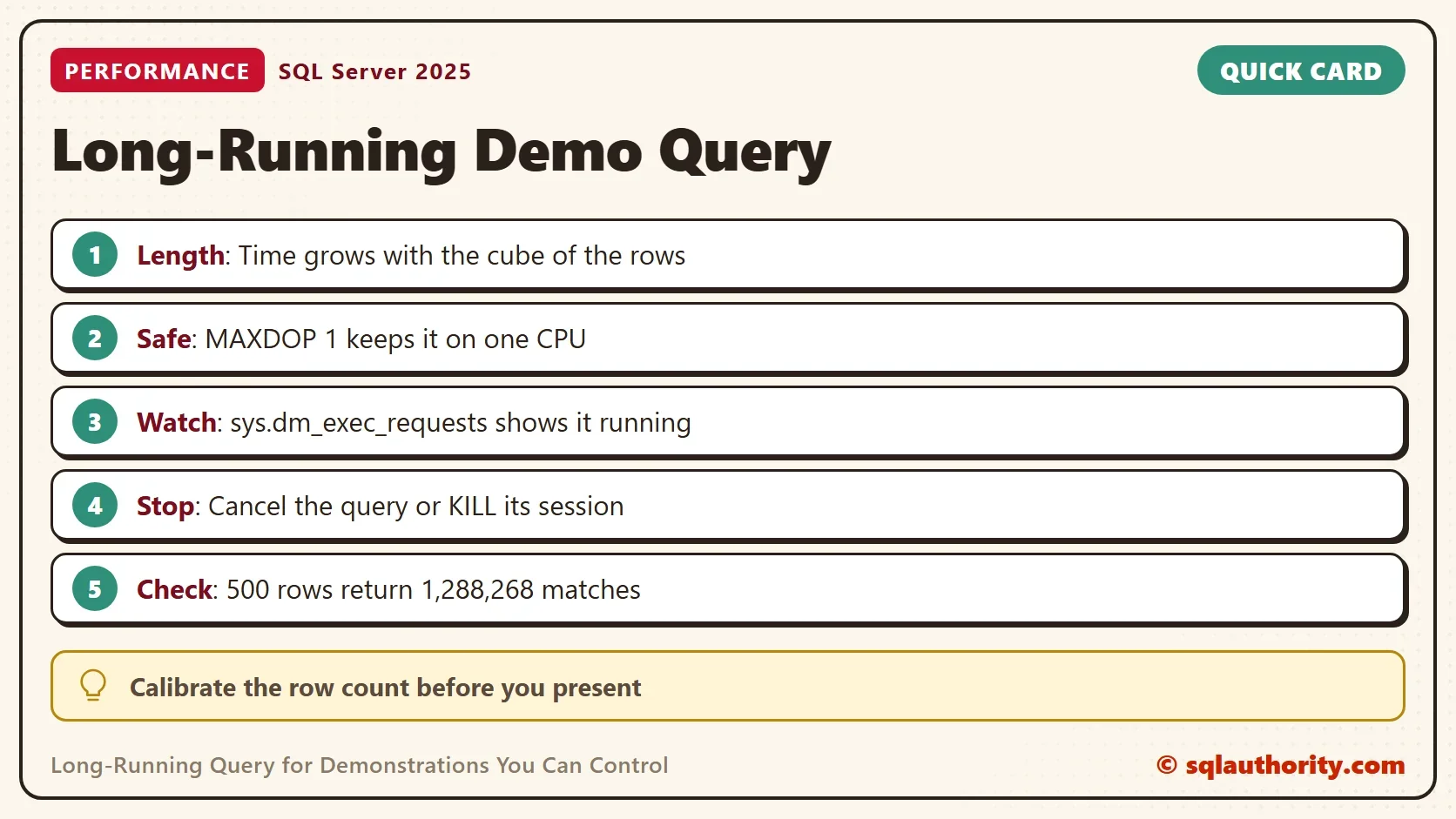
A good demo query has three properties. Its length is a setting you control. Its result is the same on every server. It is safe, which means one CPU, no writes and no locks that stay behind.
A Counting Table and a Three-Way Join
The next script creates a database named LongQueryDemo and a table with the numbers 1 to 500. It reads the numbers from a system view, so it works on SQL Server 2016 and later.
IF DB_ID(N'LongQueryDemo') IS NULL CREATE DATABASE LongQueryDemo;
GO
USE LongQueryDemo;
GO
DROP TABLE IF EXISTS dbo.Counter;
CREATE TABLE dbo.Counter (N int NOT NULL PRIMARY KEY);
INSERT INTO dbo.Counter (N)
SELECT TOP (500) ROW_NUMBER() OVER (ORDER BY (SELECT NULL))
FROM sys.all_objects;
The query reads the table three times, as a, b and c. Every combination of three numbers has to be tested against an arithmetic condition, and no index can answer that. COUNT_BIG(*) returns a single row, so no result grid has to be drawn. MAXDOP 1 keeps the work on one CPU.
SELECT COUNT_BIG(*) AS Matches
FROM dbo.Counter AS a
CROSS JOIN dbo.Counter AS b
CROSS JOIN dbo.Counter AS c
WHERE (a.N * b.N + c.N) % 97 = 0
OPTION (MAXDOP 1);
| Matches |
|---|
| 1288268 |
The count is 1,288,268 on every server, because the data and the condition never change. That’s the check that the audience sees the same result as you.
Set the Length With the Row Count
Three copies of the table mean 125 million combinations at 500 rows. The work grows with the cube of the row count. Double the rows and the query needs about eight times as long. The table shows the matches and the elapsed time on a shared development server. Your times will differ.
| Rows in the table | Matches | Seconds |
|---|---|---|
| 100 | 10,306 | 0.2 |
| 200 | 82,448 | 1.3 |
| 300 | 278,262 | 4.4 |
| 400 | 659,590 | 10.7 |
| 500 | 1,288,268 | 17 to 24 |
At 1,000 rows the query was still running after two minutes, and the test ended it. Pick the row count before the session, run it once, and write the time down. For a shorter demo, remove one table from the join. With two tables and 400 rows, the same kind of query finished in 20 milliseconds.
Watch It From a Second Window
Start the query in window 1. In window 2, ask SQL Server what the first window is doing. The view sys.dm_exec_requests lists every running request, and the database filter keeps the list short.
SELECT r.session_id, r.status, r.command, r.cpu_time AS CpuMs, r.total_elapsed_time AS ElapsedMs, r.wait_type
FROM sys.dm_exec_requests AS r
WHERE r.database_id = DB_ID(N'LongQueryDemo') AND r.session_id <> @@SPID;
This is one result, taken six seconds into the run. The status is running, or runnable on a busy server. The wait type is NULL, so the query is on the CPU and not waiting for anything. CPU time grows as fast as elapsed time. Your session number will differ.
| session_id | status | command | CpuMs | ElapsedMs | wait_type |
|---|---|---|---|---|---|
| 98 | running | SELECT | 6074 | 6077 | NULL |
Stop It on Cue
In Management Studio, press the Cancel Executing Query button or Alt+Break. To stop it from the second window, run KILL with the session number from the monitor query. An example is KILL 98;, but use the number from your server. Check that the session runs in LongQueryDemo before you run KILL, because a wrong number ends someone else’s work. The killed window reports that the session is in the kill state. The query only reads, so nothing needs to roll back.
Ideas for Demos
This long-running query fits any talk that needs a busy session. Show the running request from a second window, as above. Display the estimated plan before you run it, and the actual plan after. Put SET STATISTICS TIME ON before the query. The Messages tab then prints the CPU time and the elapsed time at the end. One run printed 15,390 ms of CPU time and 17,145 ms elapsed.
Why Not Use WAITFOR?
You could argue that WAITFOR DELAY is simpler, because it takes no table and no CPU. It is a good choice for a blocking demo or a wait statistics demo. It shows a different picture, though. The next script sleeps for 20 seconds. The monitor query shows it as suspended, with a wait type of WAITFOR and no CPU time.
WAITFOR DELAY '00:00:20';
| status | command | CpuMs | wait_type |
|---|---|---|---|
| suspended | WAITFOR | 0 | WAITFOR |
A demo about CPU time, a runaway query or an execution plan needs the real thing. This long-running query uses the CPU, so it shows a running session. Pick the tool that matches the story you tell.
What to Remember
Build the demo on a counting table, so nobody has to restore a sample database. Set the length with the row count, keep MAXDOP 1, and run it once before the audience arrives. Use the long-running query on a test server, because it keeps one CPU busy for its whole run.
When the session is over, drop the demo database.
USE master;
GO
IF DB_ID(N'LongQueryDemo') IS NOT NULL
BEGIN
    ALTER DATABASE LongQueryDemo SET SINGLE_USER WITH ROLLBACK IMMEDIATE;
    DROP DATABASE LongQueryDemo;
END;
A good demo query is not a heavy query, it is a predictable one.
Published by Pinal Dave on SQLAuthority. More of my work at pinaldave.com.
Discover more from SQL Authority with Pinal Dave
Subscribe to get the latest posts sent to your email.




1 Comment. Leave new
Hi,
Have you thought about coming to Romania? Cluj-Napoca is Silicon Valley from Romania.