
DevOps for DBAs starts with a simple question: what is DevOps, and will it go away? You have heard the word DevOps, and many of you already work with it. Still, I meet people who are not sure what it is. They believe it is a buzzword that will go away. Today I will define DevOps and share where I see its future going.
What DevOps Is
Let us start with a quick definition:
DevOps integrates development and operations across the whole software lifecycle, from design through deployment to monitoring and production support.
DevOps is not one thing. It is a combination of successful practices and proven tools. Together they increase an organization’s ability to deliver applications continuously, at a rapid pace and with high quality. The goal is to improve efficiency over earlier methods and reduce errors in delivery. The term has several meanings and contexts, but they all point to one thing: better efficiency through automation and processes.
The Four Steps of DevOps
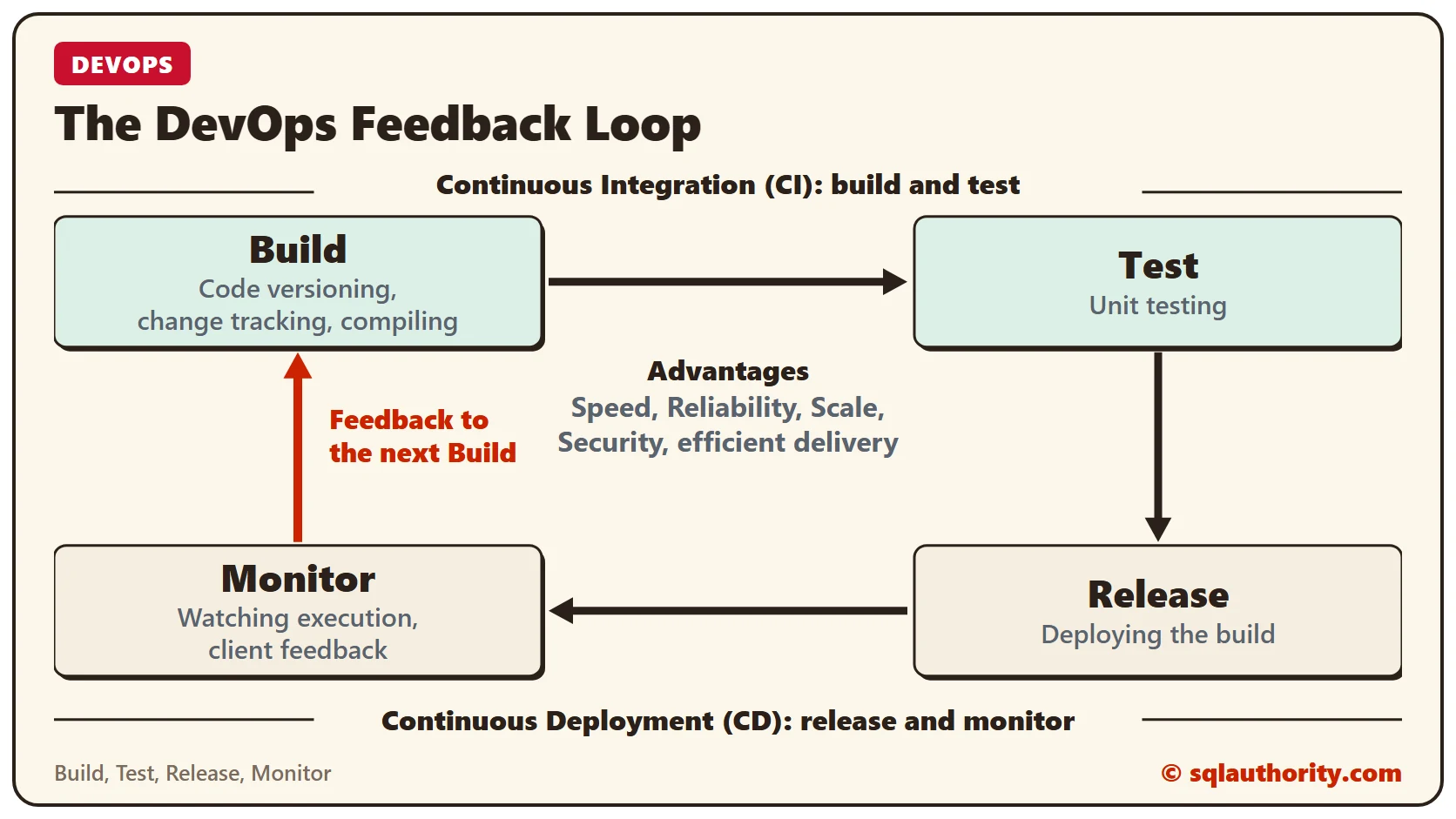
Everyone defines the steps differently, but you see a similar pattern in all of them. The four major steps are Build, Test, Release and Monitor. In the Monitor phase we keep giving the necessary feedback to the next Build phase, and the cycle repeats. The diagram at the top shows that loop.
The major advantages of this method are speed, reliability, scale, security and efficient delivery.
SQL Server and DevOps
Organizations that build applications with tools such as .NET, PHP or Java follow certain processes. These include code versioning, change tracking, code compiling, build deploying, unit testing and statistics collection. The processes help deliver an application with the fewest bugs that is easy to maintain. They also reduce human error.
For SQL Server, I see people deploy only by running T-SQL scripts. That works while the organization is small and the application is still in development. Once the organization grows, running scripts for deployment is no longer enough.
With many developers on the team, there are many versions of the code and the objects. Code that works fine in isolation can conflict with other code when they are deployed together. The final deployment can hold several versions of the same code, and the order of deployment plays a critical role.
After deployment, a good team does more than deploy the code. It also monitors the execution, and the feedback from the client goes back to the development team. That way the next iteration goes more efficiently. All of this sums up in two terms:
- Continuous Integration (CI)
- Continuous Deployment (CD)
DevOps Tools for SQL Server
Continuous Integration (CI) stands for the build and test phase. Continuous Deployment (CD) stands for the release and monitoring phase. Many tools help developers and DBAs reach CI and CD with SQL Server. You can build a successful DevOps process with these:
- Visual Studio Team Services
- Azure Data Studio
- SSIS
- PowerShell
- SQL Server Data Tools
- bcp
- T-SQL
- mssql-scripter
- SqlPackage
- sqlcmd
It does not matter which tool you finally use for SQL Server. Your goal is to help your organization deliver quality applications at a rapid pace.
Where to Start
If you are not sure where to start, consider a third-party tool that helps you get going. I suggest you begin with Toad DevOps Toolkit and Foglight for Databases.
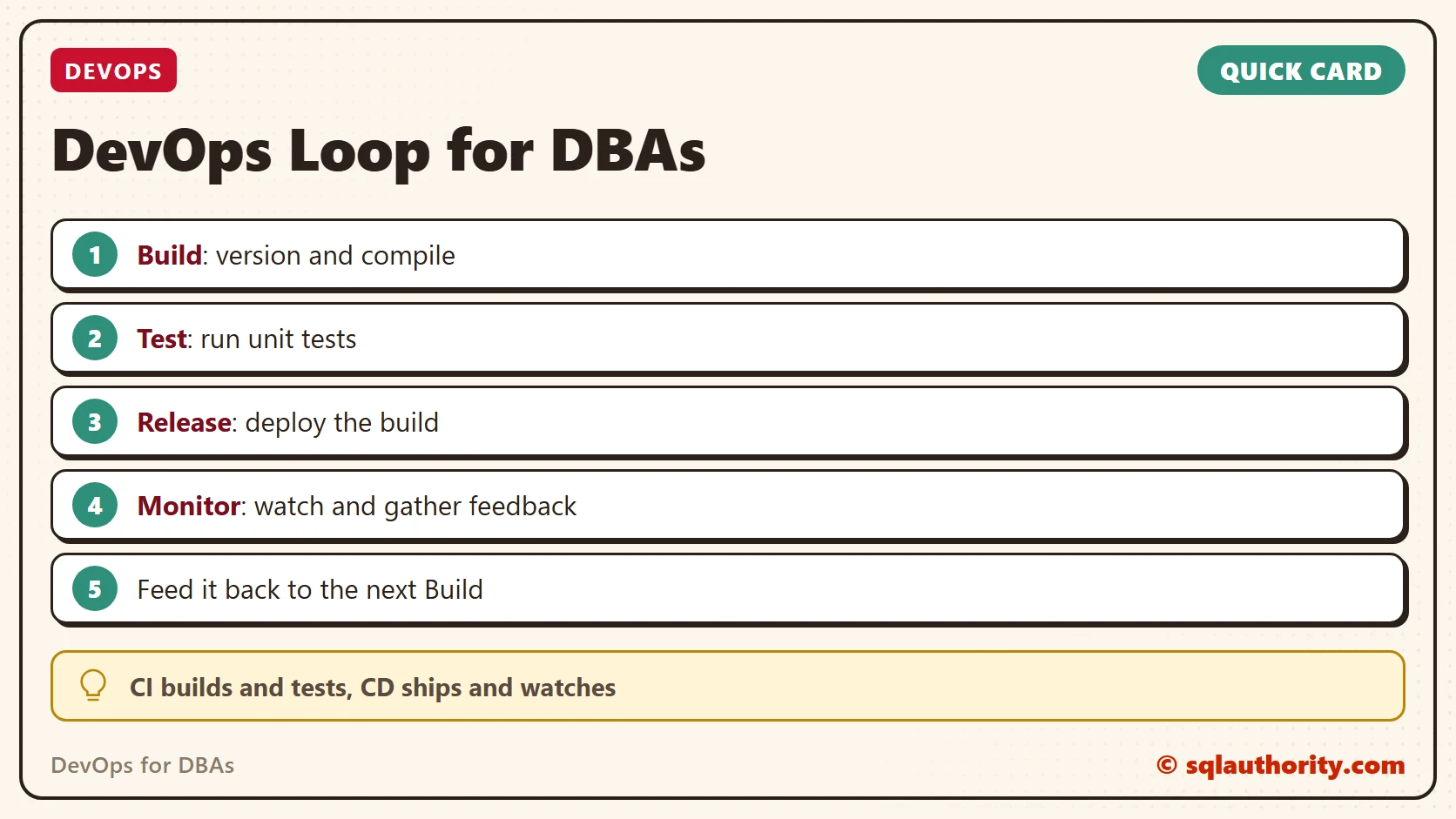
DevOps is not a tool, it is a loop of build, test, release and monitor.
Published by Pinal Dave on SQLAuthority. More of my work at pinaldave.com.
Discover more from SQL Authority with Pinal Dave
Subscribe to get the latest posts sent to your email.




1 Comment. Leave new
Version control. Don’t forget version control for dbs. Traceability is a must as well.