
The Schema Changes History report shows who created, altered or dropped an object in a database. Management Studio builds it from the default trace, and the same data is available through T-SQL. Both ways follow, with the limits of each.

What the Report Shows
In Object Explorer, right-click the database and point to Reports. Choose Standard Reports, then Schema Changes History. The Schema Changes History report lists each object that was created, altered or dropped. Each row carries the time, the login name, the user name, the object name and the type of the object.
The report describes itself as a history of committed DDL statements recorded by the default trace. Expand an object, and you see every change that the trace holds for it. A dropped table shows up with its creation, its alterations and its drop.
Where the Data Lives
The default trace is a small trace that SQL Server runs on its own. It records schema changes and a few other events. It writes to a set of files, and it replaces the oldest file when the set is full. SQL Trace is deprecated, so build new long-term tracking on SQL Server Audit or Extended Events. The next query checks that the trace is on and shows its size limits.
SELECT CAST(value_in_use AS int) AS DefaultTraceEnabled
FROM sys.configurations
WHERE name = N'default trace enabled';

SELECT id, status, max_size AS MaxFileMB, max_files AS MaxFiles, is_rollover AS Rollover
FROM sys.traces
WHERE is_default = 1;
| DefaultTraceEnabled |
|---|
| 1 |
| id | status | MaxFileMB | MaxFiles | Rollover |
|---|---|---|---|---|
| 1 | 1 | 20 | 5 | 1 |
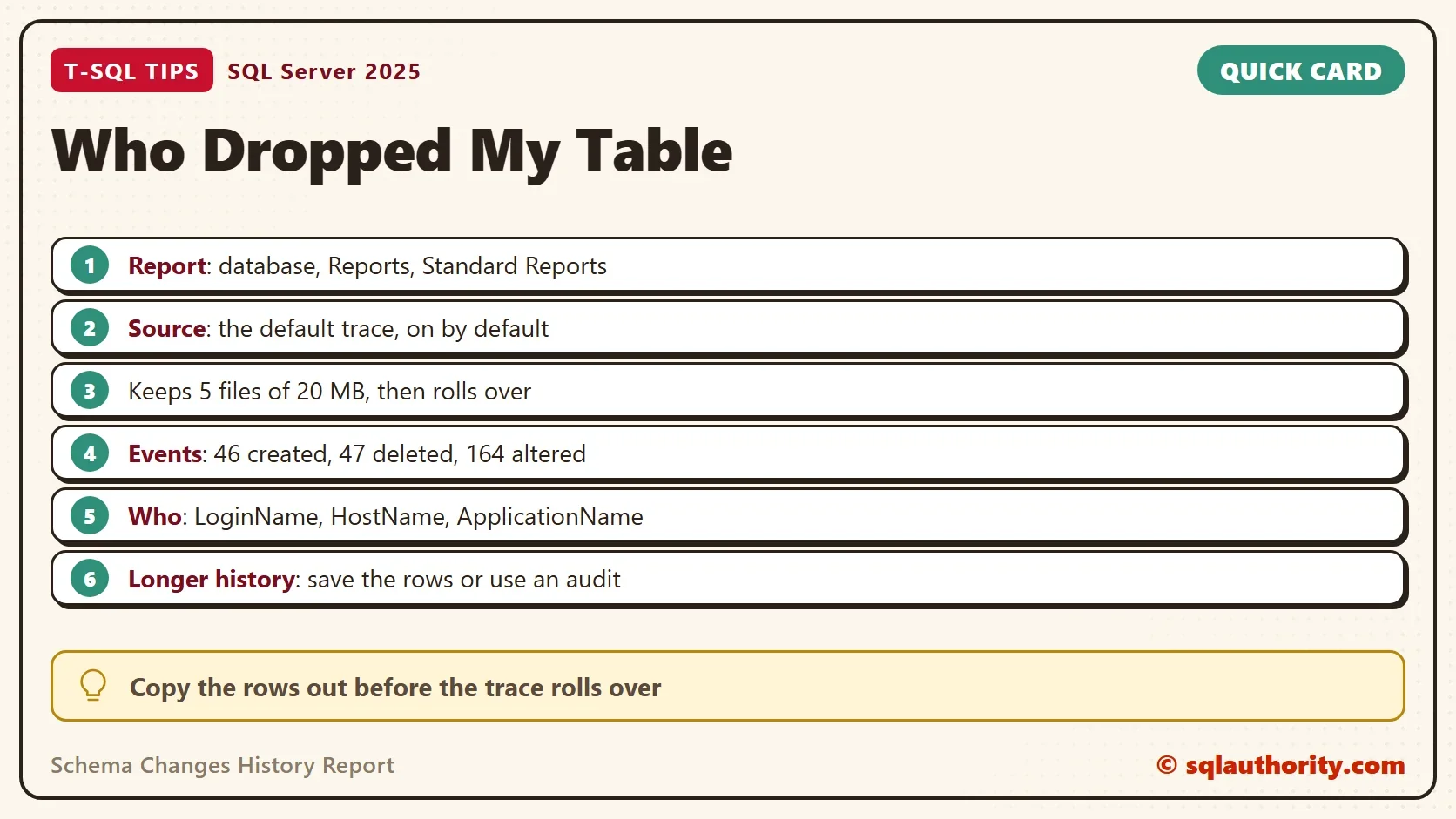
The trace is on, and it keeps five files of 20 MB each. On a busy server, those files can cover a short period. The report can show only what the files still hold. For a change from last month, the answer can already be gone.
Build a Demo
The first script creates a demo database. The second one creates a table, adds a column to it, and drops it. The three second wait gives the trace time to write its buffer to the file.
IF DB_ID(N'SchemaHistoryDemo') IS NULL CREATE DATABASE SchemaHistoryDemo;
GO
USE SchemaHistoryDemo;
GO
DROP TABLE IF EXISTS dbo.TestTable;
CREATE TABLE dbo.TestTable (ID int);
ALTER TABLE dbo.TestTable ADD FirstCol varchar(100);
DROP TABLE dbo.TestTable;
WAITFOR DELAY '00:00:03';
Query the Trace
The report doesn’t give you a query, but the trace itself is open to T-SQL. The function sys.fn_trace_gettable reads the trace files as a table. The query below joins it to the event names. It keeps three events: 46 for created, 47 for deleted and 164 for altered.
Two more filters need an explanation. The trace logs a begin and a commit for every change, so the query keeps subclass 1, the commit. A rolled back change gets subclass 2, and the filter hides it. That is right here, because a rolled back drop dropped nothing. The type 8277 means a user table. The last two lines keep only the changes of this session. Remove them to see every change on the server.
DECLARE @TracePath nvarchar(260) = (SELECT path FROM sys.traces WHERE is_default = 1);
SELECT t.StartTime,
       e.name AS Change,
       t.ObjectName,
       t.DatabaseName,
       t.LoginName,
       t.HostName,
       t.ApplicationName
FROM sys.fn_trace_gettable(@TracePath, DEFAULT) AS t
JOIN sys.trace_events AS e ON e.trace_event_id = t.EventClass
WHERE t.EventClass IN (46, 47, 164)
  AND t.EventSubClass = 1
  AND t.ObjectType = 8277
  AND t.DatabaseName = N'SchemaHistoryDemo'
  AND t.SPID = @@SPID
  AND t.StartTime >= (SELECT login_time FROM sys.dm_exec_sessions WHERE session_id = @@SPID)
ORDER BY t.StartTime;| StartTime | Change | ObjectName | DatabaseName | ApplicationName |
|---|---|---|---|---|
| 2026-10-06 20:14:12.987 | Object:Created | TestTable | SchemaHistoryDemo | SQLCMD |
| 2026-10-06 20:14:12.987 | Object:Altered | TestTable | SchemaHistoryDemo | SQLCMD |
| 2026-10-06 20:14:12.990 | Object:Deleted | TestTable | SchemaHistoryDemo | SQLCMD |
The table leaves out the LoginName and HostName columns. They hold the account and the machine of the person who ran the statement. Together they answer the question in the title. Your own login and machine name will show in those columns. The StartTime values come from one run. The ApplicationName column tells you the tool, which is Management Studio when someone used it.
Who Dropped a Database
The same trace records a dropped database, with the object type 16964. The name of the dropped database sits in the DatabaseName column, and ObjectName stays empty. The script creates a second database, drops it, and reads the trace.
USE master;
GO
CREATE DATABASE SchemaHistoryTwo;
GO
DROP DATABASE SchemaHistoryTwo;
GO
WAITFOR DELAY '00:00:03';
GO
DECLARE @TracePath nvarchar(260) = (SELECT path FROM sys.traces WHERE is_default = 1);
SELECT t.StartTime, e.name AS Change, t.DatabaseName, t.LoginName, t.HostName
FROM sys.fn_trace_gettable(@TracePath, DEFAULT) AS t
JOIN sys.trace_events AS e ON e.trace_event_id = t.EventClass
WHERE t.EventClass IN (46, 47)
  AND t.EventSubClass = 1
  AND t.ObjectType = 16964
  AND t.DatabaseName = N'SchemaHistoryTwo'
  AND t.SPID = @@SPID
  AND t.StartTime >= (SELECT login_time FROM sys.dm_exec_sessions WHERE session_id = @@SPID)
ORDER BY t.StartTime;
| StartTime | Change | DatabaseName |
|---|---|---|
| 2026-10-06 20:14:16.390 | Object:Created | SchemaHistoryTwo |
| 2026-10-06 20:14:16.450 | Object:Deleted | SchemaHistoryTwo |
Limits to Know
The login in the trace is the login that connected. When an application server connects with one shared login, every change shows that login. The HostName and ApplicationName columns then narrow the search. The time points to the job or the deployment.
The trace records schema changes, not data changes. A DELETE of rows never shows up here. To keep a longer history, copy the rows into a table on a schedule, before the files roll over. SQL Server Audit can also record schema changes for a longer time. A dropped database user or login is a security event, not a schema change. Use SQL Server Audit for it.
You could argue that the report is enough, because it needs no code. For a quick question about one table, that is true. The query wins when you need to filter by login, search every database or save the result.
What to Remember
Open the Schema Changes History report for one database, and use the query for everything else. Filter on the commit subclass to avoid duplicate rows. Read the LoginName, HostName and ApplicationName columns together. Copy the history out before the files roll over.
When you finish with the demo, run the cleanup script.
USE master;
GO
IF DB_ID(N'SchemaHistoryDemo') IS NOT NULL
BEGIN
    ALTER DATABASE SchemaHistoryDemo SET SINGLE_USER WITH ROLLBACK IMMEDIATE;
    DROP DATABASE SchemaHistoryDemo;
END;
IF DB_ID(N'SchemaHistoryTwo') IS NOT NULL
BEGIN
    ALTER DATABASE SchemaHistoryTwo SET SINGLE_USER WITH ROLLBACK IMMEDIATE;
    DROP DATABASE SchemaHistoryTwo;
END;
A dropped table is not a mystery, it is a row the default trace has not rolled over yet.
Published by Pinal Dave on SQLAuthority. More of my work at pinaldave.com.
Discover more from SQL Authority with Pinal Dave
Subscribe to get the latest posts sent to your email.




12 Comments. Leave new
Helpful
Works nice for direct access to the SQL database however a lot of db operations can be masked by a service tier… it’s a pain in my world.
Nice
I assume this information is stored somewhere. Where is it stored? In a DMV? If so, which one?
How can I query this information using T-SQL?
You can directly go to Schema Changes History by
First right click on the database – Go to Reports >> Schema Changes History.
Hi developer, it seems like you are repeating the content of the post. Please take the time to understand my question. As an analogy, if I ask about a query to create a table and you tell me to right click on the tables folder and select create table, those are two different things. I want to use a query to access the same information as described in the post. Maybe it’s not possible. If it is, I feel curious and want to know how.
you can get the query with the help of profiler. just run the profiler and do the actions in the sql management, profiler will log the queries for you!
Hi Pinal,
How about if database itself deleted accidentally and we would like to know who does this ?
what do you mean by “database itself deleted”
You can Query the Default trace File using T-SQL to get the above information.
Here is the Query to find the default trace file in SQL Server
SELECT path AS [Default Trace File] ,max_size AS [Max File Size of Trace File] ,
max_files AS [Max No of Trace Files] ,start_time AS [Start Time] ,
last_event_time AS [Last Event Time] FROM sys.traces WHERE is_default = 1
GO
Then you can find out who Created and deleted Databases from SQL Server
Get the default trace information in a Temporary table and then query the temporary table to get the required information
USE tempdb
GO
IF OBJECT_ID (‘dbo.TraceTable’, ‘U’) IS NOT NULL
DROP TABLE dbo.TraceTable;
SELECT * INTO TraceTable
FROM ::fn_trace_gettable
(‘Default trace file Path’, default)
GO
SELECT DatabaseID ,DatabaseName ,LoginName ,HostName ,ApplicationName ,StartTime ,
CASE
WHEN EventClass = 46 THEN ‘Database Created’
WHEN EventClass = 47 THEN ‘Database Dropped’
ELSE ‘NONE’
END AS EventType
FROM tempdb.dbo.TraceTable
WHERE DatabaseName = ‘dbname’
AND (EventClass = 46 /* Event Class 46 refers to Object:Created */ OR EventClass = 47)
/* Event Class 47 refers to Object:Deleted */
GO
Change the Eventclass parameter to get another information.
Hi @Pinal, Thanks for this article, its really helpful. But I want to know-
1. Is there DMV’s through which I can get this data ?
2. Is there any way to save the report data ?
3. Is there way to get which user get dropped on a database level ? I have a use case – in a database, we have some users connecting to the database and a day, one user getting permission issue during connection. What’s the cause for this and how can I get it ?
Thanks
Ashish Jain