This Rebuild Index Quiz asks which way of refreshing an index keeps your table usable and lets you stop halfway. SQL Server gives you several ways to refresh an index. They look alike, but they behave differently on a busy system.

The Quiz
Jordan looks after the database of a web shop. The QuizSale table holds millions of rows, and its index on ProductName needs a refresh. The shop stays open all night, so customers must keep reading and writing the table.
The maintenance window closes at 6 AM. If the job runs late, Jordan wants to stop it. The next night, it should finish without losing earlier work.
Which way of refreshing the index fits both needs?
A. DROP INDEX, then CREATE INDEX
B. CREATE INDEX with DROP_EXISTING = ON and no other options
C. ALTER INDEX with REBUILD WITH (ONLINE = ON, RESUMABLE = ON)
D. ALTER INDEX with REBUILD and no options
Pick one before you read on.
The Answer
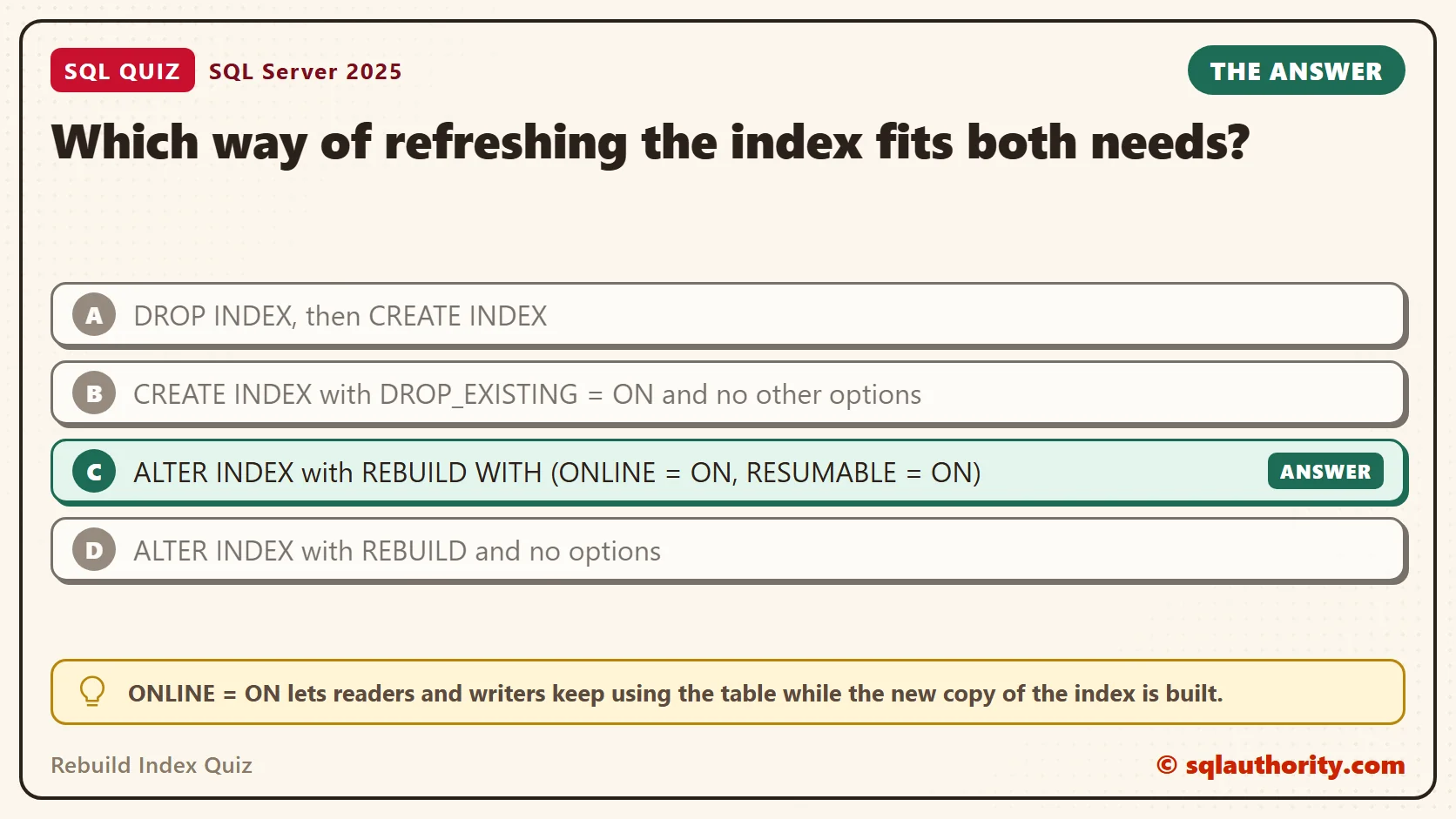
The answer is C. Two options do the work. ONLINE = ON lets readers and writers keep using the table while the new copy of the index is built. RESUMABLE = ON saves the progress, so the operation can pause and carry on later.
Online isn’t lock free, though. The rebuild still needs a short, exclusive lock at the end to swap in the new index. Prove It shows that wait, and a later section shows how to keep it from hurting customers.
The other three ways can be offline, can leave a hole, or cannot be stopped without losing the work. The next sections show each one.
Prove It
This script builds a database called SqlQuizRebuildIndex, used only for this example, so run it on a test server. It loads 100,000 rows, a small stand-in for the real table, then tries way A and way B. Between the DROP and the CREATE of way A, it checks whether the index exists.
IF DB_ID(N'SqlQuizRebuildIndex') IS NULL CREATE DATABASE SqlQuizRebuildIndex;
GO
USE SqlQuizRebuildIndex;
GO
DROP TABLE IF EXISTS dbo.QuizSale;
CREATE TABLE dbo.QuizSale
(
    SaleID int NOT NULL PRIMARY KEY,
    ProductName nvarchar(50) NOT NULL,
    Amount decimal(10,2) NOT NULL
);
INSERT INTO dbo.QuizSale (SaleID, ProductName, Amount)
SELECT TOP (100000) n, CONCAT(N'Product ', n % 100), n % 500 / 10.0
FROM (SELECT ROW_NUMBER() OVER (ORDER BY (SELECT NULL)) AS n FROM sys.all_objects a CROSS JOIN sys.all_objects b) AS t;
CREATE NONCLUSTERED INDEX IX_QuizSale_Product ON dbo.QuizSale (ProductName) INCLUDE (Amount);
GO
DROP INDEX IX_QuizSale_Product ON dbo.QuizSale;
SELECT COUNT(*) AS IndexCount FROM sys.indexes WHERE object_id = OBJECT_ID(N'dbo.QuizSale') AND name = N'IX_QuizSale_Product';
CREATE NONCLUSTERED INDEX IX_QuizSale_Product ON dbo.QuizSale (ProductName) INCLUDE (Amount);
GO
CREATE NONCLUSTERED INDEX IX_QuizSale_Product ON dbo.QuizSale (ProductName) INCLUDE (Amount) WITH (DROP_EXISTING = ON);
The check returned 0. For that moment the index did not exist. Any query that needed it would scan the whole table.
| IndexCount |
|---|
| 0 |
Next, try to make a rebuild resumable without making it online. SQL Server refuses, and the message names the exact problem. This is the text SSMS shows in the Messages tab. It is output, not code to run.
Msg 11438, Level 15, State 1, Line 1
The RESUMABLE option cannot be set to 'ON' when the ONLINE option is set to 'OFF'.
Here is the command that triggers it.
ALTER INDEX IX_QuizSale_Product ON dbo.QuizSale REBUILD WITH (RESUMABLE = ON);
Now the real test. It needs two query windows, because a rebuild of a table this small ends in under a second. Window 2 plays a slow reader that keeps its transaction open. An online rebuild must wait for such a reader at the end, which gives you time to stop it.
-- Window 2: open a reader and leave its transaction open
USE SqlQuizRebuildIndex;
BEGIN TRANSACTION;
SELECT TOP (1) SaleID FROM dbo.QuizSale WITH (REPEATABLEREAD) ORDER BY SaleID;
Window 1 starts the rebuild. It builds the new index and then waits. Leave the query running.
-- Window 1: start the online, resumable rebuild
USE SqlQuizRebuildIndex;
ALTER INDEX IX_QuizSale_Product ON dbo.QuizSale REBUILD WITH (ONLINE = ON, RESUMABLE = ON);
While it waits, window 2 can show what it waits for.
-- Window 2: what is the rebuild waiting for?
SELECT wait_type FROM sys.dm_exec_requests WHERE wait_type LIKE N'LCK_M_SCH_M%';
| wait_type |
|---|
| LCK_M_SCH_M |
The rebuild waits for a schema modification lock, Sch-M. The open reader blocks it. Now cancel the query in window 1. A normal rebuild would roll back. A resumable one doesn’t. This query in window 1 shows what is left.
-- Window 1: after you cancel the rebuild, look at what is left
SELECT name, state_desc, percent_complete FROM sys.index_resumable_operations;
SELECT COUNT(*) AS RowsFound FROM dbo.QuizSale WITH (INDEX(IX_QuizSale_Product)) WHERE ProductName = N'Product 7';
| name | state_desc | percent_complete |
|---|---|---|
| IX_QuizSale_Product | PAUSED | 100 |
The operation is paused. All the building work was done, and only the final switch was waiting, so it reports 100 percent. The count query returned 1000 rows, which shows the old index still answers queries while the operation is paused.
Now release the reader in window 2, and finish the work in window 1.
-- Window 2: let the reader go
ROLLBACK TRANSACTION;
-- Window 1: finish the work
ALTER INDEX IX_QuizSale_Product ON dbo.QuizSale RESUME;
SELECT COUNT(*) AS PendingOperations FROM sys.index_resumable_operations;
The resume ran to the end, and the list of pending operations came back empty.
Why the Other Answers Are Wrong
A leaves a hole. Between the two statements, the index doesn’t exist, as the check showed. On a busy table, queries scan everything in that gap. It also gives you nothing to pause.
B is better, because one statement replaces the index and the old one stays until the new one is ready. But with no other options, it runs offline and can’t be stopped without losing the work. On SQL Server 2025, I could also add ONLINE and RESUMABLE to it, and it paused like the rebuild. I tested only 2025, so check your own version.
D is the default rebuild. It runs offline, and cancelling it throws all of the work away. The error above shows that you can’t switch on RESUMABLE without ONLINE.
When the Last Lock Hurts
The wait for Sch-M has a side effect. While the rebuild waits at normal priority, new queries on the table line up behind it. In my test, a plain SELECT from a third window stayed blocked until its 8 second time-out. Customers feel that as a frozen shop.
WAIT_AT_LOW_PRIORITY changes the order. The rebuild waits at the back of the line, so other queries pass it. Run the reader script in window 2 again, then start this in window 1.
-- Window 1: wait for the last lock at low priority
USE SqlQuizRebuildIndex;
ALTER INDEX IX_QuizSale_Product ON dbo.QuizSale REBUILD WITH (ONLINE = ON (WAIT_AT_LOW_PRIORITY (MAX_DURATION = 1 MINUTES, ABORT_AFTER_WAIT = SELF)), RESUMABLE = ON);
While it waits, run this customer query in a third window.
-- Window 3: a customer reads the table
USE SqlQuizRebuildIndex;
SELECT COUNT(*) AS RowsFound FROM dbo.QuizSale WHERE ProductName = N'Product 7';
| RowsFound |
|---|
| 1000 |
The answer came back at once. Run the wait query in window 2 again, and it now reads LCK_M_SCH_M_LOW_PRIORITY. After one minute, SQL Server stopped the rebuild itself with error 1222, a lock time-out. The operation stayed paused at 100 percent, so nothing was lost.
ABORT_AFTER_WAIT decides what happens when the minute ends. SELF, as here, gives up. NONE keeps waiting at normal priority. BLOCKERS ends the sessions that stand in the way, so use it only when you accept that. Roll back window 2, then run RESUME in window 1 when the quiet time comes.
Planning for a Window That Closes
You don’t have to cancel the job by hand. MAX_DURATION tells SQL Server to pause the operation by itself after a set time. This statement allows 60 minutes of work. On this small table, it finished in under a second.
ALTER INDEX IX_QuizSale_Product ON dbo.QuizSale REBUILD WITH (ONLINE = ON, RESUMABLE = ON, MAX_DURATION = 60 MINUTES);
Keep two costs in mind. A paused operation holds the half-built index next to the old one, so it needs extra disk space. You can also pause a running operation from another window with ALTER INDEX and PAUSE. Nothing needs cancelling.
What to Remember
To refresh an index on a busy table, ask two questions. Can users keep working, and can I stop without losing progress? Of the four choices, only C answers yes to both. DROP_EXISTING can do it too once you add ONLINE and RESUMABLE, but choice B has neither. I tested on Developer edition, so check that yours supports both options.
When I write a maintenance job, I add both options and set the duration to the length of the window. Then a late night means a paused job, not a rollback and a blocked shop.
When you finish testing, remove the example database.
USE master;
GO
ALTER DATABASE SqlQuizRebuildIndex SET SINGLE_USER WITH ROLLBACK IMMEDIATE;
DROP DATABASE SqlQuizRebuildIndex;
A rebuild is not one action, it is a set of choices about who waits and what survives.
Published by Pinal Dave on SQLAuthority. More of my work at pinaldave.com.
Discover more from SQL Authority with Pinal Dave
Subscribe to get the latest posts sent to your email.