
SQL Server 2008 R2 System Views Map is released. I am very proud that my organization (Solid Quality Mentors) is part of making this possible. This map shows the key system views included in SQL Server 2008 and 2008 R2, and the relationships between them.
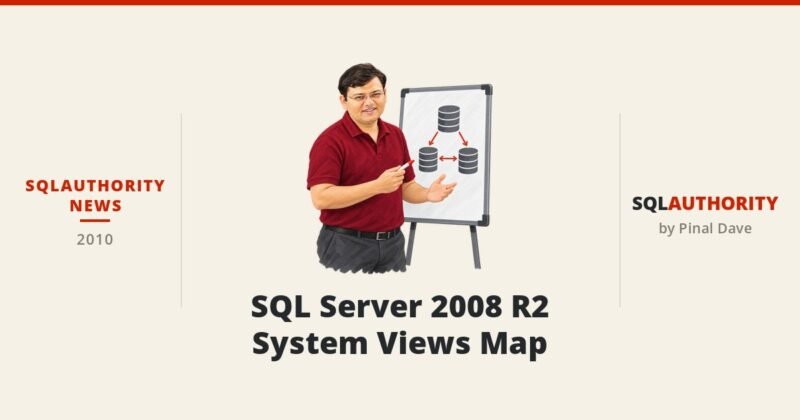
SQL Server 2008 R2 System Views Map
How to Read the SQL Server 2008 R2 System Views Map
A poster full of boxes and lines can look scary at first. The trick is to follow the keys. Most catalog views connect through a small set of ID columns, and once you know them you can join almost anything.
object_idconnectssys.objects,sys.tables,sys.columns,sys.indexesand many more.schema_idtakes you tosys.schemas, so you can show the schema name next to each table.index_id, together withobject_id, linkssys.indexestosys.index_columns.column_id, together withobject_id, linkssys.index_columnsback tosys.columns.
With just those four keys, you can list every index with its columns, which is one of the most common metadata queries I write. Another quick one: join sys.tables to sys.indexes on object_id and filter on index_id = 0, and you have a list of every heap in the database. Helper functions such as OBJECT_NAME() and SCHEMA_NAME() save you a few joins when you only need a name.
Prefer the catalog views over the old system tables such as sysobjects, which are kept only for backward compatibility. Also remember metadata visibility: you only see rows for objects you have permission on, so a query that returns fewer rows for a colleague may be working exactly as designed.
Once the catalog views feel easy, move on to the dynamic management views, the ones whose names start with sys.dm_. They show live state such as current sessions, waits and cached plans, and much of that data resets when the instance restarts. Catalog views tell you what exists. DMVs tell you what is happening right now.
The map covers SQL Server 2008 and 2008 R2, and every release since then has added views and columns. Use it to learn how the pieces fit, then check the current documentation for the version you run. Print it, pin it near your desk, and you will be surprised how often you glance at it.
Published by Pinal Dave on SQLAuthority. More of my work at pinaldave.com.


4 Comments. Leave new
Thanks it’s nice
I want ask you how we can create view number. So we can use it in our database table as a field view-no?
Did you mean row number?
No, I mean you know in SQL Server we create view but if we need to use this views in a database table as a row example view number row VIEW_NO then the record in that row will be as a number. So, how can we now to what view this number is related. Is that related to the index_views?
Thanks