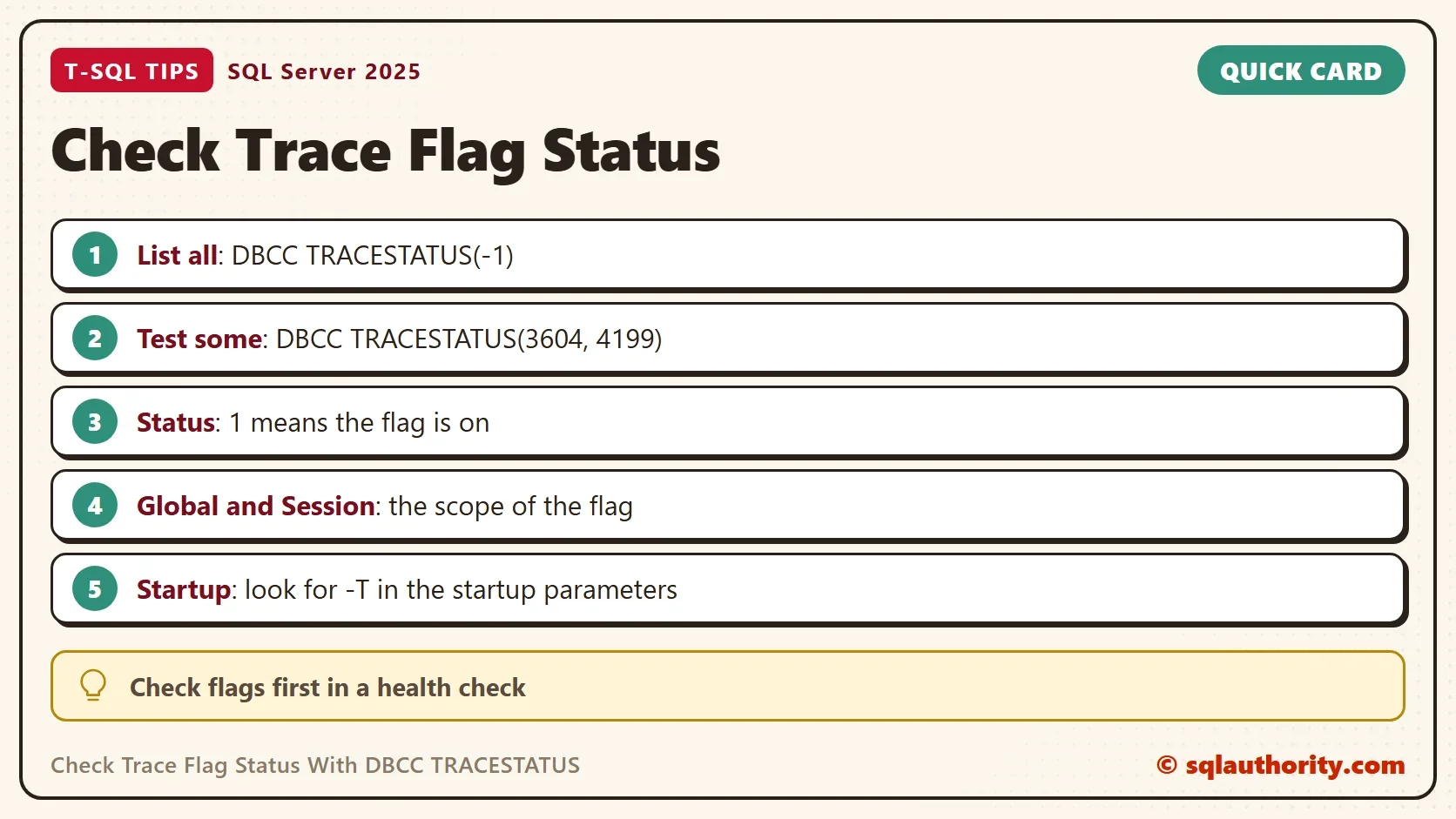
To check trace flag status, run DBCC TRACESTATUS with -1 to list every flag that is on. Give it flag numbers to test them one at a time. The result shows whether each flag is on. It also shows whether the flag works for one session or for the whole instance.

What a Trace Flag Does
A trace flag is a switch that changes one behavior of the engine. Some flags add diagnostics. Others change how the optimizer works, how the engine starts, or how a feature behaves. Each flag has a number, and the documentation says what it does and where it works. A flag that nobody remembers can change the behavior of a server for years.
That is why I check the flags early in a health check. A flag set at startup does not show up in any script or job. It lives in the startup parameters of the service. DBCC TRACESTATUS is the quickest way to see which flags are on right now.
List Every Flag That Is On
The argument -1 means all flags. The option WITH NO_INFOMSGS removes the closing line that DBCC adds to every call. The first call below runs on a quiet test server. When no flag is on, it returns no rows at all.
DBCC TRACESTATUS(-1) WITH NO_INFOMSGS;
An empty result is the normal good answer. On the test server, no flag was on before this demo. A production server that returns rows needs a closer look at each row.
Turn On a Harmless Flag and Read It
To see a result, switch on a flag that does no harm. Flag 3604 sends the output of some DBCC commands to the client instead of the error log. The statement DBCC TRACEON(3604) turns it on for your session only. The second statement reads the list again. TRACEON and TRACEOFF still print the closing DBCC line. That is normal.
DBCC TRACEON(3604);
DBCC TRACESTATUS(-1) WITH NO_INFOMSGS;
| TraceFlag | Status | Global | Session |
|---|---|---|---|
| 3604 | 1 | 0 | 1 |
The row has four columns. TraceFlag is the number. Status is 1 when the flag is on. Global is 1 when the flag is on for the whole instance. Session is 1 when it is on for your connection only. Here the flag is a session flag, so Global is 0 and Session is 1. Other connections do not see it, and the flag ends when your connection closes.
Test Flags One at a Time
To test specific flags, list their numbers. The call returns one row for every number you ask for, even when the flag is off. That makes it good for a checklist. The next call asks about 3604 and 4199.
DBCC TRACESTATUS(3604, 4199) WITH NO_INFOMSGS;
| TraceFlag | Status | Global | Session |
|---|---|---|---|
| 3604 | 1 | 0 | 1 |
| 4199 | 0 | 0 | 0 |
Flag 3604 is on for the session. Flag 4199 is off. With no argument, DBCC TRACESTATUS() behaves like the -1 form and lists the flags that are on. Turn the demo flag off again, and read it once more to prove that it is gone.
DBCC TRACEOFF(3604);
DBCC TRACESTATUS(3604) WITH NO_INFOMSGS;
| TraceFlag | Status | Global | Session |
|---|---|---|---|
| 3604 | 0 | 0 | 0 |
Global Flags and Startup Flags
Add -1 as a second argument to DBCC TRACEON. The flag then turns on for the whole instance until the next restart. Do not test that on a shared server. The Global column of DBCC TRACESTATUS shows 1 for such a flag. A flag that the service turns on at every start comes from a startup parameter that begins with -T.
DBCC TRACEON and TRACEOFF need the sysadmin role. TRACESTATUS needs only the public role. Reading sys.dm_server_registry needs VIEW SERVER STATE (VIEW SERVER PERFORMANCE STATE on SQL Server 2022 and later).
Startup parameters are visible in a view. The next query lists them. On the test server it returns the three standard parameters. They are -d, -e and -l. They point at the master data file, the error log and the master log file. A -T row would be a trace flag that starts with the instance.
SELECT value_name, value_data FROM sys.dm_server_registry WHERE value_name LIKE N'SQLArg%' ORDER BY value_name;
| value_name | value_data |
|---|---|
| SQLArg0 | -d (the path of the master data file) |
| SQLArg1 | -e (the path of the error log) |
| SQLArg2 | -l (the path of the master log file) |
Compare the two lists. A flag that appears in the startup list and in the TRACESTATUS result is a deliberate setting. A global flag that is on but not in the startup list was turned on after startup. A person did it, or a startup procedure or job. It will vanish at the next restart unless that procedure or job runs again. For the older story, read SQL SERVER – What are my Trace Flags Enabled on SQL Server?.
Keep the Result in a Table
To filter or log the list, put it into a temporary table. The script wraps the call in dynamic SQL and fills the table with INSERT … EXEC. The query then returns only the global flags.
CREATE TABLE #Flags (TraceFlag int, Status int, GlobalFlag int, SessionFlag int);
INSERT #Flags EXEC (N'DBCC TRACESTATUS(-1) WITH NO_INFOMSGS');
SELECT TraceFlag, GlobalFlag, SessionFlag FROM #Flags WHERE GlobalFlag = 1;
DROP TABLE #Flags;
The result is empty on the test server, which is the expected answer. A server that returns rows gives you a short list to compare against the documentation of each flag.
You could argue that well run servers have no flags, so the check wastes time. The check takes one statement. The answer is either empty, which is good, or a row worth understanding.
What to Remember
To check trace flag status, use DBCC TRACESTATUS(-1). It lists every flag that is on. Read the Global and Session columns. Test single flags by number. Look for -T parameters in the startup list. Treat a global flag with no startup parameter as a leftover from a manual change. Turn off any flag you switch on for a test.
A trace flag is not a setting you remember, it is a switch you have to go and look for.
Published by Pinal Dave on SQLAuthority. More of my work at pinaldave.com.
Discover more from SQL Authority with Pinal Dave
Subscribe to get the latest posts sent to your email.