
Unquoted procedure parameters work in SQL Server, but only when the value looks like one plain word. A value with a space, a hyphen, a dot or a keyword needs single quotes. The safe habit is to quote every text value.

Quotes in a Plain Assignment
A text value needs single quotes when you assign it to a variable. The first script does that correctly. It returns the text TestString.
DECLARE @var varchar(100)
SET @var = 'TestString'
SELECT @var AS ResultString
Remove the quotes and SQL Server stops reading a value. It reads a name, and no column has that name.
DECLARE @var varchar(100)
SET @var = TestString
SELECT @var AS ResultString
Msg 207, Level 16, State 1, Line 2
Invalid column name 'TestString'.
A bare word in a SET or SELECT is an object name. A procedure call follows a different rule. Unquoted procedure parameters are where people get surprised.
Unquoted Procedure Parameters in a Call
The demo database is named QuotedParamDemo, so run the script on a test server. It creates one procedure with one parameter. The procedure returns what it received and the number of characters. CREATE OR ALTER needs SQL Server 2016 SP1 or later.
IF DB_ID(N'QuotedParamDemo') IS NULL CREATE DATABASE QuotedParamDemo;
GO
USE QuotedParamDemo;
GO
CREATE OR ALTER PROCEDURE dbo.ShowParam @Param varchar(100) = 'default value'
AS
SELECT @Param AS Received, LEN(@Param) AS Chars;
Now call the procedure three ways. The first call quotes the value. The second leaves the quotes out. The third names the parameter and leaves the quotes out.
EXEC dbo.ShowParam 'Maple';

EXEC dbo.ShowParam Maple;

EXEC dbo.ShowParam @Param = Maple;
| Call | Received | Chars |
|---|---|---|
| EXEC dbo.ShowParam ‘Maple’ | Maple | 5 |
| EXEC dbo.ShowParam Maple | Maple | 5 |
| EXEC dbo.ShowParam @Param = Maple | Maple | 5 |
All three return the same row. Inside a call, SQL Server reads a bare word as a string literal when the parameter takes text. That is the opposite of the assignment above. The word EXEC is optional too, but only when the call is the first statement in the batch.
dbo.ShowParam Maple;
GO
SELECT 1 AS One;
dbo.ShowParam Maple;
The first call runs and returns Maple. The second batch fails with Msg 102, Incorrect syntax near ‘dbo’, because the SELECT comes first. Use EXEC every time and the question never comes up.
Where the Shortcut Stops
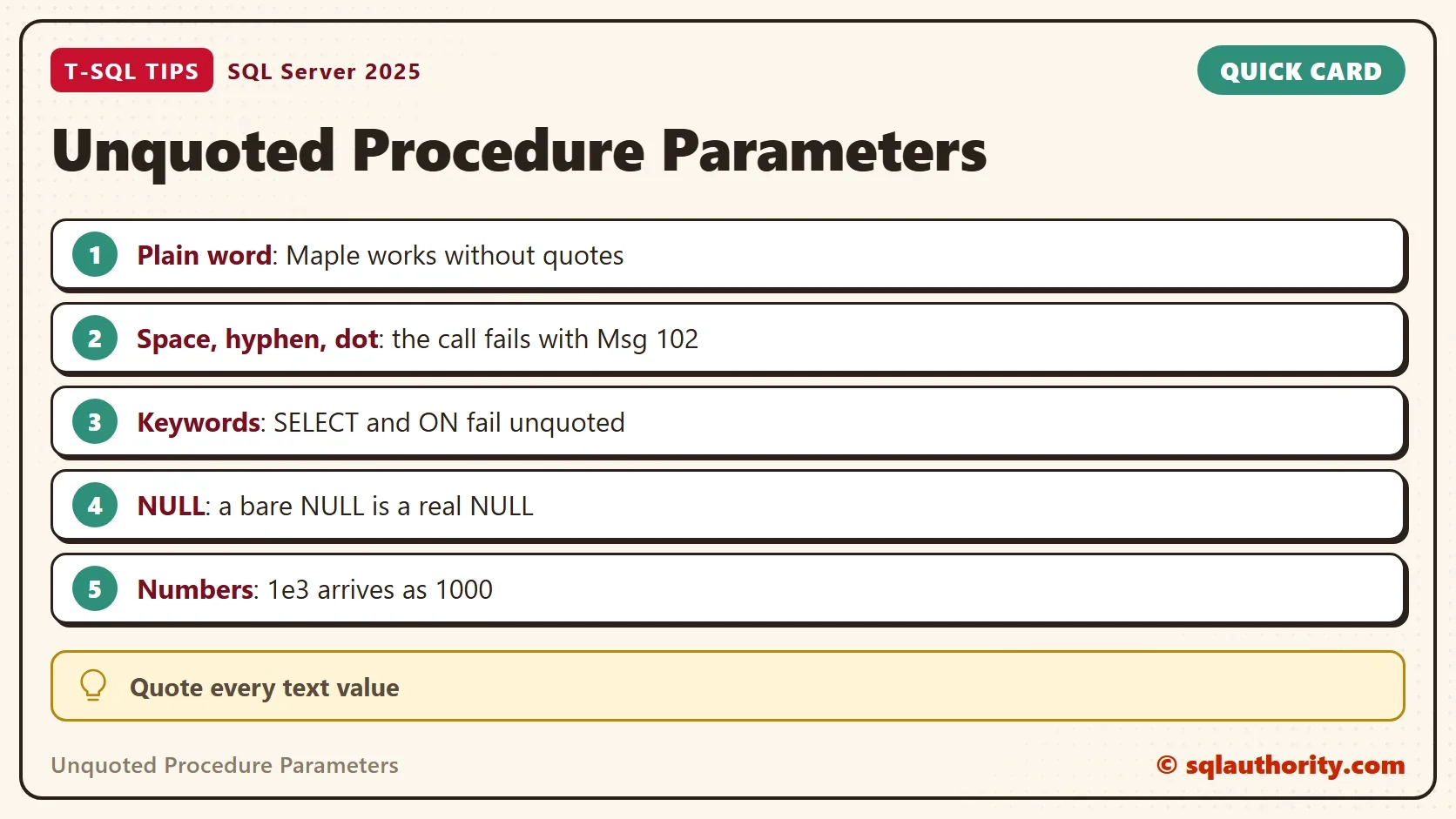
A common rule says unquoted procedure parameters are fine unless the value contains a space. That rule is too generous. A bare word has to be one clean token. The next script makes nine calls, each in its own batch, and every one of them fails.
EXEC dbo.ShowParam Maple Leaf
GO
EXEC dbo.ShowParam Maple-Leaf
GO
EXEC dbo.ShowParam Maple.Leaf
GO
EXEC dbo.ShowParam 2026-10-07
GO
EXEC dbo.ShowParam 12abc
GO
EXEC dbo.ShowParam 50%
GO
EXEC dbo.ShowParam @maple
GO
EXEC dbo.ShowParam SELECT
GO
EXEC dbo.ShowParam ON
| Value typed without quotes | What SQL Server says |
|---|---|
| Maple Leaf | Msg 102, Incorrect syntax near ‘Leaf’ |
| Maple-Leaf | Msg 102, Incorrect syntax near ‘-‘ |
| Maple.Leaf | Msg 102, Incorrect syntax near ‘.’ |
| 2026-10-07 | Msg 102, Incorrect syntax near ‘-‘ |
| 12abc | Msg 102, Incorrect syntax near ‘abc’ |
| 50% | Msg 102, Incorrect syntax near ‘%’ |
| @maple | Msg 137, Must declare the scalar variable “@maple” |
| SELECT | Msg 102, Incorrect syntax near ‘SELECT’ |
| ON | Msg 156, Incorrect syntax near the keyword ‘ON’ |
A space is only one of the ways to break the call. A hyphen breaks it, so every date in the year-month-day layout needs quotes. A dot breaks it, so file names and decimal text need quotes. A token that starts with digits and then letters breaks it. A reserved word breaks it. A word that starts with @ is read as a variable.
This is how a script passes every test and fails later. The test value was one plain word, so the bare call worked. The real data holds names with spaces, codes with hyphens and dates. The call breaks on the first row that is not a plain word. The error points into the middle of the value, not at the missing quote.
An apostrophe is worse. Typing O’Brien without quotes opens a string that never closes. SQL Server reports Msg 105, Unclosed quotation mark, and the unclosed string can swallow the lines that follow it. Inside quotes, double the apostrophe and the value arrives intact.
EXEC dbo.ShowParam 'O''Brien';
The call returns O’Brien, 7 characters.
Words That Change the Value
Some bare words are not text at all. NULL arrives as a real NULL. DEFAULT tells SQL Server to use the default value of the parameter. Numbers keep their own type until SQL Server converts them to text. The next script shows each case, with the quoted ‘NULL’ for comparison.
EXEC dbo.ShowParam NULL;

EXEC dbo.ShowParam 'NULL';

EXEC dbo.ShowParam DEFAULT;

EXEC dbo.ShowParam 123;

EXEC dbo.ShowParam 1e3;

EXEC dbo.ShowParam $5;

EXEC dbo.ShowParam 0x1F;
| Call | Received | Chars |
|---|---|---|
| EXEC dbo.ShowParam NULL | NULL (a real NULL) | NULL |
| EXEC dbo.ShowParam ‘NULL’ | NULL (the four letters) | 4 |
| EXEC dbo.ShowParam DEFAULT | default value | 13 |
| EXEC dbo.ShowParam 123 | 123 | 3 |
| EXEC dbo.ShowParam 1e3 | 1000 | 4 |
| EXEC dbo.ShowParam $5 | 5.00 | 4 |
| EXEC dbo.ShowParam 0x1F | one control character | 1 |
The first two rows differ in a way that hurts. A report that passes the bare word NULL gets no value at all. A report that passes ‘NULL’ gets four letters, and a filter on them matches nothing. The last three rows show a second effect. SQL Server reads 1e3 as a float, $5 as money and 0x1F as binary. Then it converts each one to text. A product code such as 1e3 loses its form unless you quote it.
You could argue that nobody types procedure calls by hand any more. Applications send parameters through the driver as typed values, and no quote marks are involved. That is true, and it is the best way to call a procedure from code. The quoting rules still apply to every script, job step and test you run in a query window.
What to Remember
Quote every text value in a call. Unquoted procedure parameters save two characters and fail on dates, hyphens, dots, keywords and apostrophes. Double an apostrophe inside a quoted value. Treat NULL and DEFAULT as words with a meaning, and remember that numbers stay numbers until SQL Server converts them.
When you finish testing, remove the example database.
USE master;
GO
IF DB_ID(N'QuotedParamDemo') IS NOT NULL
BEGIN
    ALTER DATABASE QuotedParamDemo SET SINGLE_USER WITH ROLLBACK IMMEDIATE;
    DROP DATABASE QuotedParamDemo;
END;
A quote mark is not decoration, it is how SQL Server knows a word is a value.
Published by Pinal Dave on SQLAuthority. More of my work at pinaldave.com.
Discover more from SQL Authority with Pinal Dave
Subscribe to get the latest posts sent to your email.




1 Comment. Leave new
Added one more tiny feature to the above we can directly select the SP_name and click f5 else execute instead of Exec syntax at first. In the above example you can directly run- ParamTesting ‘TestString’ and exec is also optional